The best Google Flow alternative depends on one thing: how far past a single eight second take your work has to go. Flow itself is the friendliest on-ramp into Veo that exists right now, with 50 free credits a day, 1,000 a month on the $19.99 Google AI Pro plan, and a much larger pool on AI Ultra at $249.99 a month. A single Veo 3.1 generation costs anywhere from 5 to 100 credits depending on the model and plan, and a video edit runs 40. If you have never touched Veo before, the API route into Google's video models is more setup than most people want, and Flow removes all of it.
The trouble starts at roughly the eight second mark. Flow generates in short takes, so anything longer means stitching clips together and then fighting to keep the same face, the same jacket, and the same room across every cut. That is a known cost of the format rather than a bug, and it is the same wall people hit with any short-take model. Anyone who has tried to hold a character steady across a sequence has read the same advice about keeping continuity across multi-shot AI video and found that prompt discipline alone only gets you so far.
So this list is not ranked by who has the prettiest single clip. It is ranked by how far past one take each tool can carry you: whether a shot can be re-run with one variable changed, whether the setup survives into a second project, and whether any of it can be triggered from code. If that criterion sounds narrow, it is the criterion that decides whether AI video stays a toy or turns into something you can run programmatically.
How we ranked these
Six tools, scored on four things:
- Repeatability: can you re-run the same shot with one input changed and get the same look back
- Sequence handling: what happens when you need six shots instead of one
- Model choice: are you locked to one family of models or can you swap
- Automation: is there an API, or is the browser tab the only interface
Pricing is listed where the vendor publishes it, and everything here was checked in August 2026 against the current field of video generators.
1. Wireflow
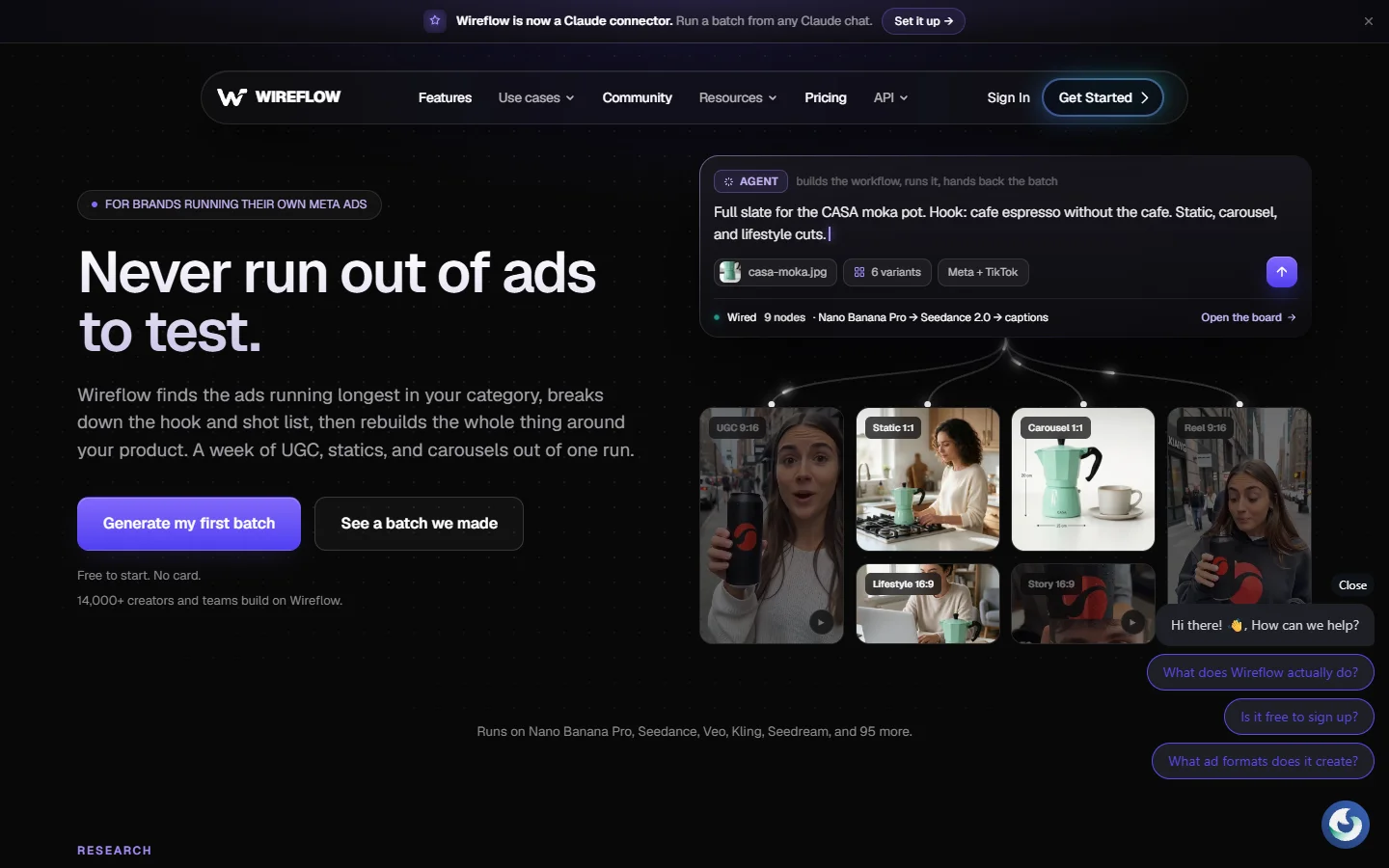
Wireflow is the one tool in this list that treats a video as a graph instead of a prompt box. A shot brief becomes a keyframe node, the keyframe feeds a video node, and the result is a clip you can re-run by changing one upstream value. Swap the model on a node and the rest of the chain stays intact. The whole graph can be published as an endpoint, so the same setup that made one clip can make forty from a list of briefs. It fits the pattern described in most rundowns of node based workflow platforms, applied to video rather than stills.
The tradeoff is honest: you are building a small pipeline instead of typing a sentence, and the first hour is slower than Flow's first hour. Billing is per run rather than a monthly credit allowance, which suits bursty work and punishes idle experimentation less. It is the same shift covered in guides on building AI pipelines with REST APIs, moved from stills to footage.
Verdict: best when the same shot has to be produced more than once.
2. Runway

Runway is still the closest thing to a traditional post house in a browser. Gen-4 handles motion and camera language well, and the surrounding tools, inpainting, motion brush, frame interpolation, are the reason editors keep a seat here even when they generate elsewhere. It also has a real API, which matters for the criterion above.
Where it stings is cost at volume and a credit model that disappears faster than people expect once you start iterating on a scene. Our own look at where Runway gets replaced found most switchers left over price rather than quality.
Verdict: best for editors who want generation and post in the same window.
3. Kling AI
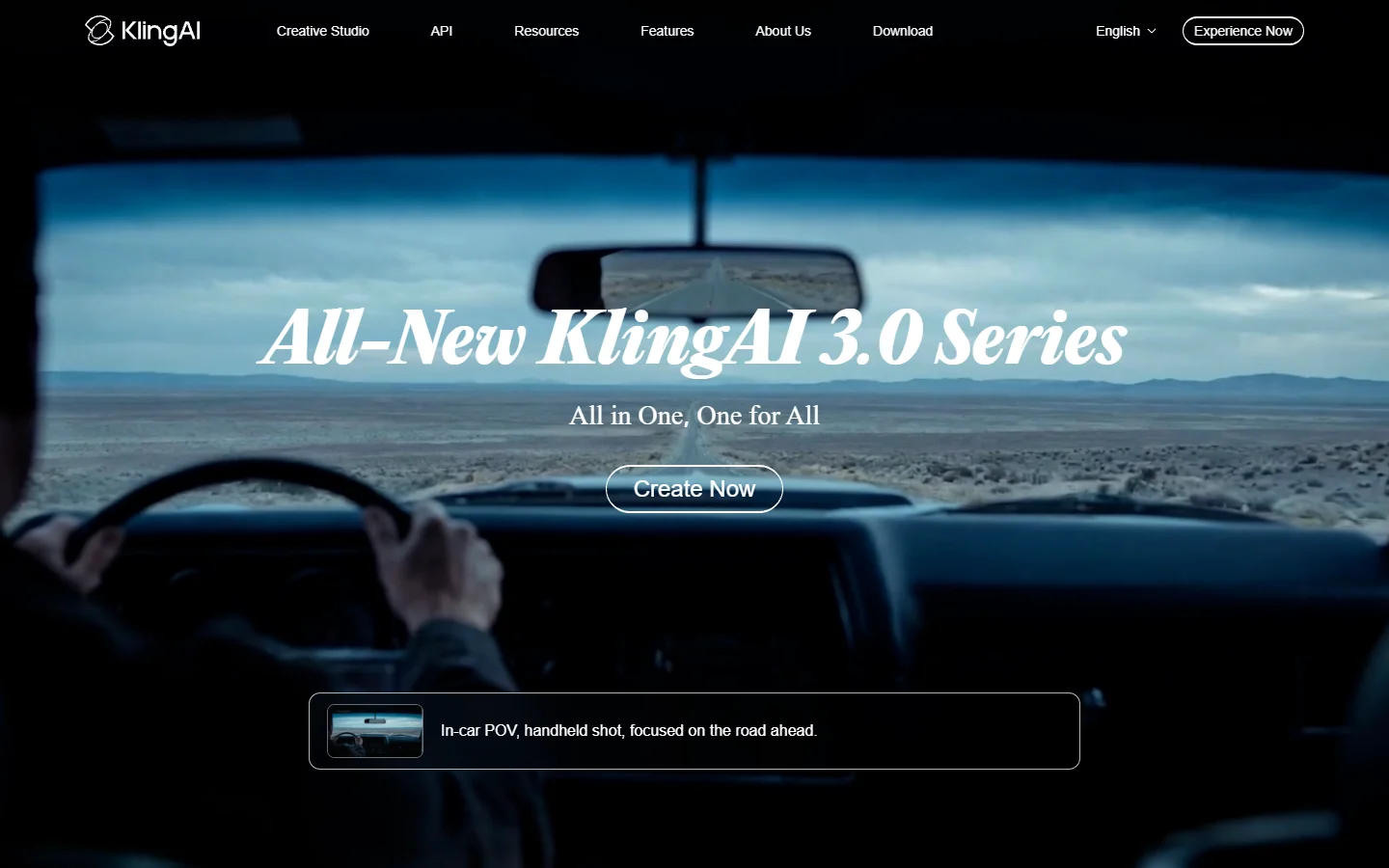
Kling AI produces the most physically believable motion in this group. Bodies have weight, cloth behaves, and hands stay attached. For character-driven work where a shot lives or dies on whether a person moves like a person, it beats Flow outright. Kling 3.0 extended usable clip length as well, which softens the stitching problem rather than solving it.
The interface is busier than Flow's and the credit system takes a session to learn. Developers usually skip the browser entirely and go straight to calling Kling from code, which is where the tool gets genuinely useful for batches.
Verdict: best for realistic human motion.

4. Luma

Luma has moved from Dream Machine as a clip generator toward a set of creative agents that hold context across a project. The Ray models are quick, image-to-video is strong, and the newer agent framing is aimed squarely at the continuity problem rather than at raw clip quality. That makes it a reasonable Flow replacement for anyone who starts from stills, which is most people doing image to video work.
Output can look softer than Veo on wide landscape shots, and the agent layer is new enough that it changes month to month.
Verdict: best for image-first sequences where continuity matters more than resolution.
5. Hailuo
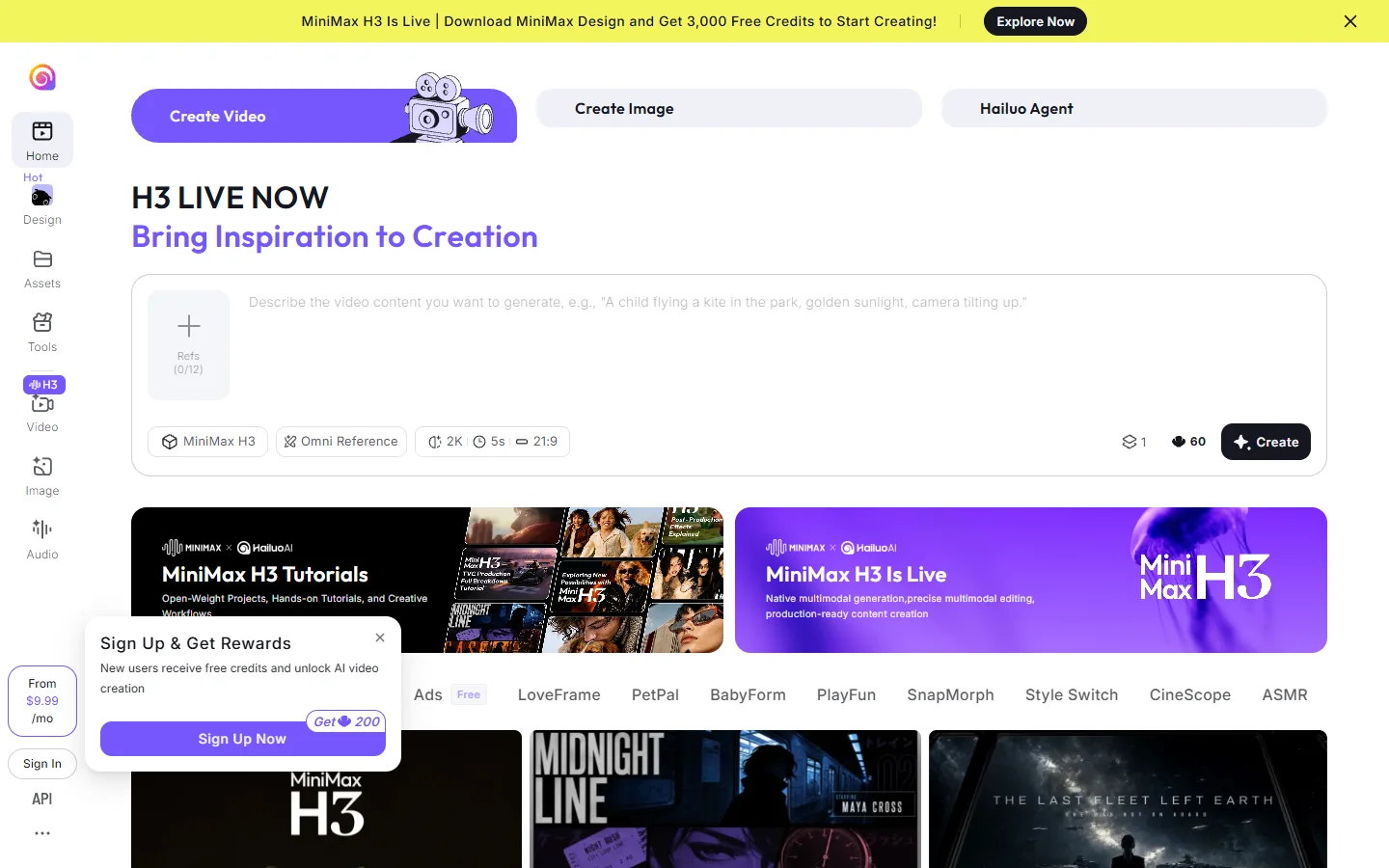
Hailuo from MiniMax is the value pick. Generation is fast, the free tier is generous by the standards of this list, and the model handles stylised and animated content better than it handles photoreal humans. For social-first output where the clip lives for eight seconds anyway, the Flow ceiling never becomes a problem. It shows up in most current surveys of what the video model field looks like for exactly that reason.
Fine camera control is limited, and queue times during peak hours are real.
Verdict: best free-tier option for short social clips.
6. Higgsfield
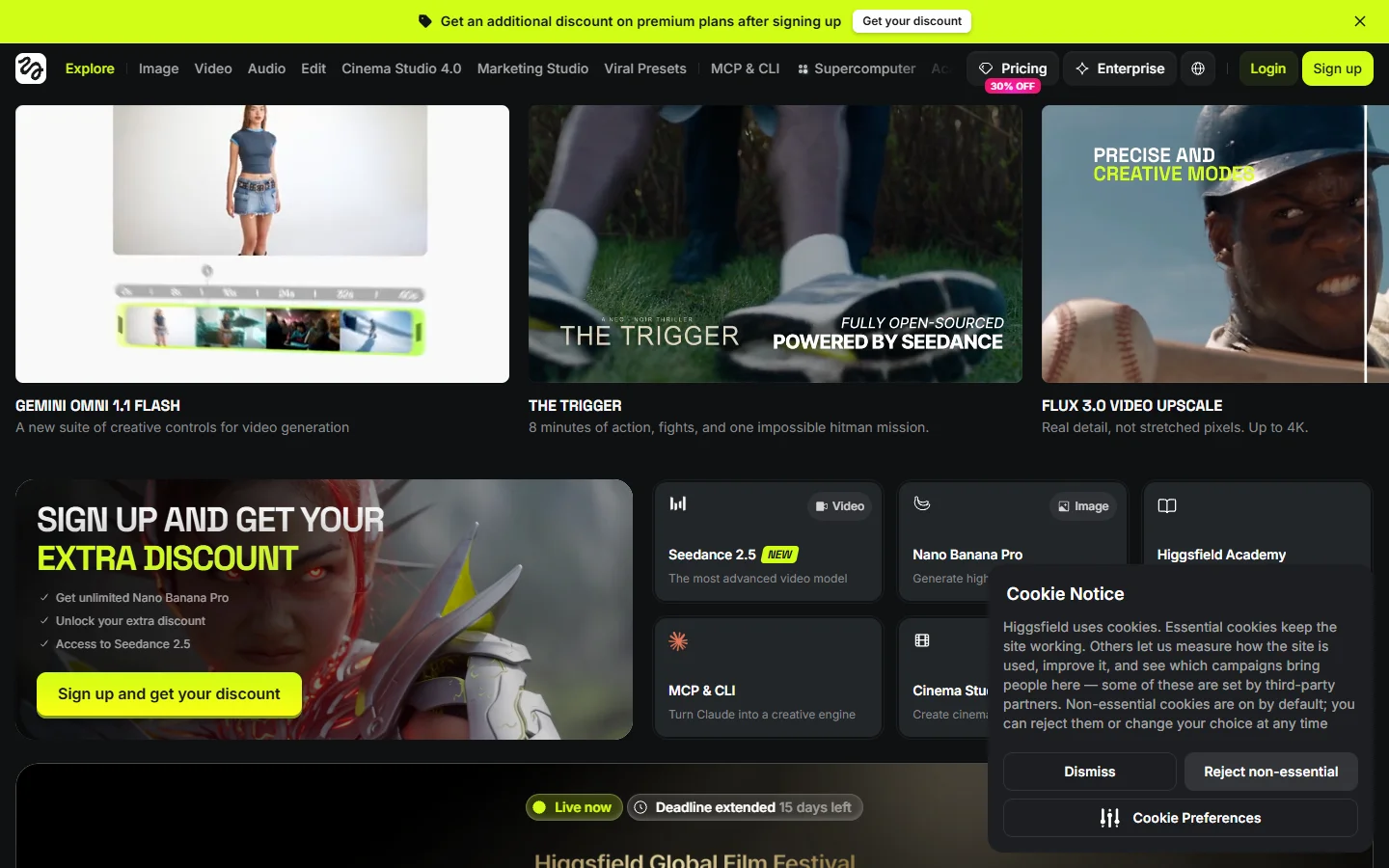
Higgsfield sells camera moves as presets: dolly, crash zoom, arc, whip pan. Where Flow makes you describe a camera in prose and hope, Higgsfield hands you the move as a control. For creators building punchy vertical content it removes the single most frustrating part of prompt-based filmmaking, and it lands in the same bracket as the tools covered in our watermark-free generator roundup.
It is narrower than the rest. Long-form and dialogue work are not what it is for, and the preset library is the product, so you are working inside someone else's shot vocabulary. For vertical output specifically it pairs well with the approaches in our guide to making AI Instagram reels.
Verdict: best for camera motion without prompt guesswork.
FAQ
Is there a Google Flow alternative that lets me rerun the same shot instead of regenerating from scratch?
Yes, but you have to leave the prompt-box format to get it. Tools built on a canvas keep each stage as a separate node, so a brief becomes a keyframe and the keyframe becomes a clip, and changing one input re-runs only what depends on it. Wireflow's shot-to-clip canvas works this way and can expose the finished graph as an endpoint, which is what turns a one-off shot into something you can call again next week.
Can I still use Veo if I stop using Flow?
Yes. Veo is available through the Gemini API and through several third-party platforms that resell it, and the pricing and code examples for Veo 3.1 show the per-second cost more transparently than the Flow credit system does.
Is Flow's clip length really eight seconds?
Roughly. Flow generates in short takes and offers extension, but each extension is another generation that has to match the last one. That is the mechanic behind almost every complaint about the tool.
How does Flow compare with Sora?
They are close on raw quality and different on control. Our side by side of Sora and Veo breaks down where each one wins, and the short version is that Veo holds up better on realism while Sora is looser and more forgiving with stylised prompts.
Do any of these generate sound?
Veo generates native audio, and several competitors now do too. It is the fastest-moving part of the field, which is why native audio keeps being called the next real step for AI video rather than a nice extra.
What is the cheapest way to test all of these?
Free tiers, in one afternoon, with the same prompt. Write one shot description, run it everywhere, and compare. A prompt guide for Kling 3 is a reasonable template for that shot description since it forces you to be specific about camera, subject, and lighting.
Picking one
Strip it down to what you are actually making:
- Wireflow · Strength: repeatable graphs and an API · Weakness: setup cost on day one · Best for: the same shot produced many times
- Runway · Strength: generation plus post in one place · Weakness: expensive at volume · Best for: editors
- Kling AI · Strength: physical motion realism · Weakness: cluttered interface · Best for: character work
- Luma · Strength: image-to-video and project context · Weakness: softer wide shots · Best for: still-first sequences
- Hailuo · Strength: speed and free tier · Weakness: limited camera control · Best for: social clips
- Higgsfield · Strength: camera move presets · Weakness: narrow scope · Best for: vertical content with motion
Nothing here replaces Flow feature for feature, because Flow's real product is convenience, and convenience is what you trade away when you leave it. What you get back is the ability to change one thing and re-run, which is the difference between a nice clip and a process. If your work is heading toward volume rather than one-offs, start with the tools that treat a shot as a step in a pipeline, and read up on headless workflow platforms before you commit to a subscription.