
AI image generation has matured fast. What started as blurry faces and mangled hands in 2022 now produces photorealistic portraits, polished product shots, and stylized illustrations in seconds. For creators, marketers, and developers evaluating their options, the real question is no longer "can AI make pictures?" but "which tool fits my workflow best?"
This guide breaks down the strongest AI picture makers available in 2026, covering what each does well, where it falls short, and who should use it. Whether you need free AI image generation for quick social content or production-grade outputs for client work, there is a tool on this list that fits.
Midjourney: Still the Aesthetic Benchmark
Midjourney remains the default choice when visual quality is the top priority. Its v7 model produces images with a distinctive cinematic feel that other generators struggle to replicate. The color grading, lighting, and composition tend to feel intentional rather than algorithmic. The platform now offers a full web editor alongside its original Discord interface, making it more accessible to users who found the chat-based workflow awkward.
Batch generation, style references, and character consistency features have all improved since late 2025. For anyone producing realistic AI portraits, Midjourney handles skin texture, hair, and lighting better than most competitors. Its main weakness is the lack of a free tier and limited API access, which makes it less practical for developers. Best suited for designers, art directors, and content creators focused on visual polish.
Ideogram 3.0: The Typography Leader
Ideogram has carved out a niche that no other generator has seriously challenged: accurate text rendering inside images. Version 3.0 handles fonts, logos, posters, and stylized lettering with a consistency that makes it practical for real design work. Beyond typography, its general image quality has caught up significantly, covering photorealism, illustration, and abstract styles competently.
The free tier is generous enough for casual use, and the paid plans are competitively priced. Those exploring AI character design will find Ideogram's stylized rendering particularly useful for character sheets with labels and annotations. Photorealism still trails Midjourney and Flux in some scenarios, but for graphic designers and social media managers who need text-heavy visuals, it is the only serious option.
Adobe Firefly: Enterprise-Grade with Clean Licensing
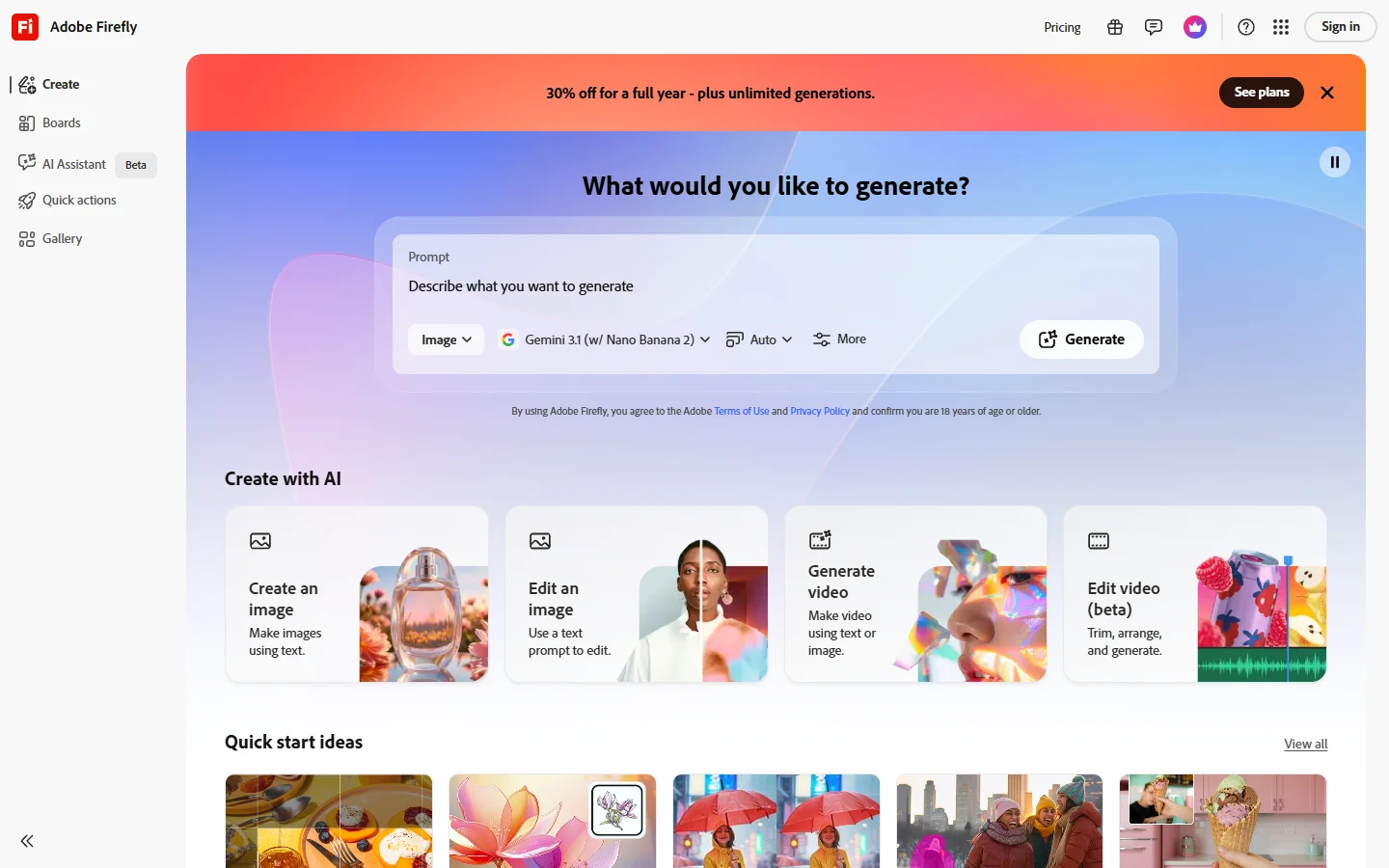
Adobe Firefly's biggest selling point is not raw image quality but legal clarity. Trained exclusively on licensed content (Adobe Stock, public domain, and openly licensed material), it is the safest choice for commercial use where copyright questions matter. The integration into Photoshop, Illustrator, and Express means it fits into existing design workflows without friction.
Image quality has improved substantially with the latest Firefly Image 4 model. Generative fill, expand, and recolor features work well for iterative editing rather than one-shot generation. If you need to enhance and edit photos rather than generate from scratch, Firefly's editing tools are hard to beat. The creative output can feel conservative compared to Midjourney or Flux, but for enterprise teams and agencies needing bulletproof IP protection, that trade-off is worth it.
Flux 2 Pro: Open-Source Power with API Access
Flux 2 Pro has become the default model for developers and teams that want control over their image generation pipeline. The model runs on multiple hosting platforms with full API access, making it straightforward to integrate into apps, automate batch image processing via API, or build custom workflows.
Image quality rivals Midjourney for photorealism and handles prompt adherence well. The open-weight model means you can run it locally with the right hardware, and cloud-hosted options through providers like BasedLabs keep costs manageable for production use. It requires more technical setup than consumer tools, but developers and SaaS teams building AI image features into their products will find the flexibility worth the investment.
For teams that want to build an AI image editing suite into their product, Flux's API-first approach makes it the natural starting point. The model integrates well with orchestration layers and supports chaining generation, upscaling, and editing in a single pipeline.

Reve AI: Conversational Image Editing
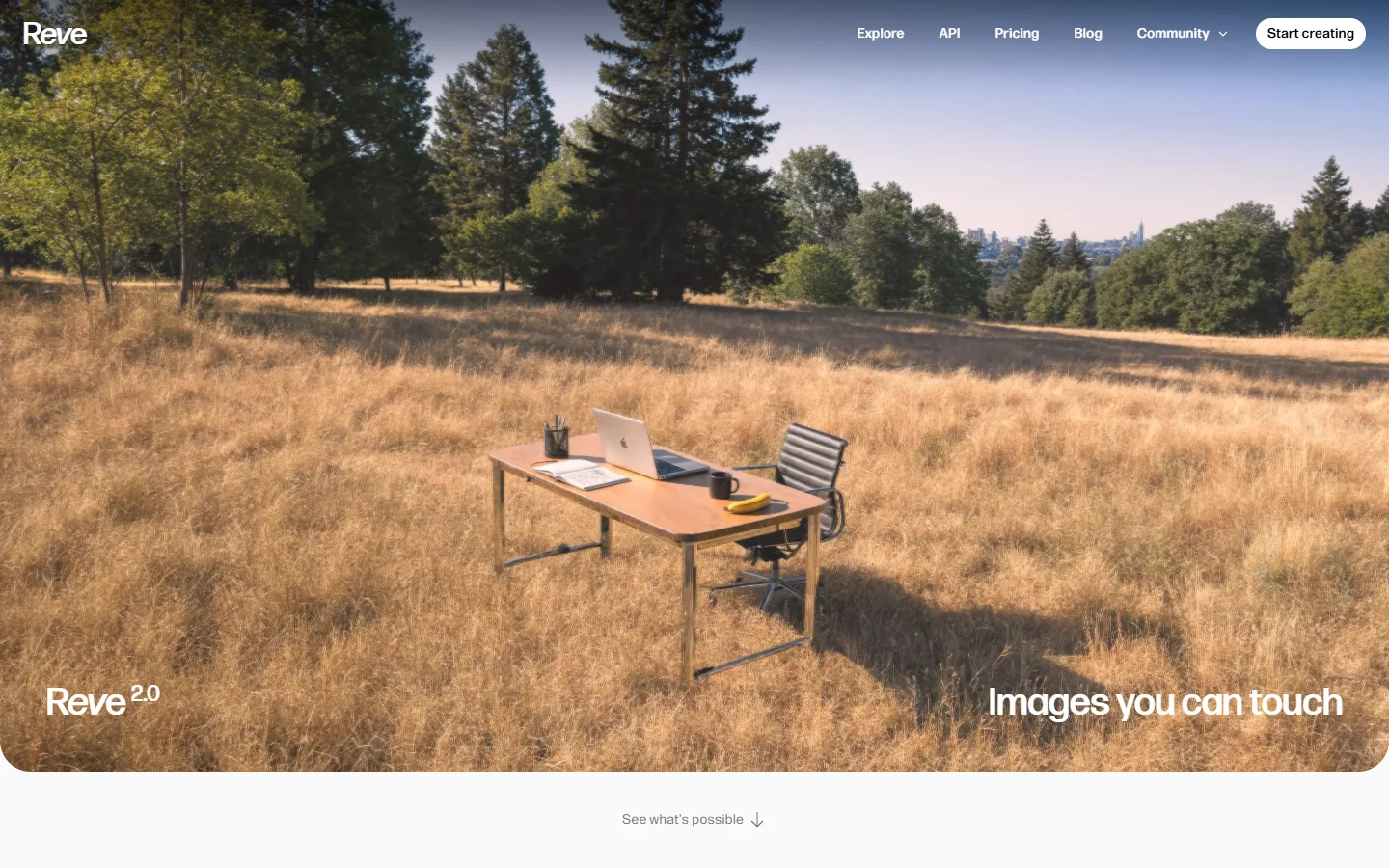
Reve AI takes a different approach from most generators. Instead of prompt-and-pray, its Reve Flow feature lets you edit images through natural language conversation. You generate an image, then refine it with follow-up instructions like "make the background warmer" or "remove the person on the left." This iterative workflow feels more intuitive than re-rolling prompts, especially for users who know what they want but struggle to describe it in a single prompt.
The base generation quality is solid, and the editing loop means you can get to a finished result faster. For creators who want to create avatars from photos or do style transfers, Reve's conversational editing removes a lot of the trial and error. It has a smaller community and fewer tutorials compared to established tools, but beginners and content creators who prefer editing over prompt engineering will appreciate the approach.
Leonardo.Ai: Built for Game Art and Asset Production
Leonardo.Ai has found its niche in game development and asset creation. The platform includes model fine-tuning, asset libraries, and prompt history tools that make it practical for production pipelines rather than one-off image generation. Canvas editing features let you compose scenes, extend images, and maintain consistency across a series.
The quality for stylized art, character design, and environment concepts is strong. Teams working on professional AI headshots also find Leonardo's fine-tuning capabilities useful for maintaining brand consistency across portraits. It is less polished for photorealism compared to Midjourney or Flux, but game developers, concept artists, and teams needing consistent stylized assets will find it the most capable option.
How to Choose the Right Tool
Picking an AI picture maker depends on three things: your output requirements, your technical comfort level, and your budget. If visual quality is everything and you are willing to pay for it, Midjourney sets the standard. If you need text in your images, Ideogram is the only serious option. For commercial work where licensing matters, Adobe Firefly removes the legal risk.
Developers building products should look at Flux 2 Pro or an end-to-end AI image pipeline that connects generation, editing, and delivery in a single workflow. For casual use and experimentation, free tiers from Ideogram, Leonardo, and Reve AI all offer enough to evaluate whether AI image generation fits your needs.
If you are already comparing AI image editors and photo tools, testing two or three of these generators side by side with the same prompt is the fastest way to find your fit.
Frequently Asked Questions
What is the best AI picture maker for free use?
Ideogram 3.0 offers one of the most generous free tiers, with high-quality outputs including text rendering. Leonardo.Ai and Reve AI also provide free access with daily generation limits. For free options across more tools, see this roundup of free AI image generators.
Can AI picture makers generate images for commercial use?
Yes, but licensing varies by tool. Adobe Firefly is the safest choice for commercial use because it trains exclusively on licensed content. Midjourney and Ideogram also allow commercial use on paid plans, but their training data includes web-scraped content, which carries more legal ambiguity. Check the Midjourney alternatives roundup for a detailed licensing comparison.
Which AI picture maker handles photorealism best?
Midjourney v7 and Flux 2 Pro currently lead for photorealistic image generation. Both handle skin texture, lighting, and environmental detail at a level that can pass for professional photography in many contexts. For realistic face generation specifically, both excel.
How do AI picture makers handle text in images?
Most AI generators still struggle with text rendering. Ideogram 3.0 is the clear exception, producing accurate typography, logos, and poster layouts. Adobe Firefly handles simple text adequately. Other tools like Midjourney and Flux are improving but still produce garbled or misspelled text regularly.
Are AI-generated images good enough for professional design work?
For many use cases, yes. AI-generated images are used in advertising, social media, product mockups, and editorial content at scale. The gap between AI and professional photography narrows with each model update, though tasks requiring precise object placement or brand-specific consistency still benefit from human direction. Exploring custom background generation is one common production workflow.
What resolution do AI picture makers output?
Most tools generate at 1024x1024 or equivalent megapixel counts by default. Midjourney, Flux, and Ideogram all support upscaling to higher resolutions. Adobe Firefly outputs at 2048x2048 natively on paid plans. For print-quality work, you will likely need to run outputs through an AI image upscaler.
Can I use AI picture makers for video content?
Several platforms are expanding into video. Reve AI and Leonardo.Ai both offer image-to-video features. For dedicated AI video generation, tools like Kling and Runway offer more sophisticated motion control. You can also explore converting images to video with AI for extending still images into short clips.