
Collaboration can make or break a creative project. The more people involved, the easier it is for feedback to splinter across email, chat, and screenshots. The right tools bring ideas, files, comments, and approvals into one shared space, which means fewer loops and faster delivery. If you are evaluating enterprise features, see BasedLabs pricing , then select Contact Sales under the Enterprise plan to start a pilot.
What is design collaboration software
Design collaboration software helps teams plan, create, review, and approve creative work together. It centralizes files and conversations so teammates can give context, suggest changes, and track decisions without leaving the work.
Good tools reduce duplicate comments, provide version history, and show who is responsible for what. Great tools feel present during workshops and hands off during focused work.
How to choose the right tool
Use this quick checklist.
- Shared canvas, comments, and mentions
- Version history and compare views
- Permissions for teammates, clients, and guests
- Clear status, due dates, and notifications
- Reliable performance with large files and long boards
- Integrations with the tools you already use
The best tools for real time creation and end to end delivery
1) BasedLabs AI, best for teams on a live design canvas with top AI image and video models
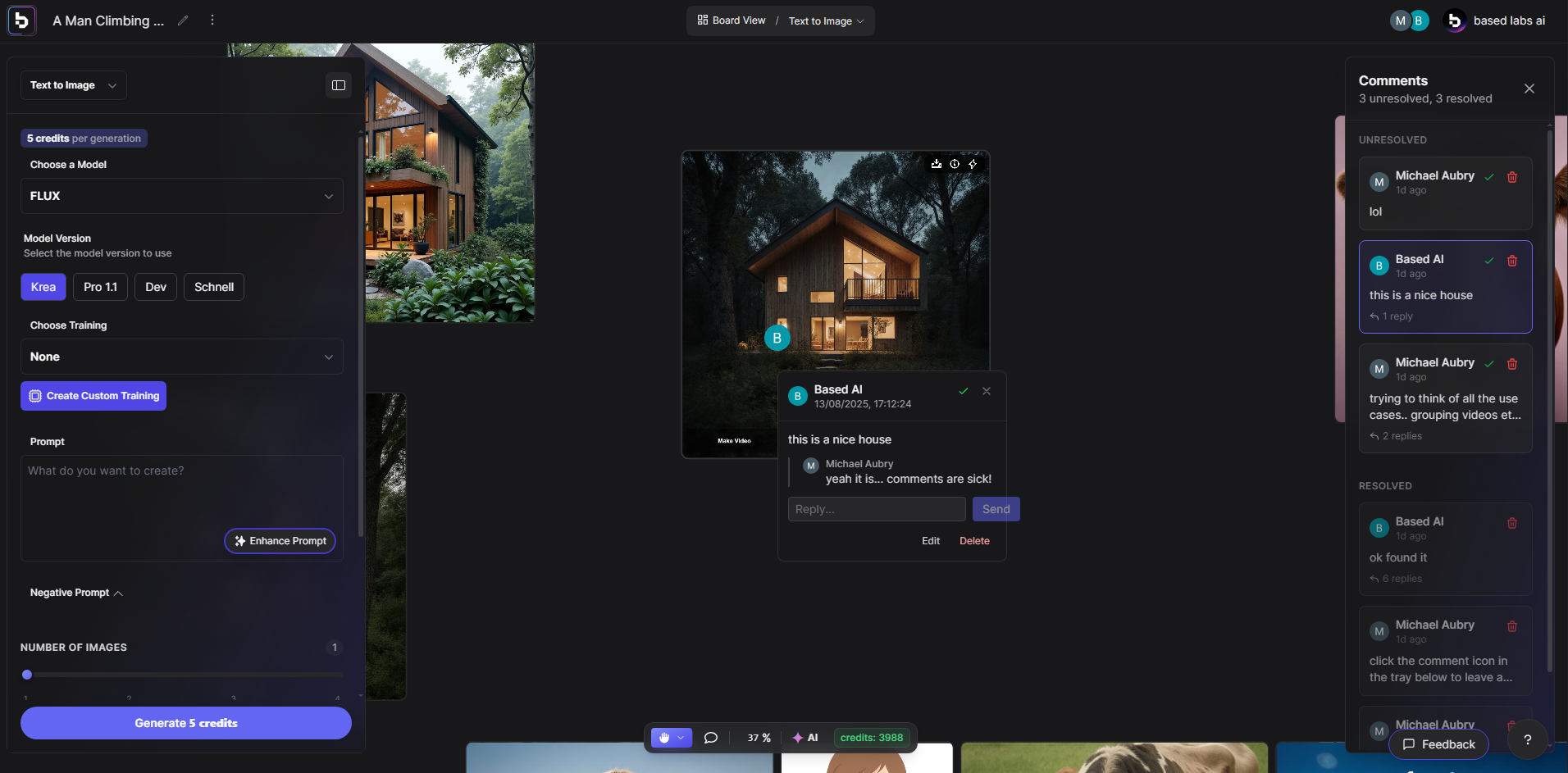
BasedLabs AI is built for collaborative creation in one place. Teams work together on a live canvas, leave in context comments, and switch between the best AI models without juggling subscriptions. For images, you can move from concept to production using models like FLUX.1 Krea, Seedream 3.0, and GPT Image 1. For motion, the same project can route to the AI video generator for storyboards, cuts, and social formats, while the AI image generator covers key visuals, ad variations, and thumbnails. One workspace, one audit trail, one place to ship.
Key features
- Multiplayer live canvas with comments, mentions, and version history
- Access to multiple top tier models for images and video in a single hub
- Project folders, brand presets, and reusable prompt templates
- Fast handoff from stills to motion, plus export options for common channels
The best tools for planning and research
2) Asana, best for managing design projects
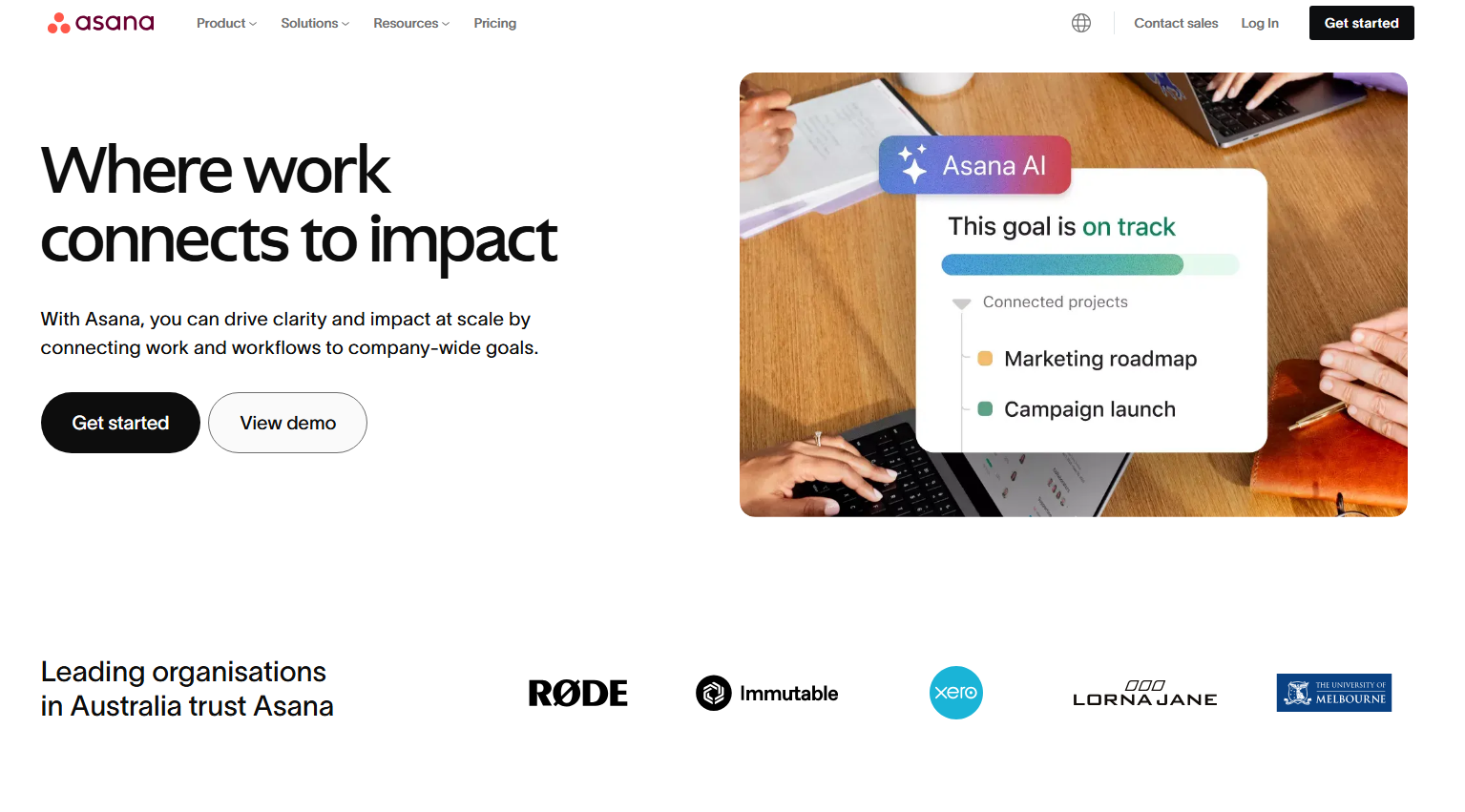
Asana helps creative teams map briefs to tasks, owners, and milestones. You can shift between list, board, calendar, and timeline views, which keeps planning flexible for both producers and designers.
Key features
- Tasks with assignees, due dates, and dependencies
- Boards for intake, triage, and production
- Project templates and workload views
- Rules and forms to standardize requests
3) Notion, best for research, specs, and references
Notion acts as a shared wiki and content hub. Store briefs, competitor tear downs, mood boards, and component guidelines in one place. Databases make it easy to relate research to live work in progress.
Key features
- Linked databases for briefs, assets, and decisions
- Page comments and inline mentions
- Embeds for design files and videos
- Flexible permissions for internal and client views
4) Miro, best for live workshops and mapping
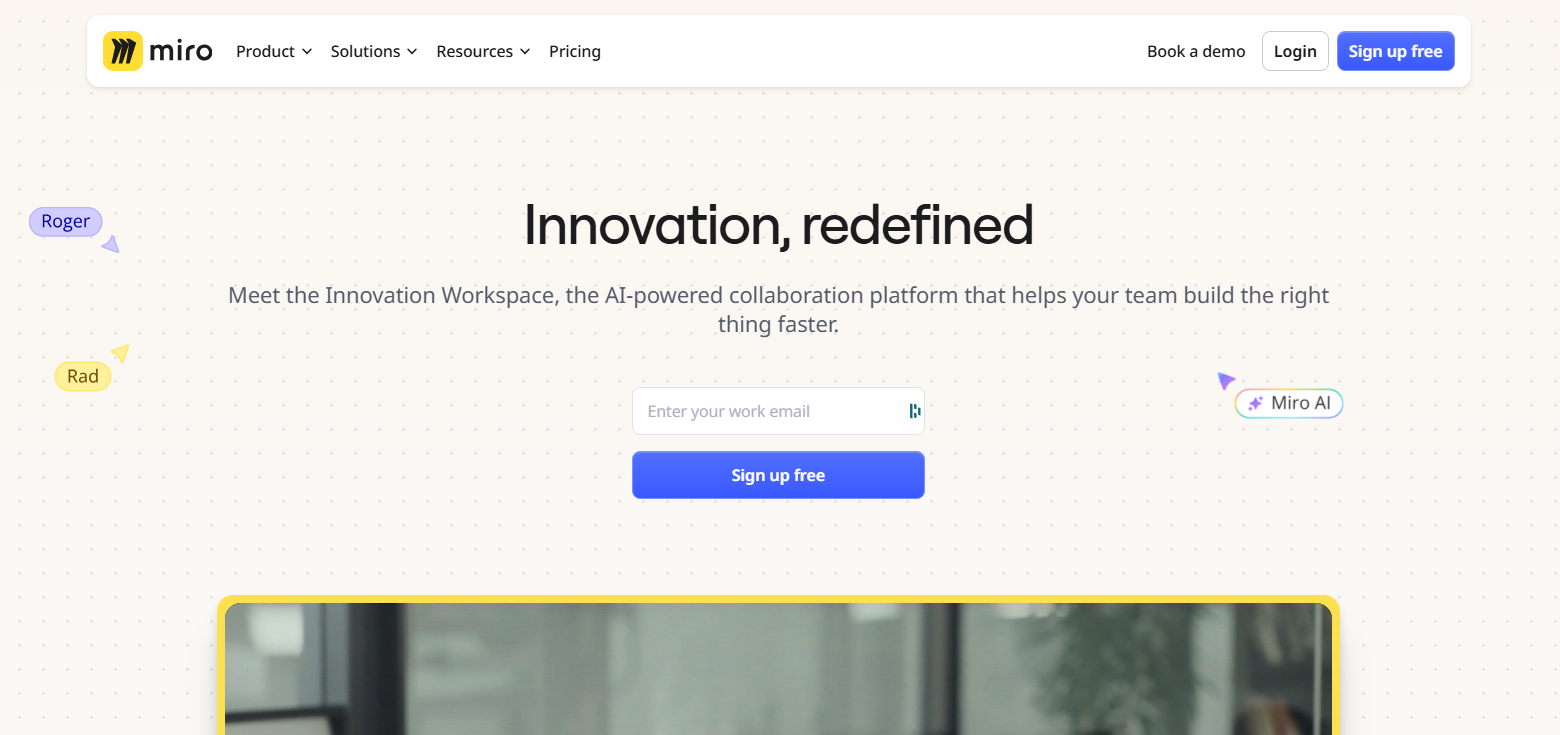
Miro provides an infinite canvas for discovery activities. Run sprints, journey mapping, card sorting, and stakeholder workshops in real time. Templates keep sessions structured, while timers and voting help you land decisions.
Key features
- Infinite boards with sticky notes, frames, and timers
- Real time cursors so everyone sees activity
- Voting, clustering, and presentation mode
- Integrations with task and design tools
The best tools for real time creation
5) FigJam, best for concepting with designers and non designers
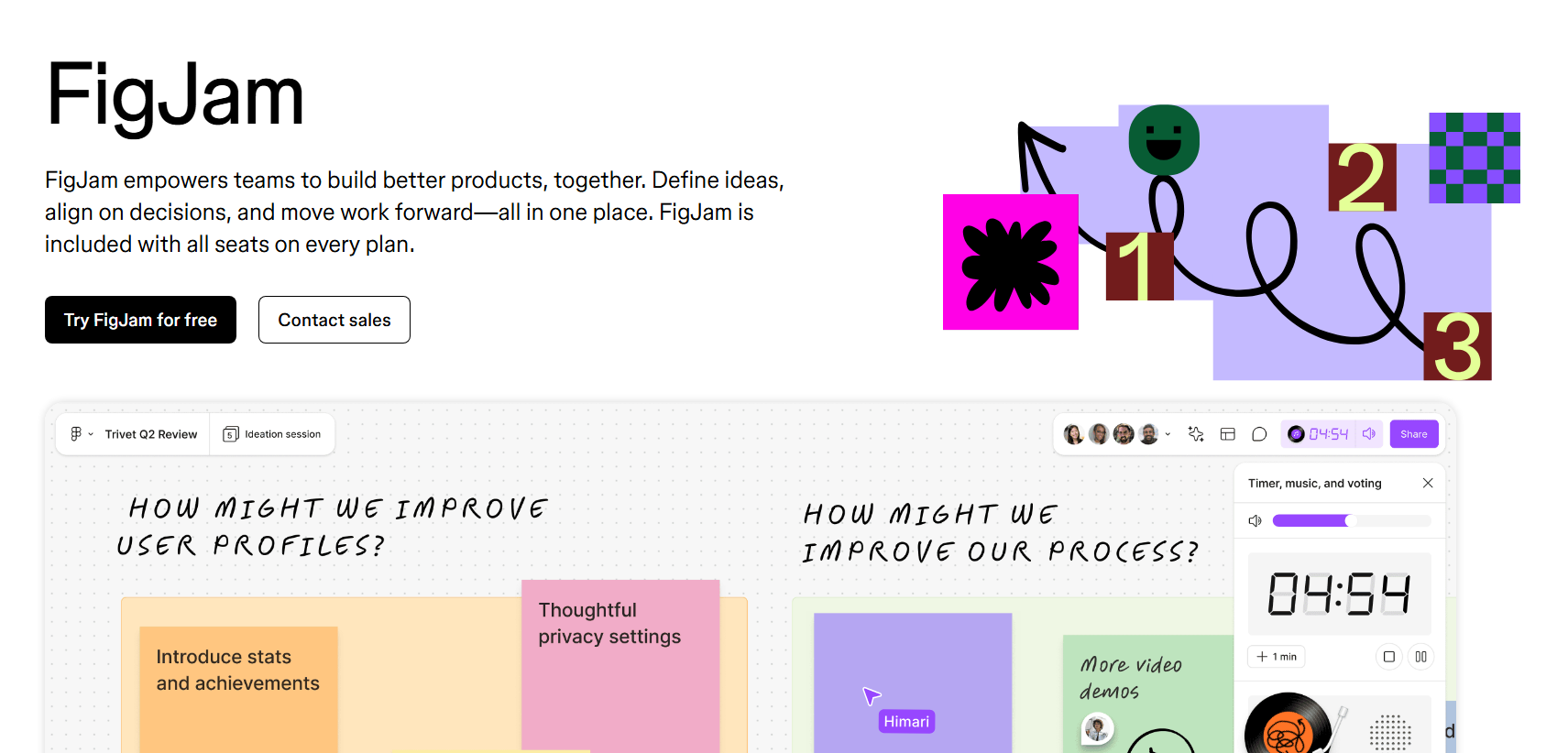
FigJam is a lightweight space for quick sketches and team activities that sits right next to your Figma files. It lowers the barrier for product managers, marketers, and engineers to contribute early.
Key features
- Stickies, stamps, simple shapes, and connectors
- Audio and cursor chat for quick huddles
- Widgets for timers and polls
- One click handoff into Figma design files
6) Figma, best for UI design and prototyping
Figma brings interface design, prototypes, and comments together in the browser. Multiple designers can work in the same file, which removes painful file merges. Components and variables keep systems consistent across teams and products. When you need AI assisted visuals, you can ideate in Figma, then generate variants with the BasedLabs AI image generator or move concepts into motion with the BasedLabs AI video generator.
Key features
- Multi user editing with live presence
- Comment pins and regions right on the canvas
- Interactive prototypes with variables and conditions
- Dev Mode for specs, tokens, and code snippets
7) Canva, best for quick social and marketing visuals
Canva gives non designers and designers a fast way to ship on brand assets. Shared brand kits and templates help large teams publish consistently across channels. If you need higher end image control, spin up variants with models like FLUX.1 Krea or Seedream 3.0 directly in BasedLabs, then import final artwork back to Canva for distribution.
Key features
- Shared brand colors, fonts, and templates
- Real time comments and approvals in file
- Magic Resize for multi channel adaptation
- Simple video and presentation creation for campaigns
The best tools for feedback and approval
8) Filestage, best for centralizing reviews and sign off
Filestage collects feedback on images, PDFs, videos, and live web content in one place. You can set review steps, invite stakeholders, and keep a clear audit trail from first draft to approval. For AI generated deliverables, share previews from BasedLabs projects, including assets created with GPT Image 1 or edits that began in the AI image generator.
Key features
- In context comments and visual annotations
- Multiple reviewer groups with due dates
- Version comparison and change tracking
- Project dashboards that show who still needs to review
Final thoughts
Map your workflow from intake to approval, then pick one tool per stage and keep the stack small. If you want one place where teams can collaborate live on a canvas and switch between leading AI models for images and video without hopping tools, start with BasedLabs and build from there.