 AI TikTok app - Go viral!Go viral on TikTok with AI influencers, pranks & trends. Free iOS app - pay with Apple Pay or card.Get It Free →
Death Metal Font Generator
Instantly create unique and brutal death metal fonts for logos, artwork, and more.

How to use Death Metal Font Generator
Steps to get you started in BasedLabs.

Step 1
Enter Your Text
Type the desired text you want to transform into a death metal font.
Input your band name, album title, or any text you want to render in a brutal death metal style. The generator will use this as the basis for creating your font.

Step 2
Generate Your Font
Click the 'Generate' button to create a variety of death metal font styles.
The AI will process your text and generate multiple font variations based on your input. Browse through the results to find the perfect font for your project.

Step 3
Copy and Use Your Font
Copy the generated font image and implement it into your projects.
Once you've found a font you like, copy the image and paste it into your design software for use in your logos, album art, merchandise, or other projects.
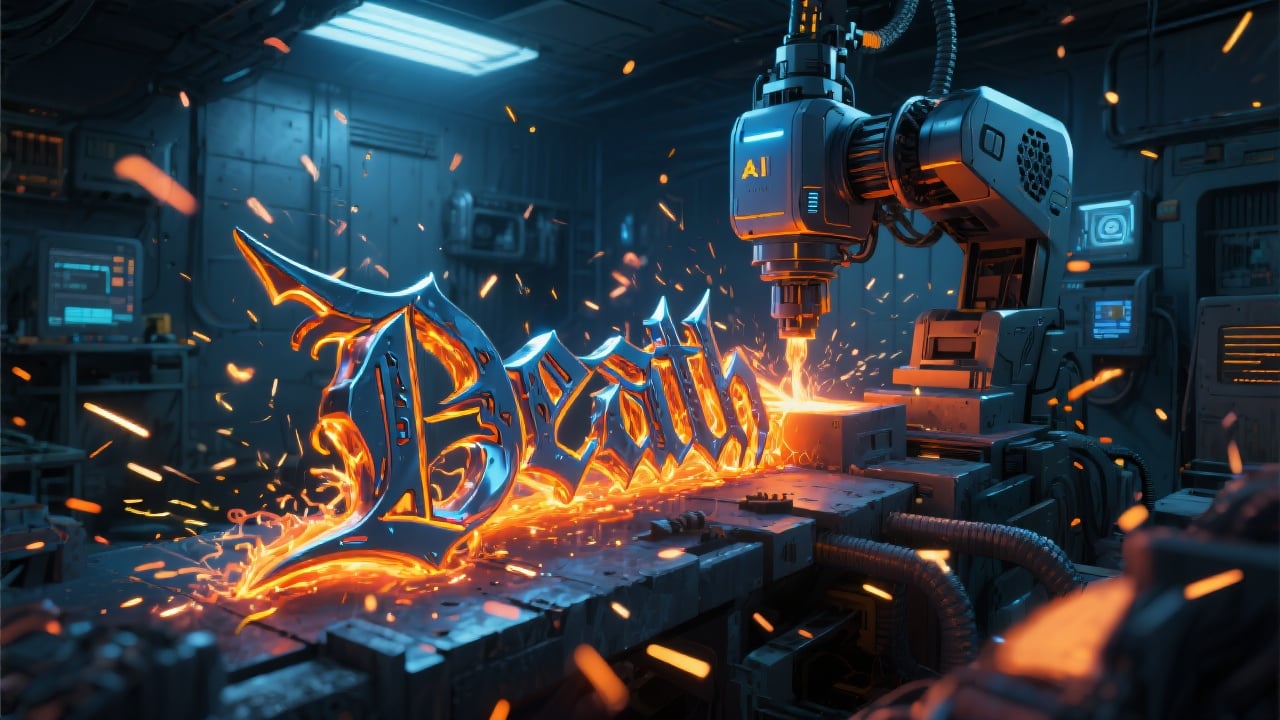
Instant Font Creation
Our AI-powered generator creates fonts instantly, saving you valuable time and effort compared to manual font design.
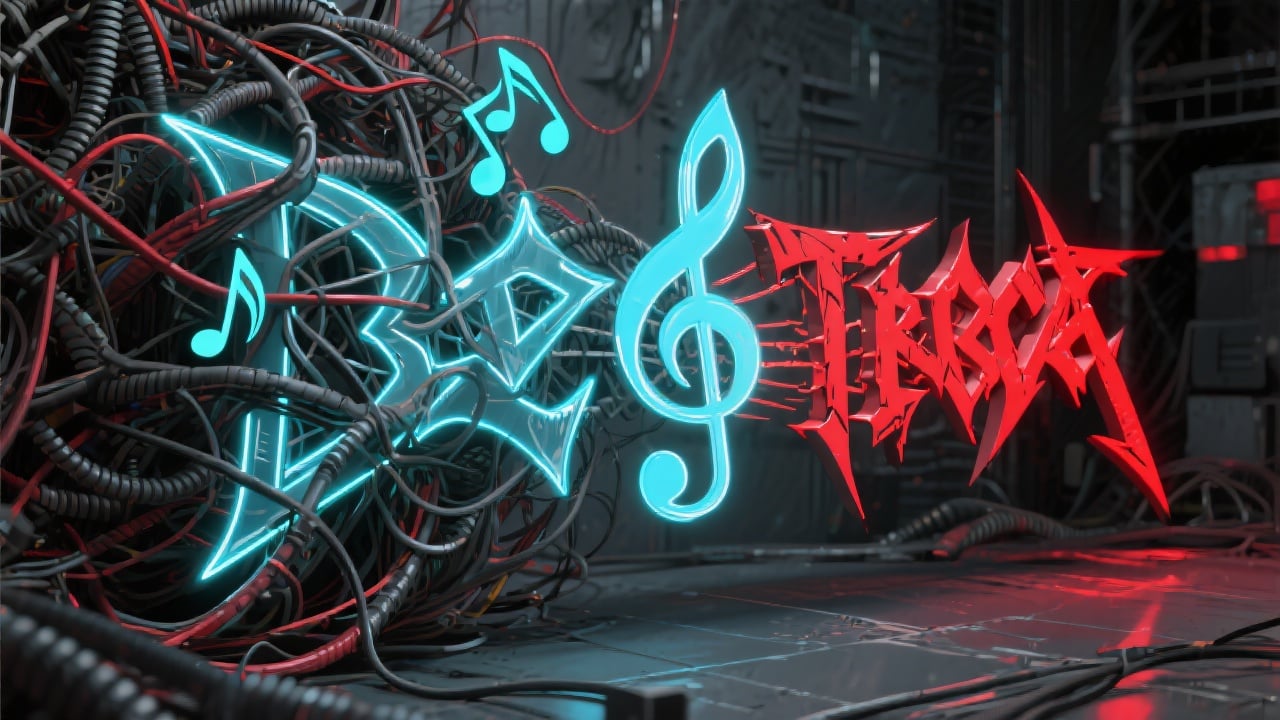
No Design Skills Required
The generator is user-friendly and requires no technical skills, making it accessible to musicians, designers, and anyone looking to create brutal typography.
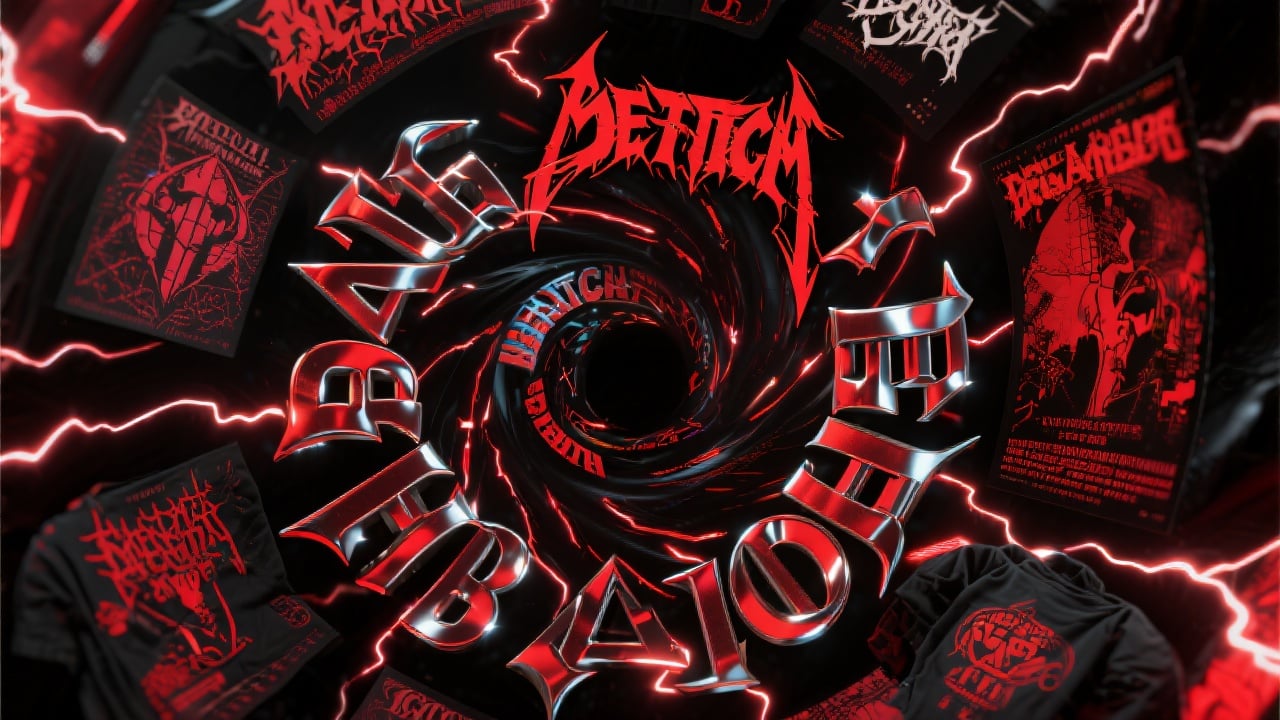
Versatile Applications
The fonts are suitable for a wide range of applications, allowing you to create a cohesive visual identity for your band or project.
FAQs
Discover related AI tools:
- 0
Browse Related Content
Explore AI-generated death metal font generator artwork from our community
More From BasedLabs



Generate Your Death Metal Font Now!
Join millions of creators using BasedLabs to generate professional, scroll-stopping content for social media, YouTube, marketing, and more — in seconds. Produce high-quality AI-generated videos and images optimized for engagement and reach. Streamline your content workflow and scale faster.
