 AI TikTok app - Go viral!Go viral on TikTok with AI influencers, pranks & trends. Free iOS app - pay with Apple Pay or card.Get It Free →
Add Beard To Photo Tool
Transform clean-shaven portraits with AI-powered facial hair synthesis that matches skin tone, lighting, and face angle automatically. Generate full beards, goatees, mustaches, and stubble with natural shadow mapping and texture blending for photorealistic results.
Try a style:
Want to see what you’d look like with some serious face fuzz? Our AI-powered beard photo editor lets you instantly add beard to photo with incredibly realistic results. When you use this tool, you'll find that the AI doesn't just slap a beard on your face; it intelligently analyzes your portrait, taking into account your skin tone, the lighting in the picture, and even the angle of your face to seamlessly integrate the added facial hair. This means natural-looking shadows, believable texture blending, and a final image that's hard to distinguish from a professionally edited photo.
Our users typically use this tool to create fun social media content, explore different beard styles before committing to growing one, or even visualize characters for creative writing projects. Pro tip: experiment with different angles and lighting setups in your original photo to see how the AI adapts the beard – subtle changes can lead to surprisingly different looks. Whether you’re aiming for a full lumberjack beard, a refined goatee, or just some rugged stubble, this is the easiest way to put beard on picture instantly.
How to use Add Beard To Photo Tool
Steps to get you started in BasedLabs.

Step 1
Upload Your Clean-Shaven Photo
Select a clear face photo
Choose a high-resolution image where your face is clearly visible and well-lit. The AI performs best with front-facing or slightly angled portraits where the jawline and cheeks are unobstructed. Pro tip: Photos taken in natural daylight with minimal shadows produce the most realistic beard integration, as the AI can accurately detect skin texture and existing light sources.

Step 2
Select Beard Style and Customize Parameters
Choose from 20+ beard variations
Pick your desired beard style from options including full beards, designer stubble, goatees, or mustache combinations. Adjust density sliders to control thickness (sparse to full coverage), length settings for short cropped to long flowing styles, and color tone if you want to simulate graying or different hair colors. The preview updates in real-time showing how each style conforms to your unique facial structure.

Step 3
Generate and Download Enhanced Portrait
AI renders in 15-30 seconds
Click generate to process your image with facial hair synthesis that includes natural hair texture, directional growth patterns, and integrated shadowing. Download your result in original resolution up to 4K quality, with options to save multiple beard style variations. Use the refinement tools to adjust beard edges, blend intensity, or modify specific areas like sideburn connection or neckline definition for perfect results.
Adaptive Facial Geometry Mapping
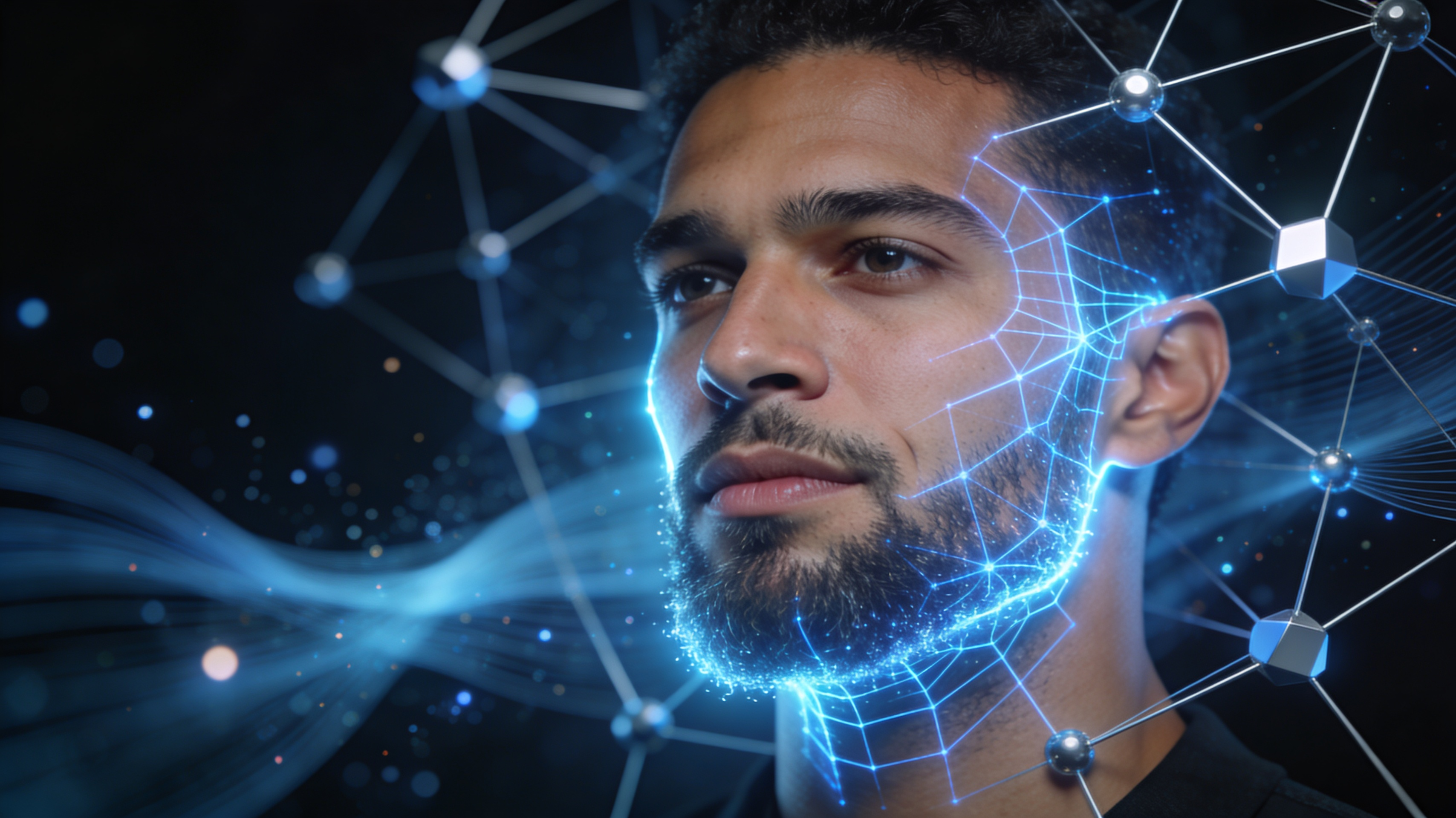
Unlike simple overlay filters, our AI creates a 3D mesh of your facial structure to map beard placement along your actual jaw contour, cheek angles, and chin projection. This ensures the facial hair follows natural growth patterns specific to your bone structure, with proper density variation from cheek to neck and realistic edge transitions that account for individual facial features like dimples or scars.
Multi-Angle Consistency Engine
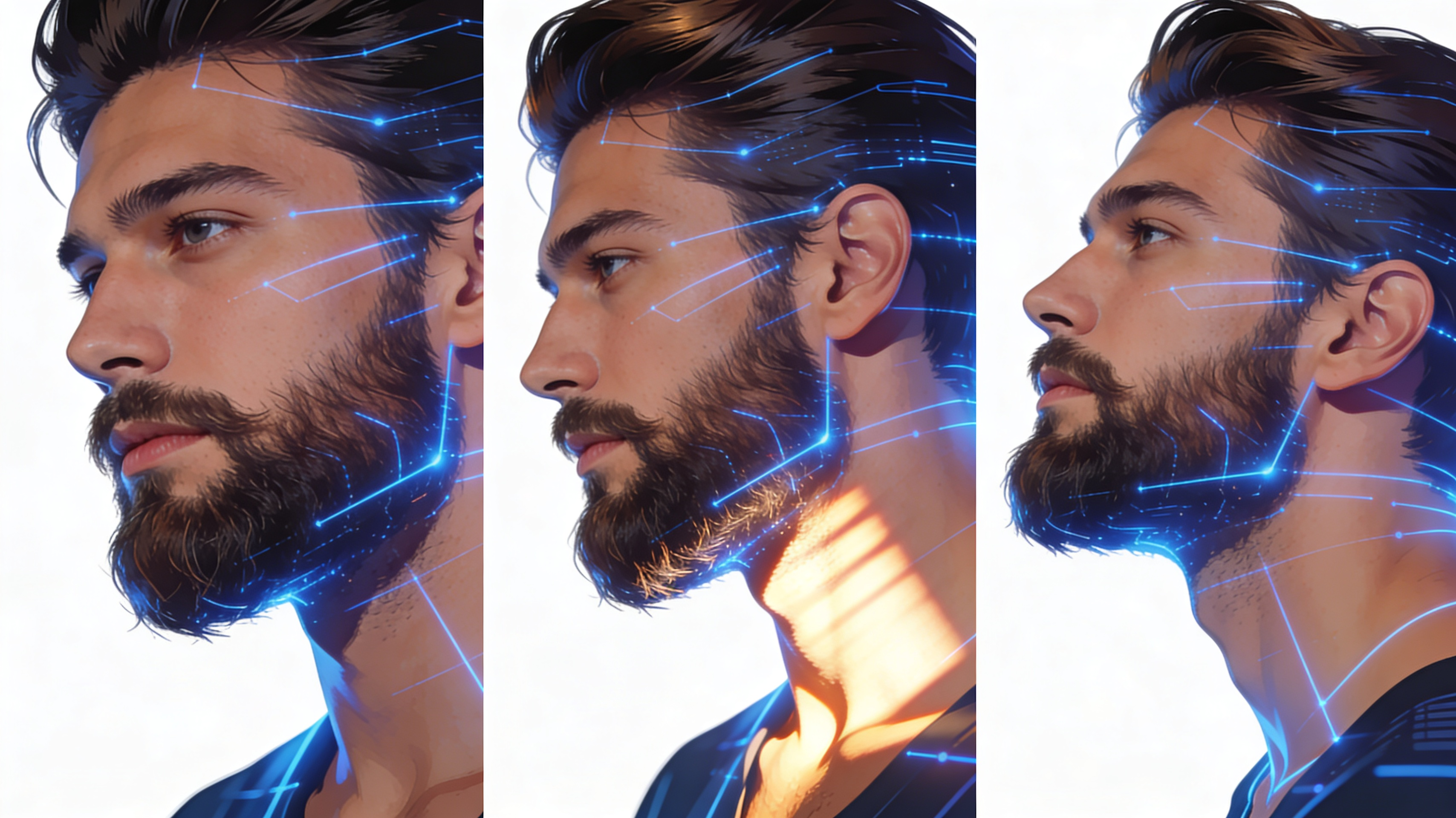
Advanced perspective detection allows accurate beard addition to profile shots, three-quarter angles, and tilted head positions with up to 45-degree rotation. The system calculates proper hair direction vectors and visibility occlusion, so beards appear correctly wrapped around the face rather than flat, including appropriate shadowing on the neck and under-chin areas based on head position.
Texture-Matched Hair Synthesis
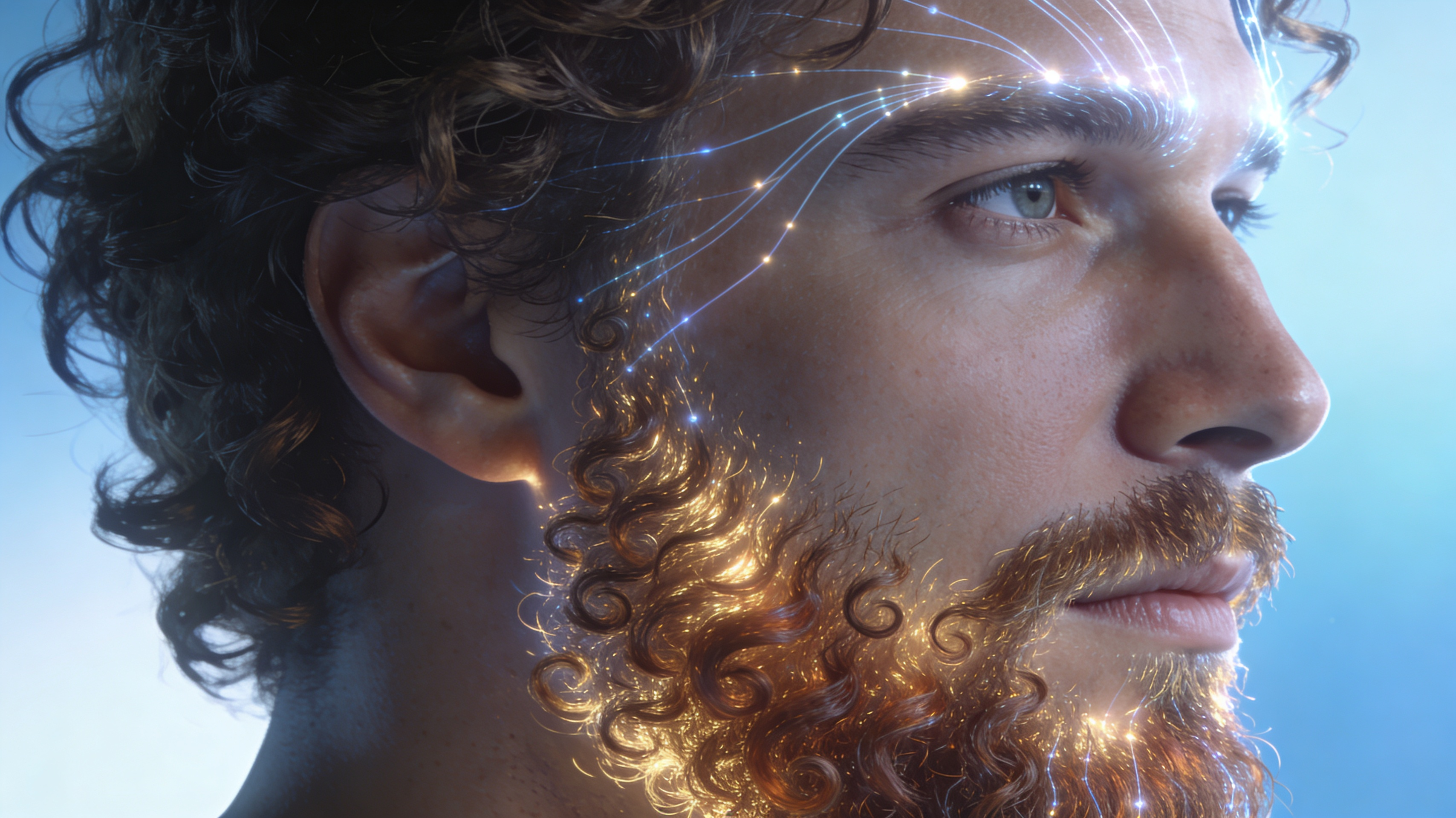
Generate beards with visible individual hair strands that match your natural hair texture characteristics, including curl pattern, thickness variation, and growth direction randomization. The AI analyzes your existing hair (eyebrows, head hair if visible) to replicate similar properties in the beard, creating authentic-looking results with proper light reflection, color variation between hairs, and natural density clustering rather than uniform coverage.
FAQs
Discover related AI tools:
- Goddess Generator
- WWE AI Portrait Generator
- wrestling ai generator
- ai family portrait generator
- ai family portrait
- royal portrait generator free
- Road Tattoo Ideas Generator
- GD Level Name Generator
- Tombstone Tattoo Ideas Generator
- Crossword Puzzle Tattoo Generator
- Smite Randomizer Tool
- Perky AI: AI-Powered Engagement Tool
Browse Related Content
Explore AI-generated add beard to photo tool artwork from our community
More From BasedLabs



Try Your New Look With A Beard Today
Join millions of creators using BasedLabs to generate professional, scroll-stopping content for social media, YouTube, marketing, and more — in seconds. Produce high-quality AI-generated videos and images optimized for engagement and reach. Streamline your content workflow and scale faster.
