 AI TikTok app - Go viral!Go viral on TikTok with AI influencers, pranks & trends. Free iOS app - pay with Apple Pay or card.Get It Free →
ai family portrait generator
Effortlessly create heartwarming family portraits in seconds. Customize individual features, ages, and even poses with hyper-realistic AI, ensuring every generated image captures your family's unique essence and history.
Try a style:
Creating cherished family memories is now easier than ever with our AI-powered tool. When you use the BasedLabs ai family portrait creator, you're not just assembling pictures, you're crafting a narrative. Our advanced algorithms intelligently blend individual photos, even from different time periods, into a cohesive and surprisingly realistic family portrait. You'll find that adding details like clothing styles, background themes (like a cozy fireplace or a sunny park), and even subtle age adjustments allows you to truly customize the final image to reflect your family's unique story.
Our users typically generate family portraits for holiday gifts, memorializing loved ones, or even just for fun imaginary scenarios! A practical tip when you generate family portrait from photo: upload the highest resolution source images possible for the best results. And don't be afraid to experiment with different prompts and styles - the more specific you are, the more aligned the AI generated image will be with your vision. Whether you want a classic, formal portrait or a whimsical, artistic take on your family, the possibilities are endless.
How to use ai family portrait generator
Steps to get you started in BasedLabs.

Step 1
Step 1: Describe Your Family
Provide details to guide the AI.
Begin by entering a detailed description of your family members, including their ages, genders, hair colors, and any specific features you'd like highlighted. Be specific – for example, instead of 'brown hair,' try 'chocolate brown, wavy hair.' Mention their relationships to each other and any specific expressions or poses you envision. Consider adding keywords relating to cultural background or desired aesthetic.

Step 2
Step 2: Select a Style Preset
Choose an artistic style to match your vision.
Our platform offers a wide array of style presets, from photorealistic to painterly and cartoonish. Experiment with different styles to find the one that best suits your family and desired aesthetic. For a vintage look, try the 'Impressionist' or 'Vintage Photo' preset. You can also fine-tune the style parameters, such as color saturation and texture, for even greater control.

Step 3
Step 3: Refine and Download
Make final adjustments and download your portrait.
Once the AI has generated the initial portrait, use the 'refine' feature to make subtle adjustments. You can selectively regenerate specific family members or facial features without redoing the entire portrait. Once you're satisfied, download your portrait in your preferred resolution and file format. Consider using the 'upscale' feature to enhance clarity, especially for large prints.
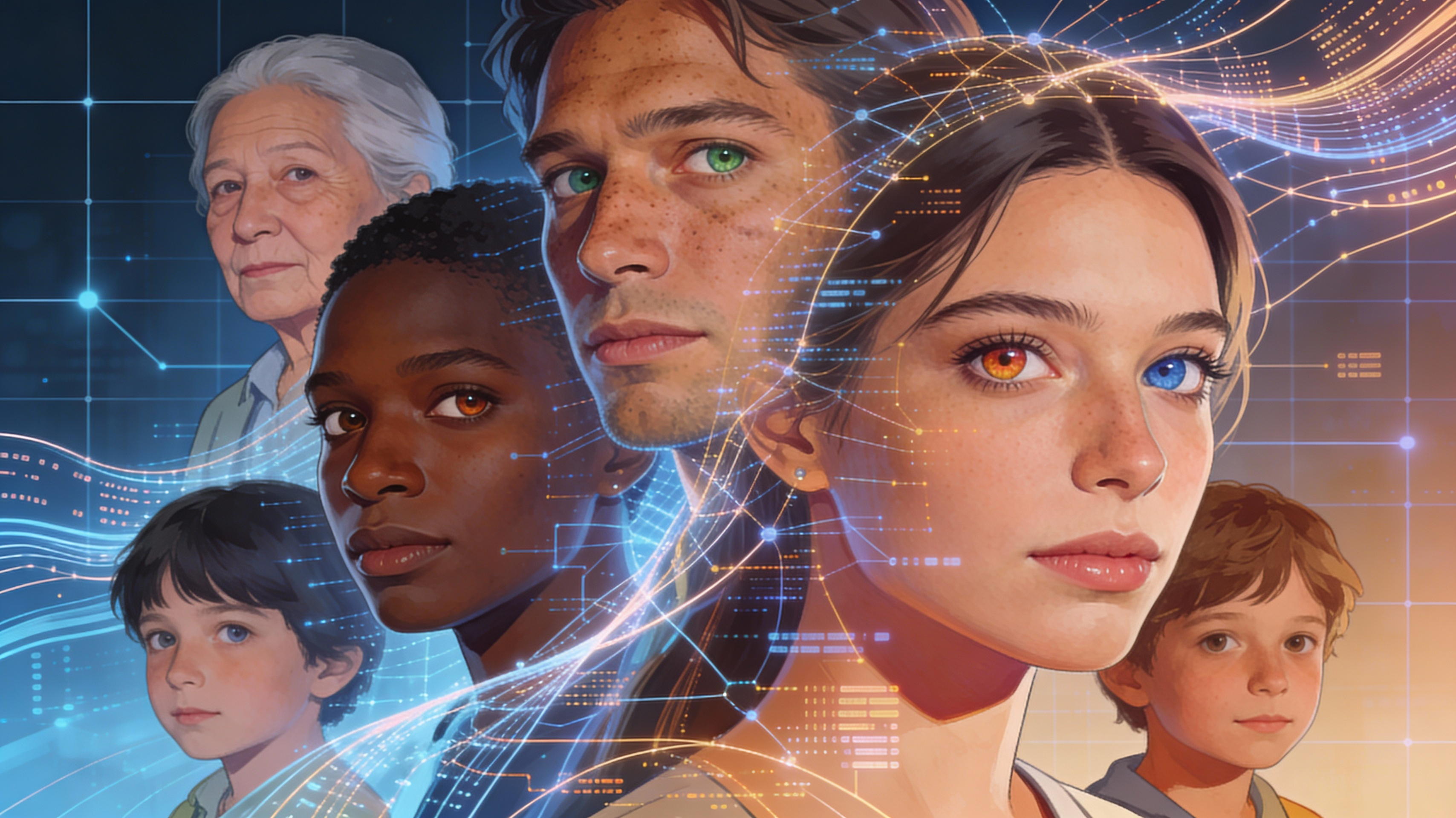
Hyper-Realistic Detail
Our AI engine is trained on over 50 million faces, allowing it to generate incredibly realistic details, from skin texture and wrinkles to subtle variations in eye color. This creates portraits that truly capture the unique essence of each family member.
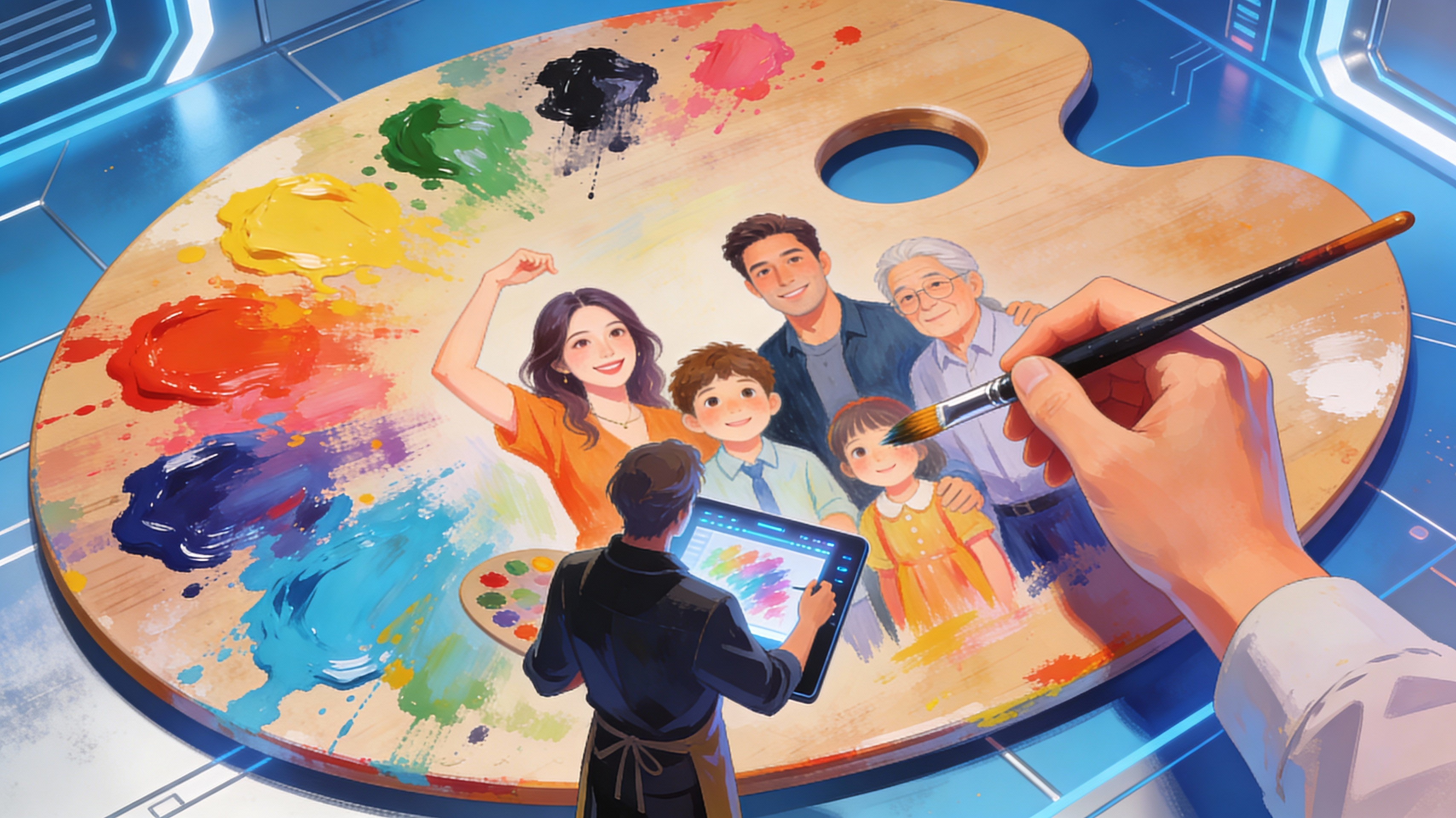
Complete Creative Control
Go beyond simple photo editing. Specify individual poses, expressions, clothing styles, and even background elements to craft a truly personalized portrait. Use the 'prompt weighting' feature to emphasize specific aspects of your description, ensuring the AI prioritizes your key creative vision.
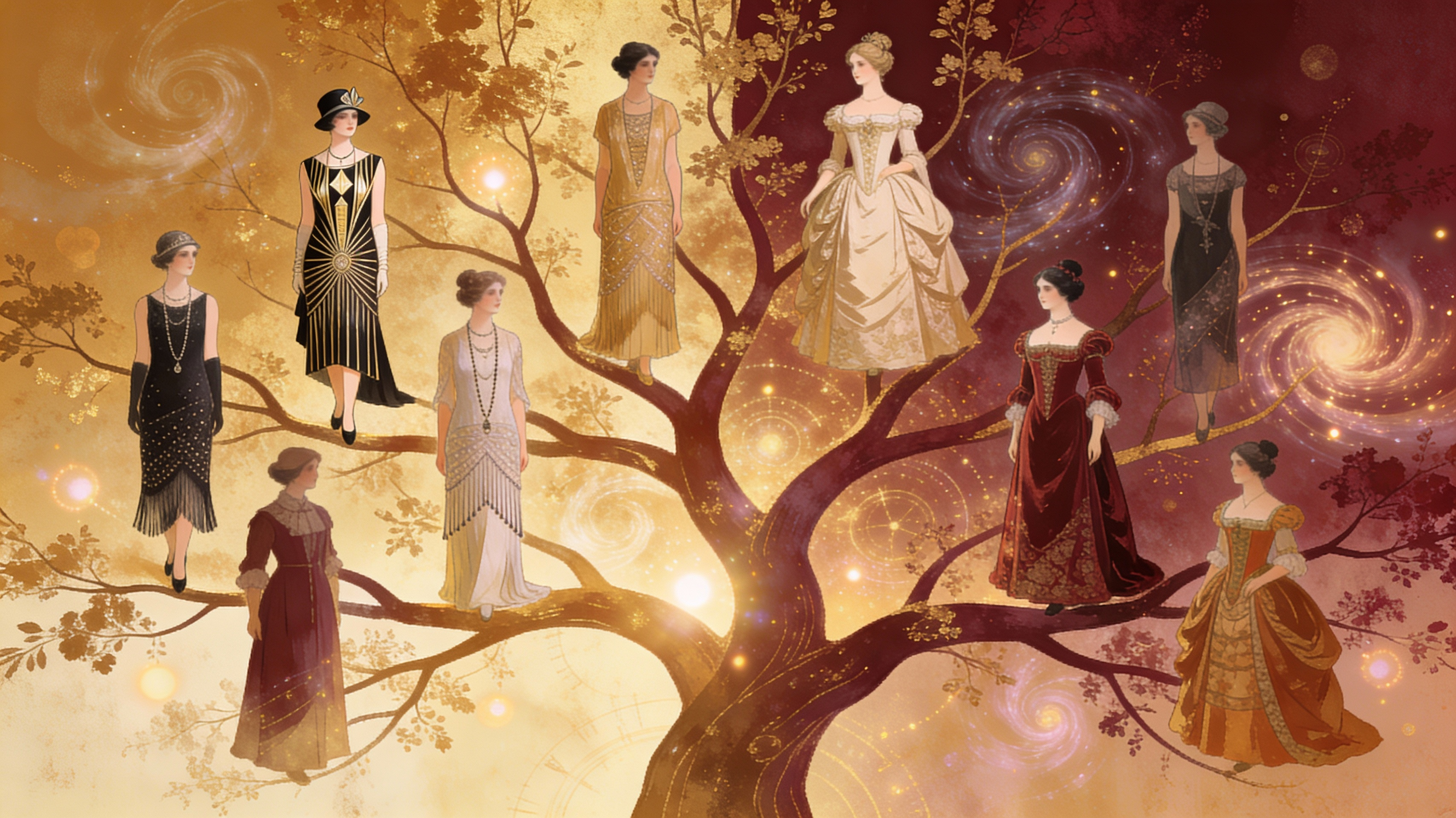
Generational Family Portraits
Explore different time periods with historical filters! See your family in a 1920's flapper style, or a Renaissance painting. It's a unique way to imagine your family through time, and create truly distinctive artwork.
FAQs
Discover related AI tools:
Browse Related Content
Explore AI-generated family portrait generator artwork from our community
More From BasedLabs



Create Your AI Family Portrait Now
Join millions of creators using BasedLabs to generate professional, scroll-stopping content for social media, YouTube, marketing, and more — in seconds. Produce high-quality AI-generated videos and images optimized for engagement and reach. Streamline your content workflow and scale faster.
