Video Joiner
Effortlessly combine your video clips into stunning sequences with precision and ease
How To Use

Step 1
Upload your video, audio, and image files to BasedLabs.
Step 2
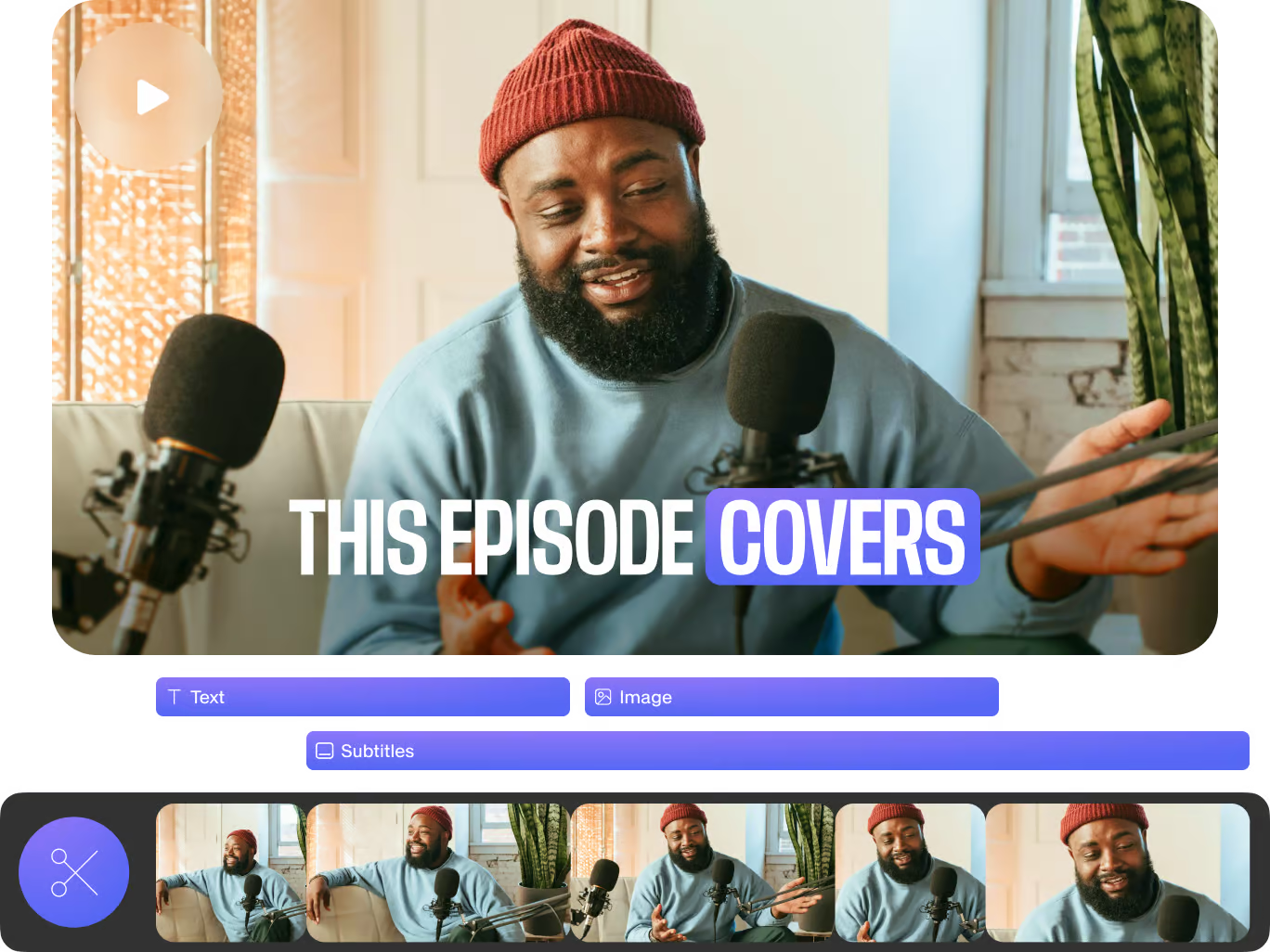
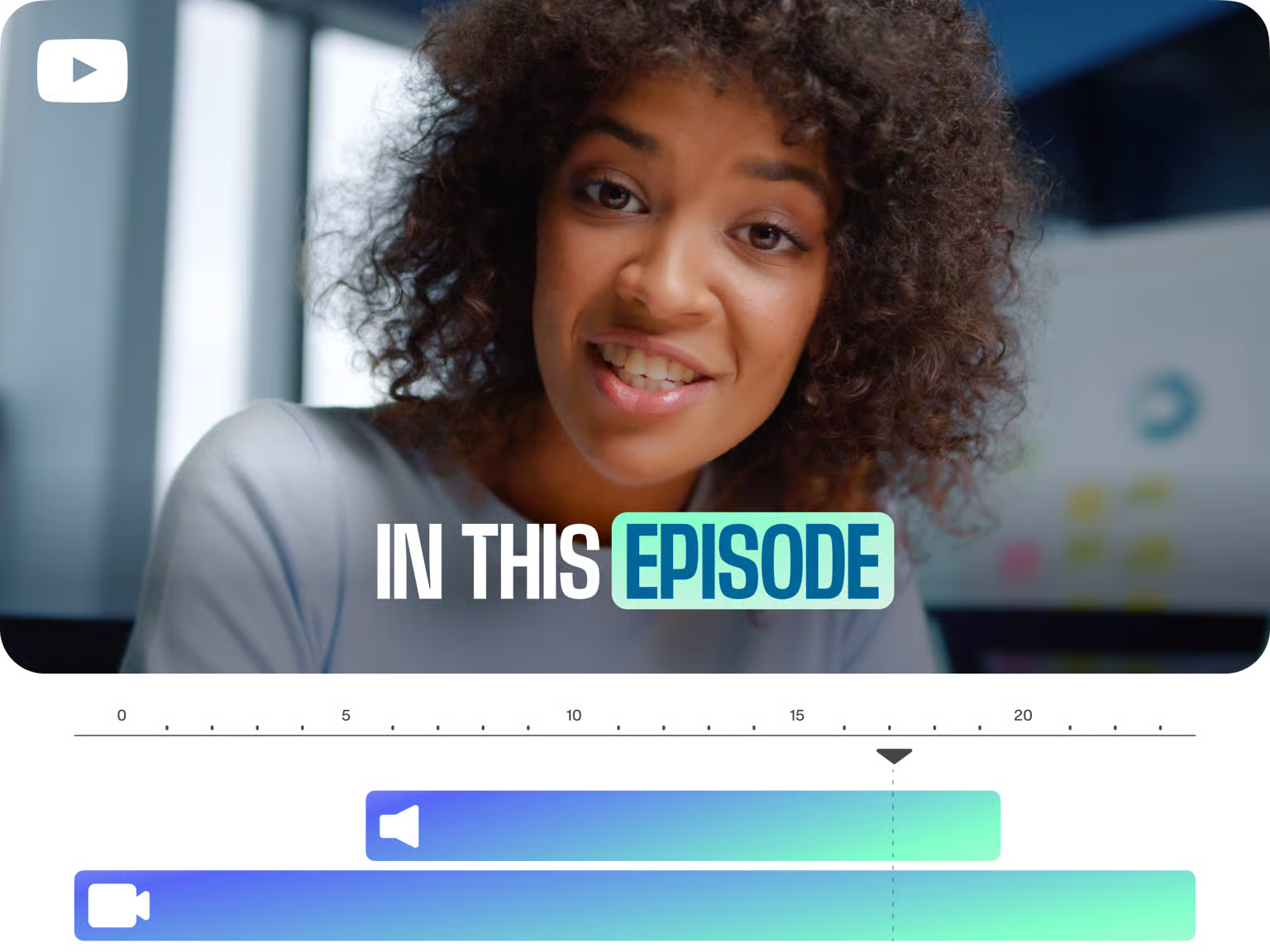
Arrange your clips on the intuitive drag-and-drop timeline.
Step 3
Use our editing tools to trim and merge your videos with precision.
Try Our Feature Now
Versatile Format Support
Merge videos in any format including AVI, MOV, MP4, MKV, and many more.
Precision Editing
Use our intuitive drag-and-drop timeline to cut, trim, and merge with exact control.
AI-Powered Magic Cut
Let AI splice your clips into a cohesive masterpiece with just a click.
Fourth
Fourth
Frequently Asked Questions
How many video clips can I merge at once?
You can merge an unlimited number of clips; just upload them to the timeline and start combining.
Can I merge audio or images with my video clips?
Absolutely! Our video joiner allows you to merge audio files and images alongside your video clips.
Is this feature compatible with mobile devices?
Yes, our online video merger works smoothly on both Windows, Mac, and all mobile devices.