 AI TikTok app - Go viral!Go viral on TikTok with AI influencers, pranks & trends. Free iOS app - pay with Apple Pay or card.Get It Free →
YouTube Video Editor
Transform your video content with easy online editing tools

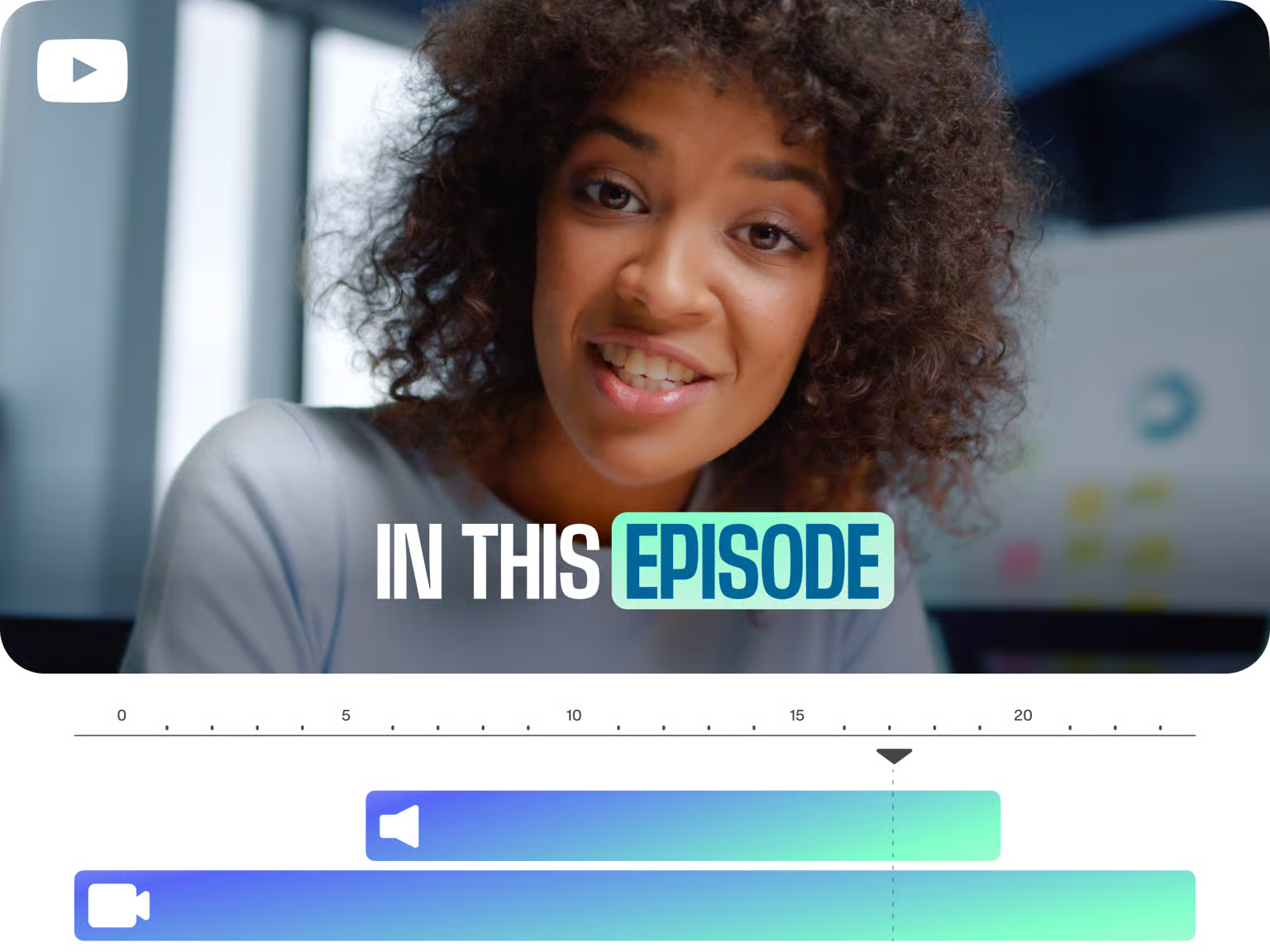
How to use YouTube Video Editor
Steps to get you started in BasedLabs.

Step 1
Step 1
Choose your video files and upload them to the BasedLabs platform from your device.
Step 2
Step 2
Use the intuitive editing tools to enhance your video by adding text, music, and emojis!
Step 3
Step 3
Finish by exporting your video, resized and ready for upload to YouTube, all with a single click.
Intuitive Online Editing
Edit your YouTube videos without any software installation. Seamlessly cut, crop, or add elements like text and music with just a few clicks.
AI-Powered Enhancements
Leverage AI tools for automatic subtitling and text-to-video features to give your content a professional touch.
Instant YouTube Readiness
Resize, publish, and optimize your videos effortlessly for YouTube to ensure they fit the 16:9 aspect ratio and other platform best practices.
FAQs
Discover related AI tools:
- 0
Browse Related Content
Explore AI-generated youtube video editor artwork from our community
More From BasedLabs



Try Our Feature Now
Join millions of creators using BasedLabs to generate professional, scroll-stopping content for social media, YouTube, marketing, and more — in seconds. Produce high-quality AI-generated videos and images optimized for engagement and reach. Streamline your content workflow and scale faster.
