 AI TikTok app - Go viral!NEW: Seedream 5 by ByteDance. Sharper prompts, native text in 14 languages, precise edits. Try it now.Try It Now →
Virtual Ring Try On
See how rings look on your hand, instantly, using AI-powered augmented reality.

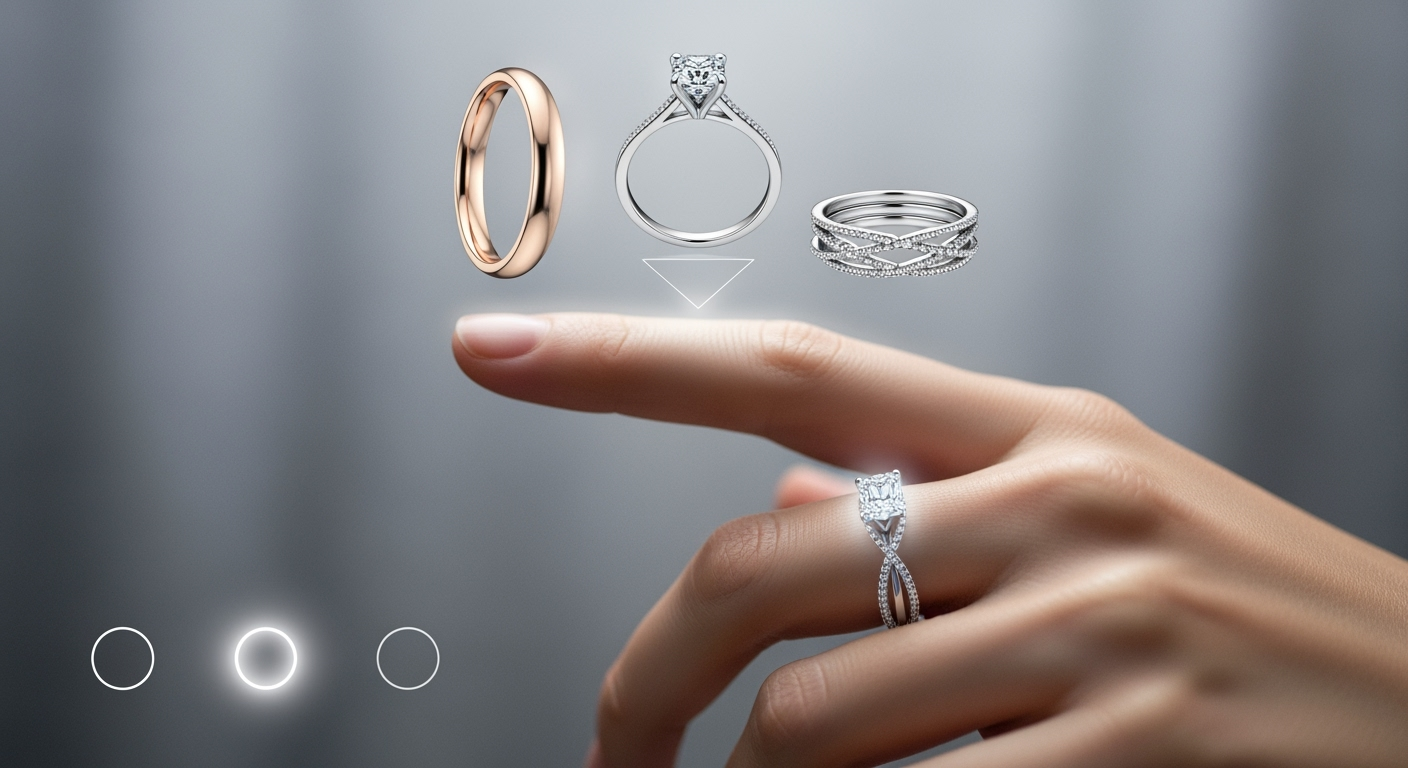
How to use Virtual Ring Try On
Steps to get you started in BasedLabs.

Step 1
1. Upload a Photo or Use Your Camera
You can either upload a photo of your hand or use your device's camera for a live view. Make sure your hand is clearly visible and well-lit for the best results. Avoid shadows or obstructions.

Step 2
2. Select a Ring and Adjust the Size
Browse our selection of rings and choose the style you want to try on. Adjust the size of the ring using the provided controls until it looks like a good fit on your finger. You can also rotate the ring for different perspectives.

Step 3
3. Save and Share Your Look
Once you're happy with the way the ring looks, you can save the image to your device or share it with friends and family on social media. Get their opinions and find the perfect ring for you!
Shop Smarter, Not Harder
Avoid the hassle of returns and exchanges by seeing exactly how a ring will look on your hand before you buy it. Make confident purchase decisions and save time and money.
Experiment with Endless Styles
From classic solitaires to trendy statement rings, our virtual try-on tool allows you to experiment with different styles and find the perfect ring to match your personality and taste.
Convenient and Risk-Free
Our virtual try-on tool is available 24/7, so you can shop for rings at your own pace and on your own schedule. There's no pressure to buy, and you can try on as many rings as you like.
FAQs
Discover related AI tools:
- 0
Browse Related Content
Explore AI-generated virtual ring try on artwork from our community
More From BasedLabs



Find Your Perfect Ring!
Join millions of creators using BasedLabs to generate professional, scroll-stopping content for social media, YouTube, marketing, and more — in seconds. Produce high-quality AI-generated videos and images optimized for engagement and reach. Streamline your content workflow and scale faster.
