 AI TikTok app - Go viral!Go viral on TikTok with AI influencers, pranks & trends. Free iOS app - pay with Apple Pay or card.Get It Free →
tie dye generator
Unleash vibrant, unique tie dye patterns in seconds. Craft endless variations for fabric prints, wallpapers, and social media graphics with advanced controls over color palettes, swirl density, and fabric texture, achieving hyperrealistic results.
Try a style:
When you use this AI tie dye design tool, you'll immediately notice how it captures the organic, unpredictable beauty of traditional tie dye without any of the mess or waiting time. The generator analyzes thousands of real tie dye patterns to produce authentic-looking spirals, crumples, and color bleeds that mirror what you'd achieve with physical dye and fabric. You can experiment with color combinations that would be difficult or expensive to test in real life—from classic rainbow spirals to sophisticated monochromatic gradients perfect for modern branding projects.
Our users typically start by selecting a base pattern style, then fine-tune the swirl intensity and color saturation to match their vision. The fabric texture controls are particularly useful if you're creating mockups for actual merchandise, as they simulate how dye absorbs into different materials like cotton, silk, or polyester. This tie dye pattern generator excels for print-on-demand sellers who need quick product variations, graphic designers creating festival posters or album artwork, and social media managers looking for eye-catching backgrounds that stand out in busy feeds.
You'll find that generating multiple variations takes just seconds, making it easy to present clients with diverse options or build entire product lines with cohesive yet distinct patterns. The high-resolution output ensures your designs look crisp whether they're printed on t-shirts, phone cases, or large-format banners.
How to use tie dye generator
Steps to get you started in BasedLabs.

Step 1
Select Your Base Colors
Choose your starting color palette.
Start by selecting up to six colors from the color picker. Use the pre-defined palettes for inspiration or input hex codes for specific shades. Pro tip: Choose complementary colors for a balanced design or contrasting colors for a bold, eye-catching effect.

Step 2
Adjust Swirl Density and Fabric Texture
Refine the complexity and realism of your pattern.
Use the 'Swirl Density' slider to control the number of swirls and folds in your tie dye pattern. Increase the 'Fabric Texture' slider to simulate the look and feel of real fabric. For a softer look, reduce both values; for a bolder, more intricate pattern, increase them.

Step 3
Export Your Design
Download your tie dye masterpiece in your preferred format.
Choose your desired file format (JPEG, PNG, or SVG) and resolution. For print projects, select a high resolution (300 DPI or higher) to ensure optimal quality. For web use, choose a lower resolution to reduce file size. Pro Tip: Download as a pattern swatch to use seamlessly in Adobe Photoshop or Illustrator.
Infinite Pattern Variations
Generate a practically limitless number of tie dye patterns with adjustable color palettes, swirl densities, and fabric textures. Explore design options you never thought possible, all without wasting dye or fabric.
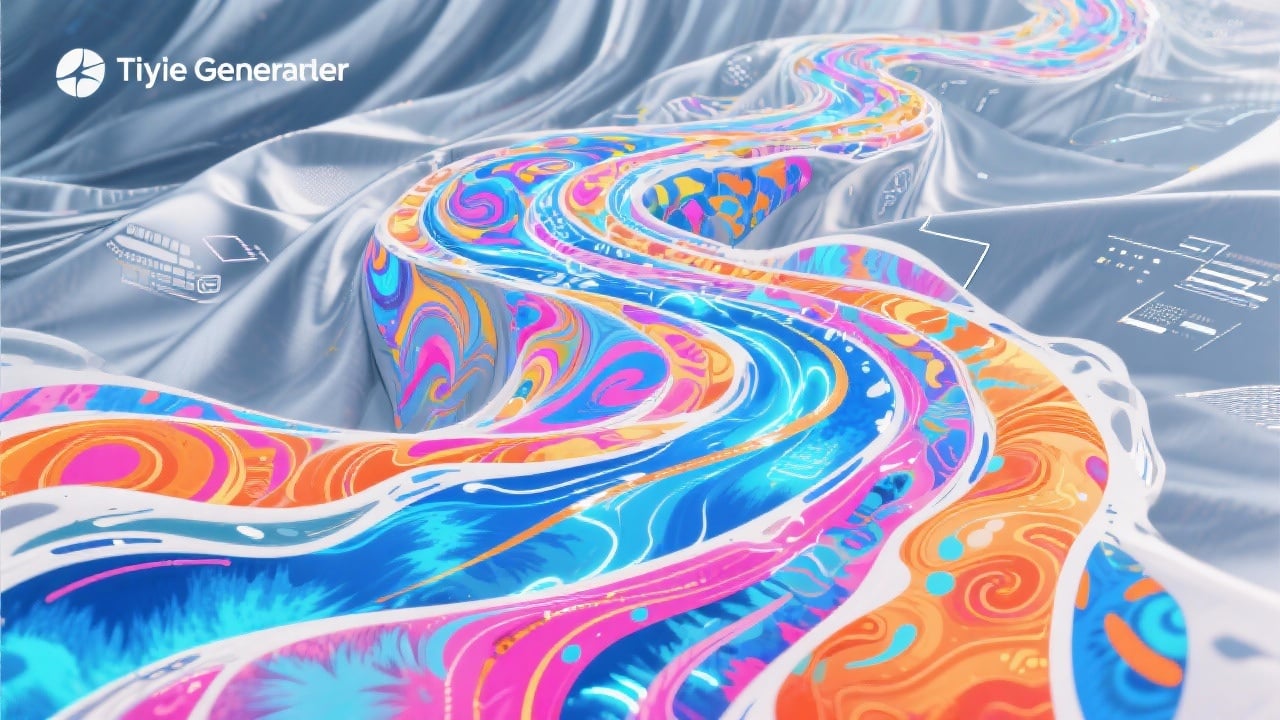
Hyperrealistic Fabric Simulation
Our advanced AI algorithms simulate the intricate folds, wrinkles, and color bleeding of real tie dye fabric with unparalleled accuracy. The 'Fabric Texture' slider allows fine-tuning of the material appearance, resulting in incredibly realistic visuals, especially when rendered at 4K resolution.
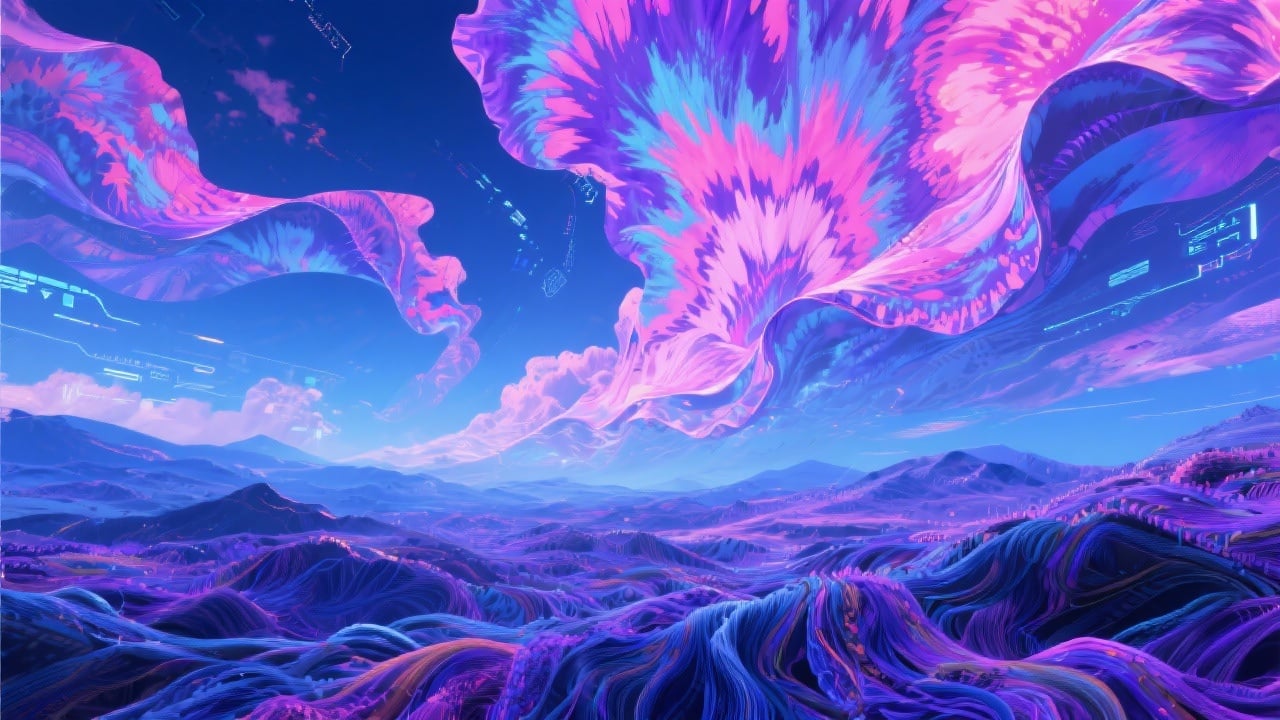
Seamless Integration with Design Tools
Download your tie dye patterns in SVG format for scalable vector graphics, perfect for integration into Adobe Illustrator, Photoshop, and other design software. Use the pattern as a fill, background, or design element without any loss of quality, regardless of the scale.
FAQs
Discover related AI tools:
- 0
Browse Related Content
Explore AI-generated tie dye generator artwork from our community
More From BasedLabs



Design Your Dream Tie Dye Pattern
Join millions of creators using BasedLabs to generate professional, scroll-stopping content for social media, YouTube, marketing, and more — in seconds. Produce high-quality AI-generated videos and images optimized for engagement and reach. Streamline your content workflow and scale faster.
