 AI TikTok app - Go viral!Go viral on TikTok with AI influencers, pranks & trends. Free iOS app - pay with Apple Pay or card.Get It Free →
things to draw outline
Transform vague ideas into crisp, vector-based outlines primed for sketching, illustrating, or creating unique stencils. Generate diverse outlines with adjustable detail levels, ensuring a perfect base for any artistic endeavor.
Try a style:
Thinking of starting a new drawing, but struggle with the initial sketch? You've come to the right place! Our things to draw outline tool acts as a powerful AI outline creator, transforming your vague ideas or even photos into clean, usable outlines. When you use it, you'll find that adjusting the detail slider is key to getting the perfect base for your artwork. Less detail creates a minimalist, abstract outline, ideal for quick sketches or striking stencils, while more detail captures finer nuances if you intend to create a realistic drawing.
This isn't just a quick image to outline converter; it's a springboard for creativity. Our users typically employ the tool to generate outlines for complex subjects they find intimidating to draw freehand, objects with accurate perspective, or even custom coloring book pages. Give it a try with a photo of your pet, a favorite building, or a still life setup. A little tip: for photographs, clear lighting and good contrast usually yield the best results. Experiment with different settings to see what works best for you and unlock a world of creative possibilities!
How to use things to draw outline
Steps to get you started in BasedLabs.

Step 1
Upload Your Image
Begin with your source material.
Drag and drop your photo or artwork directly into the BasedLabs.ai interface. For best results, use images with clear contrast. If you're aiming for a minimalist outline, start with a black and white image or one that has been pre-processed for high contrast.

Step 2
Adjust Detail & Style
Refine the outline to match your vision.
Use the 'Detail' and 'Simplify' sliders to control the complexity of the outline. Experiment with different stylistic presets (e.g., 'Technical Drawing,' 'Artistic Sketch,' 'Minimalist') to achieve the desired aesthetic. Remember that less is often more; a clean, simple outline provides a better foundation.

Step 3
Export & Refine
Download your outline and bring it into your preferred software.
Choose your desired file format (SVG for vectors, PNG for raster) and download the outline. Import it into your preferred drawing or illustration software (like Procreate, Adobe Illustrator, or GIMP). Use layers to refine the outline further, adding details, correcting imperfections, and preparing it for final rendering.
Achieve Perfect Proportions
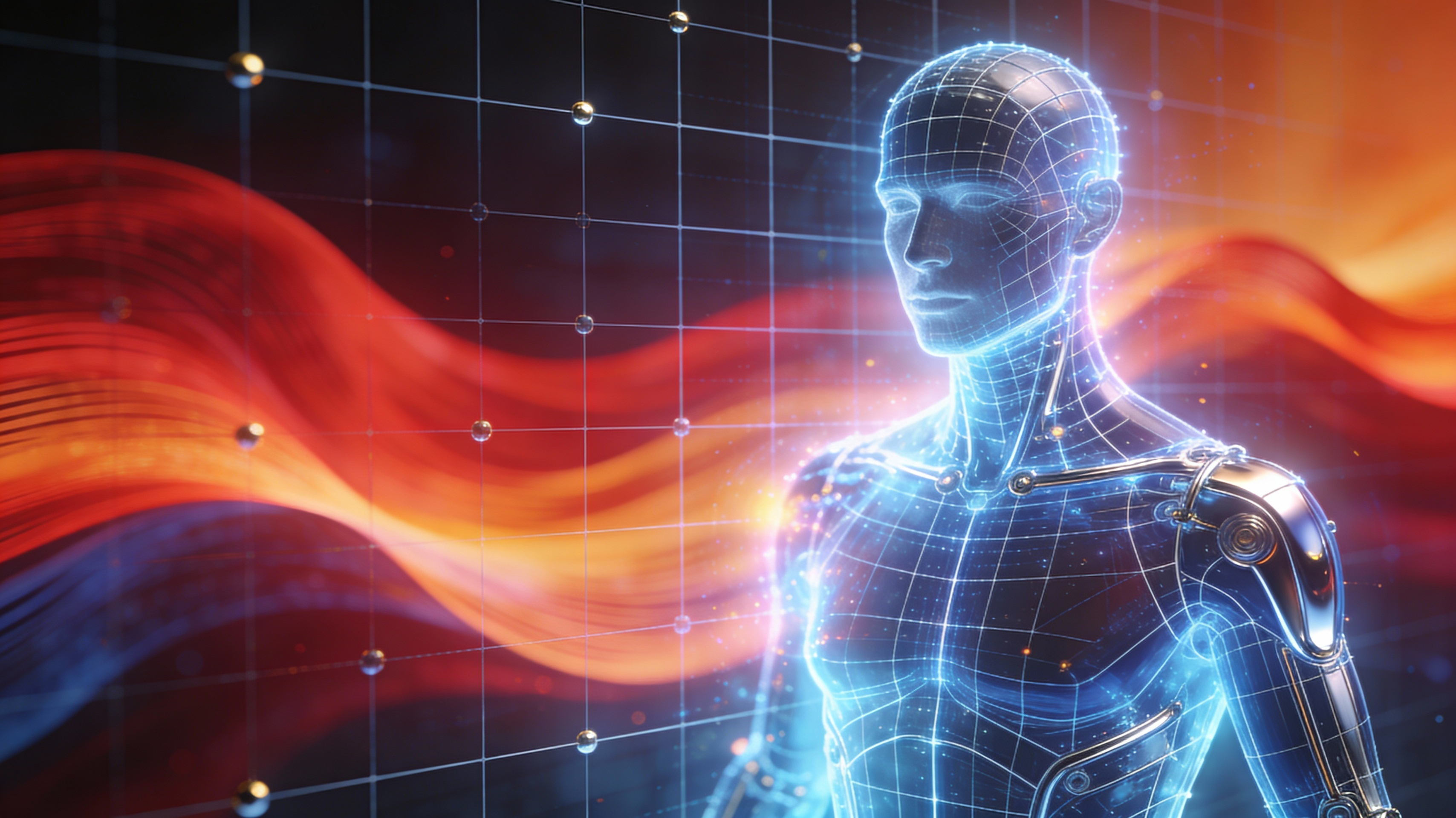
Our AI is trained on millions of images, ensuring that outlines accurately represent the subject's proportions and key features, reducing the time spent on initial sketching and preventing common errors. This allows you to focus on artistic expression rather than struggling with fundamental structure.
Unlock 15+ Outline Styles
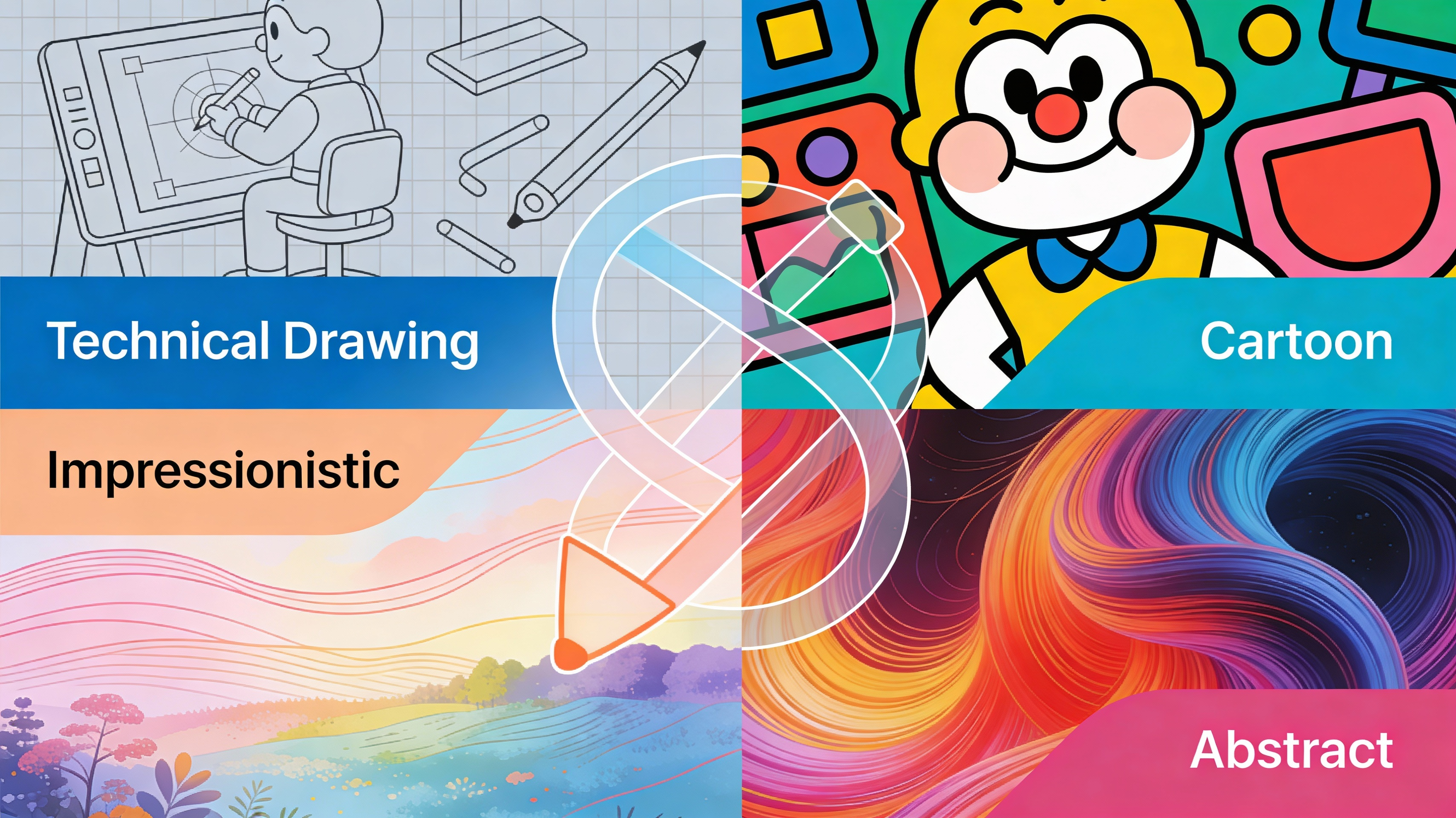
Experiment with a range of preset outline styles, including 'Technical Drawing,' 'Cartoon,' 'Impressionistic,' and 'Abstract.' These styles modify the character and thickness of the lines, offering diverse starting points for your artistic endeavors. Find the perfect style to match your envisioned final artwork.
Export in Scalable Vector Graphics (SVG)
Download your outlines as SVG files, allowing you to resize them without pixelation or loss of detail. This is crucial for creating large-format prints, detailed illustrations, or incorporating the outline into complex graphic designs. SVGs also offer editable paths, making them ideal for further refinement in vector editing software.

FAQs
Discover related AI tools:
Browse Related Content
Explore AI-generated things to draw outline artwork from our community
More From BasedLabs



Generate Your Perfect Outline Now
Join millions of creators using BasedLabs to generate professional, scroll-stopping content for social media, YouTube, marketing, and more — in seconds. Produce high-quality AI-generated videos and images optimized for engagement and reach. Streamline your content workflow and scale faster.
