 AI TikTok app - Go viral!Go viral on TikTok with AI influencers, pranks & trends. Free iOS app - pay with Apple Pay or card.Get It Free →
Stuff to trace
Easily convert images into outlines and line art for tracing and creative projects.
Try a style:
How to use Stuff to trace
Steps to get you started in BasedLabs.

Step 1
Upload Your Image
Select and import the image you want to convert into a tracing template.
Click the 'Upload Image' button and choose the image from your device. Ensure the image is clear and well-lit for optimal results.

Step 2
Adjust the Settings
Customize the outline detail and clarity to your liking.
Use the provided sliders and settings to adjust the level of detail in the generated outline. Experiment with different settings to achieve the desired effect.

Step 3
Download the Template
Save the converted image to your device and start tracing.
Once you are satisfied with the outline, click the 'Download' button to save the image in a format suitable for printing or digital tracing.
Saves Time and Effort
Instead of spending hours manually drawing outlines, our tool instantly generates clean and accurate tracing templates from your images.
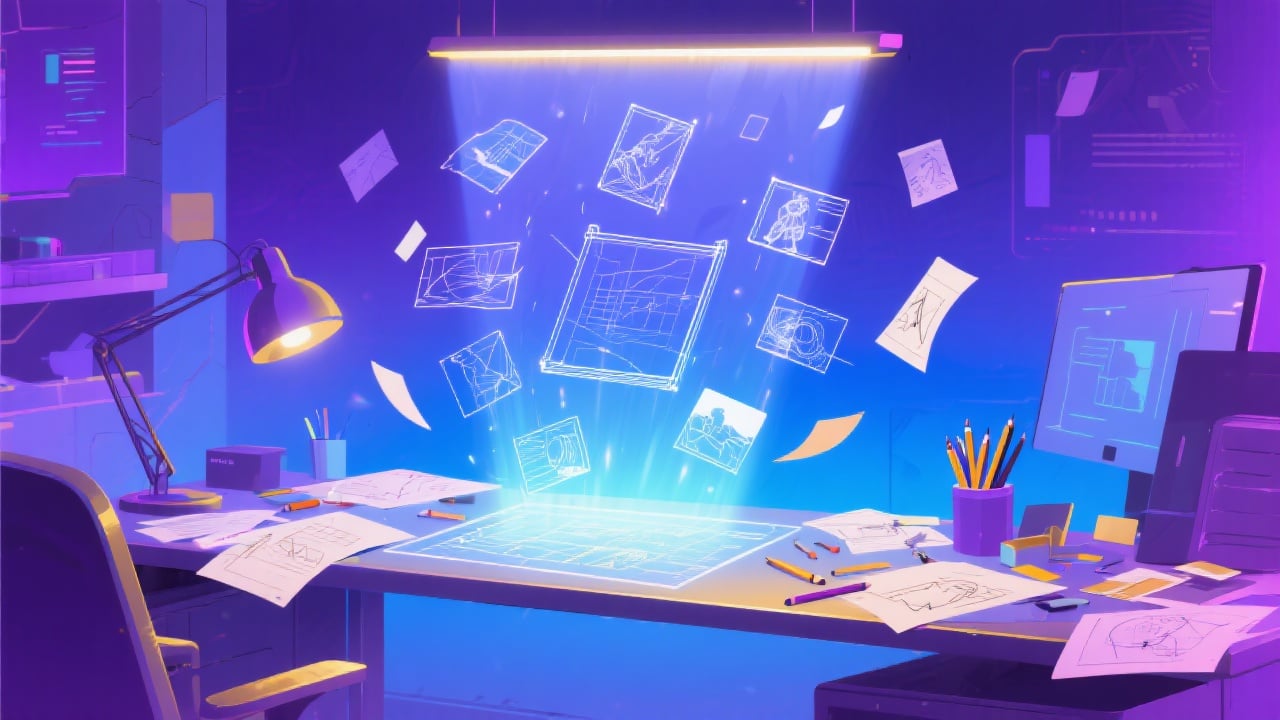
Enhances Creativity
By providing a simplified outline, our tool allows you to focus on adding your own creative flair and personal touches to your artwork.
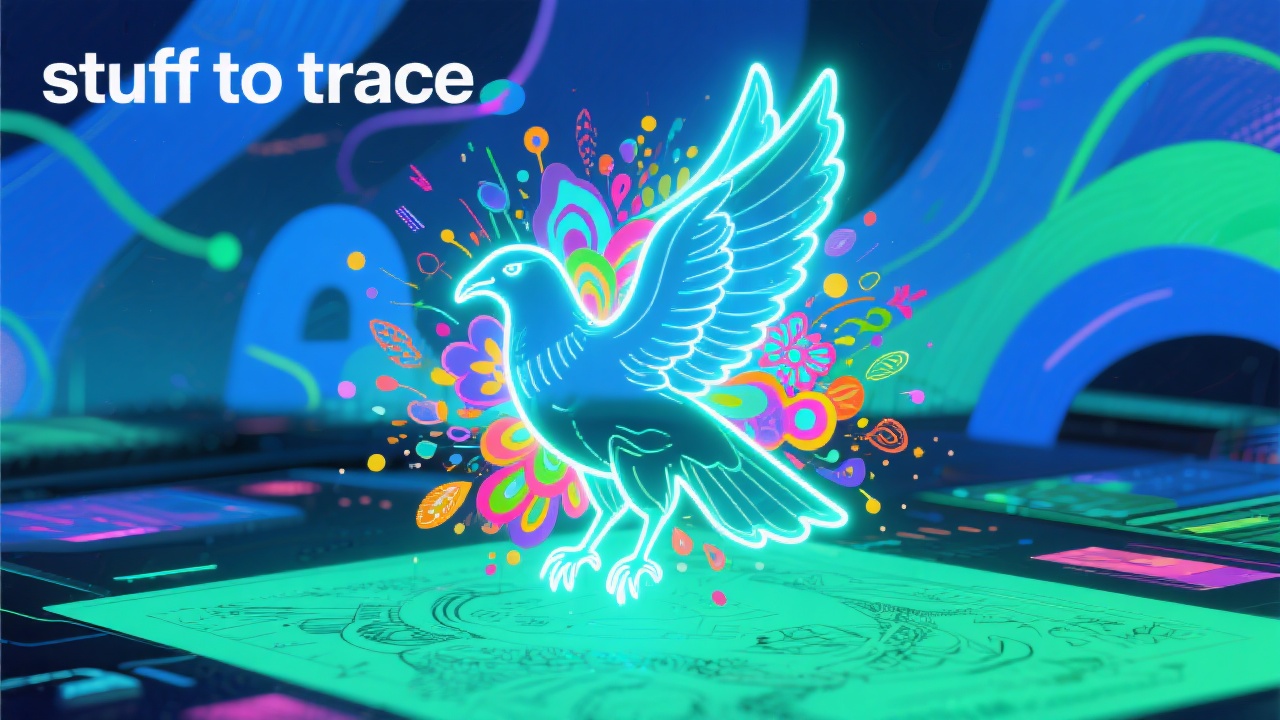
Easy to Use
Our intuitive design and clear instructions make it easy for anyone, regardless of their skill level, to create tracing templates in just a few clicks.
FAQs
Discover related AI tools:
- 0
Browse Related Content
Explore AI-generated stuff to trace artwork from our community
More From BasedLabs



Ready to Trace?
Join millions of creators using BasedLabs to generate professional, scroll-stopping content for social media, YouTube, marketing, and more — in seconds. Produce high-quality AI-generated videos and images optimized for engagement and reach. Streamline your content workflow and scale faster.
