 AI TikTok app - Go viral!Go viral on TikTok with AI influencers, pranks & trends. Free iOS app - pay with Apple Pay or card.Get It Free →
Simple Harley Quinn Tattoo Generator
Generate minimalist Harley Quinn tattoo designs with clean linework and iconic elements like her diamond patterns, baseball bat, and signature pigtails. Perfect for small placements and first-time ink.
Try a style:
So, you're looking for a simple Harley Quinn tattoo? You've landed in the right place! Our Simple Harley Quinn Tattoo Generator is designed to help you visualize and create the perfect, clean design. When you use it, you'll find that it excels at generating minimalist Harley Quinn tattoo designs that are ideal for smaller placements, whether it's behind an ear, on your wrist, or ankle. Our tool focuses on iconic elements that translate well to simple linework, like her diamond patterns, baseball bat, and the instantly recognizable pigtails.
Our users typically use this generator to get a quick visual for inspiration, or before consulting with a tattoo artist. If you're considering a small Harley Quinn tattoo for your first piece of ink, this is an excellent way to explore different styles and see what resonates with you. Experiment with different prompts mentioning "classic jester" versus the "modern" Harley. Pro-tip: try using prompts like "Harley Quinn initial tattoo" or "Harley Quinn heart tattoo" for more unique takes! The goal here is to provide a starting point, and we encourage you to refine the generated images with your artist to perfectly capture your vision.
How to use Simple Harley Quinn Tattoo Generator
Steps to get you started in BasedLabs.

Step 1
Select Your Iconic Element
Choose your signature Harley symbol
Start by selecting which Harley Quinn element best represents your style: her red-and-black diamond pattern for geometric lovers, the baseball bat for edgier aesthetics, jester hat for classic fans, or text elements like 'Puddin' for typography enthusiasts. Consider placement—diamonds work beautifully on wrists and ankles, while the bat suits forearms and calves. You can also specify linework thickness (thin for delicate, bold for statement pieces) and whether you want pure outlines or minimal fill patterns.

Step 2
Customize Placement and Proportions
Optimize for your body placement
Adjust your design's orientation and proportions based on intended placement. Vertical designs work best for spine, ribs, and behind-the-ear placements, while horizontal layouts suit wrists, ankles, and collarbone areas. Use the sizing preview to see how your design looks at actual tattoo dimensions (1-4 inches). Add subtle details like small hearts, stars, or playing card suits as accent elements, keeping them proportional to avoid cluttering—each additional element should be at least 0.5 inches to maintain clarity after healing.

Step 3
Generate and Refine Variations
Create multiple options for your artist
Generate 3-5 variations with different line weights, element arrangements, and detail levels. Save versions with and without text, mirrored orientations for left/right placement options, and both standalone symbols and combined designs. Export each variation as a high-resolution file, then consult with your tattoo artist about which version will age best based on your skin type and chosen placement—they may suggest slight modifications to line spacing or element sizing for optimal longevity.
Tattoo-Optimized Line Weights
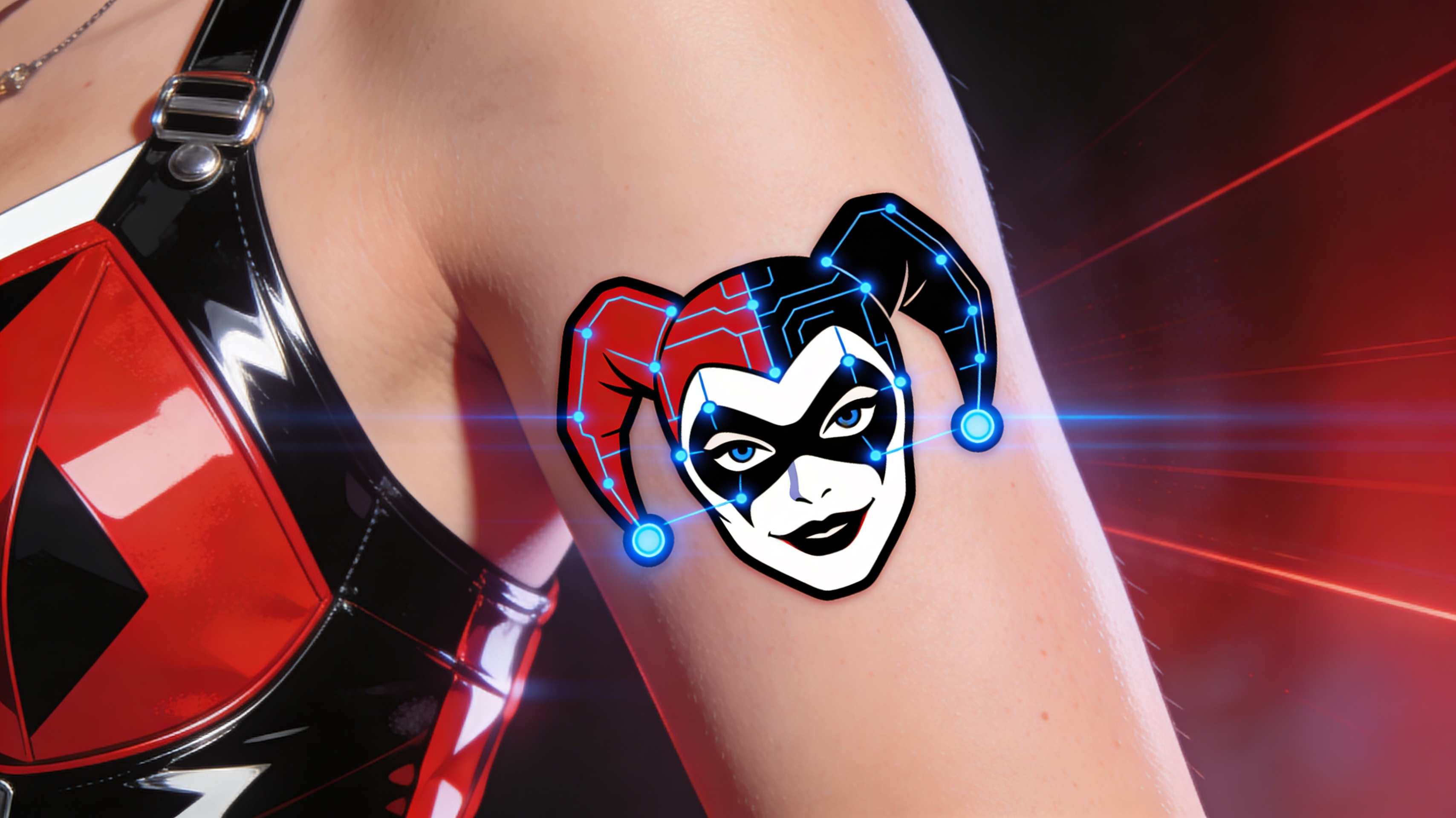
Our AI generates designs with line weights specifically calibrated for tattoo application, ranging from 0.5mm delicate lines to 2mm bold outlines. Unlike generic illustration tools, each design accounts for ink spread and healing, ensuring your simple Harley Quinn tattoo maintains crisp edges years after application. The system automatically adjusts line spacing based on your selected size to prevent bleeding and preserve detail integrity.
Placement-Specific Previews
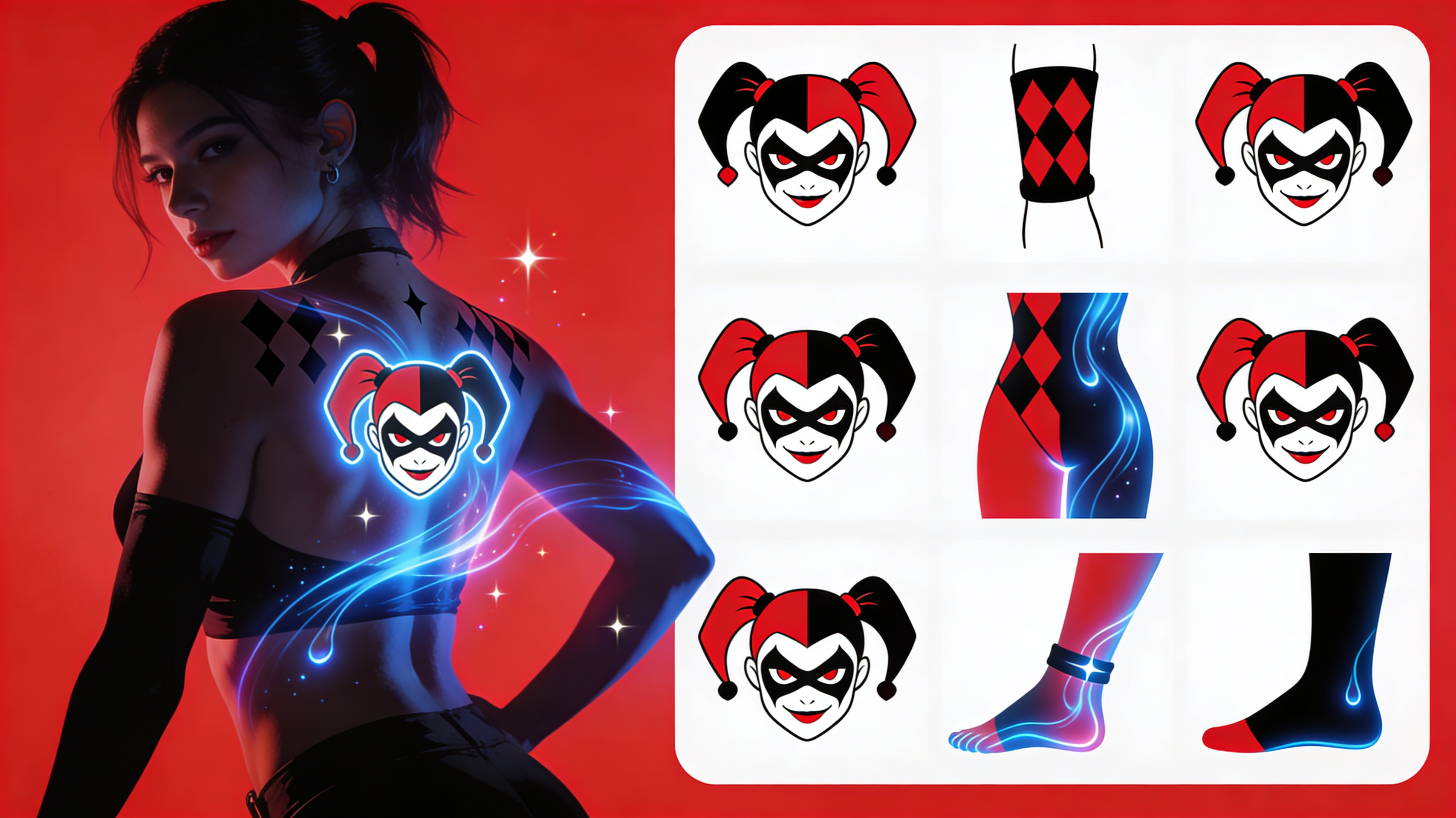
Preview your simple Harley Quinn design on 12+ common tattoo placements including wrist, ankle, shoulder blade, behind ear, and ribcage with accurate size scaling. See how your chosen design flows with natural body curves and muscle contours before committing to ink. Each preview shows the design at true-to-life dimensions, helping you decide if you need to scale up for impact or simplify elements for smaller placements.
Stencil-Ready Export Options
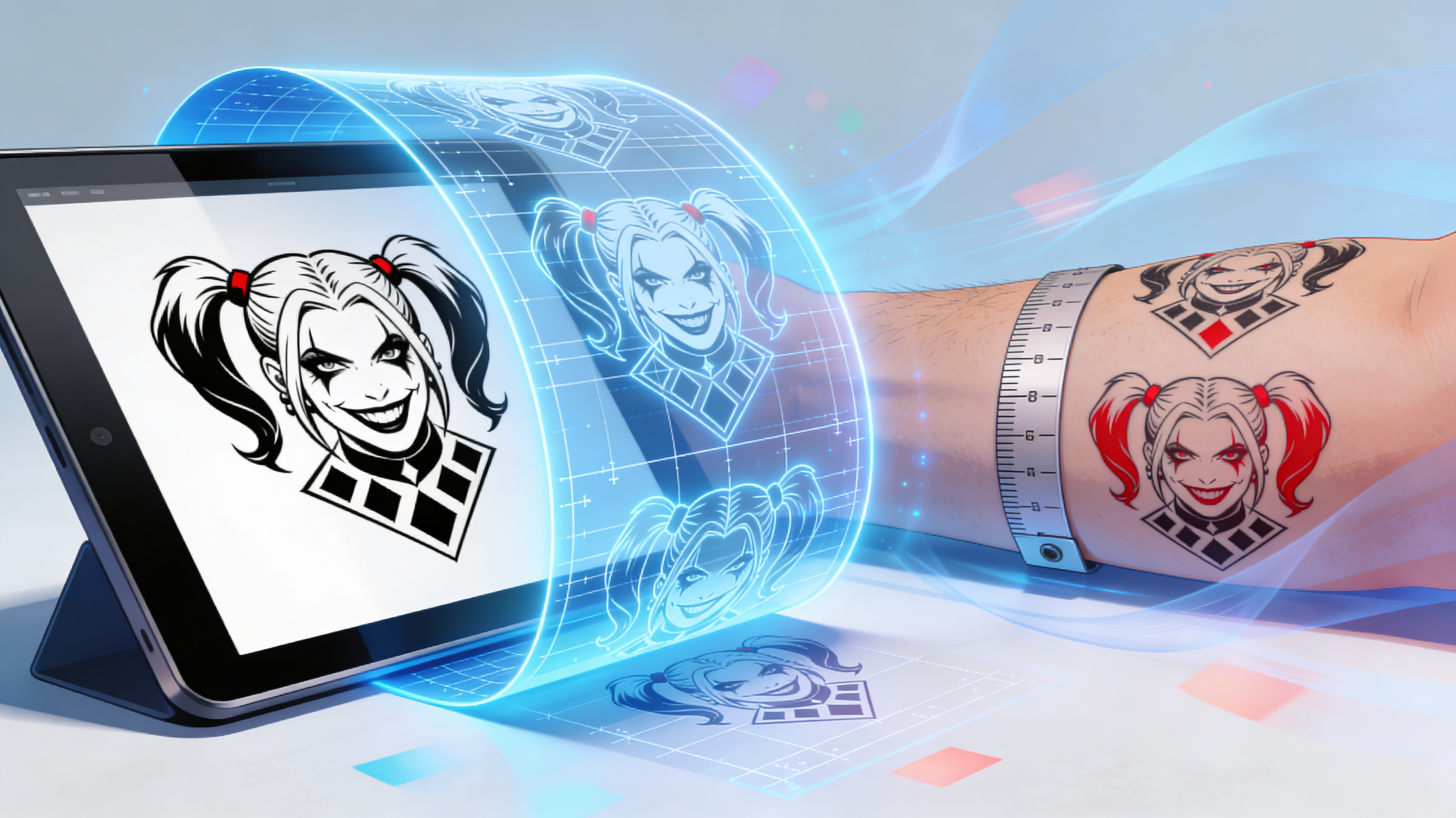
Download designs in multiple formats optimized for tattoo stencil transfer: high-contrast black-and-white PNG at 300+ DPI, scalable vector files for size adjustments, and mirrored versions for symmetrical placements. Each export includes a size reference ruler and color separation layers if you decide to add spot color later, ensuring your tattoo artist has everything needed for precise application without redrawing.
FAQs
Discover related AI tools:
- Road Tattoo Ideas Generator
- Tombstone Tattoo Ideas Generator
- Crossword Puzzle Tattoo Generator
- Virgo Tattoos For Men Generator
- Ohio State Tattoo Ideas Generator
- Fear God Tattoo Design Generator
- GD Level Name Generator
- Free AI Image Generator No Restrictions
- AI Nude Filter - Free Online Tool
- AI Face Swap - Free Online Tool
- Goth AI Art Generator
- Xbox Code Generator - Free 2026
Browse Related Content
Explore AI-generated simple harley quinn tattoo generator artwork from our community
More From BasedLabs



Design Your Harley Quinn Tattoo Now
Join millions of creators using BasedLabs to generate professional, scroll-stopping content for social media, YouTube, marketing, and more — in seconds. Produce high-quality AI-generated videos and images optimized for engagement and reach. Streamline your content workflow and scale faster.
