 AI TikTok app - Go viral!Go viral on TikTok with AI influencers, pranks & trends. Free iOS app - pay with Apple Pay or card.Get It Free →
Simple Demon Tattoo Designs Generator
Generate minimalist demon tattoo concepts with clean linework and symbolic elements. Create personalized designs from traditional oni masks to modern geometric demons, perfect for placement previews and artist consultations.
Try a style:
Looking for a unique and potent tattoo, but prefer something clean and uncluttered? You've landed in the right place. This Simple Demon Tattoo Designs Generator is tailored for crafting minimalist demon tattoo ideas. It lets you explore the powerful imagery of demons in an accessible way. When you use it, you’ll find that focusing on key symbolic features – a stylized horned silhouette, a menacing grin, or even just abstract geometric shapes hinting at the demonic – is the key to impactful small demon tattoo sketches.
Our users typically leverage this tool for a few core reasons. First, it's a great visual brainstorming partner. Experiment with different elements like traditional oni masks, simplified tribal patterns, or sharp, angular designs drawing inspiration from modern art. Second, you can use the designs as placement previews on your body using photo editing – seeing how a minimalist demon graphic flows with your arm or sits on your shoulder blade is invaluable. Finally, these designs offer a starting point for a conversation with your tattoo artist, ensuring your vision translates perfectly into ink. Think of it as fuel for creativity, helping you nail down your perfect simple demon tattoo designs.
How to use Simple Demon Tattoo Designs Generator
Steps to get you started in BasedLabs.

Step 1
Define Your Demon Style
Choose aesthetic and symbolism
Select your preferred demon aesthetic from options like traditional oni masks with fierce expressions, minimalist horned silhouettes, geometric demon heads with angular features, or tribal-style demon symbols. Specify key elements such as horn style (curved, straight, or ram-like), facial features (fanged, masked, or abstract), and additional symbols (flames, pentagrams, or Japanese kanji). Consider whether you want a front-facing design for symmetry or a profile view for dynamic placement on curved body areas like shoulders or calves.

Step 2
Customize Linework and Complexity
Adjust detail level for placement
Set the line weight and detail density based on your intended tattoo size and placement. For designs under 3 inches, choose bold outlines (3-5mm thick) with minimal internal detail to ensure longevity and clarity. Specify whether you want solid blackwork, dotwork shading, or pure linework without fill. Adjust the number of elements—a simple horned skull might work for a 2-inch design, while a 4-inch piece could incorporate subtle flame accents or decorative borders without overwhelming the composition.

Step 3
Generate and Refine Variations
Create placement-specific options
Generate multiple variations with different orientations: vertical designs for forearms and calves, horizontal layouts for upper back or chest, and circular compositions for shoulders or thighs. Create mirrored versions if considering symmetrical placements like both wrists or ankles. Export designs at actual size and print them to test against your skin using temporary tattoo paper or stencil markers—this reveals whether fine details will hold up and if the overall composition fits your body's natural contours before your artist consultation.
Placement-Optimized Scaling
Every generated design automatically adapts to common tattoo placements with appropriate detail density for each size range. Wrist and ankle designs (1.5-3 inches) feature bolder lines and simplified elements, while shoulder and thigh pieces (4-6 inches) include refined details that won't blur over time. The system analyzes line weight ratios and negative space to ensure your demon design maintains visual impact whether scaled for a discrete 2-inch piece or a statement 5-inch tattoo.
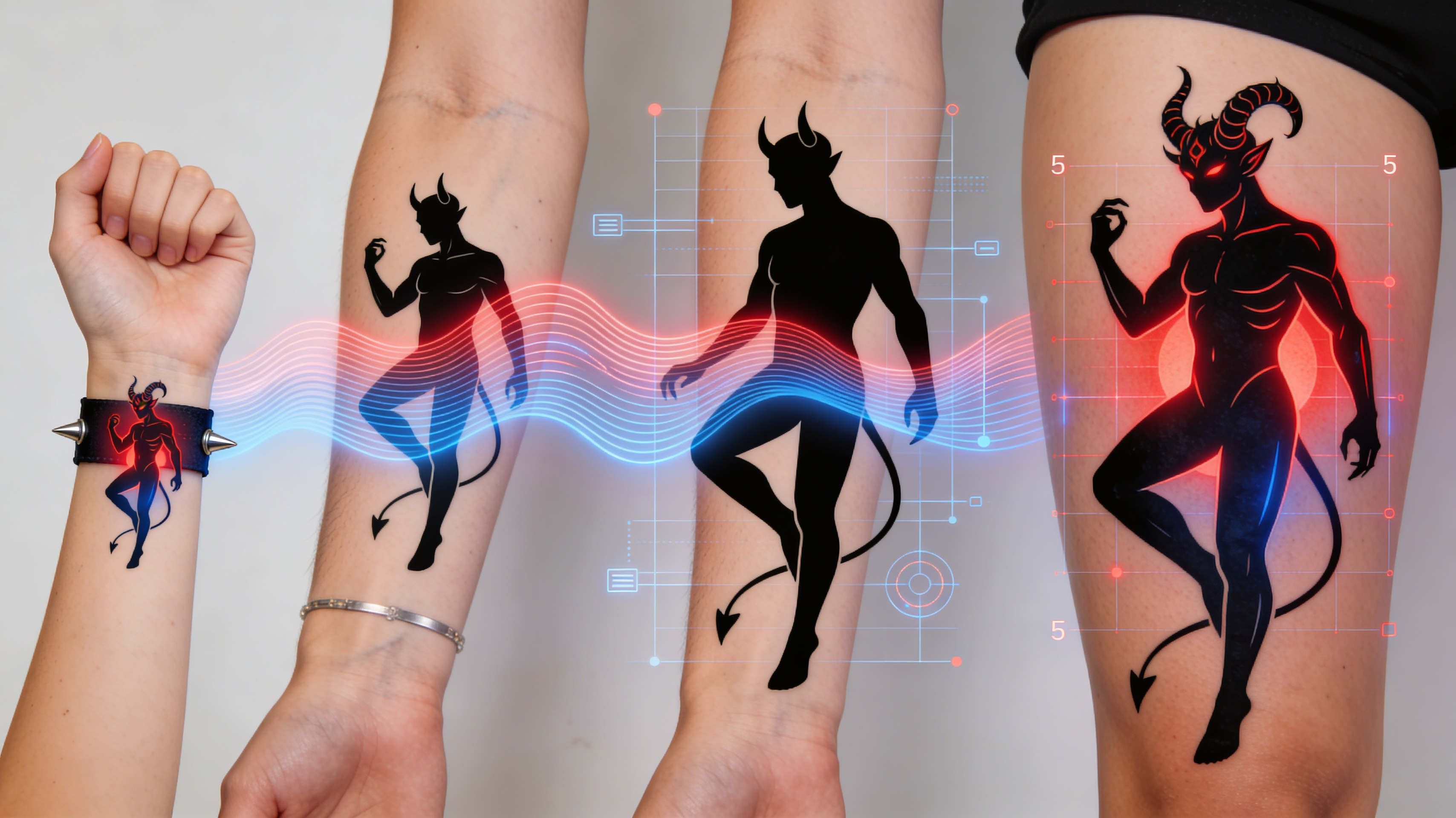
Cultural Style Authenticity
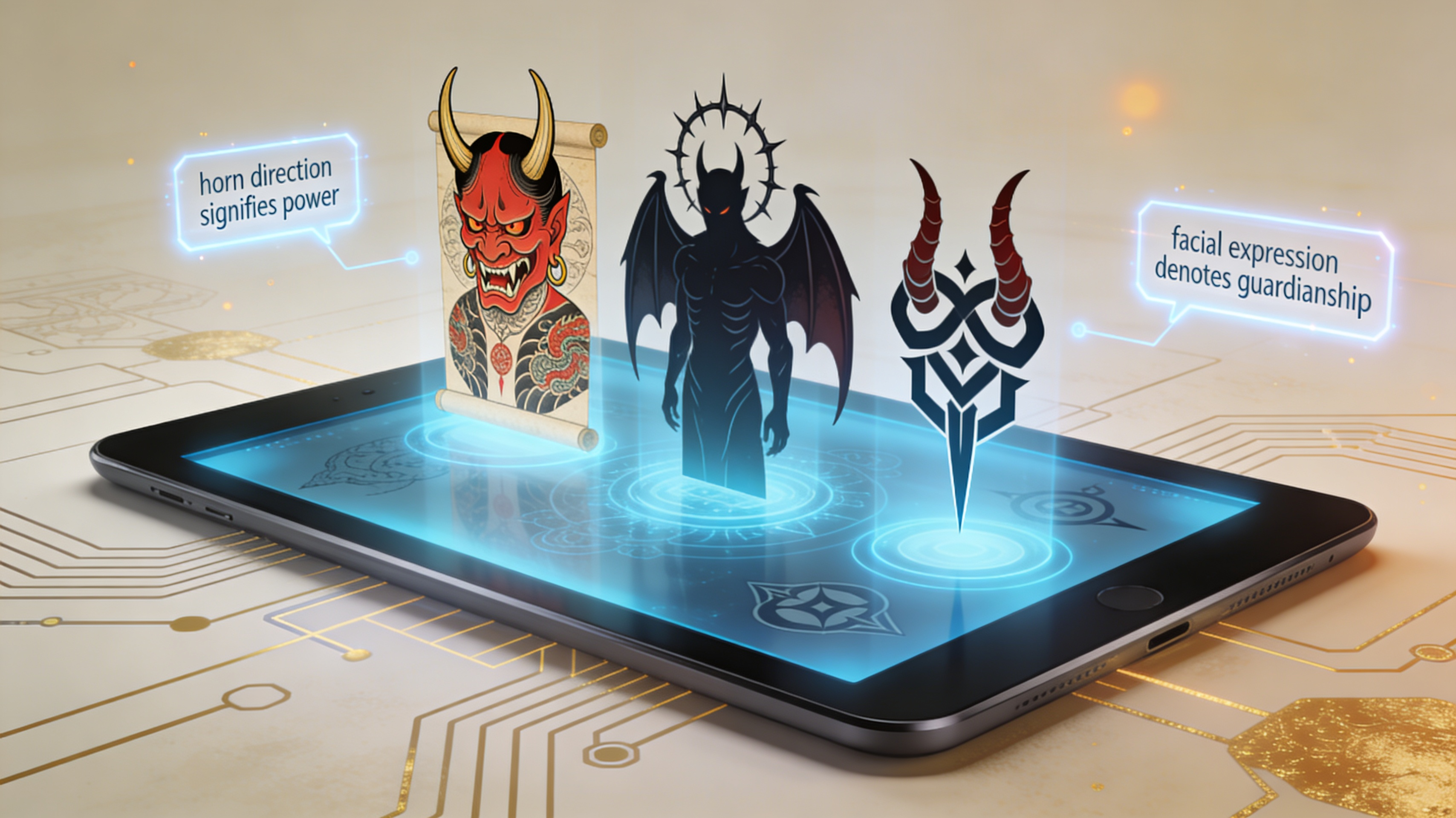
Access demon design elements rooted in authentic cultural traditions—Japanese oni with historically accurate horn placements and facial proportions, Western medieval demon imagery with period-appropriate symbolism, or modern geometric interpretations that respect traditional meanings. Each style category includes reference notes explaining the symbolism of elements like horn direction, facial expressions, and accompanying symbols, helping you choose designs that align with your intended meaning rather than generic "demon" imagery.
Stencil-Ready Output Format
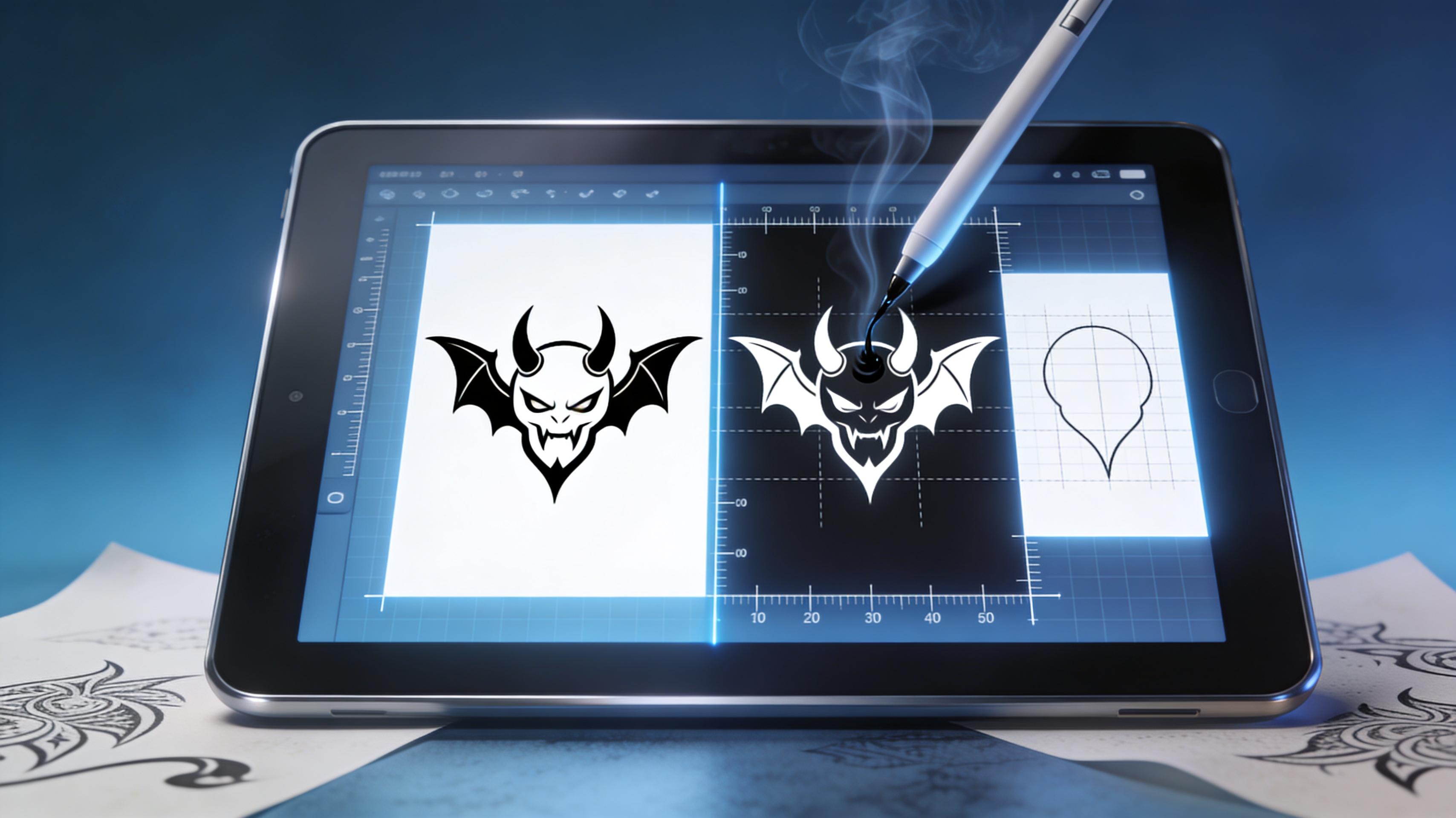
Designs export as high-contrast, stencil-optimized files with clean vector-quality lines at 300+ DPI resolution, eliminating the pixelation issues that plague screenshot-based references. Each design includes a measurement grid overlay and comes in both positive (black on white) and negative (white on black) versions for different transfer paper types. You'll also receive a simplified outline-only version that tattoo artists can easily trace and modify during consultations without losing detail to compression or scaling artifacts.
FAQs
Discover related AI tools:
- Road Tattoo Ideas Generator
- Tombstone Tattoo Ideas Generator
- Crossword Puzzle Tattoo Generator
- Virgo Tattoos For Men Generator
- Ohio State Tattoo Ideas Generator
- Fear God Tattoo Design Generator
- GD Level Name Generator
- Free AI Image Generator No Restrictions
- AI Nude Filter - Free Online Tool
- AI Face Swap - Free Online Tool
- Goth AI Art Generator
- Xbox Code Generator - Free 2026
Browse Related Content
Explore AI-generated simple demon tattoo designs generator artwork from our community
More From BasedLabs



Design Your Demon Tattoo Concept Now
Join millions of creators using BasedLabs to generate professional, scroll-stopping content for social media, YouTube, marketing, and more — in seconds. Produce high-quality AI-generated videos and images optimized for engagement and reach. Streamline your content workflow and scale faster.
