 AI TikTok app - Go viral!Go viral on TikTok with AI influencers, pranks & trends. Free iOS app - pay with Apple Pay or card.Get It Free →
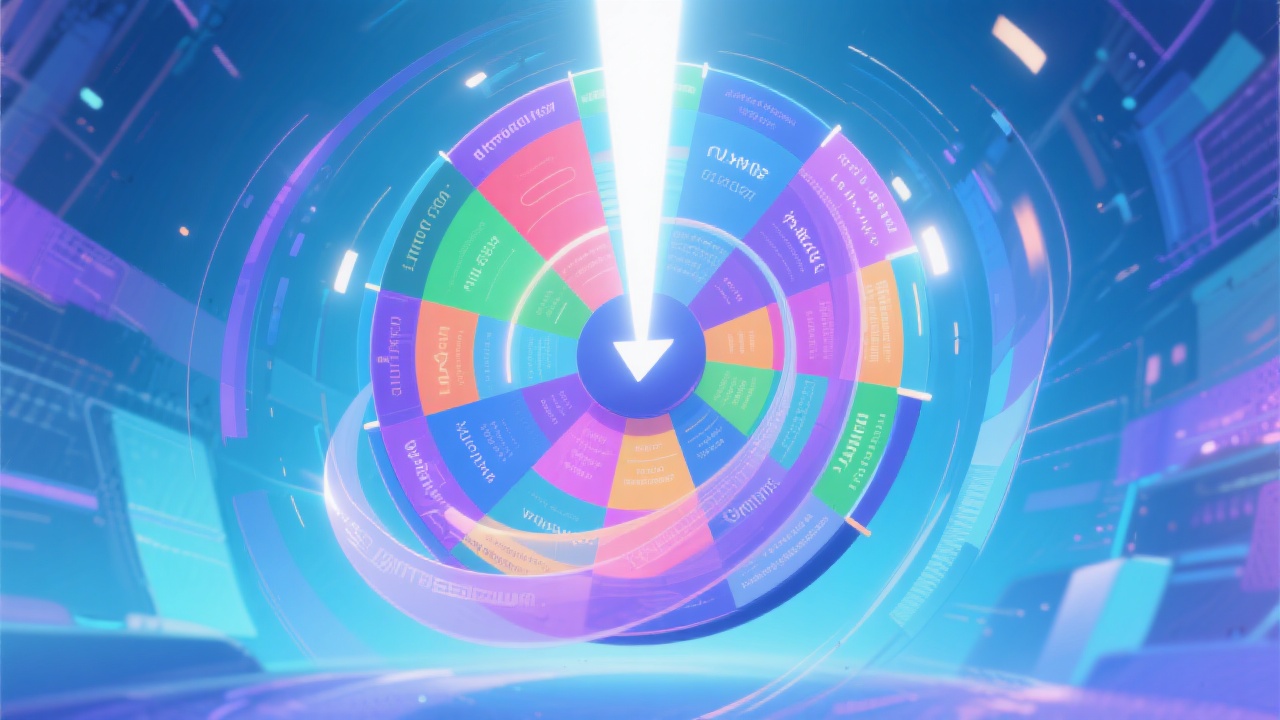
Random Theme Wheel
Create a personalized theme wheel for brainstorming, decision-making, games, and creative activities!
Try these examples:
How to use Random Theme Wheel
Steps to get you started in BasedLabs.

Step 1
Add Your Themes
Start by adding the themes you want to include on your random theme wheel. Simply type each theme into a new segment. You can add as many or as few themes as you need.

Step 2
Spin the Wheel
Once you've added your themes, click the 'Spin' button to activate the wheel. Watch as it spins and randomly selects one of the themes you've entered.

Step 3
Use the Chosen Theme
After the wheel stops, the selected theme will be highlighted. Use this theme as the basis for your brainstorming, decision-making, game, or creative activity. Have fun!
Sparks Creativity
Overcome creative blocks with a spin! Random theme selection encourages out-of-the-box thinking and innovative solutions.

Simplifies Decision Making
Struggling to decide? The random theme wheel takes the guesswork out of choosing, making decisions quick and easy.
Enhances Engagement
Bring excitement to classrooms and meetings! The interactive nature of the wheel keeps participants engaged and motivated.

FAQs
Discover related AI tools:
- 0
Browse Related Content
Explore AI-generated random theme wheel artwork from our community
More From BasedLabs



Create Your Random Theme Wheel Now!
Join millions of creators using BasedLabs to generate professional, scroll-stopping content for social media, YouTube, marketing, and more — in seconds. Produce high-quality AI-generated videos and images optimized for engagement and reach. Streamline your content workflow and scale faster.
