 AI TikTok app - Go viral!NEW: Seedream 5 by ByteDance. Sharper prompts, native text in 14 languages, precise edits. Try it now.Try It Now →
Random R6 Operator Generator
Eliminate operator selection bias and discover new playstyles with our Rainbow Six Siege operator randomizer. Perfect for challenge runs, fair team compositions, and breaking out of main operator habits across all 70+ operators.

Ready to shake up your Rainbow Six Siege experience? You've found the right place. Our random R6 operator generator is designed to help you break free from predictable play. When you use it, you'll find that it's more than just a novelty; it's a powerful training tool. We know how easy it is to fall into the trap of maining a few comfortable operators, but limiting yourself means missing out on unique strategies and synergies.
Our users typically employ the Rainbow Six Siege operator randomizer in a few key ways. For example, try using it to create a completely randomized attacking or defending team with different operators to challenge your squad's adaptability. Or, if you're a solo player, consider using the r6 random operator picker to force yourself to learn new operators and how to leverage their gadgets effectively in different situations. Practical tip: use the filters to narrow down your operator pool by role (e.g., hard breacher, roamer) before generating a random pick to create more balanced scenarios, or further challenge yourself by turning off filtering for a truly random operator!
How to use Random R6 Operator Generator
Steps to get you started in BasedLabs.

Step 1
Select Your Operator Pool
Choose attackers, defenders, or both
Start by defining your operator pool based on your needs. Select 'Attackers Only' for offensive rounds, 'Defenders Only' for defensive setups, or 'All Operators' for maximum variety. Use advanced filters to exclude operators you've recently played, limit selections to specific speed ratings (1-speed anchors vs 3-speed roamers), or create themed challenges like 'intel operators only' or 'no gadget destroyers' to practice specific tactical scenarios.

Step 2
Generate Your Random Operator
Click to get your assignment
Hit the generate button to receive your randomly selected operator with full details including name, role, speed/armor rating, and primary gadget. For team play, use the 'Generate 5' option to create a full squad composition without duplicates. The generator uses weighted randomization to ensure fair distribution across CTUs and prevents the same operator from appearing in consecutive generations during your session.

Step 3
Lock In and Adapt Your Strategy
Commit to the selection
Accept your randomly generated operator and adapt your playstyle accordingly—study their loadout options, gadget synergies with teammates, and optimal site positions before the round starts. Pro tip: Use the 'Save History' feature to track which operators you've played, identify gaps in your roster knowledge, and create a balanced practice schedule that covers hard breachers, support ops, fraggers, and anchor roles equally.
Complete Operator Database
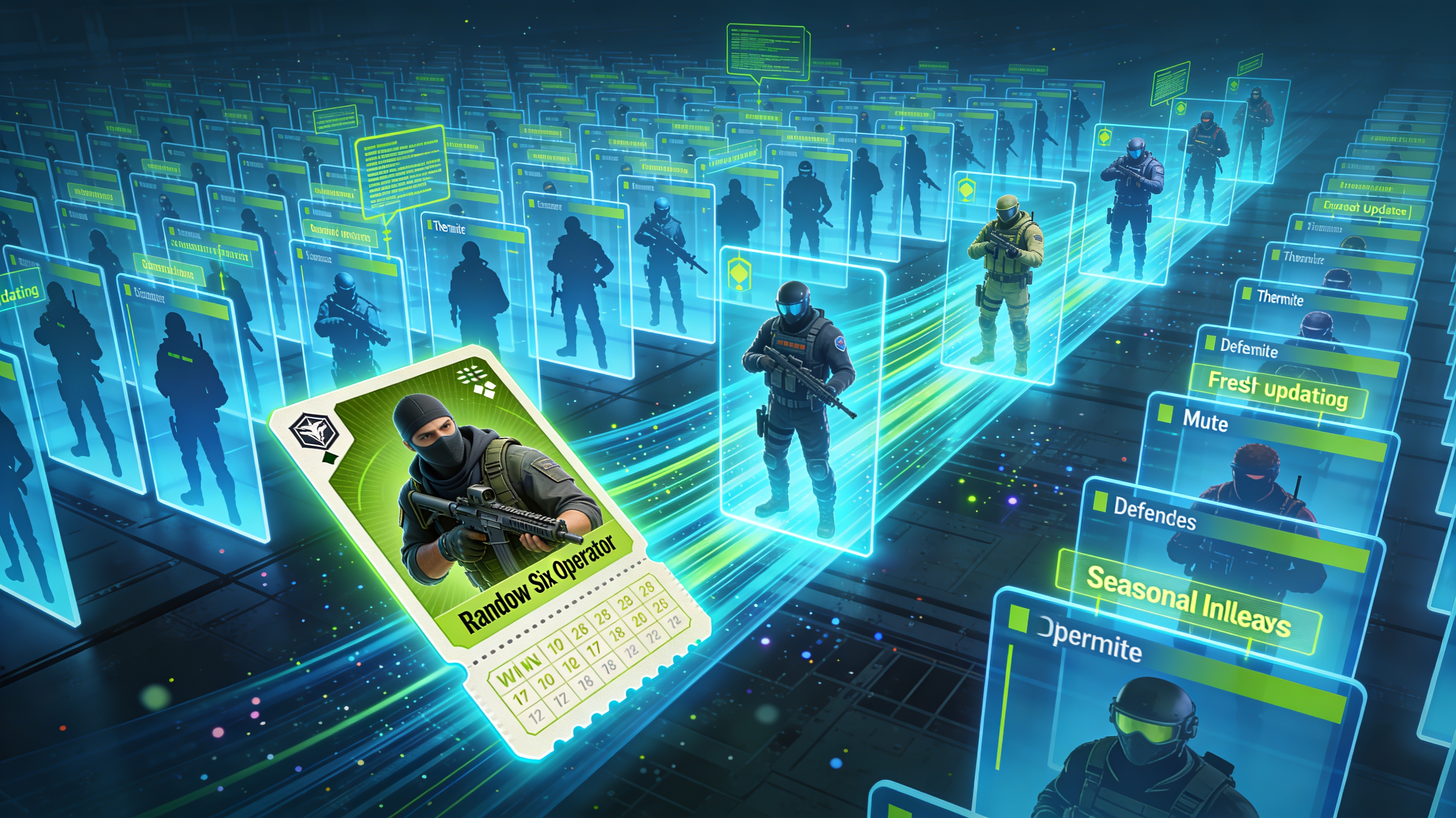
Access the full Rainbow Six Siege operator roster including all attackers and defenders from legacy operators like Thermite and Mute through the latest seasonal releases. Our database updates within 48 hours of new operator launches, ensuring you always have access to the complete competitive pool with accurate stats, gadget descriptions, and role classifications for authentic randomization.
Advanced Filtering System
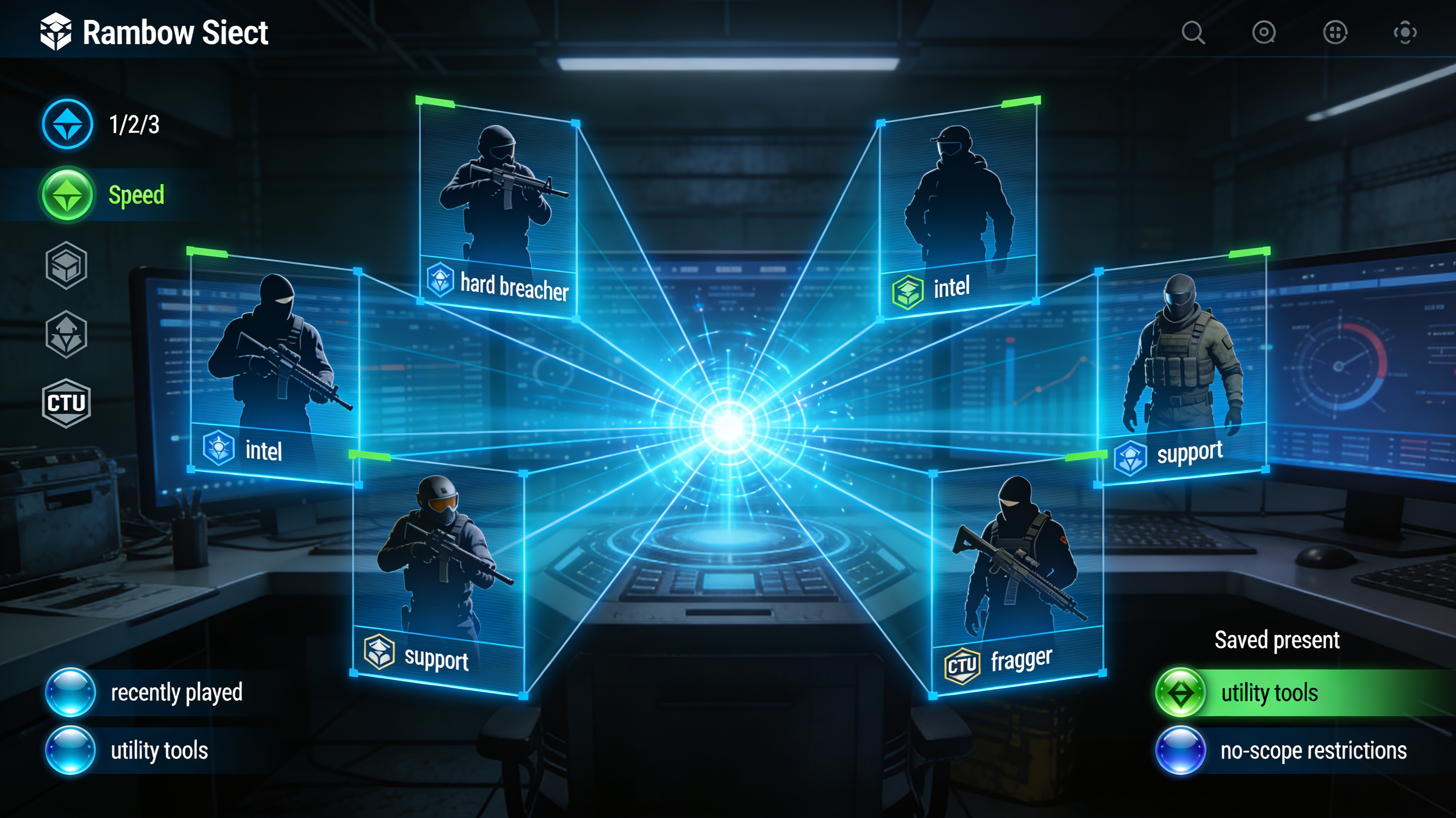
Build specialized operator pools using filters for speed rating (1/2/3), role type (hard breacher, intel, support, fragger), difficulty level, or CTU affiliation. Exclude recently played operators, create challenge modes like 'utility-only' or 'no ACOG scopes', and save custom filter presets for recurring practice sessions or tournament formats that require specific operator restrictions.
Team Composition Generator
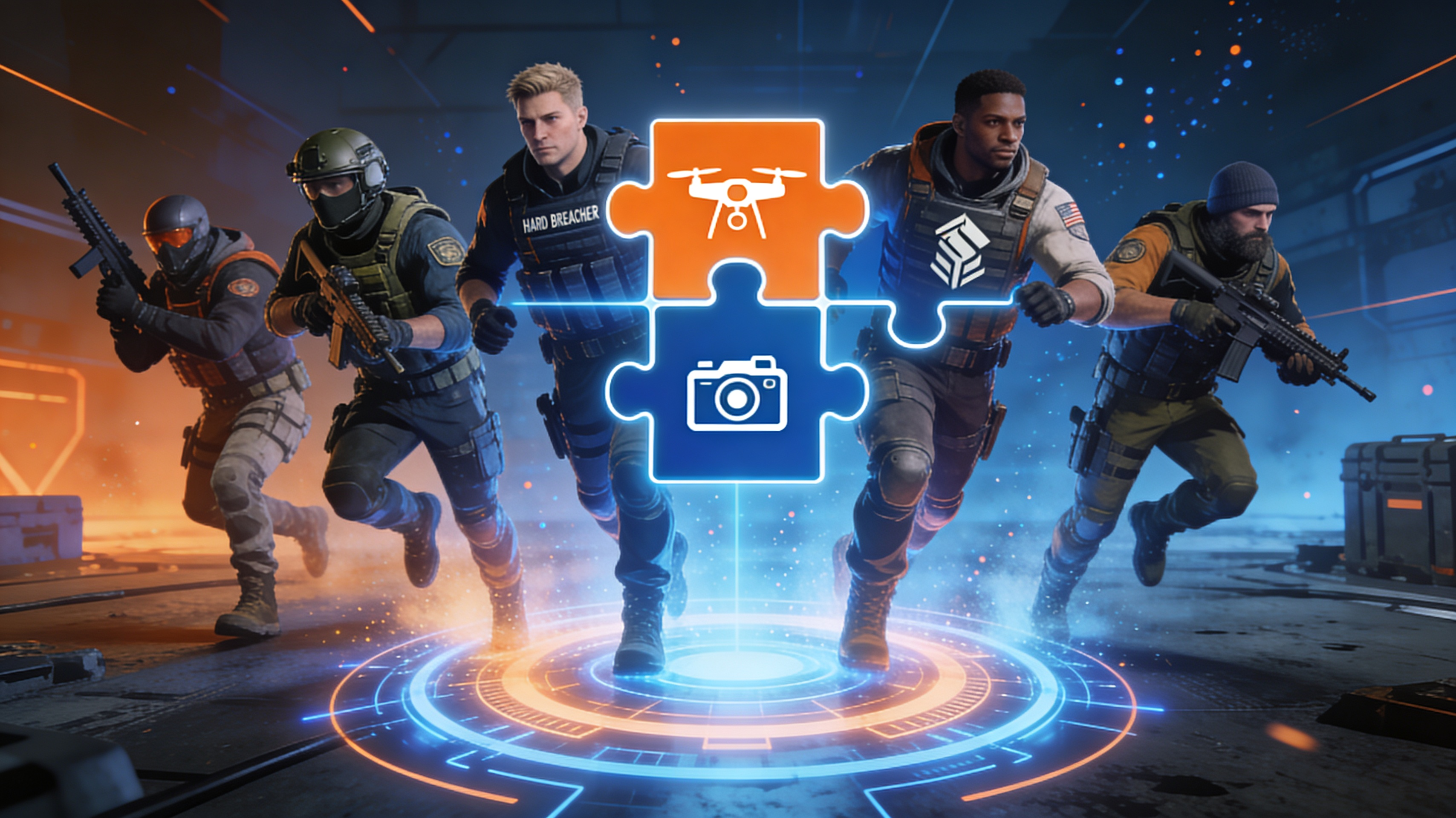
Create full team compositions with one click, automatically ensuring no duplicate operators and optional role balancing that guarantees at least one hard breacher, one intel operator, and proper attacker/defender distribution. Perfect for custom matches, scrimmages, or community events where fair randomization prevents team stacking while maintaining tactical viability across all generated lineups.
FAQs
Discover related AI tools:
- Xbox Code Generator - Free 2026
- Roblox Code Generator - Free 2026
- Smite Randomizer Tool
- Pick A Random NFL Team Generator
- Random Direction Generator
- Random Chore Generator
- vin generator by model year
- random fraction generator
- random team generator with conditions
- 4% as a decimal
- Tattoo Font Generator
- Goth AI Art Generator
Browse Related Content
Explore AI-generated random r6 operator generator artwork from our community
More From BasedLabs



Randomize Your Next R6 Operator
Join millions of creators using BasedLabs to generate professional, scroll-stopping content for social media, YouTube, marketing, and more — in seconds. Produce high-quality AI-generated videos and images optimized for engagement and reach. Streamline your content workflow and scale faster.
