 AI TikTok app - Go viral!NEW: Seedream 5 by ByteDance. Sharper prompts, native text in 14 languages, precise edits. Try it now.Try It Now →
random object generator with pictures
Unleash your creativity with AI-powered object generation. Quickly visualize everyday items in imaginative scenarios, ideal for concept art, product design inspiration, or sparking new ideas with photorealistic results.
Try a style:
Ever find yourself stuck in a creative rut? Our AI-powered tool can help! When you use the random object image creator, you’re not just getting a picture; you’re getting a springboard for new ideas. Forget endlessly scrolling through stock photos – this generator dreams up unique objects and visuals you won't find anywhere else. Need a starting point for a futuristic product design? Simply hit the "Generate" button and watch as the AI crafts a photorealistic rendering of something completely unexpected. You'll find that these AI-generated items work wonders for brainstorming sessions, visual prompts for artists, or even quirky inspiration for writers blocks.
Our users typically leverage the "generate random things with pictures" functionality in surprising ways. For example, game developers find it helpful for quickly conceptualizing props and environmental assets, while marketers use it to create eye-catching social media visuals. Try adjusting the prompt slightly – even something as simple as adding "steampunk" or "organic" can drastically alter the AI's interpretation and open up entirely new creative avenues. Don't be afraid to experiment; the possibilities are endless! Consider also that the AI object image generator is just one component of the wider BasedLabs AI creative platform, which offers many diverse AI tools for unleashing your imagination.
How to use random object generator with pictures
Steps to get you started in BasedLabs.

Step 1
Step 1: Generate a Random Object
Initiate the Object Creation
Click the 'Generate Random Object' button. The AI will automatically select an object and render an initial image. If you don't like the selection, simply click the button again for a new, completely different object.

Step 2
Step 2: Refine the Object's Appearance
Customize the Image Style and Details
Use the 'Refine' feature. Describe the desired appearance of the object – include material (e.g., 'made of glass'), texture (e.g., 'rough'), and style (e.g., 'steampunk'). Utilize the 'Negative Prompt' to specify elements you want to exclude (e.g., 'avoid human faces').

Step 3
Step 3: Download and Utilize the Image
Save and Share Your Creation
Once you're satisfied with the object, click the 'Download' button. You can choose between multiple resolution options, up to 4K. The image is now yours to use in your projects, presentations, or social media. Watermarks are only applied to free trials.
Endless Inspiration
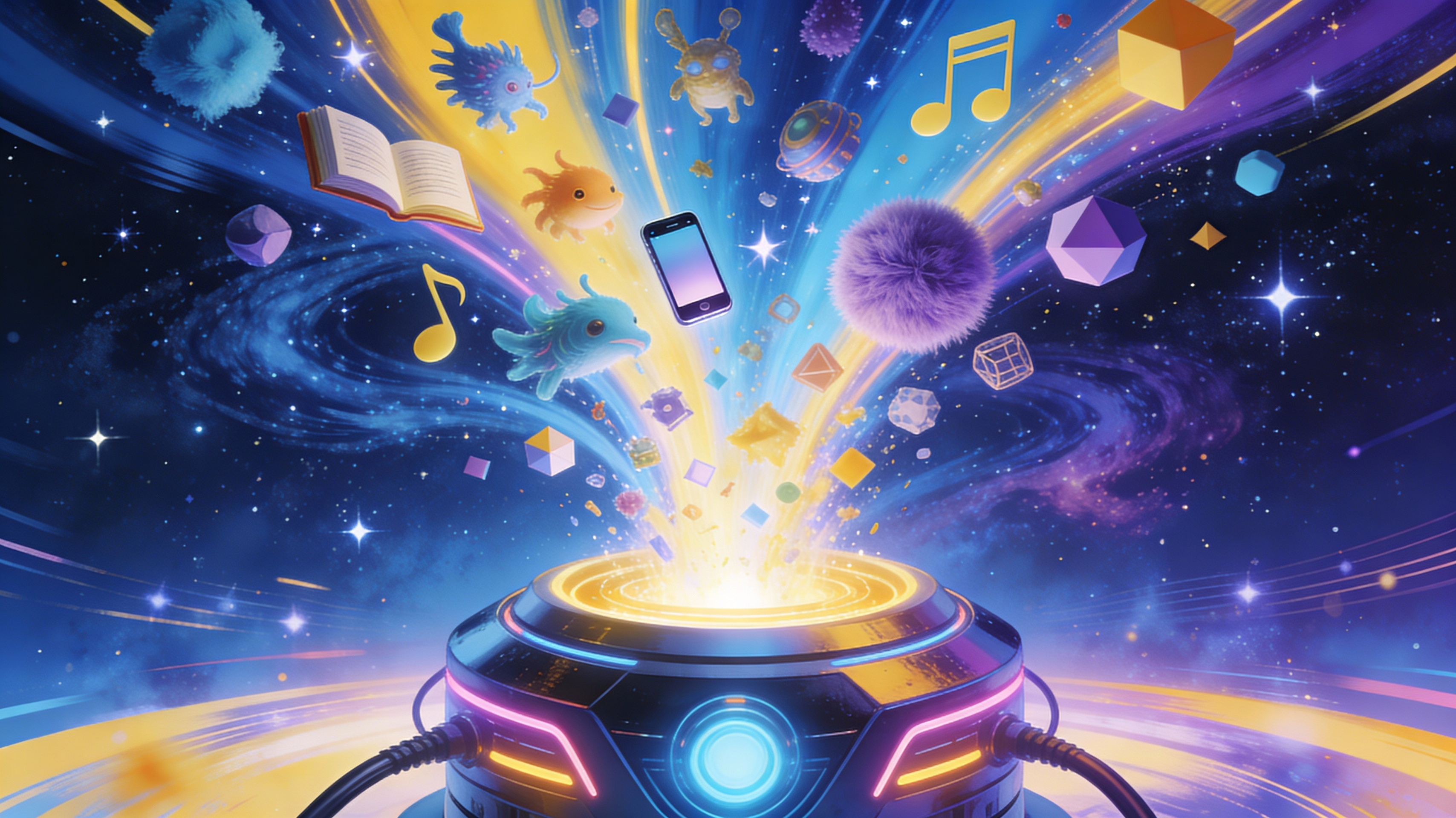
Generate an unlimited number of random objects, each visually distinct. Great for breaking creative blocks, generating product ideas, or visualizing abstract concepts. Our tool eliminates the limitations of human imagination and provides a constant stream of novel concepts.
Fine-Grained Control Over Style
Go beyond simple object generation. With our 'Refine' feature, precisely dictate materials, textures, colors, and artistic styles, ensuring the generated object perfectly aligns with your desired aesthetic. Create consistent visuals for branding, marketing, or artistic projects.

High-Resolution Output
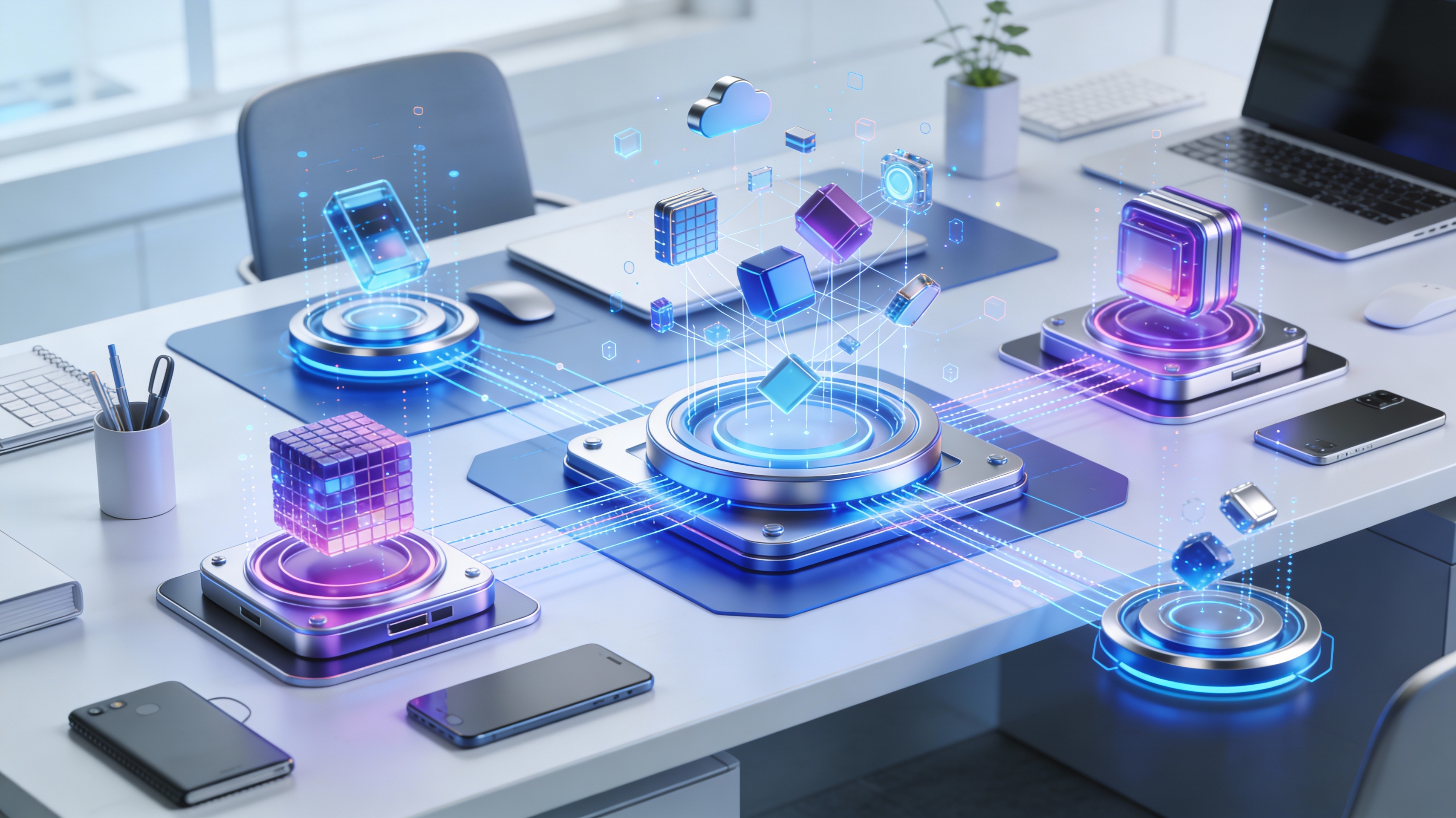
Export your generated object images in resolutions up to 4K, suitable for high-quality prints, website assets, or professional presentations. Eliminate pixelation and ensure your visuals maintain their crispness and clarity, regardless of the application.
FAQs
Discover related AI tools:
- 0
Browse Related Content
Explore AI-generated random object generator with pictures artwork from our community
More From BasedLabs



Visualize the Unexpected: Try the Random Object Generator with Pictures
Join millions of creators using BasedLabs to generate professional, scroll-stopping content for social media, YouTube, marketing, and more — in seconds. Produce high-quality AI-generated videos and images optimized for engagement and reach. Streamline your content workflow and scale faster.
