 AI TikTok app - Go viral!Go viral on TikTok with AI influencers, pranks & trends. Free iOS app - pay with Apple Pay or card.Get It Free →
random direction arrow
Generate unique, stylized random direction arrows for UI elements, map design, or game assets in seconds. Customize arrowheads, shafts, and even add hand-drawn imperfections for a truly bespoke feel.
Try a style:
When you use this random direction arrow generator, you'll discover how much time it saves compared to manually designing arrows in traditional design tools. Whether you're building a navigation interface, creating game HUD elements, or designing infographic components, this AI arrow design tool generates countless variations in seconds. Our users typically start with a base style—perhaps a sleek modern arrow for a mobile app or a weathered, hand-drawn look for an RPG map—then refine the angle, thickness, and decorative elements until they find exactly what they need.
The real power comes from the customization options. You'll find that adjusting arrowhead shapes (from sharp triangular points to rounded caps) and shaft styles (solid, dashed, or even sketchy) creates dramatically different aesthetics. Game designers particularly appreciate the ability to generate entire sets of directional indicators that maintain visual consistency while pointing in all necessary directions. The hand-drawn imperfection slider is especially useful when you want arrows that feel organic rather than sterile—perfect for treasure maps, adventure games, or any project where a human touch matters.
Pro tip: Generate several variations at once and save your favorites. This arrow symbol generator creates unique results each time, so even with identical settings, you'll get subtle differences that help you choose the perfect option for your specific context.
How to use random direction arrow
Steps to get you started in BasedLabs.

Step 1
Set the Arrow Style
Choose a preset or customize the arrow's overall look.
Start by selecting a style preset like 'Geometric', 'Abstract', or 'Rounded'. For more control, use the individual style settings under the 'Style' tab, adjusting parameters like line weight, arrowhead shape, and color gradient. Pro tip: Experiment with the 'Distortion' slider for unique, organic effects.

Step 2
Randomize the Direction
Define the direction constraints of your arrow.
Navigate to the 'Direction' tab and activate the 'Randomize' toggle. Define the desired angle range. For example, restricting the angle from 0 to 90 degrees will only generate arrows pointing to the right or downwards. Pro tip: Lock the 'Shaft Length' to ensure all arrows have the same visual prominence.

Step 3
Export Your Arrow
Download your creation in the desired format.
Once you're satisfied, click the 'Download' button. Choose between PNG, JPG, or SVG format. For vector editing and scalability, SVG is recommended. Pro tip: Adjust the resolution slider before downloading to ensure optimal quality for your intended use case.
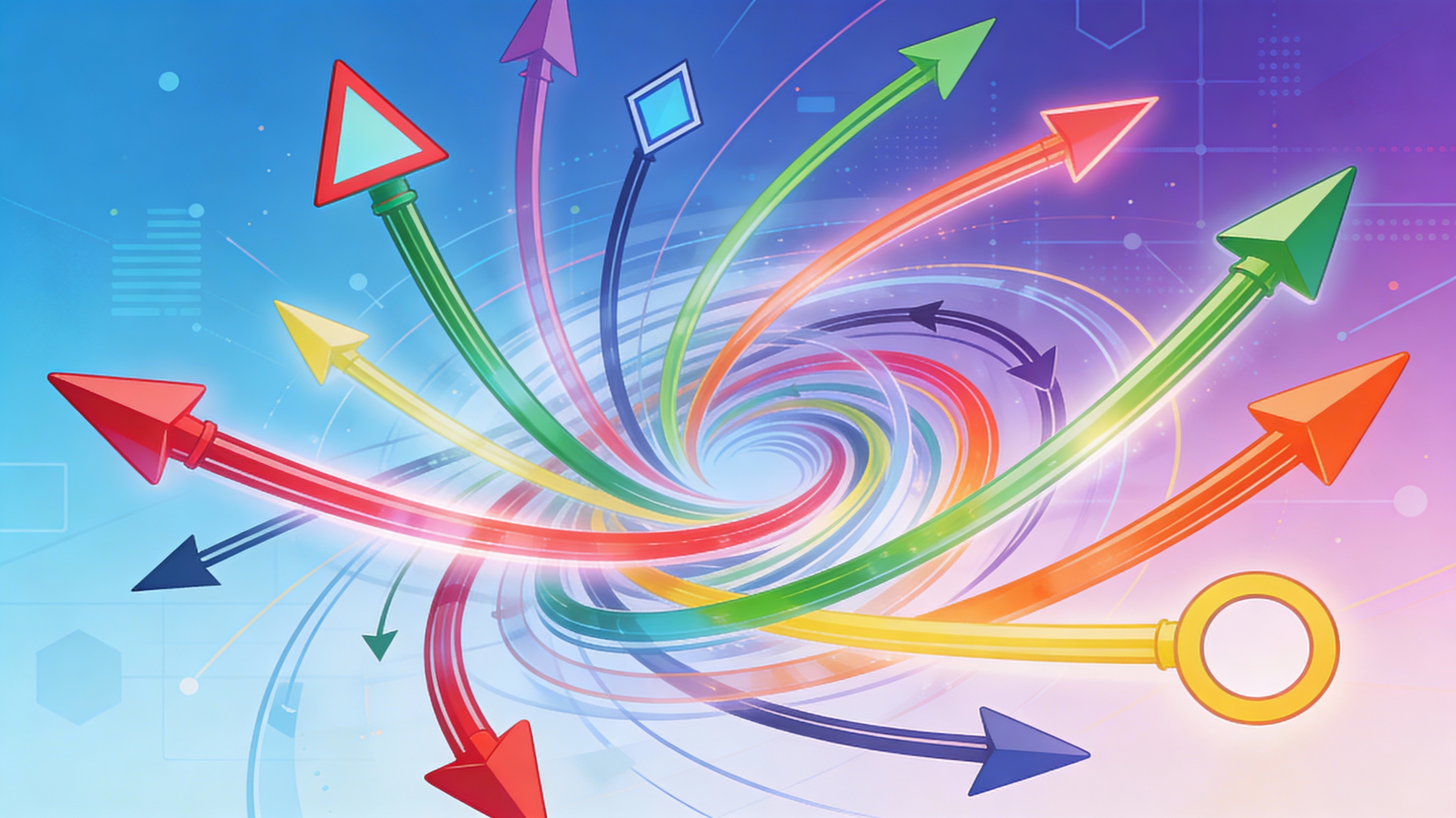
Infinite Arrow Variations
Our advanced randomization algorithm generates virtually limitless unique arrow designs. Fine-tune parameters like arrowhead type, shaft curvature, and color palette to ensure no two arrows are ever the same, giving your project a truly unique visual identity.
Streamline UI/UX Design
Quickly create a library of arrow icons for user interfaces, enhancing visual cues for navigation and interaction. Integrate seamlessly with your design workflow by exporting arrows directly in SVG format for use in Figma, Adobe XD, or Sketch.
Create Dynamic Maps
Build clear and concise maps with randomly generated arrows that can be tailored to fit any style. Specify the desired direction ranges and visual style to create custom arrow sets for wayfinding and geographical representation.
FAQs
Discover related AI tools:
Browse Related Content
Explore AI-generated random direction arrow artwork from our community
More From BasedLabs



Generate Your Random Direction Arrow Now
Join millions of creators using BasedLabs to generate professional, scroll-stopping content for social media, YouTube, marketing, and more — in seconds. Produce high-quality AI-generated videos and images optimized for engagement and reach. Streamline your content workflow and scale faster.
