 AI TikTok app - Go viral!NEW: Seedream 5 by ByteDance. Sharper prompts, native text in 14 languages, precise edits. Try it now.Try It Now →
Adult Character Creator
Generate custom adult characters with advanced anatomical controls, diverse body types, and realistic rendering. Create unique NSFW personas with granular customization options for facial features, proportions, poses, and artistic styles from photorealistic to anime.
Try a style:
Looking to bring your most unique adult character visions to life? You've landed in the right place. Our AI-powered adult character design tool lets you sculpt anatomically accurate figures with unprecedented control. You'll find that the level of detail is truly impressive, from subtle facial expressions to specific muscle definitions. When you use our advanced parameter controls, you can effortlessly create a realistic representation or push the boundaries toward a stylized aesthetic – it's all about your creative direction.
Our users typically leverage this tool for a wide range of applications. Some are writers visualizing characters for adult novels, while others are game developers looking to populate their worlds with diverse and realistic (or highly stylized) NPCs. A practical tip? Experiment with different artistic styles. Our NSFW character generator supports everything from hyperrealism to anime-inspired designs, allowing for unparalleled variety. Try adjusting the "style intensity" slider – sometimes a subtle shift can drastically alter the final result and spark new ideas for your custom adult avatar creator projects.
How to use Adult Character Creator
Steps to get you started in BasedLabs.

Step 1
Define Character Foundation
Set core attributes and style
Start by selecting your preferred art style (photorealistic, anime, 3D render, or comic) and base body type template from the preset library. Input specific attributes like ethnicity, age range, hair color and style, and key facial features. Use the randomize option with style locks to explore variations while maintaining your chosen aesthetic direction. Pro tip: Save multiple foundation presets to quickly generate character variations with consistent styling.

Step 2
Sculpt Body and Pose
Customize proportions and positioning
Use the anatomical morphing panel to adjust body proportions with granular slider controls for each body region. Select a base pose from the categorized library or use the bone-rigging interface to create custom positions by rotating joint nodes. Apply the symmetry toggle for balanced adjustments, and use the proportion checker to ensure realistic ratios. Layer clothing, accessories, or leave unclothed based on your creative vision.

Step 3
Refine Details and Export
Perfect lighting and generate final image
Fine-tune facial expressions using the emotion mixer and individual muscle controls for nuanced looks. Adjust scene lighting with the 3-point lighting system (key, fill, rim) or select environmental presets like studio, natural, or dramatic. Add finishing touches like skin texture detail level, makeup intensity, and atmospheric effects. Generate in your target resolution and export as layered PSD for maximum editing flexibility or flattened PNG/JPG for immediate use.
Anatomically Intelligent AI
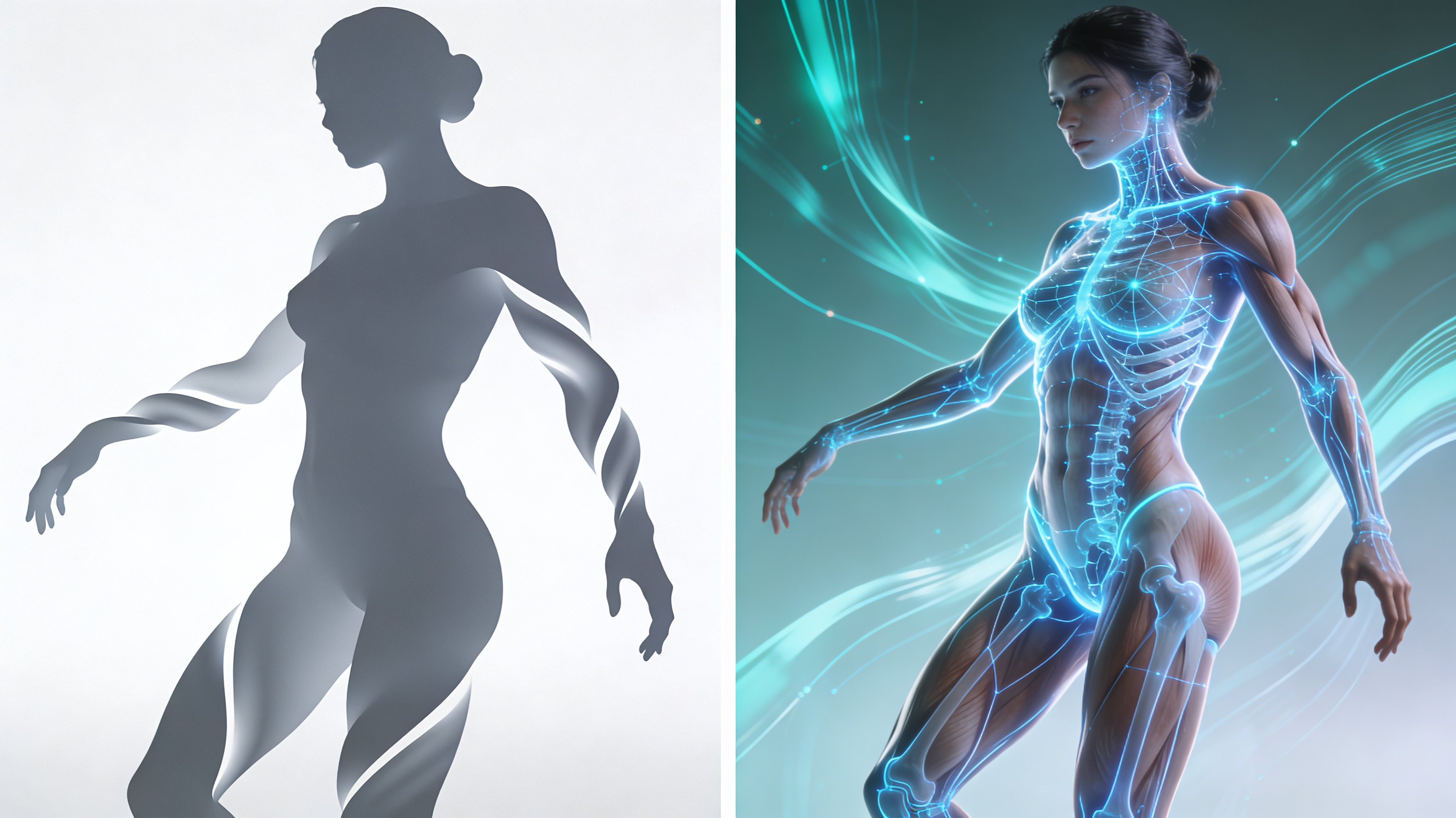
Our AI model is trained on over 2 million professionally photographed and 3D-scanned references, ensuring anatomically accurate proportions and realistic body mechanics. The system understands skeletal structure, muscle groups, and natural body physics, preventing unrealistic distortions while allowing creative freedom. Advanced weight painting ensures smooth deformation when adjusting poses or proportions.
Granular Customization System
Access over 200 discrete customization points including 40+ facial feature sliders, 60+ body proportion controls, and 100+ style and texture options. Each parameter works independently or in combination, with preset packages for quick starting points and the ability to save custom templates. The layered control system lets you adjust global settings then override with specific details for unprecedented creative control.
Multi-Style Rendering Engine
Switch between photorealistic, semi-realistic 3D, anime/manga, western comic, and digital painting styles with a single click, or blend multiple styles using the hybrid renderer for unique aesthetics. Each style includes its own lighting model, texture processing, and detail rendering optimized for that artistic approach. Export the same character design across all styles to compare or use different versions for different platforms.
FAQs
Discover related AI tools:
Browse Related Content
Explore AI-generated adult character creator artwork from our community
More From BasedLabs



Create Your Custom Adult Character Now
Join millions of creators using BasedLabs to generate professional, scroll-stopping content for social media, YouTube, marketing, and more — in seconds. Produce high-quality AI-generated videos and images optimized for engagement and reach. Streamline your content workflow and scale faster.
