 AI TikTok app - Go viral!Go viral on TikTok with AI influencers, pranks & trends. Free iOS app - pay with Apple Pay or card.Get It Free →
playground ai image generator
Unleash your creative vision with Playground AI's image generator. Refine prompts in real-time using the canvas editor, explore 1000+ community-generated images for inspiration, and achieve stunning visual results with advanced diffusion models.
Try a style:
Playground AI opens up a world of creative possibilities, letting you turn text into unique visuals. When you use the image generator, think of it as a collaborative process. Start with a basic prompt, then use the powerful canvas editor to refine your results. You can inpaint to add details, upscale for higher resolution, or even composite multiple generations together. Don't be afraid to experiment! Many new users find it helpful to explore existing creations for inspiration. Check out the thousands of community-generated images — they're a goldmine of playground ai prompt examples to get you started.
One of the great things about Playground AI is its accessibility. The free tier offers generous usage, allowing you to really get a feel for the platform before committing to a paid plan. Our users typically use Playground AI for a variety of tasks, from creating art for social media and website graphics to generating concept art for games and stories. For example, if you're designing a website, you can quickly generate several variations of a hero image based on a simple prompt like "futuristic cityscape at sunset". If you're looking for a deeper dive, there are plenty of valuable playground ai image generator tutorial resources available online.
How to use playground ai image generator
Steps to get you started in BasedLabs.

Step 1
Step 1: Craft Your Initial Prompt
Describe your vision concisely and creatively.
Begin by entering a detailed text prompt into the prompt box. Use descriptive language, specify subjects, settings, styles, and moods. Leverage negative prompts (using 'negative:') to exclude unwanted elements from the generated image. For example: 'A futuristic cityscape at night, neon lights, flying cars, hyperrealistic negative: blurry, noise.'

Step 2
Step 2: Refine and Iterate on the Canvas
Use the canvas editor to enhance specific areas.
Once the initial image is generated, use the canvas editor to make targeted adjustments. You can erase unwanted elements, add new elements with additional prompts in specific regions, or adjust the intensity of the image generation in particular areas using the brush tool and refine feature. This lets you focus on specific details without regenerating the entire image.

Step 3
Step 3: Explore Advanced Settings and Upscale
Customize diffusion model, sampling method and resolution.
Experiment with advanced settings like 'Guidance Scale' to control prompt adherence and select the appropriate sampling method for your desired output (e.g., Euler a for photorealism). Once satisfied, use Playground AI's built-in upscaler to increase the image resolution up to 4x without sacrificing quality. Choose your export format and download your creation.
Collaborative Inspiration with 1000+ Community Images
Explore a vast library of community-generated images to spark your creativity and discover new prompt engineering techniques. Analyze successful prompts and adapt them to your own creations, accelerating your learning curve and expanding your artistic horizons.
Real-Time Prompt Refinement on the Canvas
Unlike traditional image generators, Playground AI allows you to refine prompts and generate variations in specific regions of the image in real-time. This iterative process saves time and allows for precise control over the final result, giving you unparalleled creative flexibility.

High-Resolution Output for Professional Applications
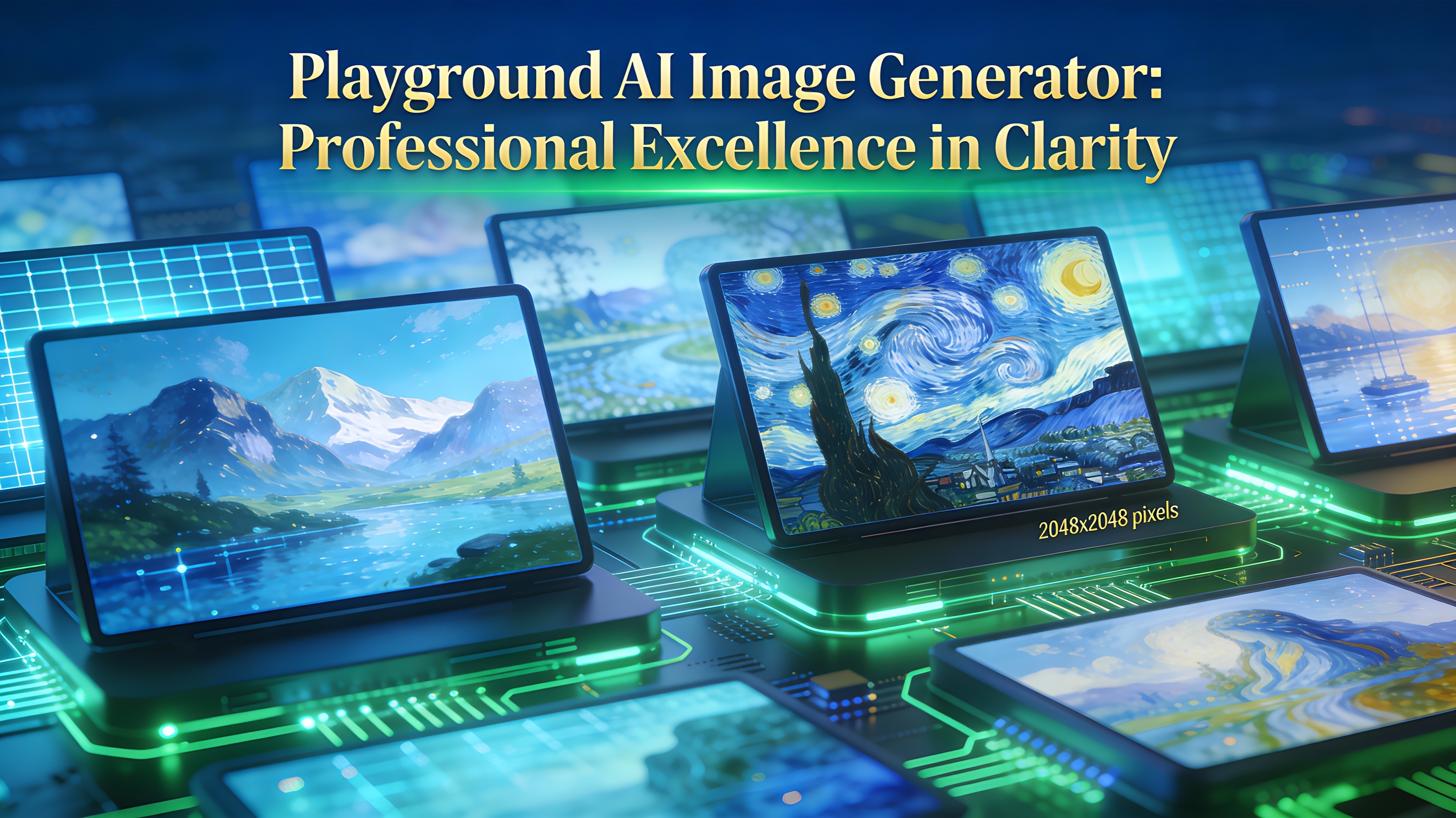
Export your creations in high resolutions, up to 2048x2048 pixels and beyond with the upscale feature, ensuring they are suitable for professional applications such as print media, digital marketing, and website design. Preserve the details and clarity of your AI-generated art.
FAQs
Discover related AI tools:
- 0
Browse Related Content
Explore AI-generated playground image generator artwork from our community
More From BasedLabs



Start Creating with Playground AI Image Generator
Join millions of creators using BasedLabs to generate professional, scroll-stopping content for social media, YouTube, marketing, and more — in seconds. Produce high-quality AI-generated videos and images optimized for engagement and reach. Streamline your content workflow and scale faster.
