 AI TikTok app - Go viral!Go viral on TikTok with AI influencers, pranks & trends. Free iOS app - pay with Apple Pay or card.Get It Free →
piercing generator
Visualize your dream piercings without commitment. Our AI instantly renders realistic piercing designs on uploaded photos, letting you explore endless placements and jewelry styles before making the real leap.
Try a style:
BasedLabs' AI piercing generator isn't just another filter; it's a powerful tool to visualize potential body modifications with incredible realism. When you use our generator, you'll find that the meticulously crafted AI considers the contours of your face and ear, ensuring the piercings look naturally placed, not awkwardly pasted on. Our virtual piercing try-on simulates various jewelry types, sizes, and materials with remarkable precision. So, whether you're debating that daith piercing, want to explore a constellation ear, or are simply curious about how a nose ring would look, this tool is for you.
Our users typically use the tool for several things: some upload inspiration pictures and painstakingly recreate the celebrity piercing arrangement on their own face to see if it fits their individual aesthetics. Others work back-and-forth with their piercer, iterating on placement before the actual procedure begins. Practical tips? Use high-quality, well-lit photos for the best AI results. And don't be afraid to experiment with unusual placements - you might discover a new look you hadn't considered! Ultimately, this piercing design tool helps you make confident and informed decisions about your body modifications.
How to use piercing generator
Steps to get you started in BasedLabs.

Step 1
Upload Your Photo or Choose a Model
Get started with a clear image.
Begin by uploading a high-resolution photo of yourself, focusing on the area you want to pierce (ear, nose, lip, etc.). Alternatively, choose from our diverse library of model photos to experiment on different face shapes and skin tones. For best results, use a photo with even lighting and minimal shadows.

Step 2
Customize Your Piercing Design
Select your style and placement.
Choose from an extensive catalog of piercing styles, including hoops, studs, barbells, and dermal anchors. Adjust the size, color, and material of the jewelry to match your personal taste. Use the intuitive drag-and-drop interface to precisely position the piercing on your chosen location, paying attention to anatomical considerations for a realistic look. Try the 'suggested placement' tool for AI-driven placement ideas.

Step 3
Download and Share Your Design
Save and share your new look.
Once you're satisfied with your design, download it in high resolution for sharing on social media or for consultation with a professional piercer. Use the 'sharpen' filter before downloading for extra clarity. You can also save your design to your BasedLabs account for future reference and modifications.
Hyper-Realistic Piercing Simulations
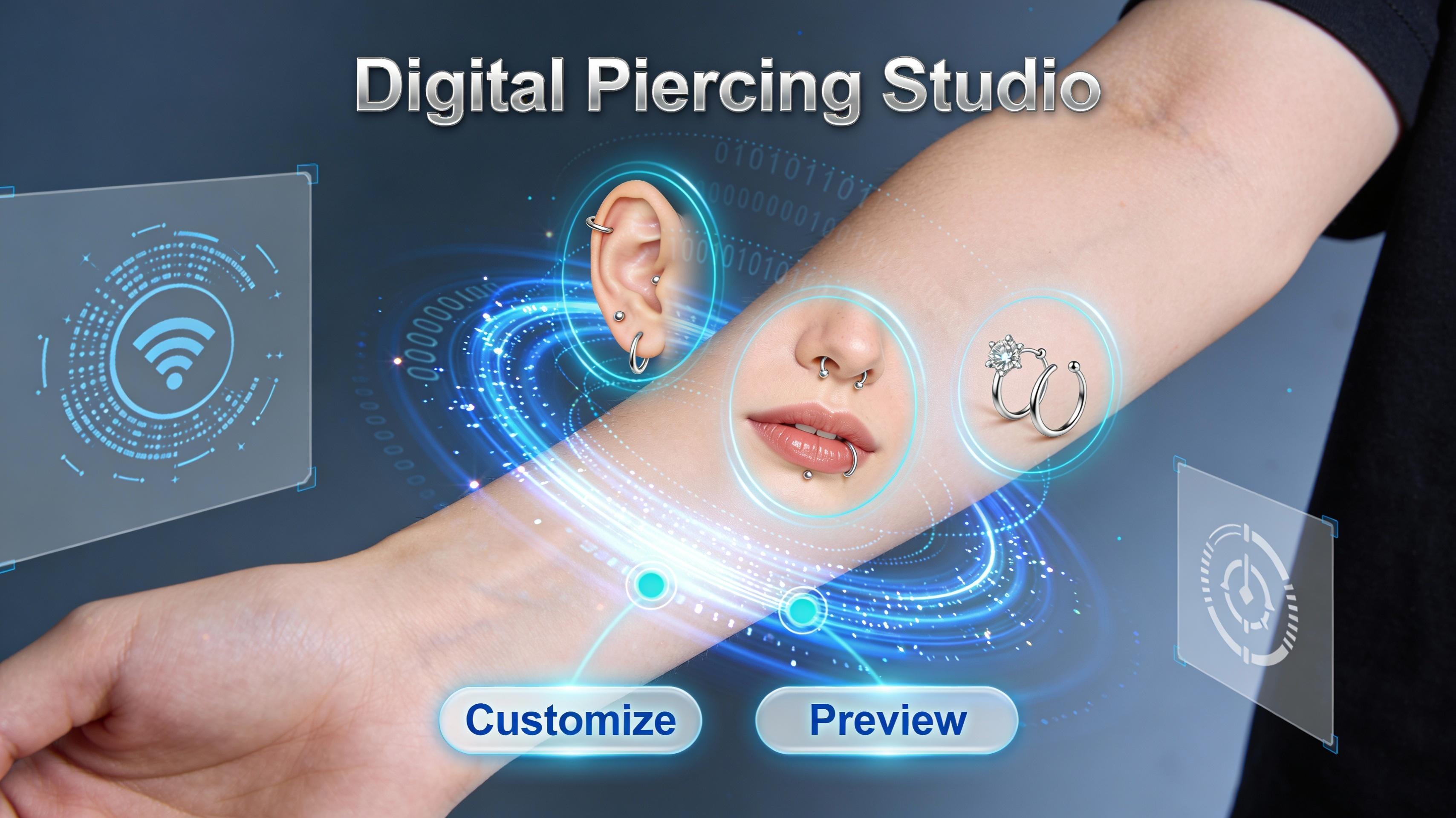
Our AI is trained on millions of real-life piercing images, enabling it to generate incredibly realistic simulations that accurately depict how different jewelry styles and placements will look on your skin. Forget guesswork and visualize the exact outcome before committing.
Extensive Jewelry Catalog
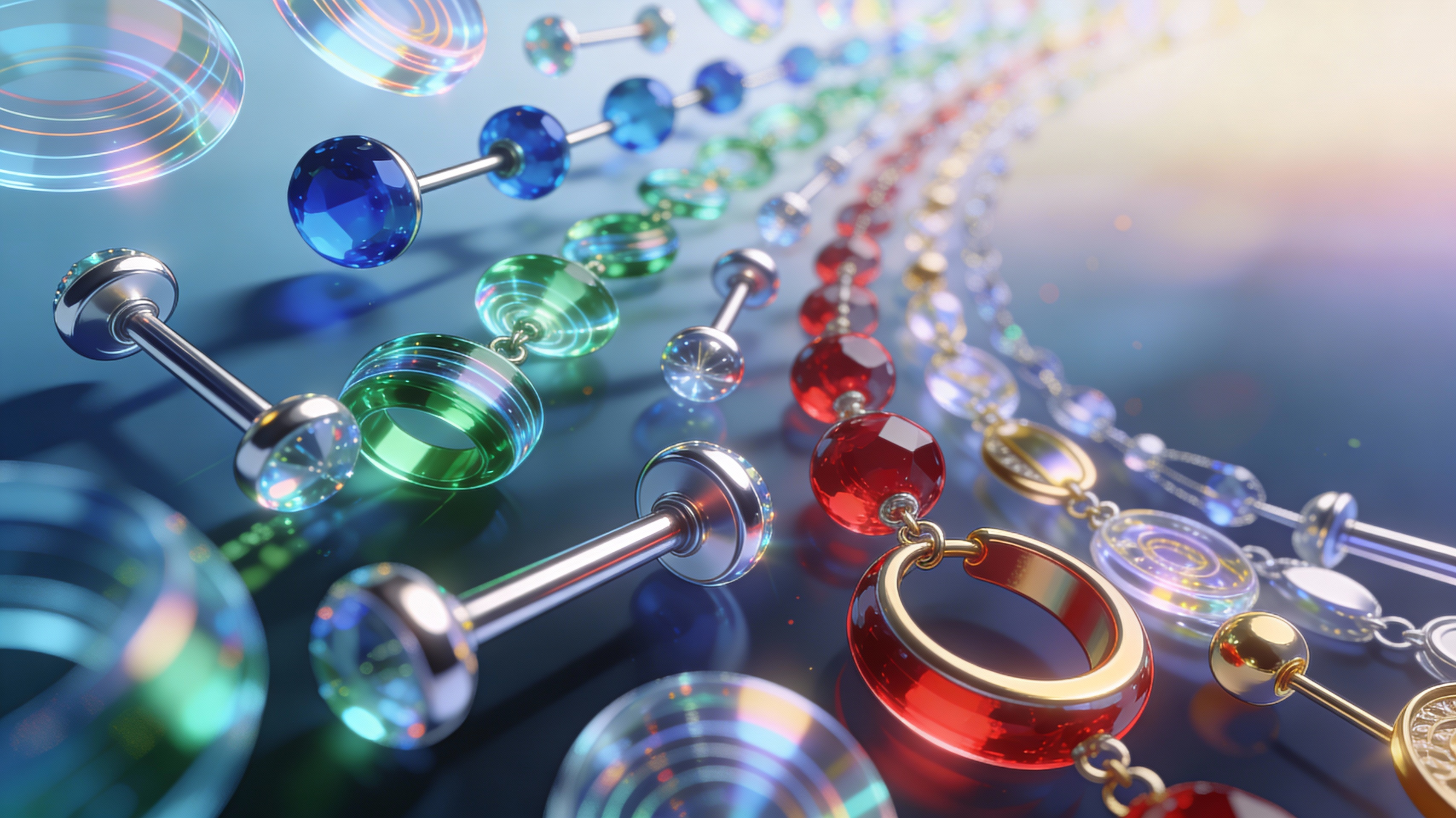
Explore a vast library of piercing jewelry, ranging from classic studs to intricate hoops and barbells. Customize the material, color, and size of each piece to create truly unique designs. With over 2,000 unique combinations, you'll never run out of inspiration.
Risk-Free Experimentation
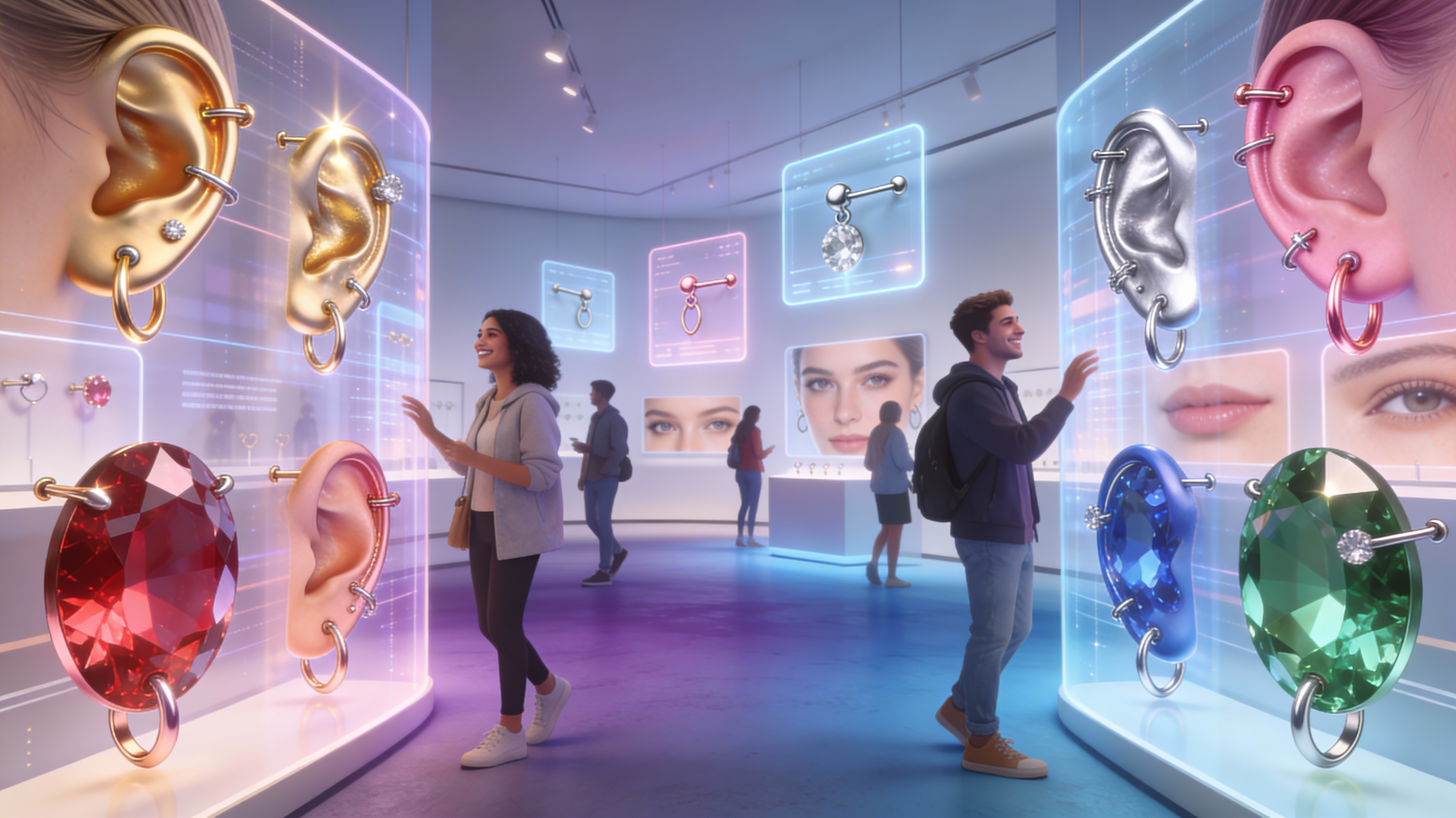
Avoid the regret of a piercing that doesn't quite suit you. The piercing generator allows you to experiment with different styles and placements without any pain or commitment. Discover new looks and confidently choose the perfect piercing for your individual style.
FAQs
Discover related AI tools:
- 0
Browse Related Content
Explore AI-generated piercing generator artwork from our community
More From BasedLabs



Design Your Dream Piercing Today
Join millions of creators using BasedLabs to generate professional, scroll-stopping content for social media, YouTube, marketing, and more — in seconds. Produce high-quality AI-generated videos and images optimized for engagement and reach. Streamline your content workflow and scale faster.
