 AI TikTok app - Go viral!Go viral on TikTok with AI influencers, pranks & trends. Free iOS app - pay with Apple Pay or card.Get It Free →
Parental Advisory Generator
Create authentic-looking Parental Advisory labels instantly for your music, podcasts, or creative projects.
Try a style:
How to use Parental Advisory Generator
Steps to get you started in BasedLabs.

Step 1
Select Your Customizations
Customize the label's appearance.
Choose your desired colors for the background and text. Adjust the size to fit your project's needs and preferences. Use the intuitive interface to make quick adjustments.

Step 2
Generate the Label
Generate the parental advisory label.
Click the 'Generate' button to instantly create a high-quality image of the Parental Advisory label based on your customization choices. The system handles the complexities, providing you with a ready-to-use result.

Step 3
Download the Image
Download the image in the format of your choice.
Select your preferred file format (e.g., PNG, JPG) and download the image directly to your computer or device. You can then use the image in your project as needed.
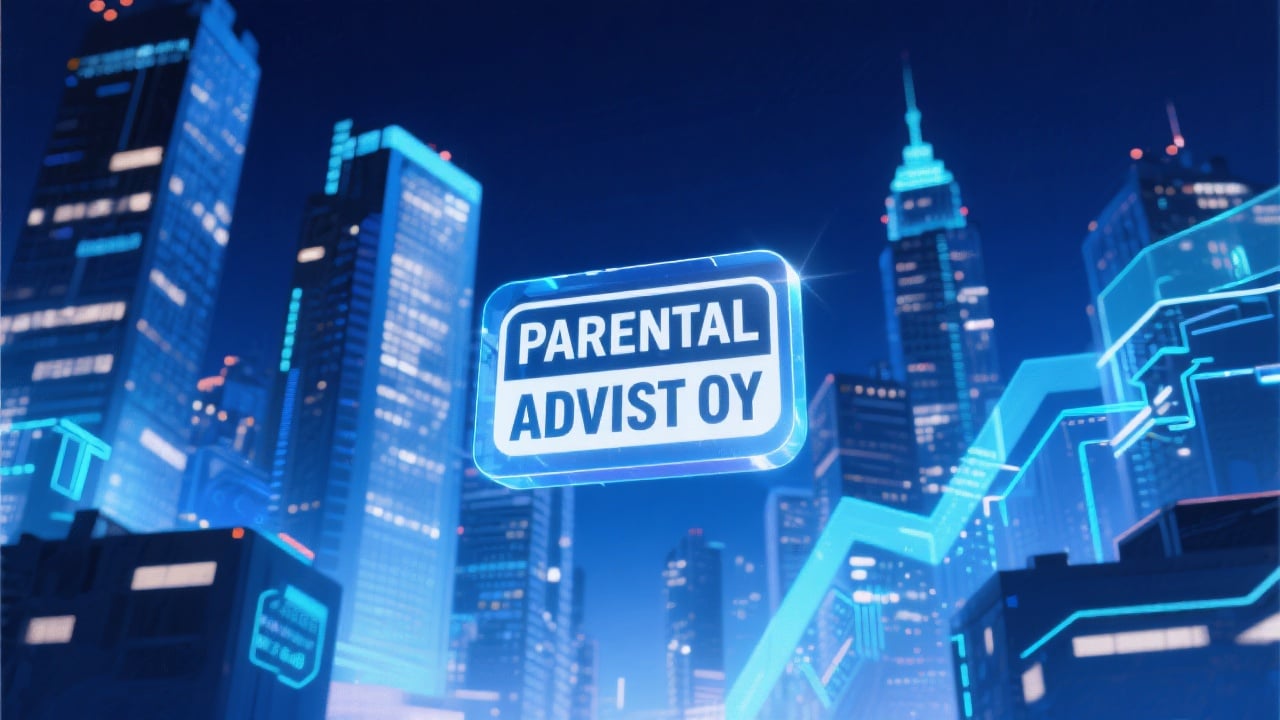
Realistic Design
Generates labels that closely resemble official Parental Advisory labels, providing a professional and recognizable aesthetic.
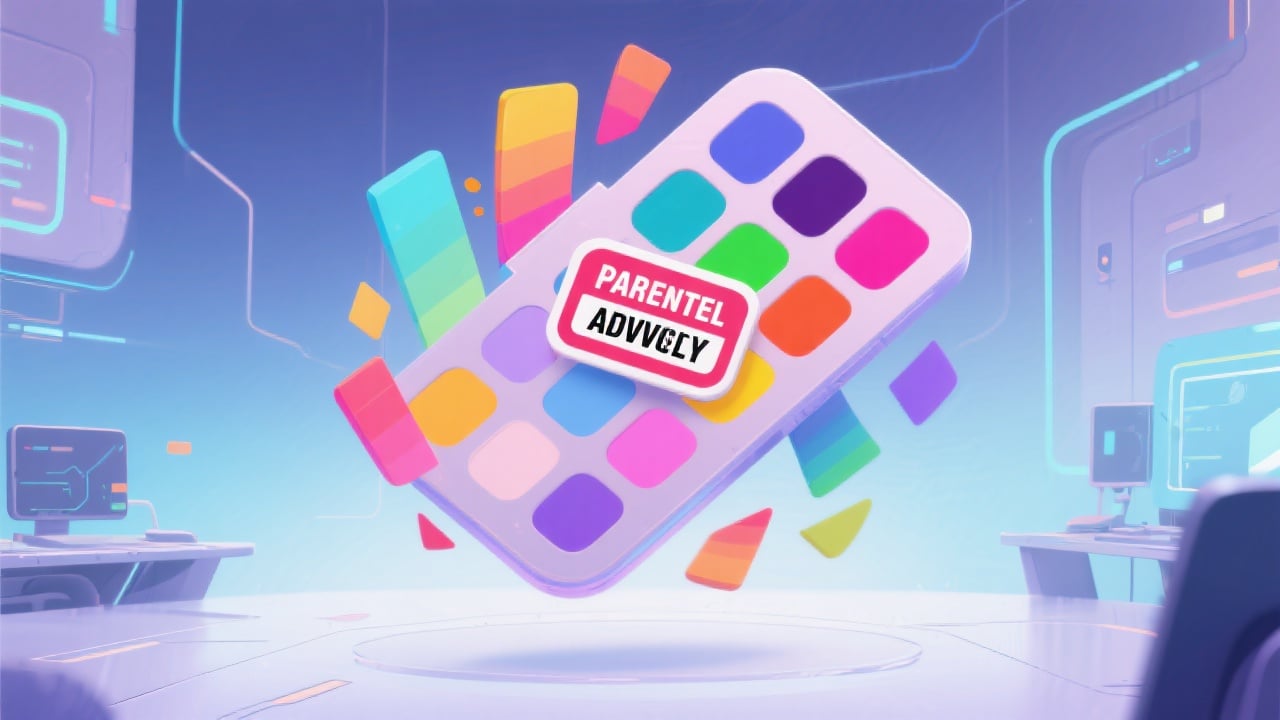
Customizable Options
Offers a range of customization options, including color choices and size adjustments, allowing you to tailor the label to your specific design requirements.
Free and Easy to Use
The Parental Advisory Generator is completely free to use, with a simple and intuitive interface that requires no design experience.
FAQs
Discover related AI tools:
Browse Related Content
Explore AI-generated parental advisory generator artwork from our community
More From BasedLabs



Create Your Parental Advisory Label
Join millions of creators using BasedLabs to generate professional, scroll-stopping content for social media, YouTube, marketing, and more — in seconds. Produce high-quality AI-generated videos and images optimized for engagement and reach. Streamline your content workflow and scale faster.
