 AI TikTok app - Go viral!Go viral on TikTok with AI influencers, pranks & trends. Free iOS app - pay with Apple Pay or card.Get It Free →
name on finger tattoo
Visualize your dream finger tattoo with realistic AI-powered design previews.
Try a style:
How to use name on finger tattoo
Steps to get you started in BasedLabs.

Step 1
Enter Your Name
Type the name you want for your tattoo.
Start by entering the name you want to be tattooed on your finger. Ensure the spelling is correct, as this will be the base for the design.

Step 2
Choose Your Font
Select your preferred font style from the options provided.
Browse through our font library and select the font that best represents your desired aesthetic. Preview how the name looks in each font.

Step 3
Visualize Your Tattoo
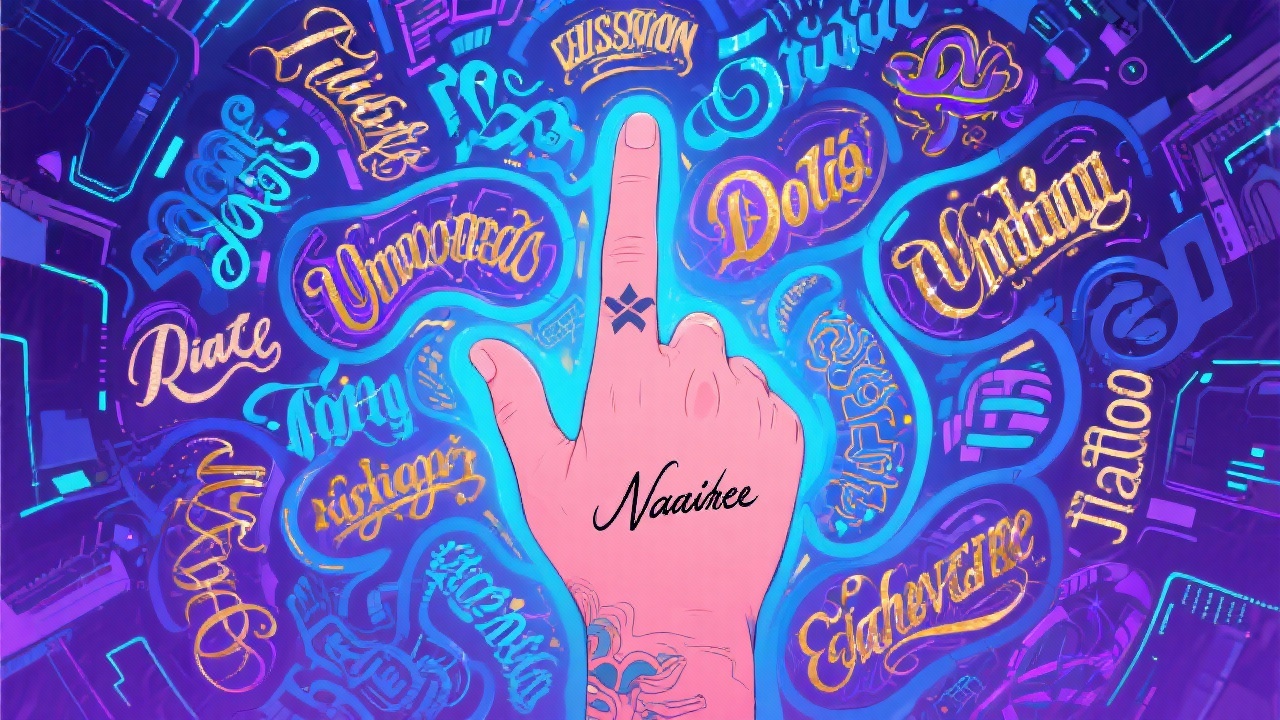
See how the name tattoo looks on a finger image.
Our AI will generate a realistic preview of the name tattoo on a hand image, allowing you to assess the placement, size, and overall look before making any permanent decisions.
Visualize Before You Commit
Avoid tattoo regret by previewing different name designs and placements on your finger, ensuring you're completely satisfied before heading to the tattoo artist.

Experiment with Styles
Our tool provides a wide selection of fonts and design options, allowing you to experiment and discover unique and personalized name tattoo ideas.
Save Time and Money
Our AI-powered tool saves you the time and money associated with multiple consultations by allowing you to generate and preview name tattoo designs instantly.

FAQs
Discover related AI tools:
Browse Related Content
Explore AI-generated name on finger tattoo artwork from our community
More From BasedLabs



Design Your Dream Finger Tattoo
Join millions of creators using BasedLabs to generate professional, scroll-stopping content for social media, YouTube, marketing, and more — in seconds. Produce high-quality AI-generated videos and images optimized for engagement and reach. Streamline your content workflow and scale faster.
