 AI TikTok app - Go viral!Go viral on TikTok with AI influencers, pranks & trends. Free iOS app - pay with Apple Pay or card.Get It Free →
mlp ai art generator
Unleash your inner Brony! Create stunning My Little Pony AI art, from G1 to G5 styles. Generate unique characters, scenes, and fan art with customizable pose, background, and aesthetic controls – perfect for personalized art and storyboarding.
Try a style:
Ready to bring your dream pony creations to life? With our AI-powered My Little Pony art generator, you can easily generate pony characters ai in a variety of styles. Whether you prefer the classic charm of G1, the vibrant animation of G4, or the modern look of G5, this tool lets you fine-tune details like pose, background, and even specific cutie marks. When you use our customizable controls, you're not just getting random images; you're crafting scenes perfectly suited for your fan fictions, personalized profile pictures, or even unique gifts for fellow Bronies.
Our users typically leverage this platform to rapidly prototype character designs when drafting their own MLP stories. Try experimenting with different prompt combinations; you'll find that very specific requests ("Twilight Sparkle reading a spell book under a cherry blossom tree, watercolor style") yield the most compelling and personalized ai my little pony art. And the best part? Getting started is a breeze, and there's a mlp ai art generator free tier available, so you can start bringing your Equestrian dreams to life right now.
How to use mlp ai art generator
Steps to get you started in BasedLabs.

Step 1
Step 1: Craft Your Perfect Prompt
Describe your ideal pony with precision.
Start by writing a detailed description of the MLP character or scene you envision. Include details like the pony's species (Earth Pony, Pegasus, Unicorn, Alicorn), color scheme, cutie mark, pose, and background. Use descriptive adjectives like 'sparkling', 'radiant', or 'playful' to enhance the results. For example, a good prompt might be: 'Pegasus, light blue coat, cloud cutie mark, flying through a pastel sky, cheerful expression'. PRO TIP: Experiment with different artistic styles like 'storybook illustration' or 'digital painting' for varied results.

Step 2
Step 2: Select Your Style & Settings
Customize the generation to match your vision.
Choose the desired MLP generation style (G1, G3, G4, G5) from the available options. Fine-tune the 'Artistic Style' to match your preferred aesthetic – from whimsical and cartoony to more realistic and painterly. Adjust the 'Creativity' slider to control the level of variation in the generated image. A higher value will introduce more unexpected elements, while a lower value will stick closer to your original prompt. PRO TIP: Use the 'Seed' value to regenerate slightly different versions of the same prompt.

Step 3
Step 3: Generate and Refine
Review the output and iterate until you're satisfied.
Click the 'Generate' button and wait for the AI to create your MLP art. Review the generated image carefully. If it's not quite what you envisioned, refine your prompt or adjust the settings and regenerate. Use the 'Negative Prompt' feature to eliminate unwanted elements. For example, if you don't want any text in the image, add 'text' to the negative prompt. PRO TIP: Experiment with different combinations of prompts and settings to discover unique and unexpected results. Don't be afraid to iterate!
Generation-Specific Styles
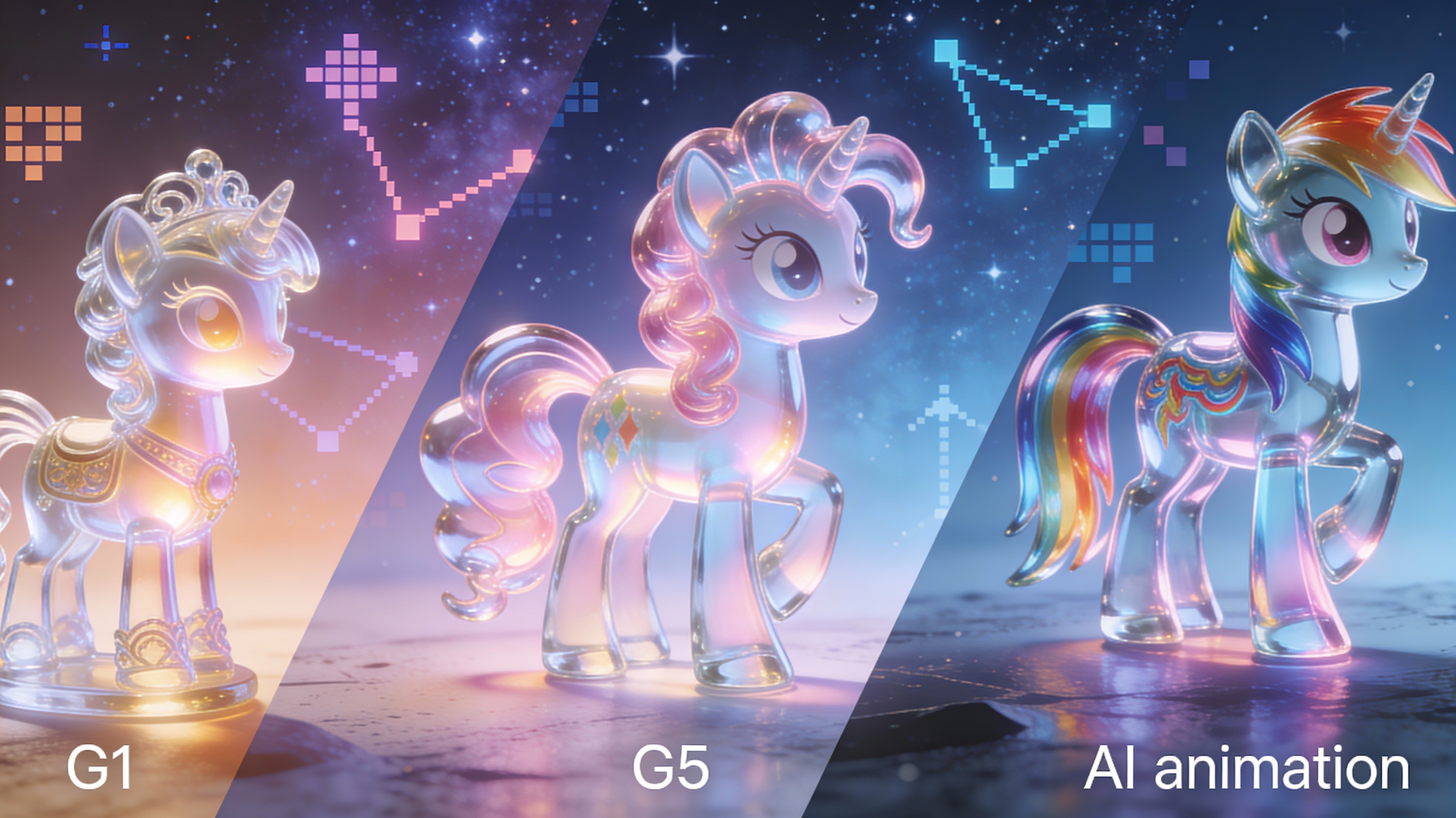
Unlike generic AI image generators, our tool is specifically trained to understand and replicate the unique art styles of each My Little Pony generation, from the vintage charm of G1 to the vibrant animation of G5. This ensures authentic-looking results that capture the essence of your favorite ponies.
Detailed Cutie Mark Recognition
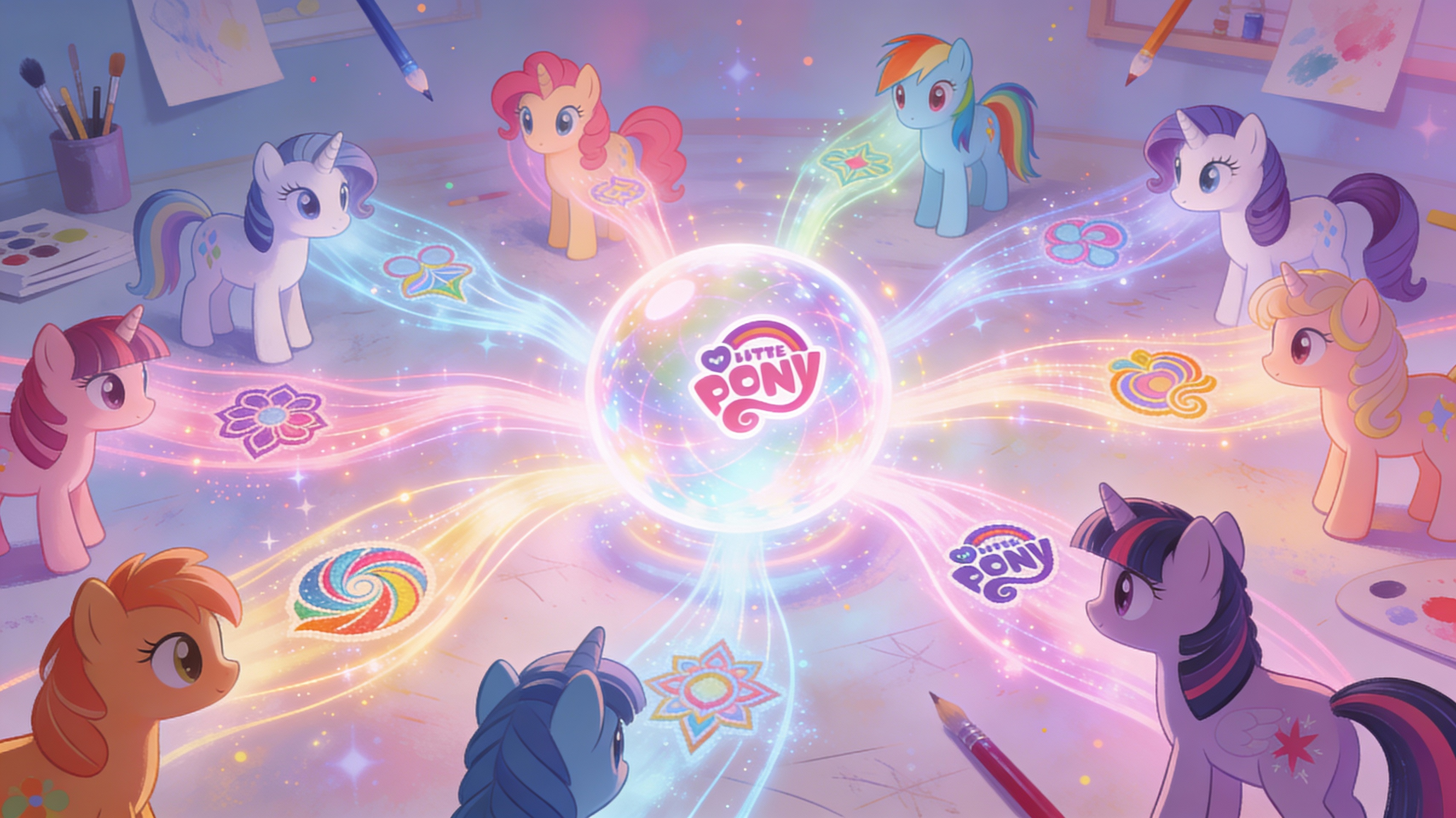
Our AI model has been trained on a vast library of cutie marks, allowing it to accurately generate ponies with detailed and nuanced symbols. Simply describe the cutie mark you want, and the generator will create a pony with a unique and fitting design. This feature works even with relatively abstract descriptions.
Pose & Expression Control
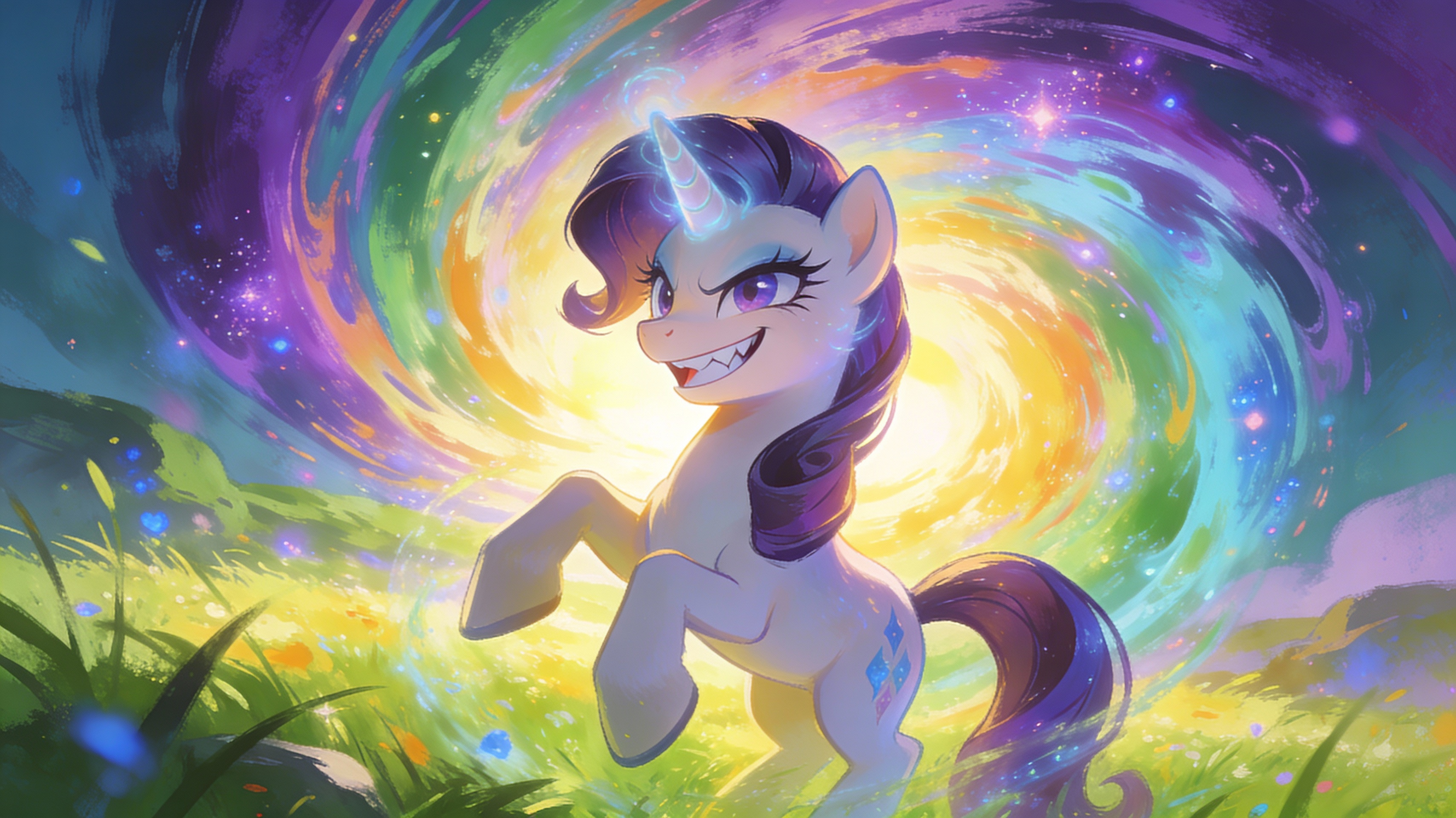
Use detailed prompts to specify the desired pose and expression of your pony. For example, you can generate a pony 'galloping through a field' or 'smiling mischievously'. Our advanced AI model understands nuanced descriptions and translates them into visually compelling results. Get the exact scene you imagined.
FAQs
Discover related AI tools:
- 0
Browse Related Content
Explore AI-generated mlp art generator artwork from our community
More From BasedLabs



Create Your Dream Pony Art Now!
Join millions of creators using BasedLabs to generate professional, scroll-stopping content for social media, YouTube, marketing, and more — in seconds. Produce high-quality AI-generated videos and images optimized for engagement and reach. Streamline your content workflow and scale faster.
