 AI TikTok app - Go viral!Go viral on TikTok with AI influencers, pranks & trends. Free iOS app - pay with Apple Pay or card.Get It Free →
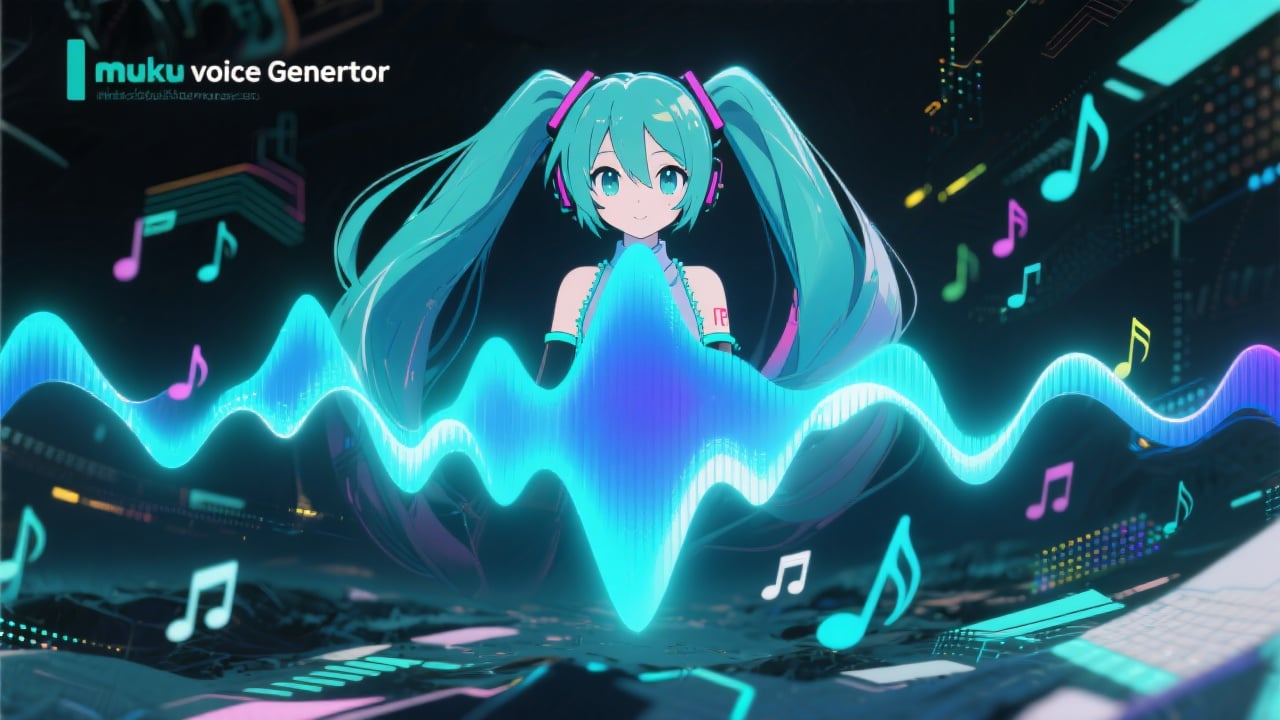
miku voice generator
Generate vocals in the style of Hatsune Miku with our AI-powered voice synthesis tool.

How to use miku voice generator
Steps to get you started in BasedLabs.

Step 1
Enter Your Text
Provide the text you want the AI to sing or speak.
In the input box, type or paste the lyrics, phrases, or sentences you want the Miku-style voice to generate. Ensure correct spelling and punctuation for the best results.

Step 2
Customize the Voice
Adjust the parameters to fine-tune the vocal characteristics.
Experiment with settings like pitch, speed, tone, and vibrato to achieve the desired vocal effect. Some generators also allow adjusting the emotional tone and accent.

Step 3
Generate and Download
Create the Miku-style audio and save it to your device.
Click the 'Generate' button to process your input. Once the audio is ready, preview it and download the file in your preferred format (e.g., MP3, WAV) for use in your projects.
Unique Vocal Style
Easily generate audio that mimics the iconic voice of Hatsune Miku, adding a unique and recognizable element to your music, videos, or other creative projects.
Time-Saving
Skip the time and expense of hiring a voice actor by quickly creating Miku-style vocals with AI, saving you valuable time and resources.

Versatile Applications
Whether you're creating music, videos, animations, or other content, the generated Miku voices can add a unique and engaging element to your projects.

FAQs
Discover related AI tools:
- 0
Browse Related Content
Explore AI-generated miku voice generator artwork from our community
More From BasedLabs



Generate Your Miku Voice Now
Join millions of creators using BasedLabs to generate professional, scroll-stopping content for social media, YouTube, marketing, and more — in seconds. Produce high-quality AI-generated videos and images optimized for engagement and reach. Streamline your content workflow and scale faster.
