AI TikTok app - Go viral!NEW: Seedream 5 by ByteDance. Sharper prompts, native text in 14 languages, precise edits. Try it now.Try It Now →
Image to Video
Bring your images to life with powerful AI video generation tools. Animate any static image into motion using the best models—all in one place.

Choose a starting image and a clear motion
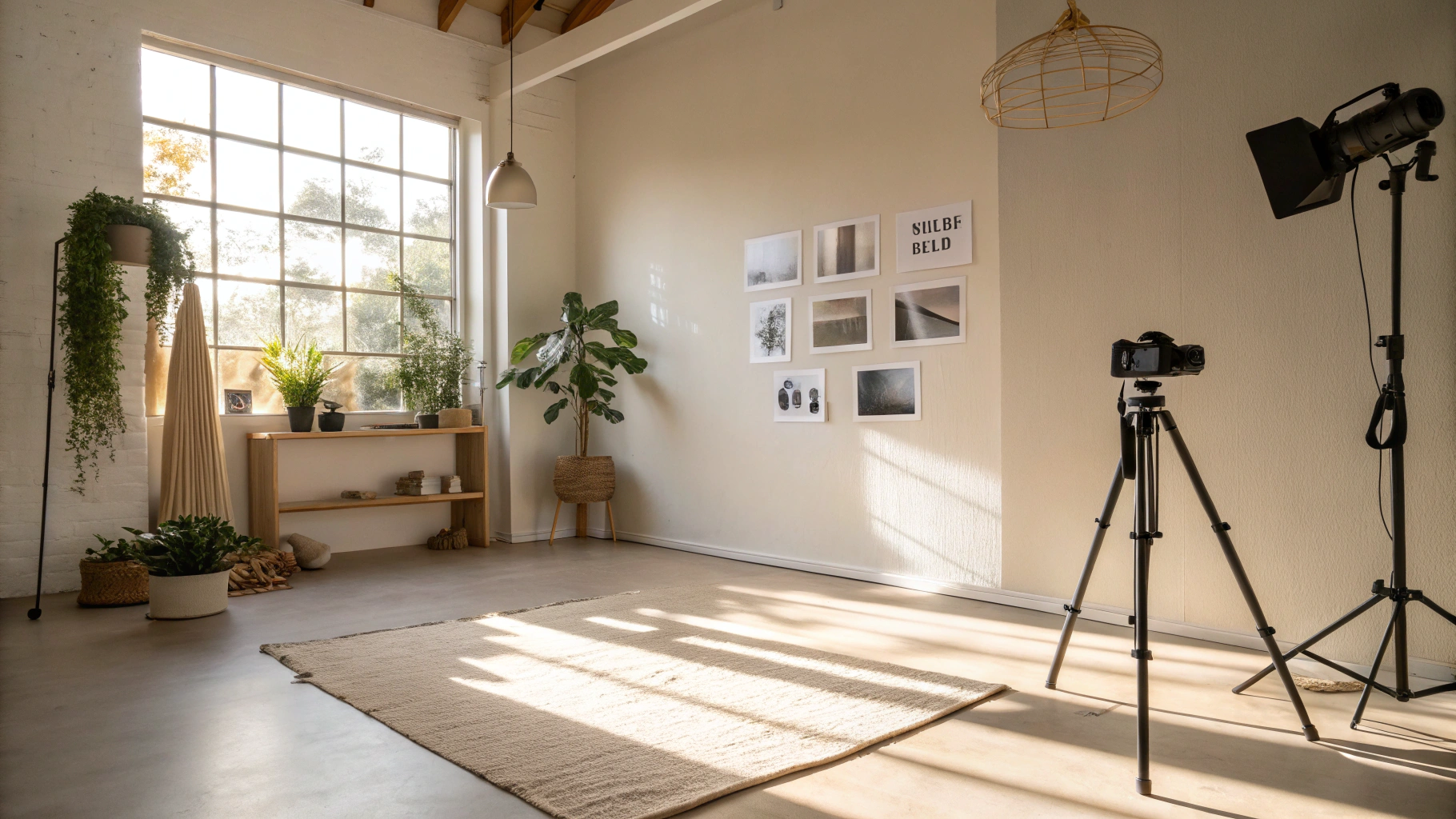
Your starting image gives the video its subject and composition. Pick a frame where the important details are easy to see, then decide what should move. A product shot might need a gentle camera push; a landscape might benefit from moving clouds or a breeze through the trees. One clear movement gives you a more useful first attempt than asking for several actions and camera changes in the same short clip.
Use the prompt to describe that movement, including anything you want to remain still. After generating, watch the full clip and inspect the opening and closing frames. Check faces, hands, packaging and straight edges for changes, especially when the result will represent a product or brand. Refine the motion before adding more complexity.
For a series of images that need the same treatment, Wireflow's image-to-video workflow lets you connect a starting frame and motion prompt in a reusable visual setup. Its example can use an uploaded image in place of a generated starting frame. That gives you a repeatable production structure while you still review each image and resulting clip on its own merits.
How to use Image to Video
Steps to get you started in BasedLabs.
Step 1
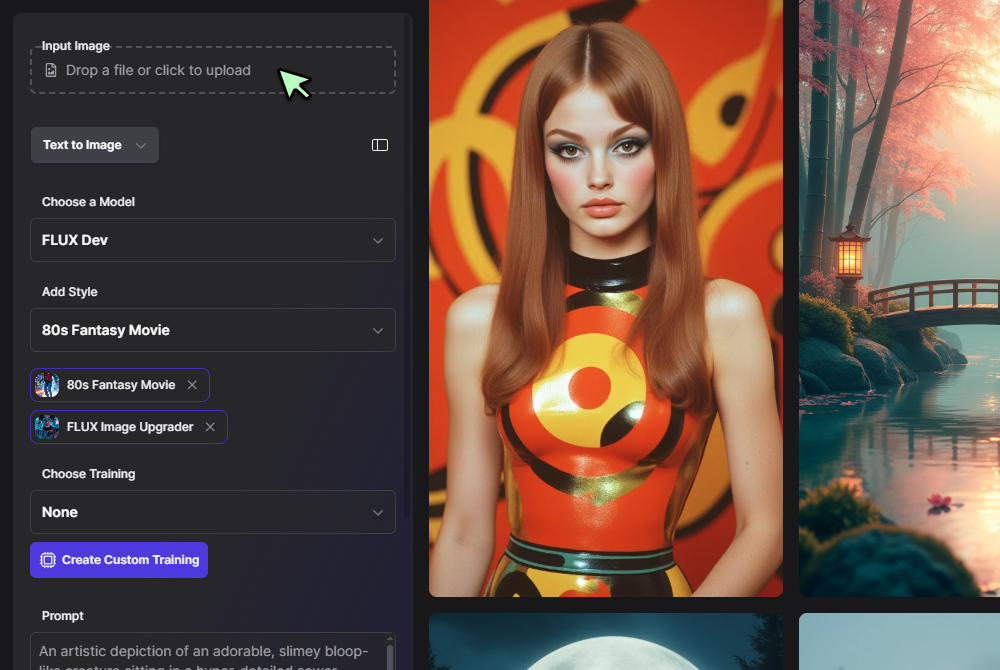
Upload an Image
Choose any image you want to animate—this could be a portrait, artwork, or photo. The tool works best with clear, focused visuals.
Choose any image you want to animate—this could be a portrait, artwork, or photo. The tool works best with clear, focused visuals.
Step 2
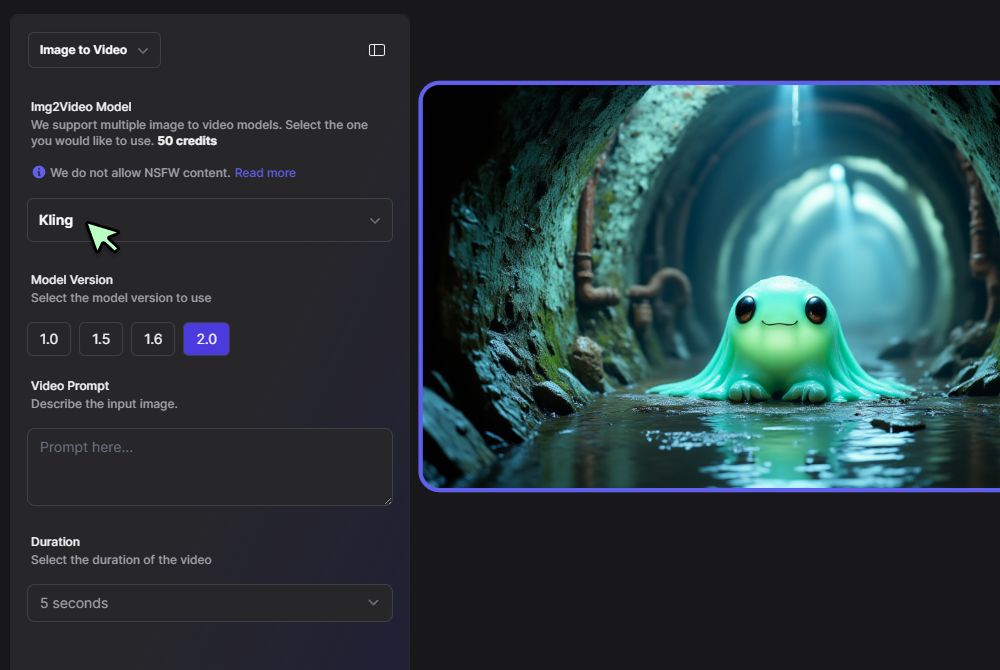
Enter a Prompt and Select a Model
Describe the motion or scene you want to see. Then choose from top-tier AI models like Kling, Pika, Runway, or Luma to generate the animation.
Describe the motion or scene you want to see. Then choose from top-tier AI models like Kling, Pika, Runway, or Luma to generate the animation.
Step 3
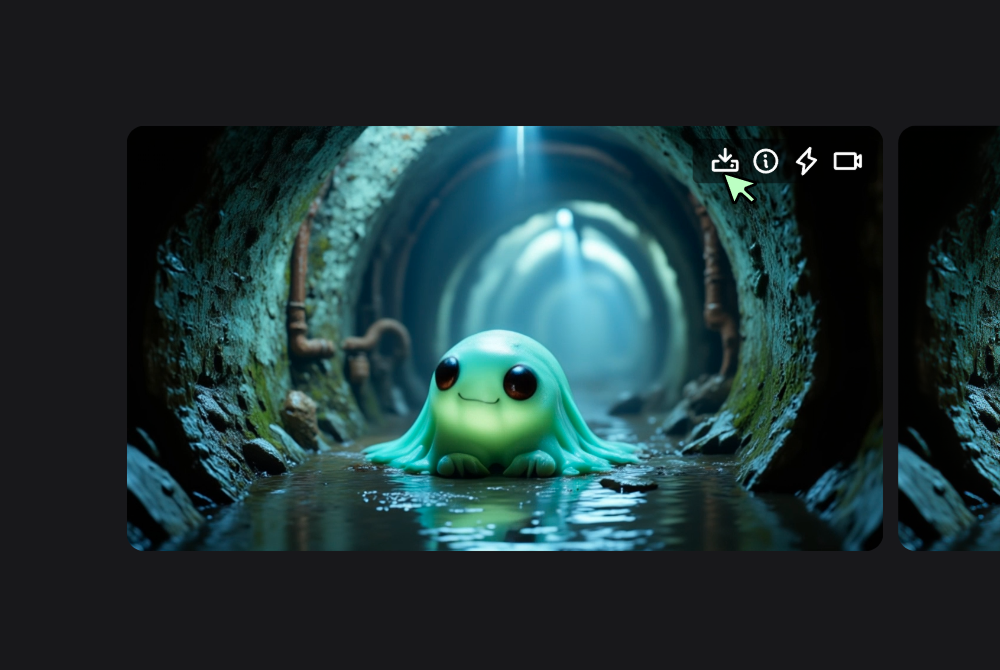
Click Generate and Watch it Move
Preview your animated video. Download it, refine with another model, or try new prompts to get exactly what you want.
Preview your animated video. Download it, refine with another model, or try new prompts to get exactly what you want.
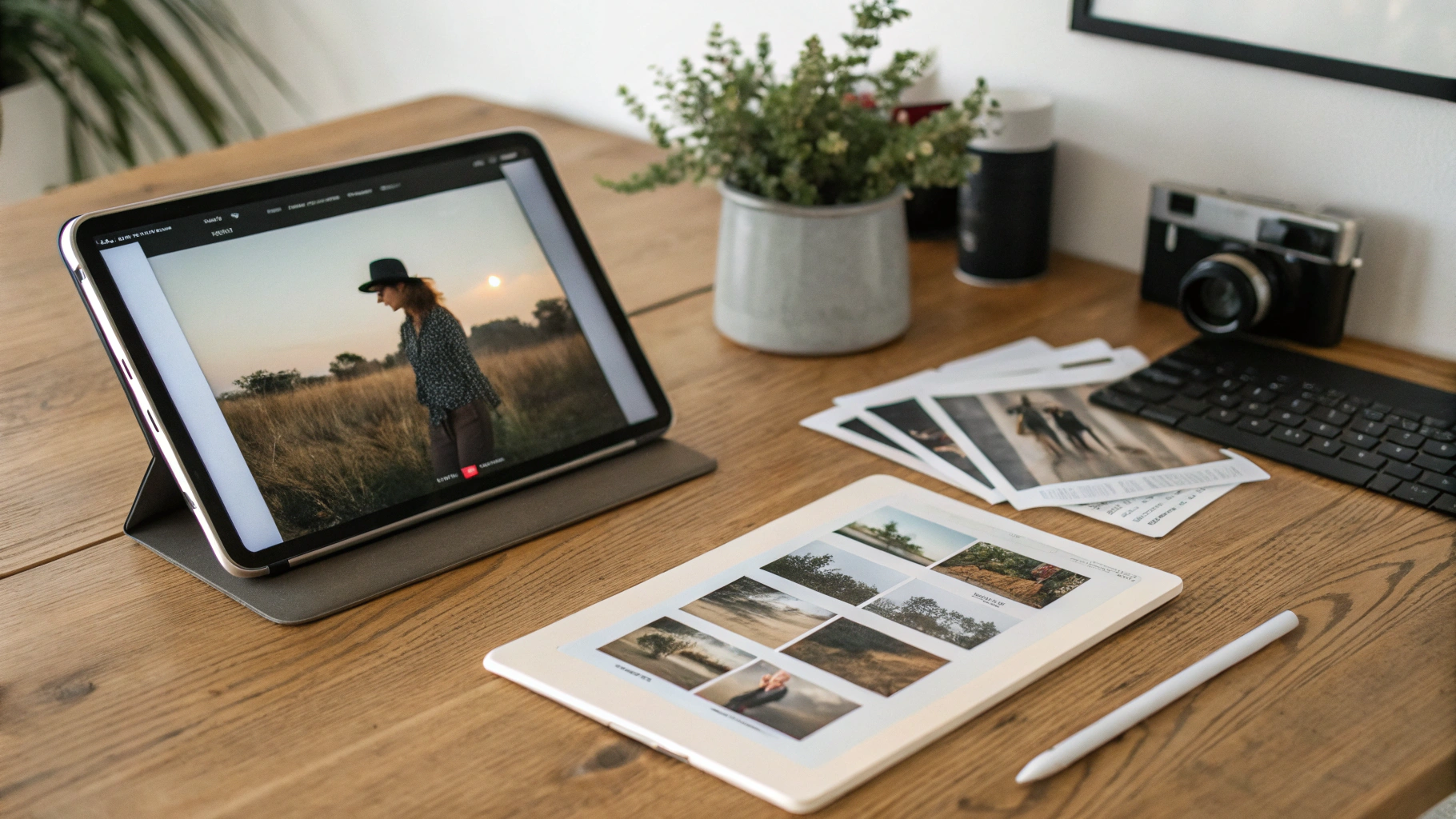
Turn Any Still Image into Video Content Instantly
Our image to video AI tool lets you animate photos with ease. Upload an image, describe the motion you want, and get a fully rendered video—all without needing video editing skills. Whether you're a creator, educator, or marketer, it's the simplest way to bring static visuals to life.
Powered by the Best AI Image to Video Models
Choose from leading tools like Kling 2.0, Pika, and Runway—all in one place. This AI image to video generator helps you experiment with different styles and outputs without switching platforms, saving you time while unlocking creative flexibility.
Customize Motion, Style, and Output with AI Precision
With our AI image to video generator, you can tailor the motion, mood, and format of your video. Just enter a short prompt, and the image to video AI engine interprets your intent to produce results that align with your vision—whether it's cinematic, surreal, or subtle.
FAQs
Discover related AI tools:
Browse Related Content
Explore AI-generated image to video artwork from our community
More From BasedLabs
More Than Just Image to Video AI
Join millions of creators using BasedLabs to generate professional, scroll-stopping content for social media, YouTube, marketing, and more — in seconds. Produce high-quality AI-generated videos and images optimized for engagement and reach. Streamline your content workflow and scale faster.