 AI TikTok app - Go viral!Go viral on TikTok with AI influencers, pranks & trends. Free iOS app - pay with Apple Pay or card.Get It Free →
image to stl
Transform your 2D images into detailed 3D models ready for 3D printing or CAD software. Our AI intelligently interprets depth and texture, allowing for intricate STL file creation with customizable resolution and smoothing options.
Try a style:
When you use our AI-powered tool, you'll discover how straightforward it is to bridge the gap between your flat images and tangible 3D objects. Whether you're a hobbyist looking to 3D print a memorable photograph or a designer who needs to quickly prototype physical concepts, this image to stl converter handles the heavy lifting of depth interpretation for you. Our users typically find success with images that have clear subjects and good contrast—think product photos, logos, relief artwork, or even landscape shots that you want to transform into topographical models.
The practical applications are surprisingly diverse. Jewelry designers use it to convert sketches into printable prototypes, educators create tactile learning materials from historical photographs, and makers transform family photos into personalized gift items like lithophanes or embossed plaques. You'll find that the customizable resolution settings let you balance between detail and file size, which is particularly useful when working with intricate designs or when your 3D printer has specific requirements.
One of the biggest advantages of using a photo to stl approach is the time saved compared to manual 3D modeling. Instead of spending hours recreating an object from scratch in CAD software, you can upload an existing image and let the AI analyze shadows, edges, and textures to generate a solid starting point. From there, you can export your STL file directly to your preferred slicing software or continue refining it in your 3D modeling application.
How to use image to stl
Steps to get you started in BasedLabs.

Step 1
Upload Your Image
Choose a suitable image from your computer or device.
Select a JPG or PNG image with clear edges and good contrast. For best results, use an image with a solid background. The AI will automatically analyze the image to estimate depth. Pro Tip: Experiment with different image styles and resolutions to see which yields the most accurate 3D representation.

Step 2
Adjust Conversion Settings
Fine-tune the conversion process for desired output quality.
Use the sliders to control the base height (maximum depth) of the STL model and the level of detail (polygon count). Increase the height for a more pronounced 3D effect. Adjust the smoothing to reduce jagged edges. Pro Tip: Use the preview function to see how the settings affect the final STL file before downloading.

Step 3
Download Your STL File
Save the generated 3D model to your computer.
Once you're satisfied with the preview, click the 'Download STL' button to save the file. The STL file is now ready to be imported into your 3D printing software or CAD application. Pro Tip: Check the file size and resolution before printing, and adjust the settings in your 3D printing slicer accordingly.
AI-Powered Depth Estimation
Our advanced AI algorithms are trained on a massive dataset of images and 3D models, enabling them to accurately estimate depth and create detailed 3D models from your 2D images. This results in more realistic and accurate STL files compared to traditional methods.

Customizable Output Resolution
Fine-tune the resolution of your STL file by adjusting the polygon count. Choose a lower polygon count for faster 3D printing and reduced file size or a higher polygon count for finer details and smoother surfaces. The smoothing feature allows you to reduce jagged edges and create a more polished final product.
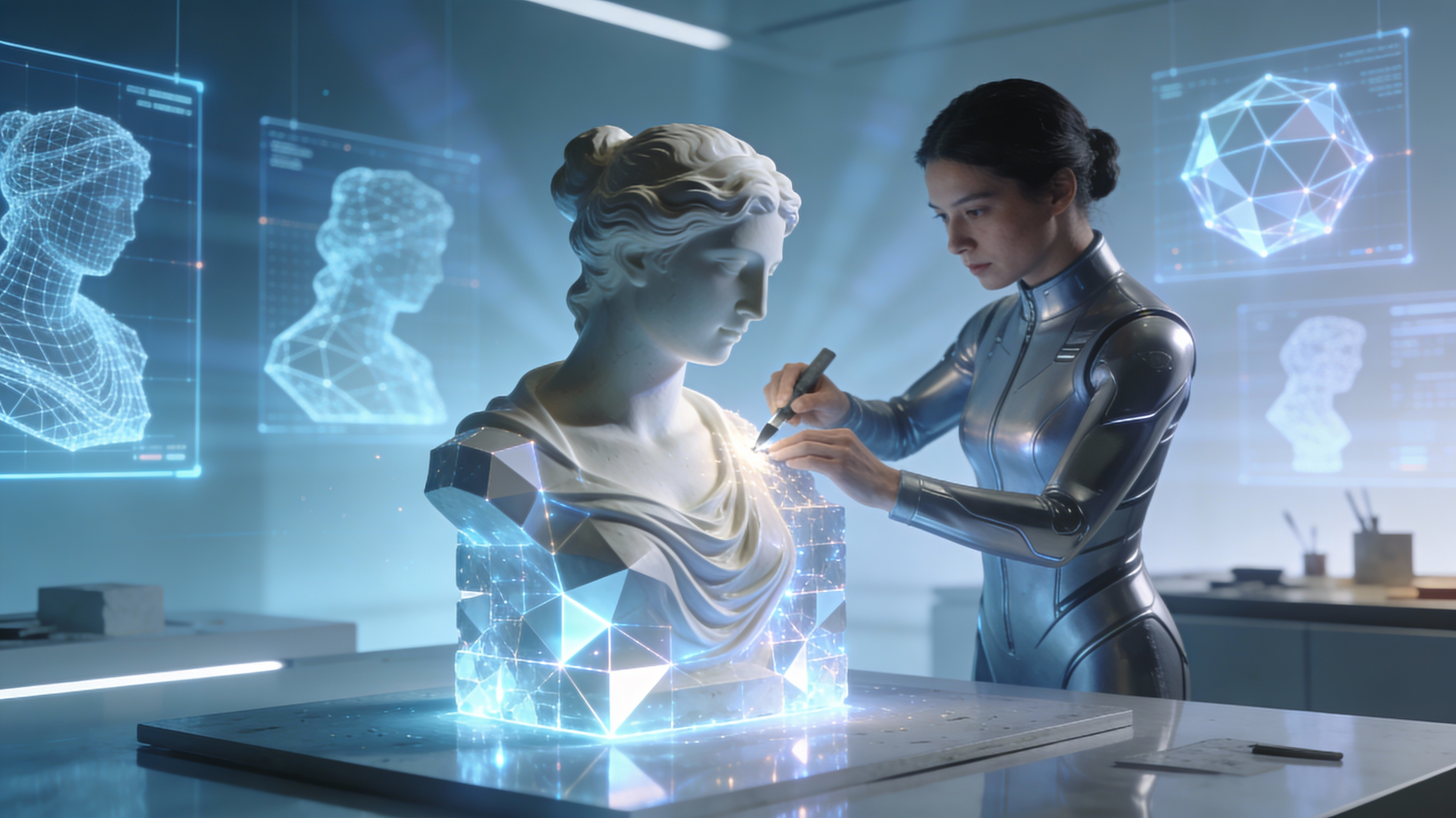
Seamless Integration with CAD Software
Our generated STL files are fully compatible with popular CAD software like Blender, AutoCAD, and SolidWorks, allowing you to further refine and customize your 3D models. This seamless integration streamlines your workflow and enables you to create complex and sophisticated 3D designs.
FAQs
Discover related AI tools:
Browse Related Content
Explore AI-generated image to stl artwork from our community
More From BasedLabs



Create Your 3D Model Now
Join millions of creators using BasedLabs to generate professional, scroll-stopping content for social media, YouTube, marketing, and more — in seconds. Produce high-quality AI-generated videos and images optimized for engagement and reach. Streamline your content workflow and scale faster.
