 AI TikTok app - Go viral!Go viral on TikTok with AI influencers, pranks & trends. Free iOS app - pay with Apple Pay or card.Get It Free →
Horror ai art generator
Unleash your darkest visions with AI-powered horror art creation.
Try a style:
How to use Horror ai art generator
Steps to get you started in BasedLabs.

Step 1
Enter Your Horror Prompt
Describe your terrifying vision.
In the input field, type a detailed description of the horror art you want to create. Include elements like setting, monster description, and atmosphere.

Step 2
Generate Your Image
Let the AI create your nightmare.
Click the "Generate" button to start the AI process. The AI will analyze your prompt and generate a unique horror-themed image based on your description. This may take a few moments depending on the complexity.

Step 3
Download and Share
Show the world your AI-created horror art.
Once the image is generated, you can download it in various formats. Share your terrifying creation on social media or use it for your personal projects.
Unleash Your Creativity
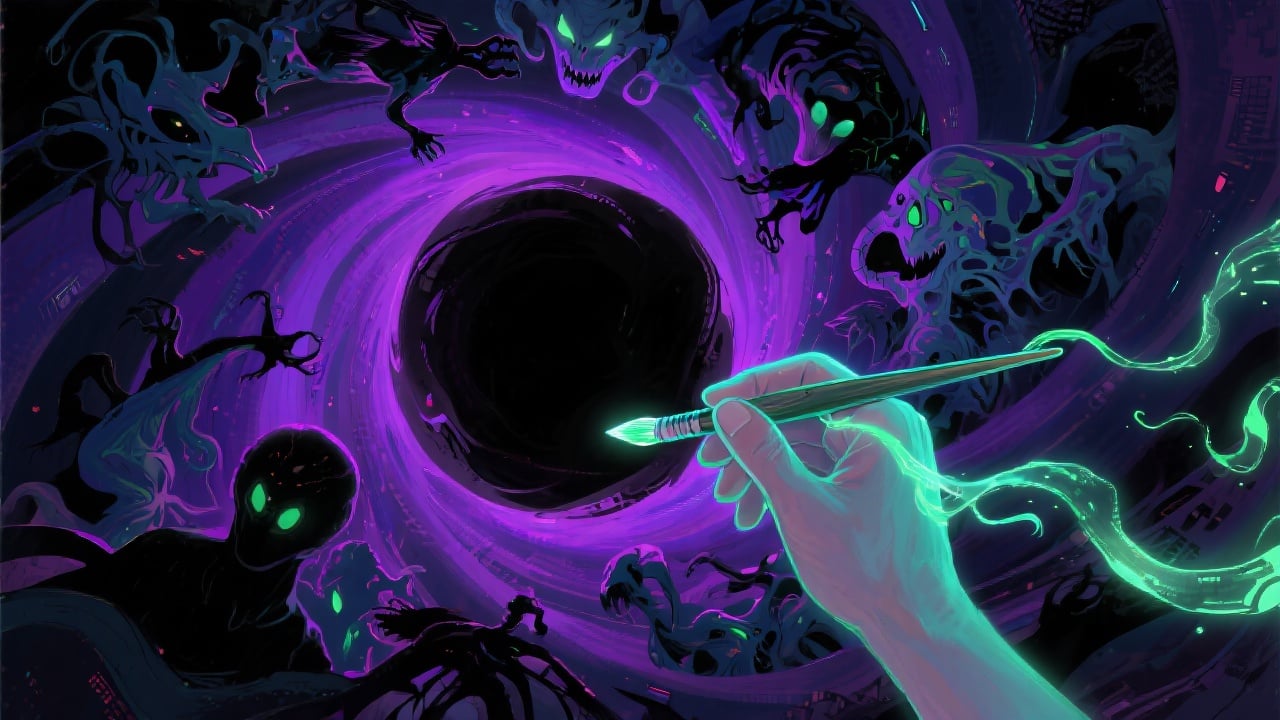
Our horror AI art generator allows you to bring your most terrifying ideas to life, even if you lack artistic skills. Create unique and captivating horror art with ease.
Save Time and Effort
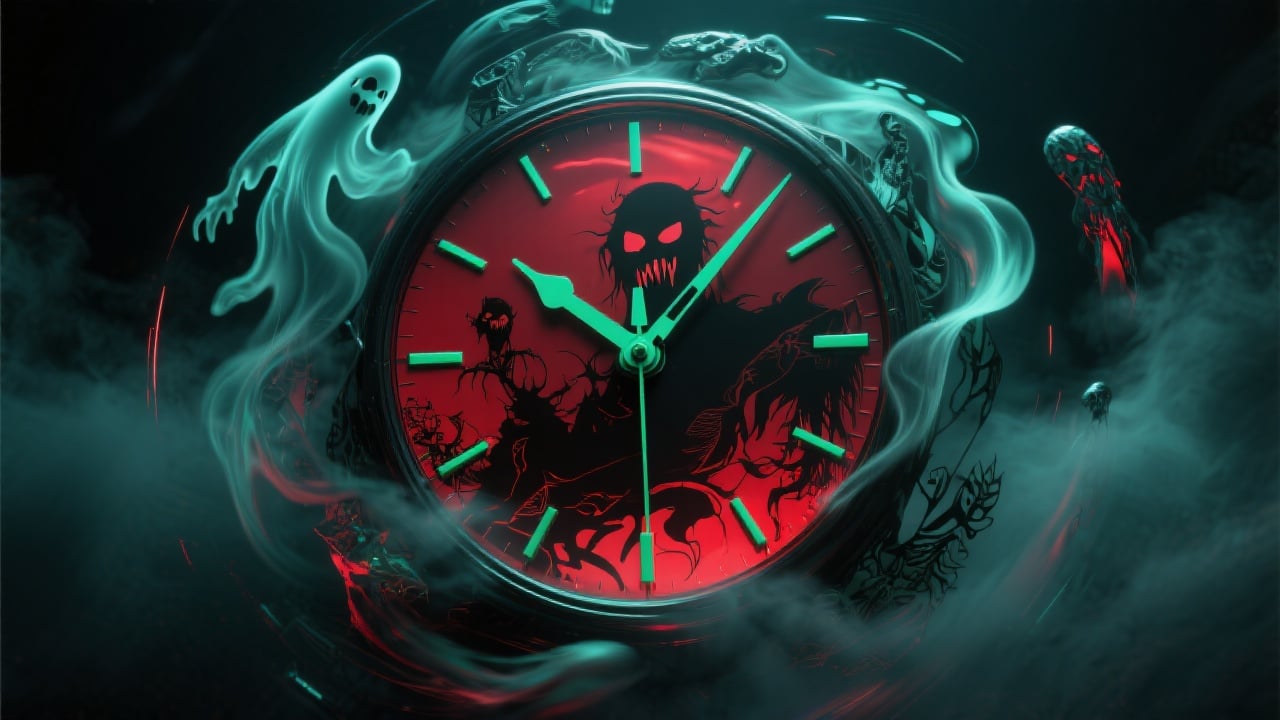
Skip the traditional art creation process and generate stunning horror images in a fraction of the time. Perfect for writers, game developers, and horror enthusiasts.
Experiment with Different Styles
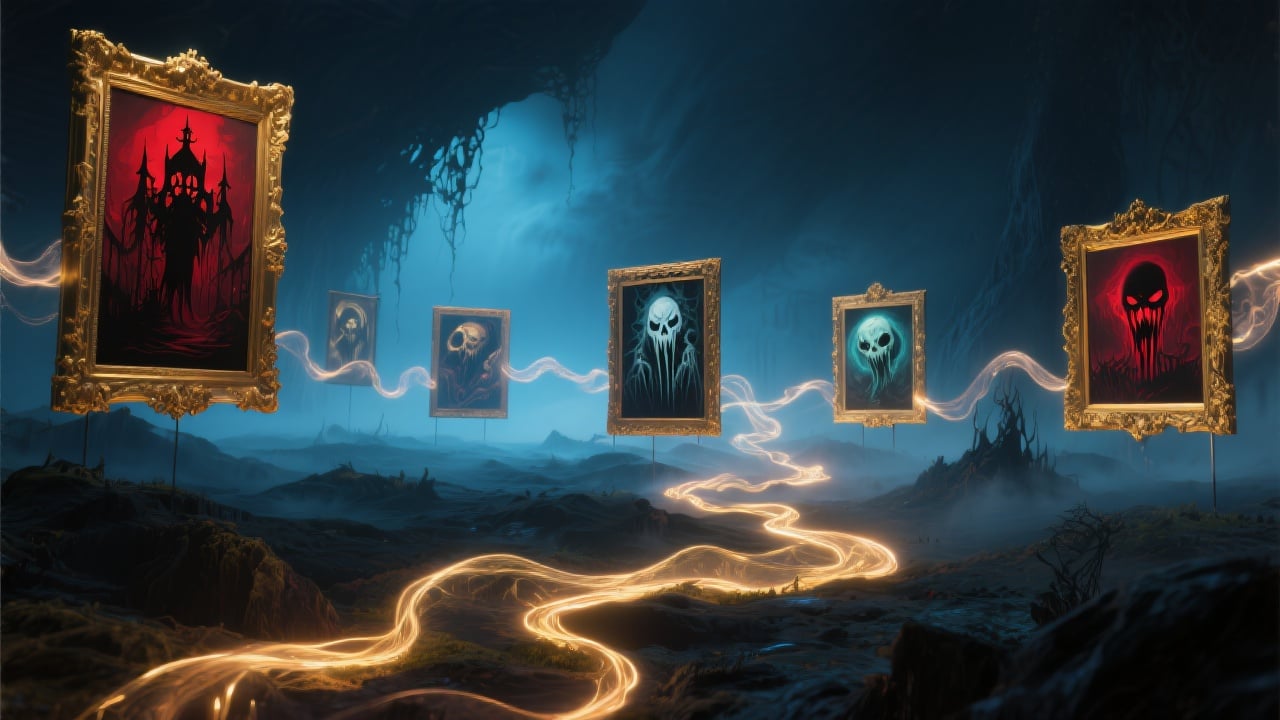
Explore various horror styles and themes by experimenting with different prompts. Discover new visual concepts and push the boundaries of horror art.
FAQs
Discover related AI tools:
- 0
Browse Related Content
Explore AI-generated horror art generator artwork from our community
More From BasedLabs



Create Your Own Horror Masterpiece
Join millions of creators using BasedLabs to generate professional, scroll-stopping content for social media, YouTube, marketing, and more — in seconds. Produce high-quality AI-generated videos and images optimized for engagement and reach. Streamline your content workflow and scale faster.
