 AI TikTok app - Go viral!Go viral on TikTok with AI influencers, pranks & trends. Free iOS app - pay with Apple Pay or card.Get It Free →
Hard Tattoos Generator
Generate bold, masculine tattoo designs featuring skulls, biomechanical elements, tribal patterns, and hardcore imagery. Create intense, high-contrast black and grey or traditional styles perfect for chest pieces, sleeves, and statement tattoos.
Try a style:
Looking for ink that really makes a statement? You've come to the right place. Our Hard Tattoos Generator is designed to help you visualize the most striking and powerful tattoo concepts imaginable. When you use it, you'll find that the AI excels at generating bold, masculine designs perfectly suited for large placements like sleeves or chest pieces. It's not just limited to aesthetics though; you can fine-tune the level of detail, specify artistic styles – from crisp black and grey realism to classic bold line – and even experiment with incorporating specific imagery.
Our users typically start with broad concepts like "biomechanical sleeve with a skull" or "tribal back piece featuring a phoenix," then refine the results through iterative generations. It's a fantastic tool for sparking inspiration and honing in on exactly the kind of hardcore tattoo designs you want. Thinking about a skull tattoo generator to visualize some intimidating skeletal art? Try throwing in descriptors like "angry," "weathered," or "crowned" along with materials like "bronze" or "stone" to truly customize the design and get your creative juices flowing. The options are nearly limitless!
How to use Hard Tattoos Generator
Steps to get you started in BasedLabs.

Step 1
Select Your Hard Tattoo Style
Choose your hardcore aesthetic
Pick from specific hard tattoo categories including biomechanical fusion, skull and death imagery, tribal blackwork, demon and horror themes, or realistic black and grey portraits. Specify whether you want traditional bold lines, photorealistic shading, geometric patterns, or neo-traditional color accents. You can combine elements like a biomechanical skull with tribal accents or a demon portrait with geometric framing for unique hybrid designs.

Step 2
Customize Imagery and Placement
Define your design elements
Input specific elements you want featured: particular skull angles (profile, front-facing, exploded view), mechanical components (gears, pistons, wiring), animal integration (wolf, snake, raven), or symbolic additions (clocks, roses, daggers). Indicate intended body placement (forearm, chest, back, calf) so the design's composition, flow, and orientation match natural body contours and muscle structure for optimal visual impact when tattooed.

Step 3
Generate and Refine Your Design
Create multiple variations
Generate multiple versions with varying levels of detail, shading intensity, and compositional layouts. Compare options with different negative space usage, line weight variations, and focal point placements. Download high-resolution versions to share with your tattoo artist, who can adapt the design to your exact body measurements, skin tone, and personal modifications while maintaining the hardcore aesthetic and technical integrity of the original concept.
Authentic Hardcore Aesthetic Library
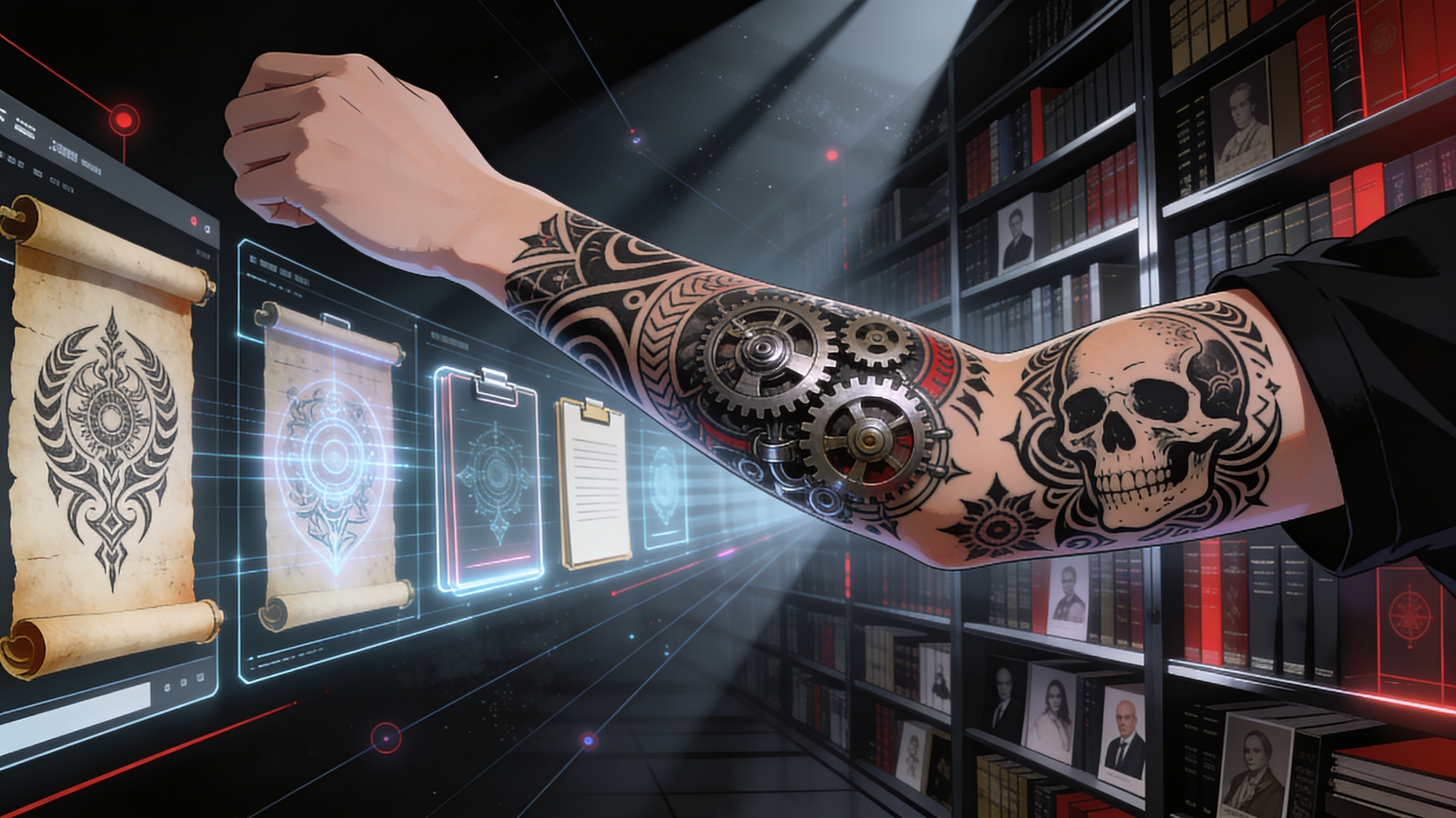
Our AI model learned from extensive collections of biomechanical art, skull imagery, tribal patterns, and hardcore tattoo portfolios from renowned artists. This training ensures generated designs feature authentic tattoo conventions like proper line weight hierarchy, effective negative space usage, and shading techniques that translate well to skin. Every design respects the visual language of hard tattoo culture while offering fresh, unique compositions you won't find in standard flash sheets.
Body-Placement Optimization
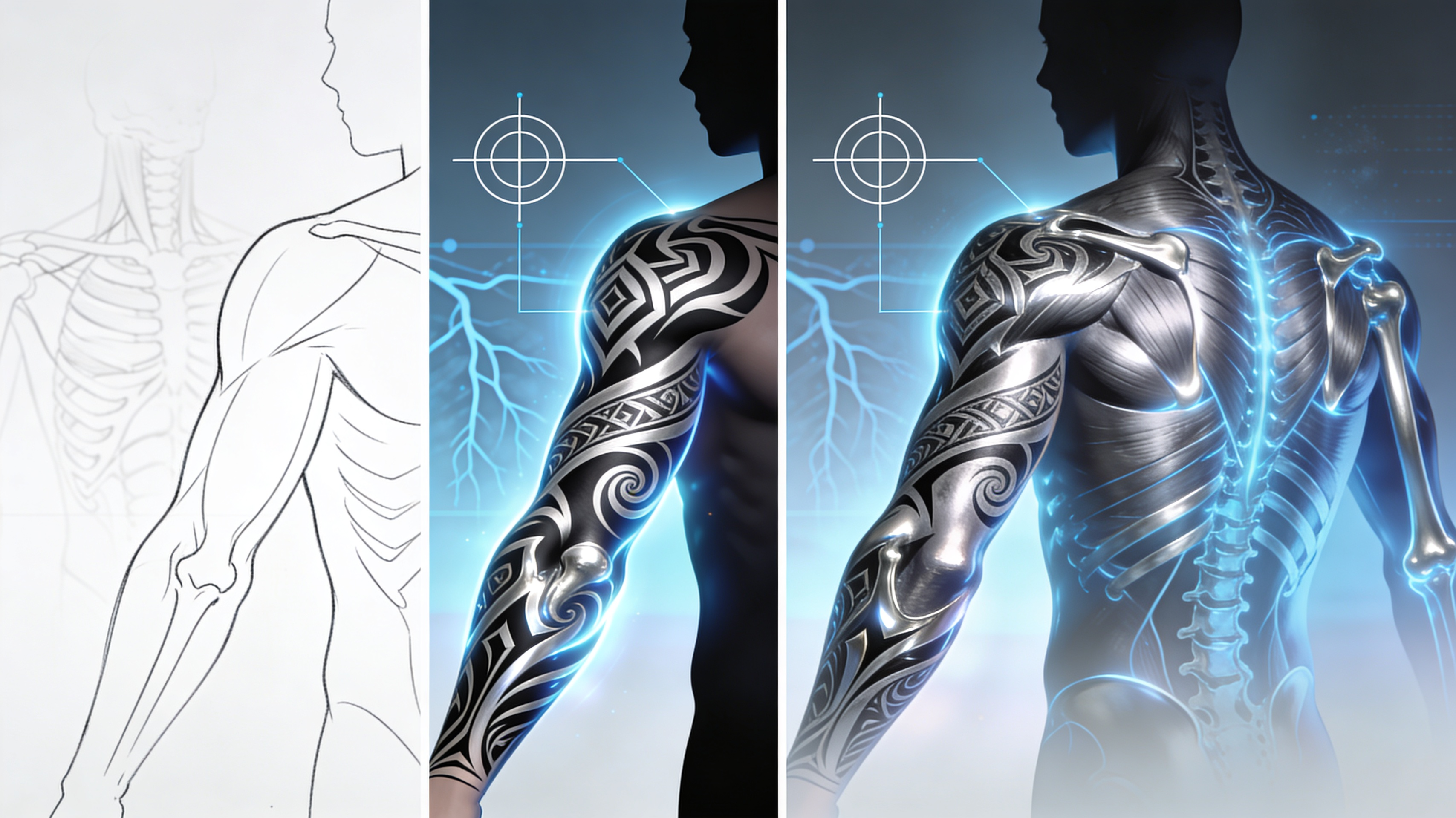
Unlike generic image generators, our tool considers how hard tattoo designs wrap around muscles, follow bone structure, and utilize body contours. Specify your placement area and receive compositions optimized for that location—sleeves that spiral naturally around arms, chest pieces with symmetrical balance, or back designs with proper spinal alignment. This anatomical awareness ensures your design will look powerful and proportionate when actually tattooed.
Customizable Intensity Levels
Adjust the hardcore intensity from subtle dark imagery to extreme gore and horror elements. Fine-tune shading density from light grey washes to solid black saturation, control line thickness from delicate details to bold traditional outlines, and modify subject matter aggression from stylized skulls to graphic realism. This granular control lets you create hard tattoos that match your personal threshold while maintaining artistic quality and tattoo-ready composition.
FAQs
Discover related AI tools:
- Road Tattoo Ideas Generator
- Tombstone Tattoo Ideas Generator
- Crossword Puzzle Tattoo Generator
- Virgo Tattoos For Men Generator
- Ohio State Tattoo Ideas Generator
- Fear God Tattoo Design Generator
- GD Level Name Generator
- Free AI Image Generator No Restrictions
- AI Nude Filter - Free Online Tool
- AI Face Swap - Free Online Tool
- Goth AI Art Generator
- Xbox Code Generator - Free 2026
Browse Related Content
Explore AI-generated hard tattoos generator artwork from our community
More From BasedLabs



Generate Your Hard Tattoo Design Now
Join millions of creators using BasedLabs to generate professional, scroll-stopping content for social media, YouTube, marketing, and more — in seconds. Produce high-quality AI-generated videos and images optimized for engagement and reach. Streamline your content workflow and scale faster.
