 AI TikTok app - Go viral!Go viral on TikTok with AI influencers, pranks & trends. Free iOS app - pay with Apple Pay or card.Get It Free →
full body base drawing
Generate diverse, customizable full body base drawings instantly. Define pose, body type, and art style for perfectly proportioned starting points, saving hours of sketching time and boosting creative workflow.
Try a style:
When you use our full body base drawing generator, you'll immediately notice how it streamlines the most time-consuming part of character creation. Instead of spending hours sketching and erasing to get proportions right, you can generate a solid foundation in seconds. Artists typically use these bases for comic book panels, character design sheets, animation keyframes, and even fashion illustration mockups. The real power comes from the customization options—you can specify everything from muscular builds to slender frames, standing poses to complex action stances, and adjust the art style to match your project's aesthetic.
You'll find that the pose reference AI particularly excels at solving the "blank canvas" problem that often stalls creative projects. Whether you're working on a webcomic deadline or developing concept art for a game, having instant access to anatomically correct bases means you can focus on the unique elements that make your characters stand out—clothing, facial features, personality details, and finishing touches. Our users typically generate multiple variations to test different compositions before committing to final linework, which speeds up their workflow considerably and reduces frustration during the iteration phase. The generated bases work seamlessly whether you're drawing digitally or printing them out as physical references for traditional media work.
How to use full body base drawing
Steps to get you started in BasedLabs.

Step 1
Define the Pose
Set the foundation for your character's action.
Use the 'Pose Prompt' field to describe the desired action or stance (e.g., 'standing heroically,' 'dynamic running pose'). Alternatively, click on the 'Random Pose' button for unexpected inspiration. For fine-grained control, utilize the 'Joint Adjustment' feature to manipulate individual limbs and body segments. Consider using keywords like 'contrapposto' or 'gesture drawing' for advanced pose control.

Step 2
Customize Body Type and Style
Tailor the base to your character's unique physique and aesthetic.
Select a pre-defined body type (e.g., 'athletic,' 'slim,' 'curvy') or use the 'Body Shape' sliders to fine-tune proportions. Experiment with different art styles – 'Realistic,' 'Cartoon,' 'Anime,' or 'Stylized' – to match your project's visual direction. The 'Anatomy Detail' slider lets you adjust muscle definition.

Step 3
Export and Integrate
Seamlessly incorporate your base into your workflow.
Download your full body base drawing as a PNG file with a transparent background for easy layering. Choose the desired resolution based on your project's needs. Consider generating multiple variations of the base and selecting the one that best fits your artistic vision. Import the PNG into your preferred drawing or animation software and begin sketching your character details.
Infinite Pose Variations
Our AI is trained on a massive dataset of human poses, allowing it to generate an almost limitless variety of dynamic and natural-looking figures. Explore unique angles and action sequences impossible to easily find through traditional reference sources.

Control Anatomy with Precision
Go beyond generic base meshes. The 'Body Shape' and 'Anatomy Detail' controls allow for granular adjustments to muscle definition, body fat percentage, and overall physique, ensuring your characters are anatomically believable and visually appealing.
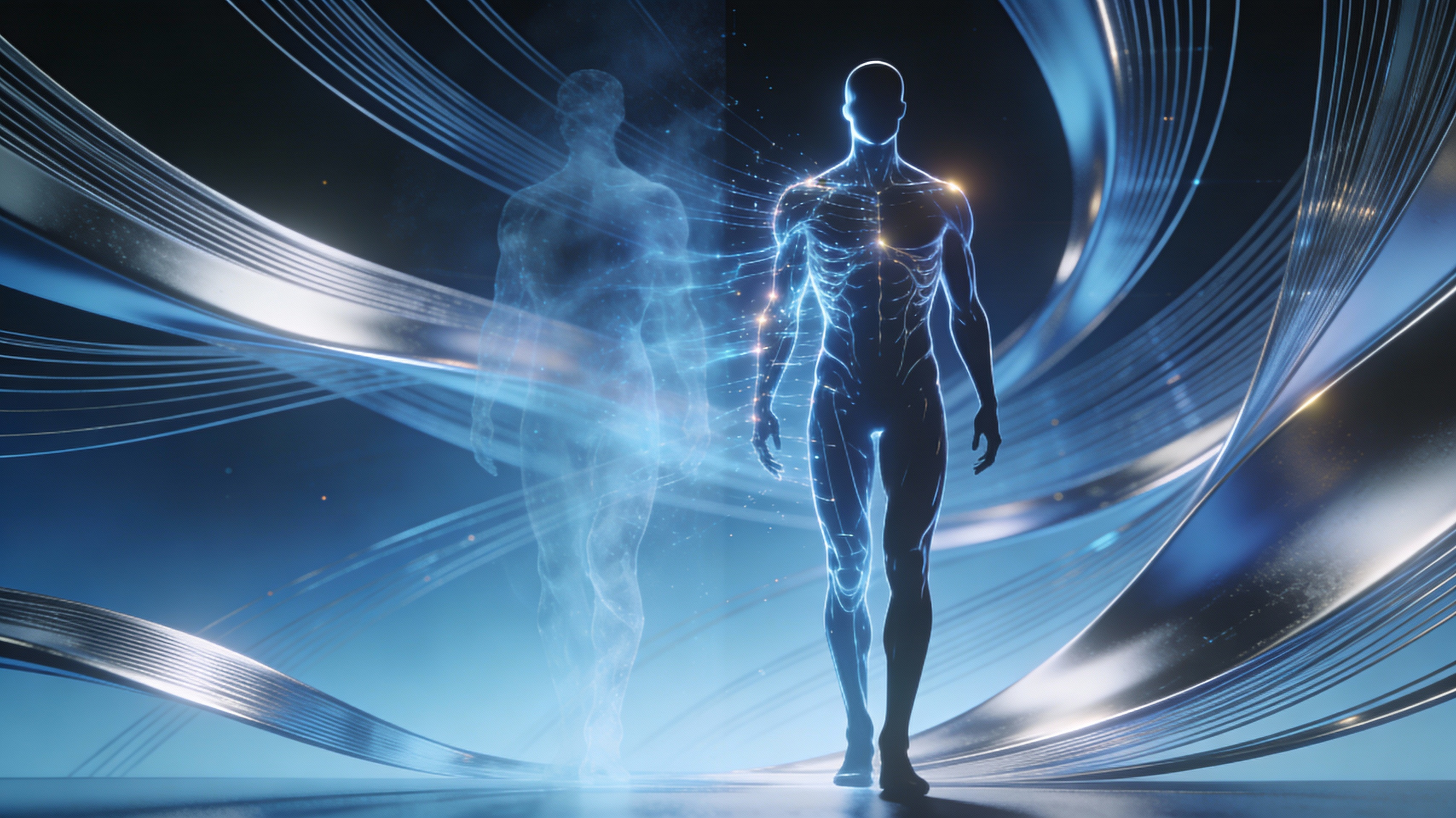
Style Transfer for Seamless Integration
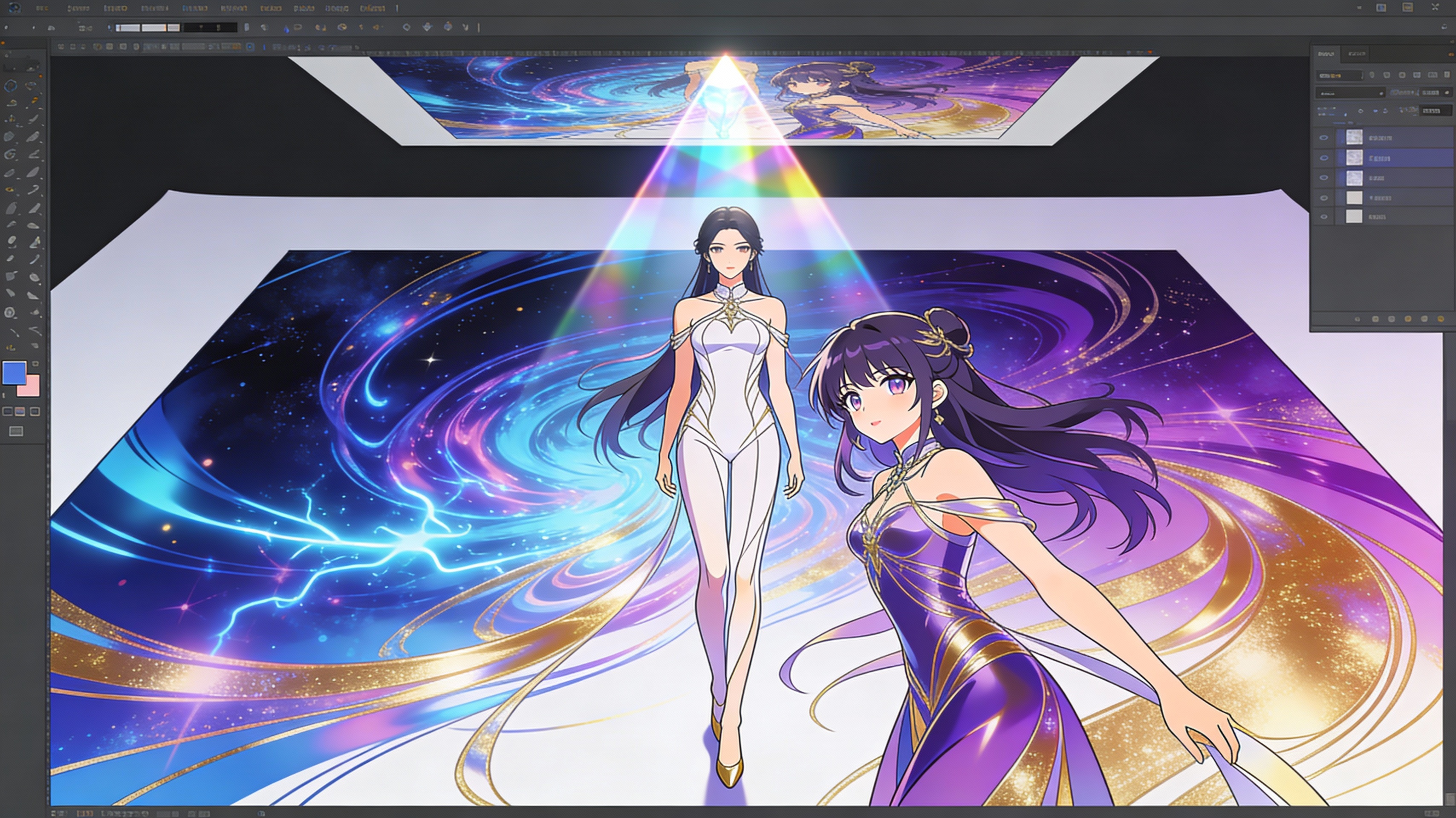
Choose from a range of art styles, including Realistic, Cartoon, and Anime, or upload a reference image to transfer its aesthetic to the base drawing. This ensures that the generated base seamlessly integrates into your existing projects and reduces post-processing time.
FAQs
Discover related AI tools:
Browse Related Content
Explore AI-generated full body base drawing artwork from our community
More From BasedLabs



Generate Your Full Body Base Drawing Now
Join millions of creators using BasedLabs to generate professional, scroll-stopping content for social media, YouTube, marketing, and more — in seconds. Produce high-quality AI-generated videos and images optimized for engagement and reach. Streamline your content workflow and scale faster.
