 AI TikTok app - Go viral!Go viral on TikTok with AI influencers, pranks & trends. Free iOS app - pay with Apple Pay or card.Get It Free →
Fake Twitch Chat
Generate realistic-looking Twitch chat logs for social media content, mockups, or educational purposes.
Try these examples:
How to use Fake Twitch Chat
Steps to get you started in BasedLabs.

Step 1
Enter the Chat Details
Provide the usernames and messages for your simulated Twitch chat.
Start by inputting the desired usernames for each participant in the chat. Then, enter the messages you want each user to send. You can add as many messages as you need to create your desired conversation.

Step 2
Adjust Timestamps (Optional)
Fine-tune the timestamps for each message to create a realistic flow.
Adjust the timestamps for each message to simulate a real-time conversation. You can set specific times or use a simple incrementing system to create a chronological flow. This step adds a layer of authenticity to your fake Twitch chat.

Step 3
Generate and Download
Generate the fake Twitch chat and download it as an image or text file.
Once you've entered all the necessary information, click the 'Generate' button to create your fake Twitch chat. You can then download the chat as an image or text file for use in your projects or content.
Create Engaging Content
Easily create engaging and humorous content using simulated Twitch chats. Perfect for adding context or humor to your videos, memes, or social media posts.

Storyboard Ideas
Use the fake Twitch chat generator to storyboard stream concepts, test out different chat interactions, or plan content around specific chat dynamics before ever going live.
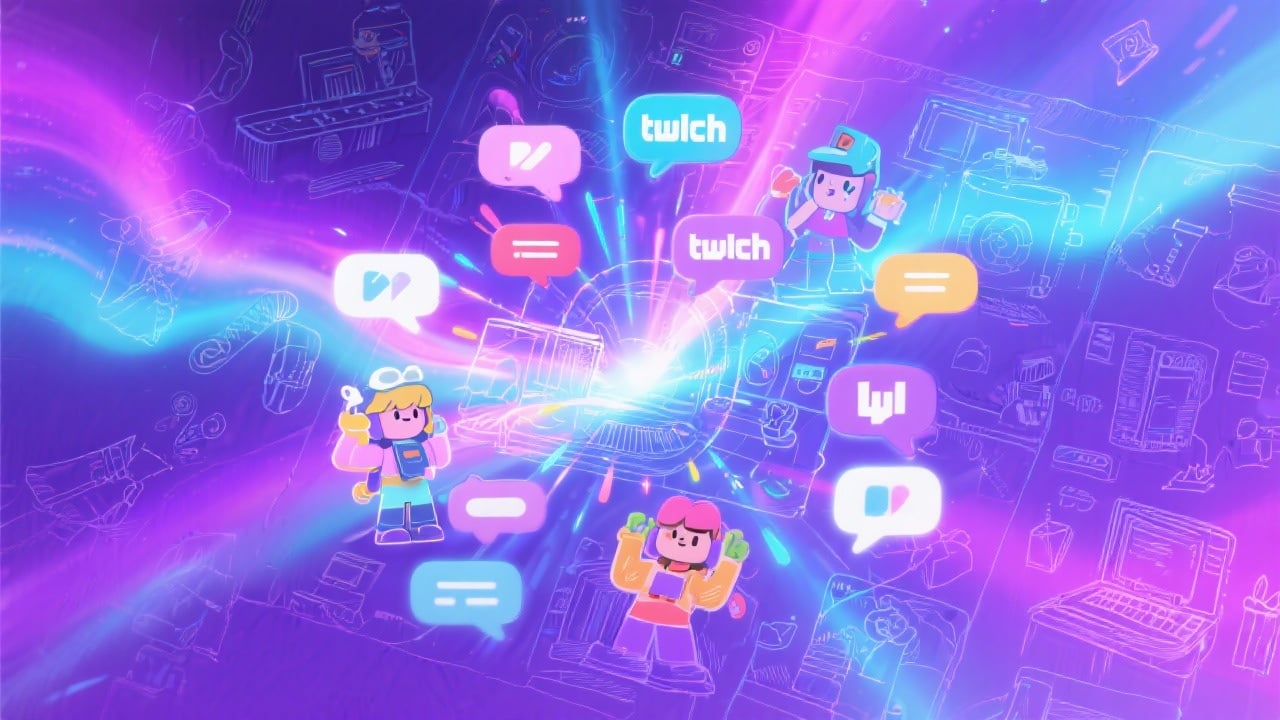
Demonstrate Chat Moderation
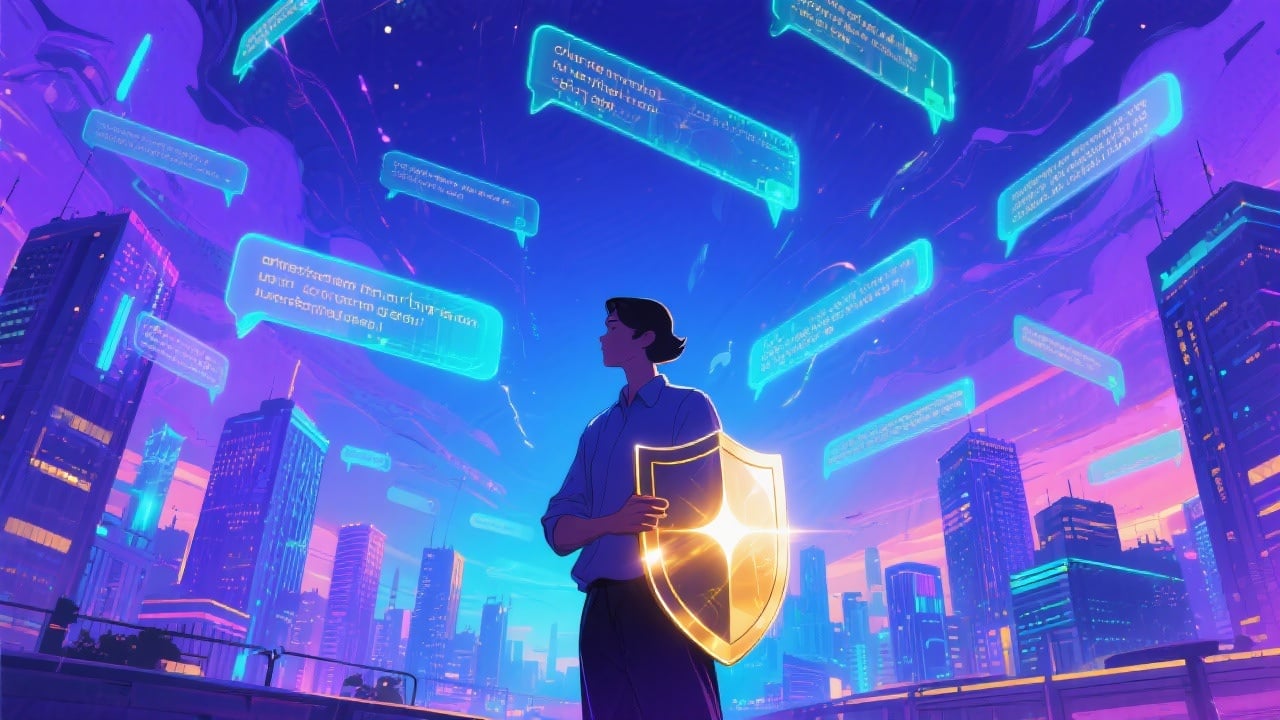
Use the tool to create realistic chat scenarios and demonstrate effective moderation practices, perfect for training new moderators or showcasing your moderation system to potential clients.
FAQs
Discover related AI tools:
- 0
Browse Related Content
Explore AI-generated fake twitch chat artwork from our community
More From BasedLabs



Generate Your Fake Twitch Chat Now
Join millions of creators using BasedLabs to generate professional, scroll-stopping content for social media, YouTube, marketing, and more — in seconds. Produce high-quality AI-generated videos and images optimized for engagement and reach. Streamline your content workflow and scale faster.
