 AI TikTok app - Go viral!Go viral on TikTok with AI influencers, pranks & trends. Free iOS app - pay with Apple Pay or card.Get It Free →
Email Address Generator AI
Generate realistic and unique email addresses using advanced AI algorithms for testing, development, and privacy.
Try these examples:
How to use Email Address Generator AI
Steps to get you started in BasedLabs.

Step 1
Generate an Email Address
Get a brand new email address in seconds.
Simply click the 'Generate' button. Our AI will instantly create a unique and realistic-looking email address.

Step 2
Copy to Clipboard
Easily copy your generated address.
Once the AI generates an email address, a 'Copy' button will appear. Click it to quickly copy the email address to your clipboard.

Step 3
Use it for Testing
Paste the address wherever you need it.
Paste the email address into the required field, such as a sign-up form or testing environment. Remember these are for testing and development and should not be used maliciously.
Protect Your Privacy
Keep your primary email address safe from spam and potential phishing attempts by using a generated email for untrusted websites or services.
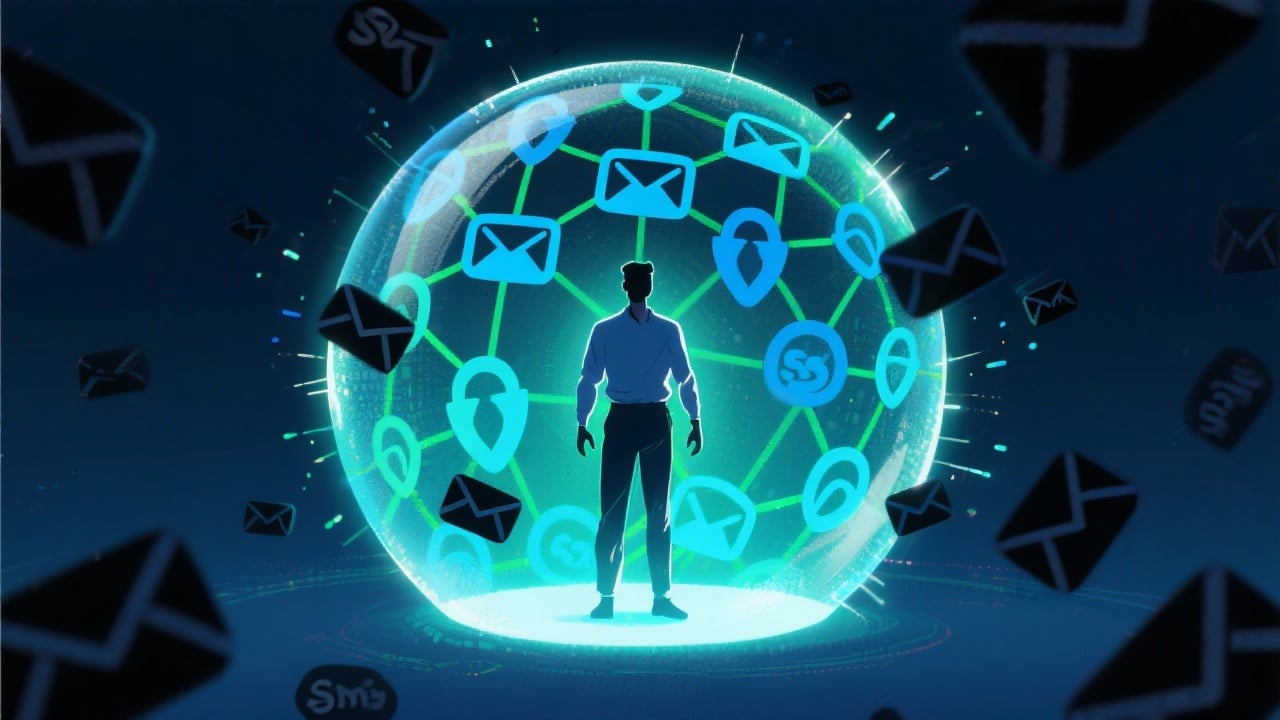
Streamline Testing
Generate numerous email addresses to test email functionality, user registration processes, and other email-related features in your applications.

Enhance Development
Use generated email addresses to mimic user behavior and test email flows without affecting real users or risking their data.

FAQs
Discover related AI tools:
Browse Related Content
Explore AI-generated email address generator ai artwork from our community
More From BasedLabs



Generate Your Free Email Address Now
Join millions of creators using BasedLabs to generate professional, scroll-stopping content for social media, YouTube, marketing, and more — in seconds. Produce high-quality AI-generated videos and images optimized for engagement and reach. Streamline your content workflow and scale faster.
