 AI TikTok app - Go viral!NEW: Seedream 5 by ByteDance. Sharper prompts, native text in 14 languages, precise edits. Try it now.Try It Now →
elon musk ai voice
Transform your text into strikingly realistic audio using our Elon Musk AI voice generator. Craft engaging content with nuanced delivery, achieving lifelike vocal performances perfect for creative projects and unique soundscapes.

Unleash your creative potential with BasedLabs' cutting-edge Elon Musk AI voice! This tool empowers you to generate incredibly realistic audio from any text input. When you use our model, you'll find that it captures the subtle inflections and characteristic cadence that make Elon's voice so recognizable – it's more than just mimicking words, it’s about replication. Our users typically create captivating presentations, add a unique flair to podcasts, or even craft personalized messages that are sure to grab attention.
Looking for inspiration? Try using the Elon Musk AI voice generator to narrate a futuristic explainer video, voice your satirical skits, or bring a science fiction audiobook to life. For best results, experiment with sentence structure and punctuation – a slightly shorter, more direct style tends to mirror Elon's speaking style more accurately. Plus, consider adding pauses for emphasis; even subtle variations can make your generated audio sound even more authentic and compelling. The possibilities are truly endless.
How to use elon musk ai voice
Steps to get you started in BasedLabs.

Step 1
Step 1: Upload or Type Your Script
Enter the text you want Elon Musk to say.
Begin by either typing your desired text directly into the text box or uploading a pre-written script in a compatible format (e.g., .txt, .docx). Our platform automatically identifies sentences and structures them for optimal AI voice generation. Pro Tip: Break longer paragraphs into smaller chunks for better pacing and intonation.

Step 2
Step 2: Select and Customize the Elon Musk Voice
Fine-tune the voice to match your desired tone.
Choose the 'Elon Musk' voice from our diverse selection of AI voices. Then, experiment with parameters like pitch (adjust the highness or lowness of the voice), speed (control the speaking rate), and emphasis (highlight specific words or phrases). A/B test different combinations to achieve the perfect output. Pro Tip: Subtle adjustments often yield the most realistic results.

Step 3
Step 3: Generate, Preview, and Download
Produce the audio and save your final version.
Once you're satisfied with your settings, click the 'Generate' button to create your Elon Musk AI voiceover. Preview the audio to ensure it meets your expectations. If needed, make further adjustments and regenerate. Finally, download the audio file in your preferred format (e.g., MP3, WAV) for use in your project. Pro Tip: Consider adding background music or sound effects for a more polished and engaging final product.
Hyper-Realistic Voice Cloning
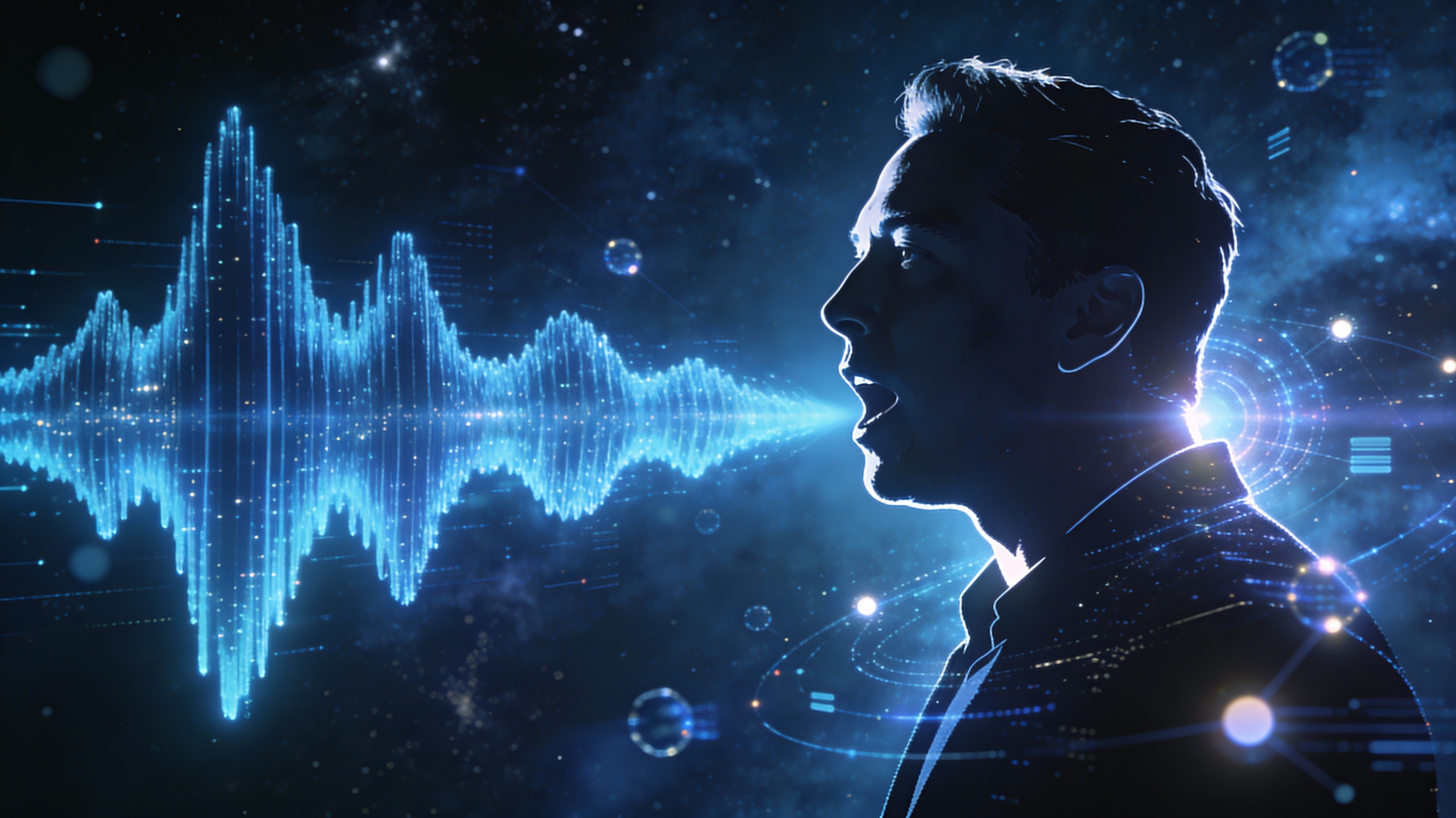
Our advanced AI model is trained on a massive dataset of Elon Musk's speeches, interviews, and presentations, resulting in an AI voice that captures his unique intonation, rhythm, and vocal nuances. Experience unparalleled realism in your generated audio.
Customizable Speech Parameters
Gain complete control over the generated voice with adjustable parameters. Modify the pitch to create a higher or lower tone, adjust the speed for a faster or slower delivery, and emphasize specific words or phrases to highlight key information. This level of customization ensures your audio perfectly matches your desired style.

Time and Cost Savings
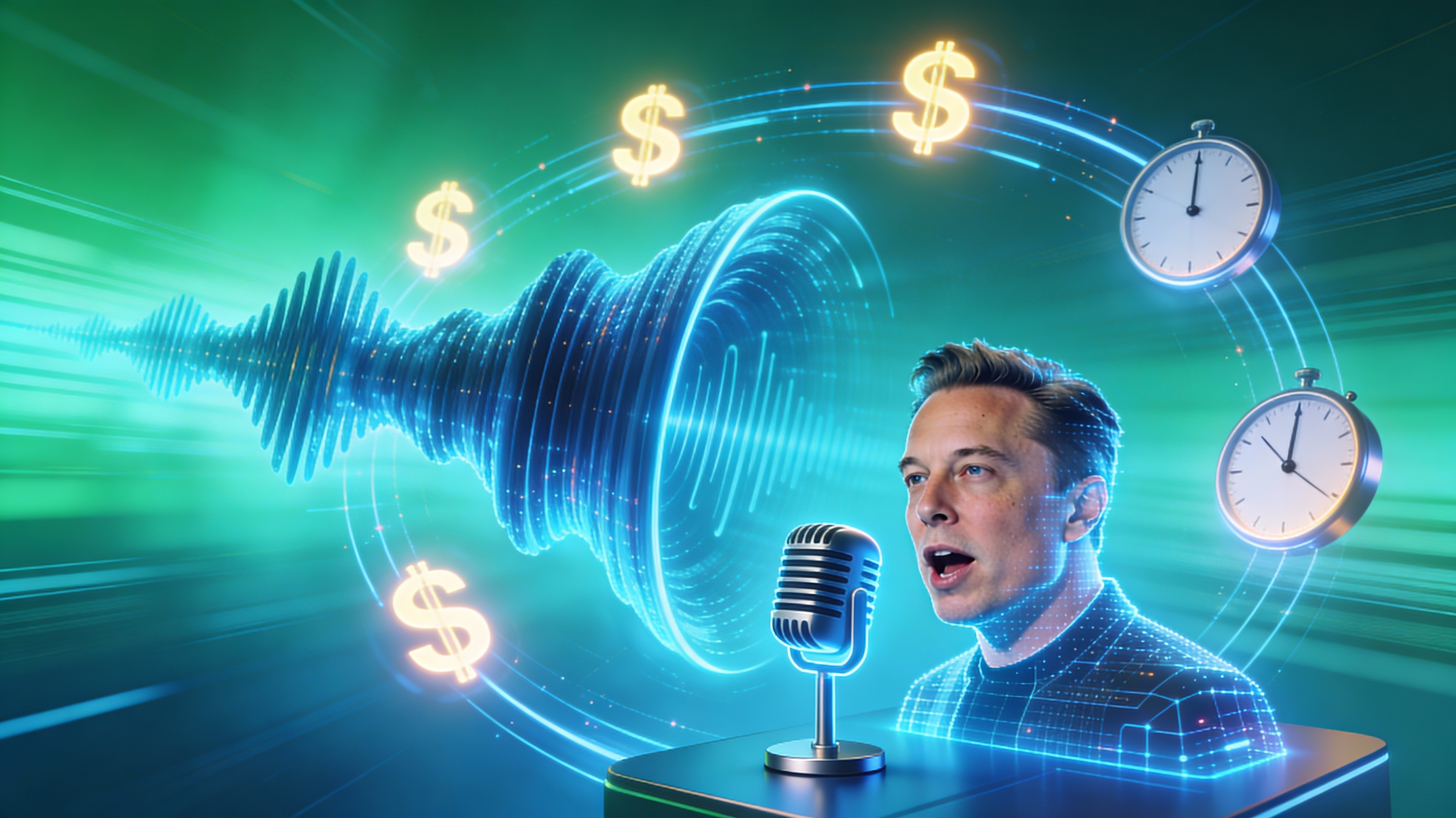
Avoid the time and expense associated with hiring professional voice actors or recording studios. Our Elon Musk AI voice generator allows you to create compelling audio content in minutes, saving you valuable time and resources.
FAQs
Discover related AI tools:
- 0
Browse Related Content
Explore AI-generated elon musk voice artwork from our community
More From BasedLabs



Generate Your Elon Musk AI Voice Now
Join millions of creators using BasedLabs to generate professional, scroll-stopping content for social media, YouTube, marketing, and more — in seconds. Produce high-quality AI-generated videos and images optimized for engagement and reach. Streamline your content workflow and scale faster.
