 AI TikTok app - Go viral!Go viral on TikTok with AI influencers, pranks & trends. Free iOS app - pay with Apple Pay or card.Get It Free →
creative hard sketches
Transform your initial rough concepts into polished, impactful hard sketches with AI. Explore 30+ distinct hatching and shading styles, refining your designs with photorealistic textures and dynamic line weights that capture your vision with unmatched precision.
Try a style:
How to use creative hard sketches
Steps to get you started in BasedLabs.

Step 1
Upload Your Initial Sketch
Start with a basic outline.
Begin by uploading a hand-drawn sketch or selecting a base image. Ensure the sketch has clear lines and defined shapes. You can even upload a simple photo as a starting point, and the AI will interpret the forms with hard sketch rendering. Use the 'Clarity' setting to dictate how closely the AI adheres to the source material.

Step 2
Customize the Style and Detail
Refine your vision with specific controls.
Use the style prompts to dictate the aesthetic of your hard sketch. Examples include 'technical illustration', 'cross-hatching', or 'engraving'. Adjust the 'Line Weight' parameter to control the thickness and boldness of the lines used in the sketch. Heavier line weights are ideal for bolder, more graphic hard sketches, while finer line weights are suited for intricate detailing.

Step 3
Finalize and Download
Export your high-quality hard sketch.
Preview your generated sketch and make any final adjustments. Use the 'Refine' button to generate variations if needed. Once satisfied, download your high-resolution hard sketch in your preferred format. Remember to experiment with 'Seed' values to explore variations on the same initial style and settings for design exploration.
Achieve Technical Precision
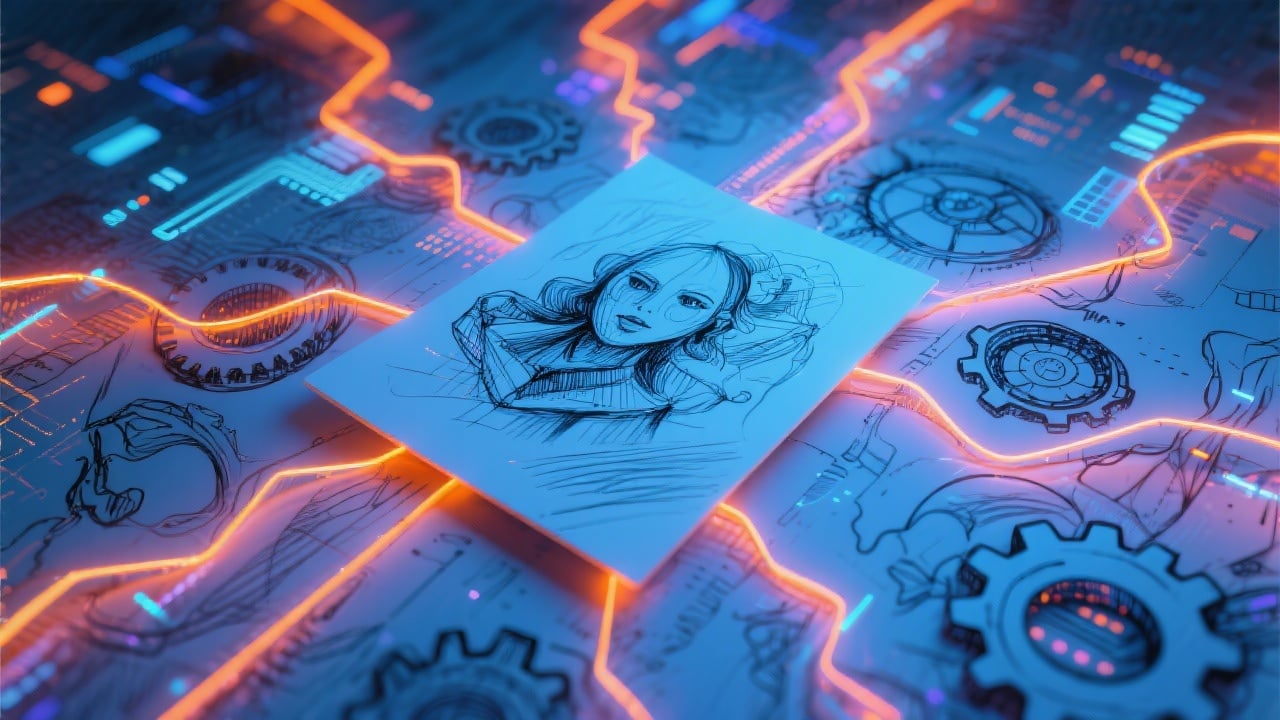
Leverage AI algorithms trained on thousands of technical illustrations, architectural drawings, and engineering diagrams to create hard sketches with exceptional accuracy and clarity. Perfect for concept design, technical documentation, and visual communication of complex ideas.

Explore Diverse Artistic Styles
BasedLabs.ai provides access to a wide array of hard sketch rendering styles, from classic cross-hatching and stippling to modern graphic novel aesthetics. Quickly iterate through different styles to find the perfect visual representation for your project, accelerating your creative process.
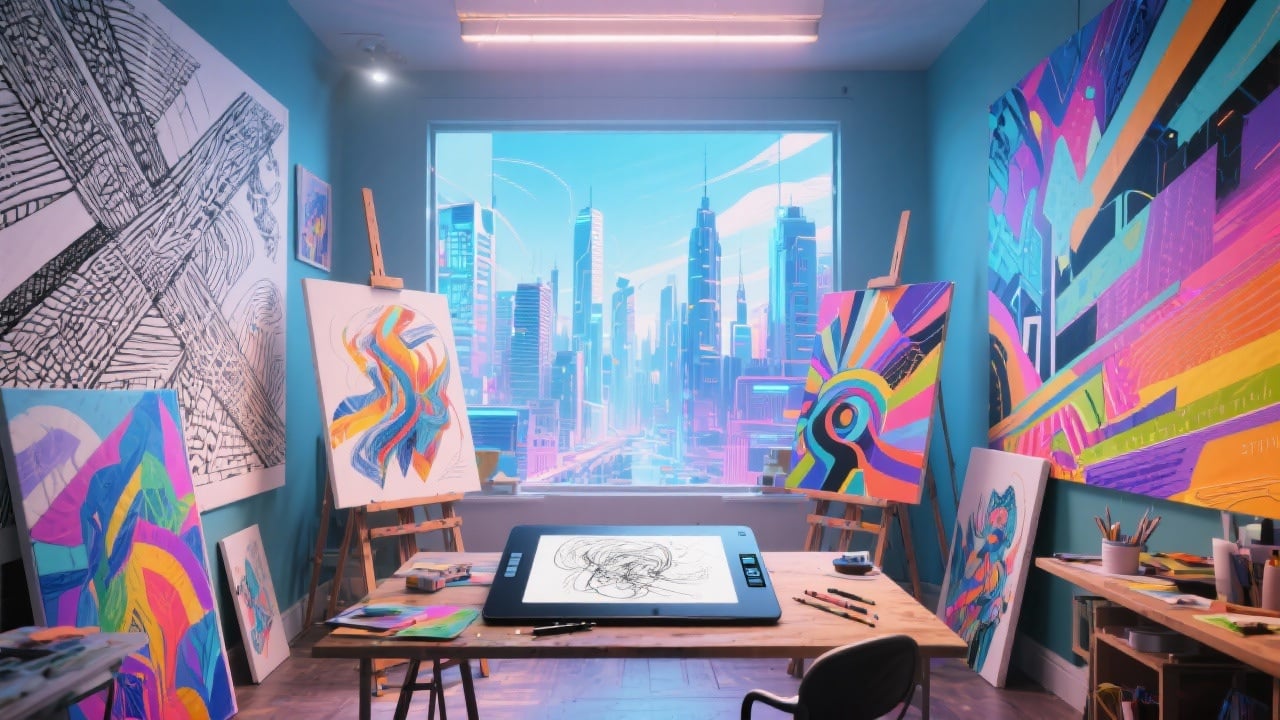
Iterate Rapidly on Concept Designs
Transform rough sketches into polished hard sketches in mere seconds, allowing you to quickly explore different design options and refine your vision. The 'Iterate' function allows for multiple variations on your initial prompt to rapidly evolve your concept.
FAQs
Discover related AI tools:
Browse Related Content
Explore AI-generated creative hard sketches artwork from our community
More From BasedLabs



Create Your First Creative Hard Sketch
Join millions of creators using BasedLabs to generate professional, scroll-stopping content for social media, YouTube, marketing, and more — in seconds. Produce high-quality AI-generated videos and images optimized for engagement and reach. Streamline your content workflow and scale faster.
