 AI TikTok app - Go viral!Go viral on TikTok with AI influencers, pranks & trends. Free iOS app - pay with Apple Pay or card.Get It Free →
au generator
Transform your 'alternate universe' fanfiction into stunning visual representations. Create character portraits, scene illustrations, and even full comic panels with precise control over style and character consistency, ensuring your vision comes to life.
Try a style:
Unleash your imagination and bring your AU fanfiction to vibrant life with our AI-powered tool. Designing alternate universe character art can be tricky, especially maintaining consistency across scenes. When you use our au generator, you'll find that it not only understands nuanced prompts describing your characters and settings but also enables you to reuse 'seeds' and character references, ensuring your visual storytelling remains cohesive. Forget struggling with finding the right reference images; simply describe your vision, and watch it unfold.
Our users typically utilize this to create character portraits exploring different professions or time periods, illustrate key scenes from their AU stories, or even generate full comic panels. Need your hero as a cyberpunk hacker instead of a medieval knight? Just adjust your prompt! For the best results with our ai illustration for au stories, be specific with details like clothing, facial expressions, and lighting. Experiment with different art styles from photorealistic to anime styles to find the perfect aesthetic to complement your writing. Think of it as your personal concept artist, available 24/7 to help you visualize every twist and turn of your alternate universe narrative.
How to use au generator
Steps to get you started in BasedLabs.

Step 1
Define Your AU Parameters
Input character changes and setting details.
Start by clearly outlining the core differences between your alternate universe and the original source material. Specify the character swaps, altered storylines, and unique settings that define your AU. Input these details into the au generator's dedicated 'AU Parameter' fields to guide the AI's artistic direction.

Step 2
Refine Character Aesthetics with Detailed Prompts
Use specific keywords to guide style and appearance.
Craft detailed prompts describing your character's appearance, clothing, and emotional state. Use specific keywords like 'battle-worn,' 'cybernetically enhanced,' or 'royal attire' to influence the AI's artistic choices. Experiment with different combinations to achieve the desired aesthetic. Consider using a style guide from established artists as inspiration.

Step 3
Iterate and Refine with Seed Numbers
Use seed numbers for consistency in multiple images.
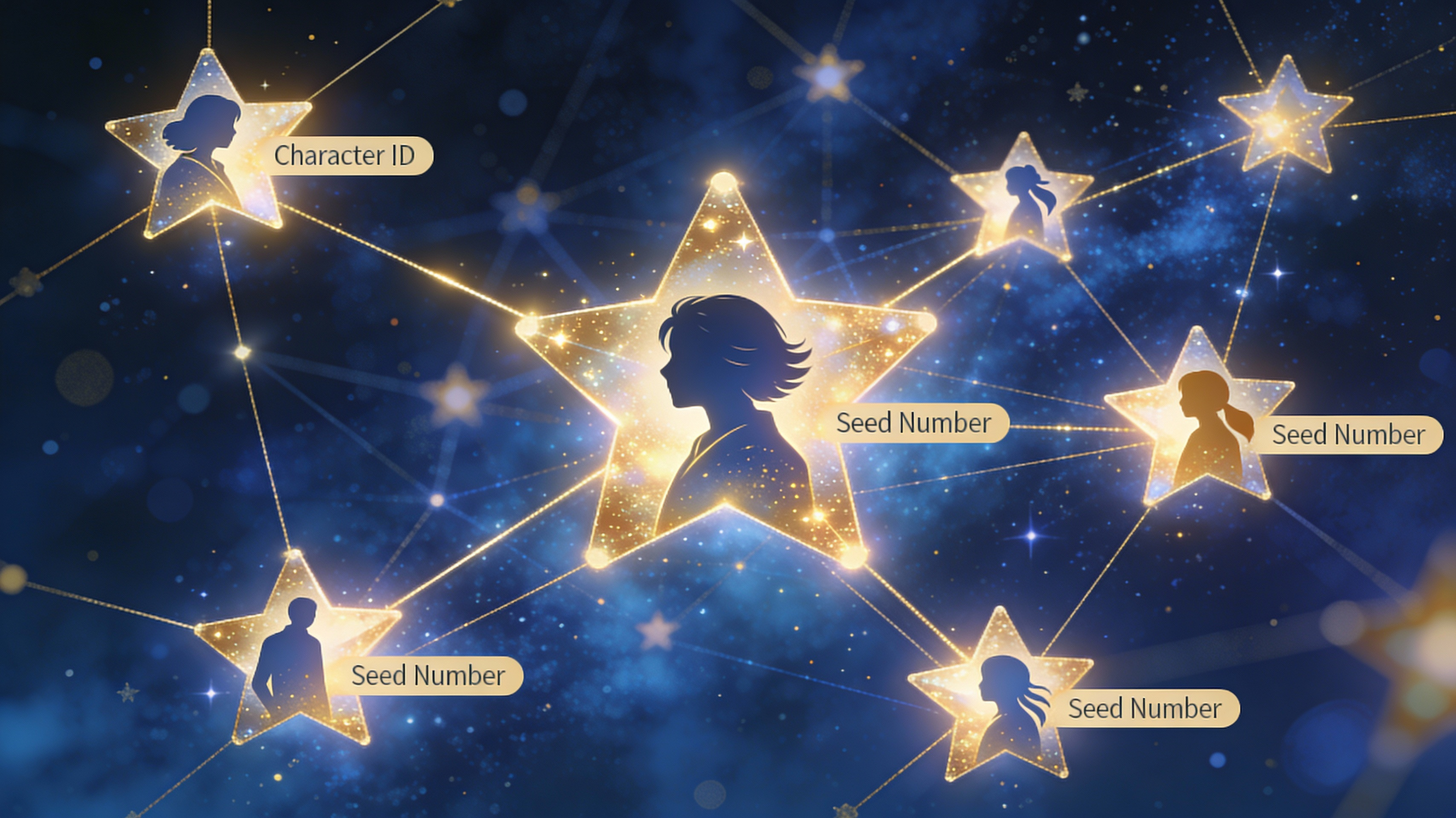
After generating an image you like, note the 'Seed Number' associated with it. This number acts as a fingerprint for that specific generation. Use the same seed number in subsequent prompts to create variations of the same image, maintaining character consistency and overall aesthetic. This is crucial for creating a cohesive visual narrative for your AU.
AU-Specific Training Data
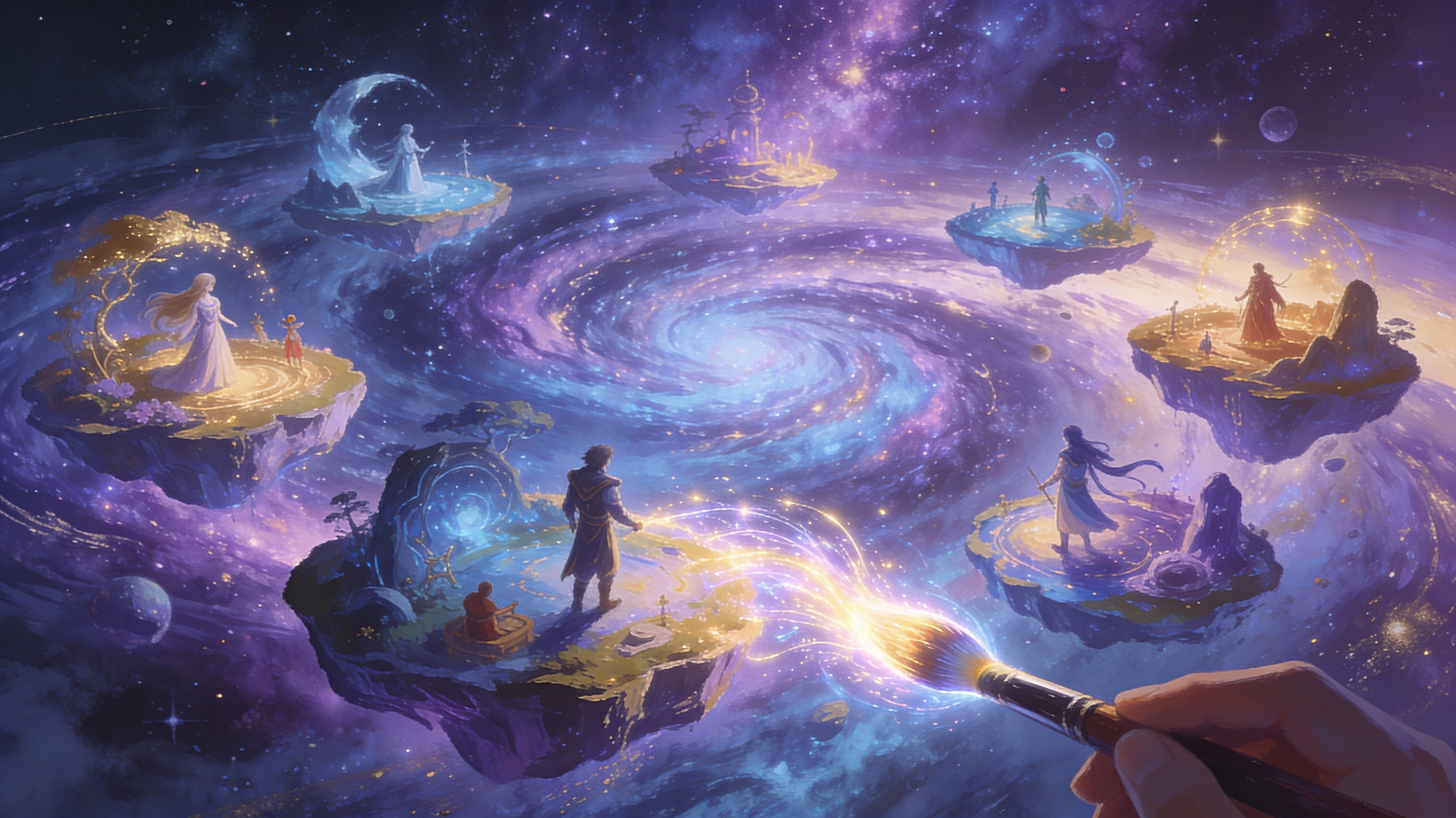
Our au generator is trained on a massive dataset of alternate universe fanfiction artwork, ensuring it understands common AU tropes, character archetypes, and stylistic variations. This specialized training allows for more accurate and relevant image generation compared to generic AI art tools.
Character Consistency Across Generations
The 'Character ID' and 'Seed Number' features ensure that your characters remain visually consistent across multiple image generations, even with different prompts. This is crucial for creating a cohesive visual narrative for your AU, allowing viewers to easily recognize characters and follow the storyline.
Dynamic Style Adaptation
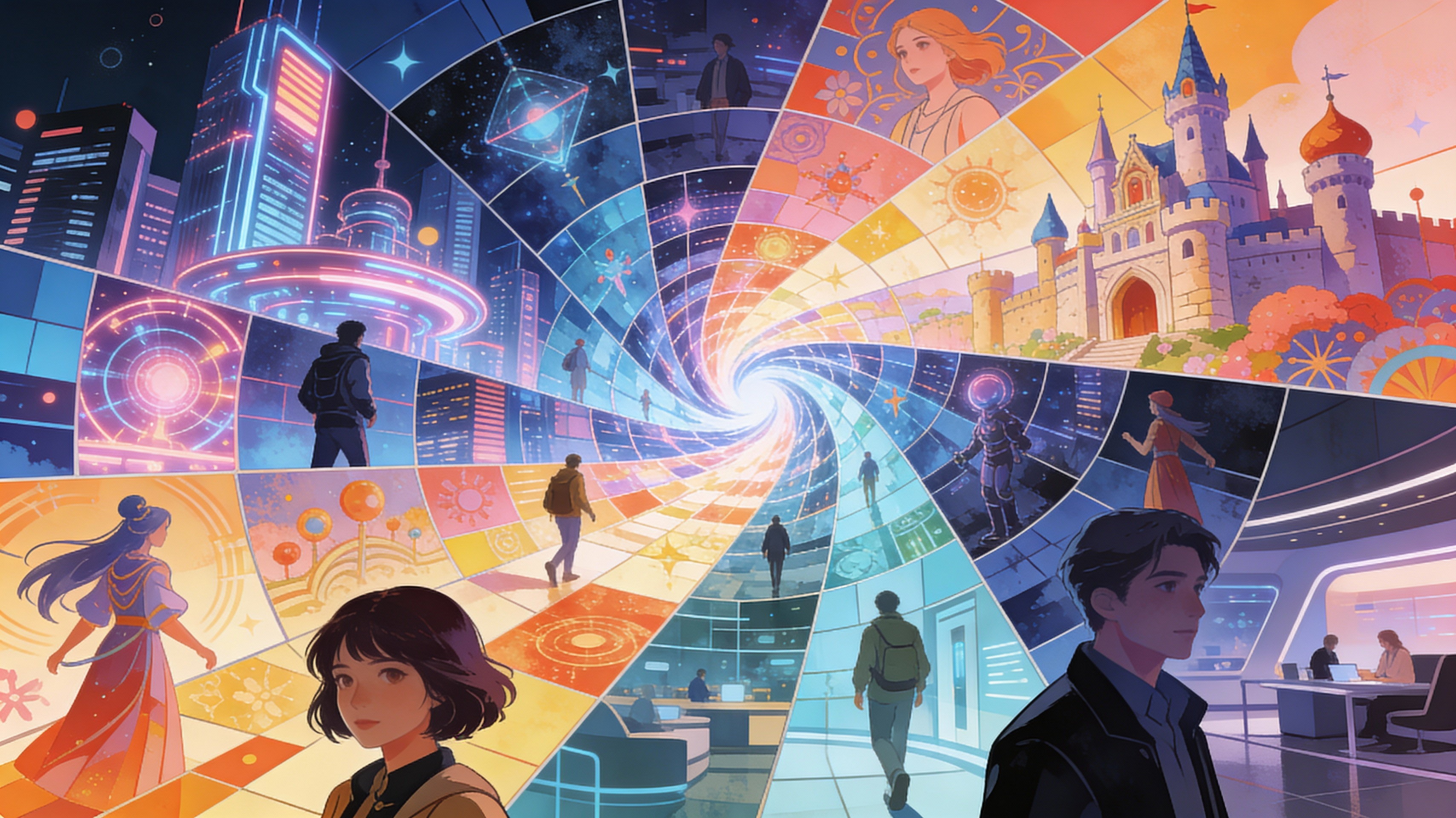
The au generator intelligently adapts its art style to match the specific aesthetic of your AU, whether it's cyberpunk, medieval fantasy, or a modern setting with altered character roles. Input keywords like 'steampunk,' 'noir,' or 'magical realism' to fine-tune the visual output and create truly unique artwork.
FAQs
Discover related AI tools:
- 0
Browse Related Content
Explore AI-generated au generator artwork from our community
More From BasedLabs



Visualize Your Alternate Universe Today
Join millions of creators using BasedLabs to generate professional, scroll-stopping content for social media, YouTube, marketing, and more — in seconds. Produce high-quality AI-generated videos and images optimized for engagement and reach. Streamline your content workflow and scale faster.
