 AI TikTok app - Go viral!Go viral on TikTok with AI influencers, pranks & trends. Free iOS app - pay with Apple Pay or card.Get It Free →
atlas tattoo sketch
Visualize your unique atlas tattoo concept with AI. Generate stunning preliminary sketches, refine your ideas with intricate detail controls, and ensure a powerful design before hitting the tattoo parlor.
Try a style:
When you use our AI-powered tattoo sketch generator, you're tapping into a creative process that lets you experiment endlessly before committing to permanent ink. The tool excels at visualizing Atlas imagery—whether you're drawn to the Greek titan bearing the weight of the celestial spheres, or prefer a more literal atlas earth tattoo sketch with continents and compass details. You'll find that adjusting parameters like line weight, shading intensity, and composition allows you to explore dozens of variations in minutes, something that would take weeks of back-and-forth with a traditional artist.
Our users typically start with a basic concept—maybe Atlas kneeling with the globe, or a geometric interpretation with sacred geometry elements—then refine the details through iterative generation. The real advantage comes when you're undecided between styles: you can generate both a realistic muscular Atlas and a minimalist line-work version side-by-side, helping you visualize what will actually look best on your chosen body placement. Once you've landed on a design you love, you can download the high-resolution sketch and bring it to your tattoo artist as a solid reference point. This approach saves consultation time and ensures you and your artist are aligned on the vision from day one, making the entire tattooing experience smoother and more collaborative.
How to use atlas tattoo sketch
Steps to get you started in BasedLabs.

Step 1
Define Your Vision
Craft a Detailed Prompt
Start by describing your desired atlas pose, style, and specific elements (e.g., 'Atlas holding earth on one knee, realistic shading, constellation details'). Include artistic style keywords like 'watercolor sketch,' 'black and grey realism,' or 'tribal linework.' The more detailed your prompt, the more refined the output.

Step 2
Refine with Style Controls
Adjust the Artistic Style and Strength
Use the style strength slider to control how heavily the selected artistic style influences the sketch. Experiment with different artistic styles (e.g., 'neo-traditional,' 'minimalist,' 'biomechanical') to see how they affect the atlas design. Adjust the detail slider for finer or more broad details.

Step 3
Iterate and Export
Generate Variations and Select Your Favorite
Generate multiple variations of your sketch using different prompts or adjusting the style settings. Once you find a design you like, download it in high resolution (up to 4K). Use this sketch as inspiration and a starting point for your tattoo artist to create the final design.
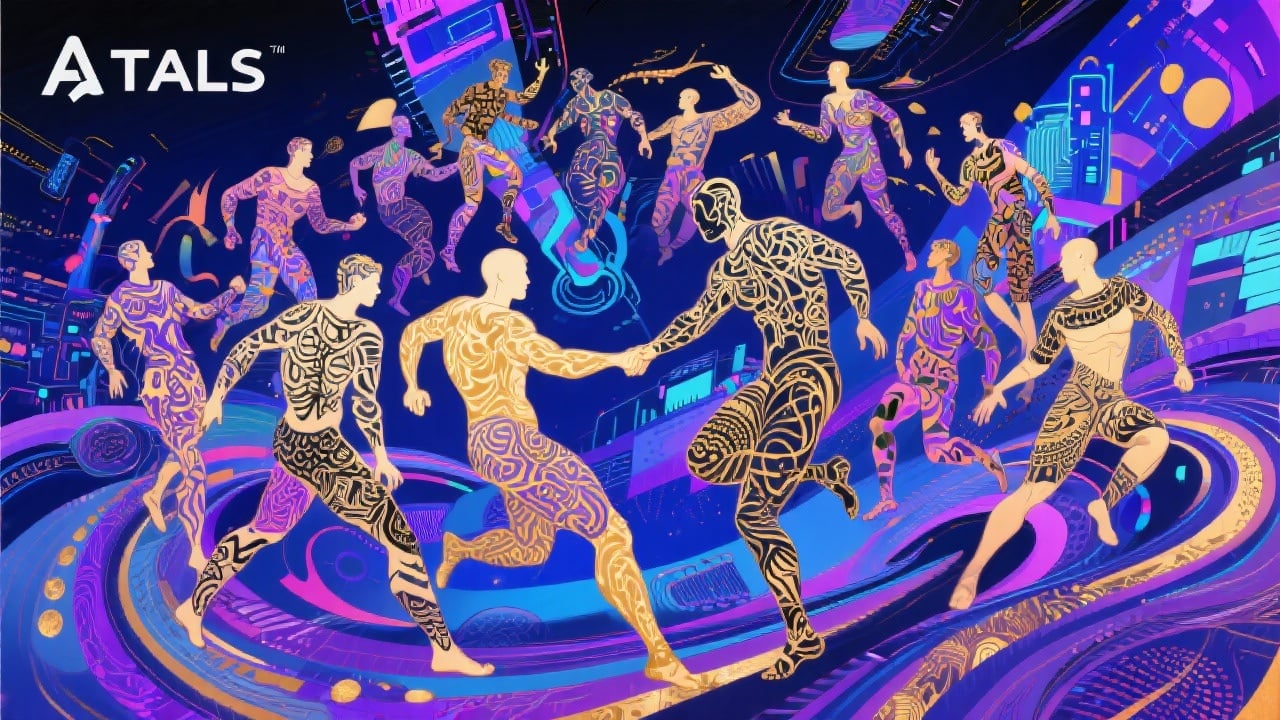
Explore Countless Atlas Variations
BasedLabs.ai is trained on a massive dataset of tattoo art, allowing you to explore countless interpretations of the classic Atlas figure. Experiment with different poses, styles, and visual elements to find the perfect inspiration for your tattoo.
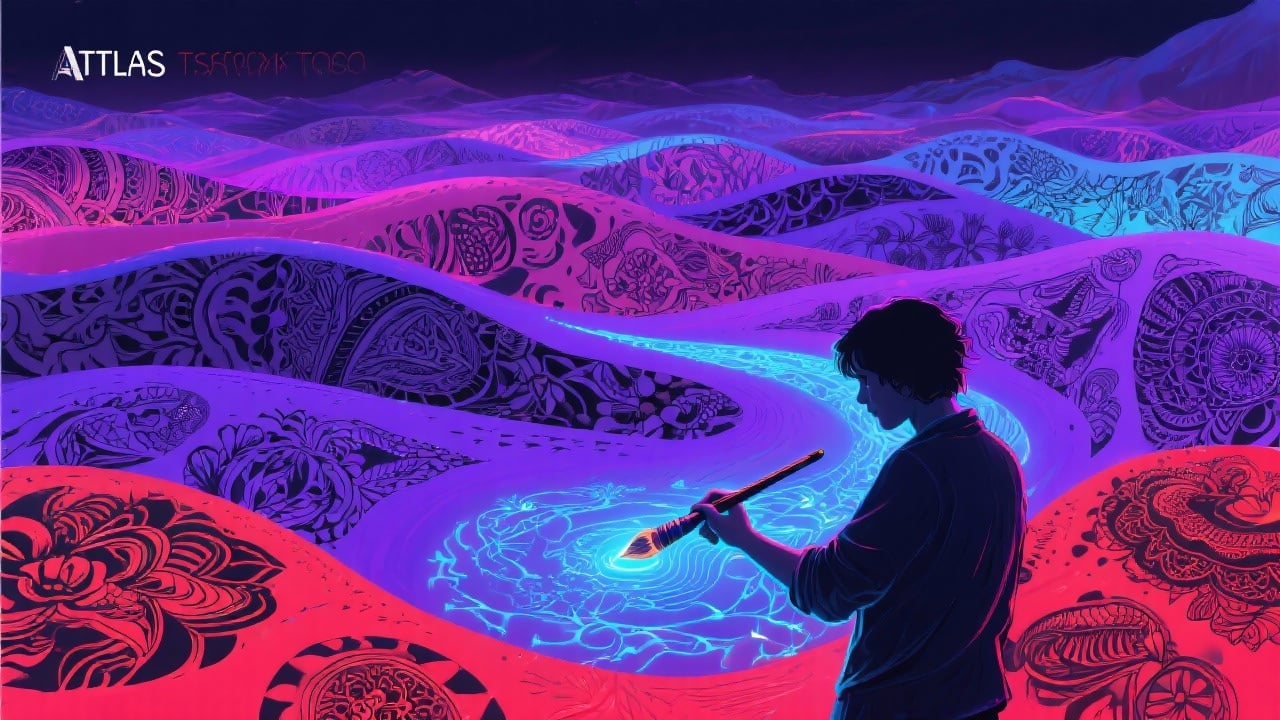
Precisely Control Detail and Style
Go beyond basic sketches with adjustable parameters for detail, shading, and artistic style. Fine-tune the AI to match your exact vision, ensuring the final result reflects your personal aesthetic.
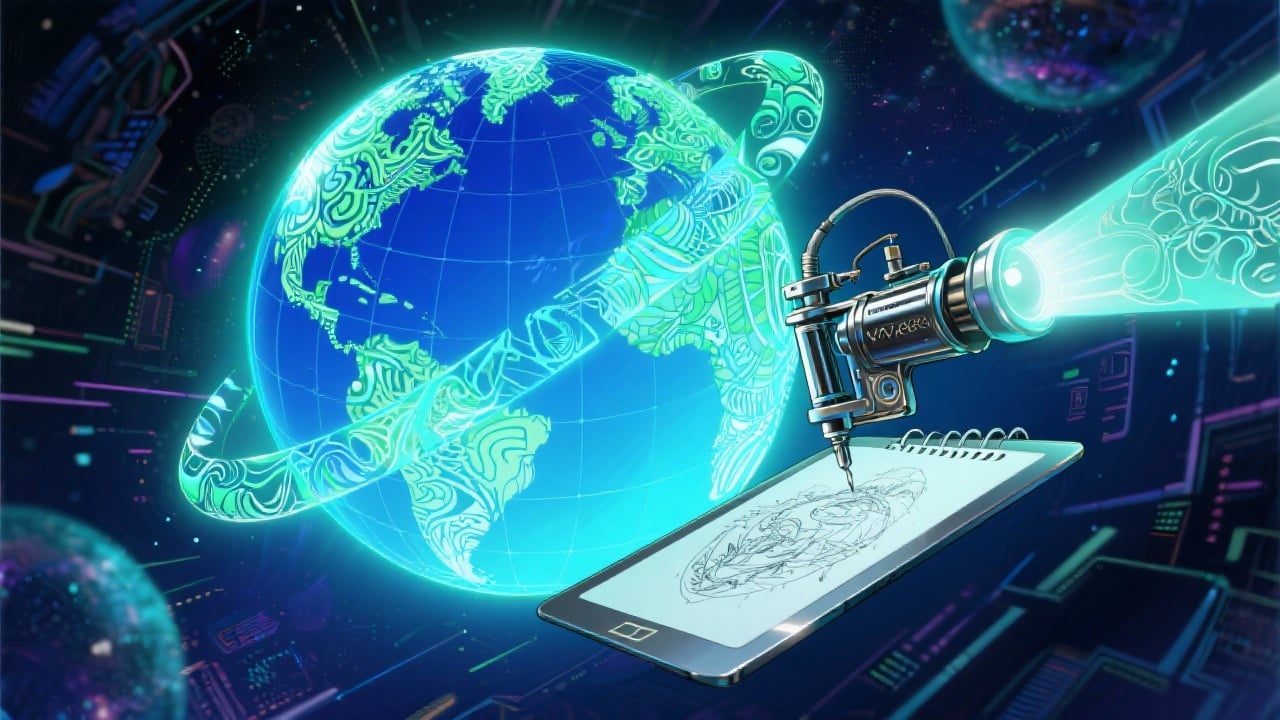
Visualize Before You Ink
Eliminate guesswork and potential regrets. Get a clear visual representation of your atlas tattoo concept before committing to permanent ink. Share the AI-generated sketch with your tattoo artist for collaborative refinement and exceptional results.
FAQs
Discover related AI tools:
- 0
Browse Related Content
Explore AI-generated atlas tattoo sketch artwork from our community
More From BasedLabs



Design Your Atlas Tattoo Sketch Now
Join millions of creators using BasedLabs to generate professional, scroll-stopping content for social media, YouTube, marketing, and more — in seconds. Produce high-quality AI-generated videos and images optimized for engagement and reach. Streamline your content workflow and scale faster.
