 AI TikTok app - Go viral!Go viral on TikTok with AI influencers, pranks & trends. Free iOS app - pay with Apple Pay or card.Get It Free →
animated album cover maker
Transform your music into a visual experience with AI-powered animations. Generate eye-catching, looping album art optimized for streaming platforms and social media, guaranteed to captivate listeners before they even press play.
Try a style:
Creating a killer track is just half the battle – getting it noticed is the other. That's where our animated album art generator shines. When you use BasedLabs' AI-powered tool, you're not just creating static images; you're crafting dynamic album artwork that grabs attention on crowded playlists and social feeds. Forget endlessly scrolling though stock footage; simply upload your existing album art, provide some keywords describing your music's vibe, and let our AI conjure looping animations that perfectly complement your sound.
Our users typically find that subtle, atmospheric movements work best – think gentle ripples across water, pulsating neon glows, or drifting embers. These create a captivating, yet non-distracting, visual loop. To maximize your impact, consider tailoring your animation to the specific platform. For example, a longer loop might work well on YouTube, while a shorter, snappier AI animated album cover is perfect for Instagram stories. Whether you're releasing a chillwave EP or a high-energy dance track, a well-crafted moving album cover can significantly boost your visibility and help your music stand out from the noise.
How to use animated album cover maker
Steps to get you started in BasedLabs.

Step 1
Step 1: Select Your Style and Music Genre
Choose a style template to get started
Begin by selecting a pre-designed style template that matches your music genre and overall artistic vision. Options include 'Cyberpunk Synthwave,' 'Lo-Fi Hip Hop,' 'Indie Folk,' and more. Alternatively, upload a reference image (e.g., a painting or photograph) and let the AI adapt its style to your animation. This initial choice greatly influences the final animation's look and feel.

Step 2
Step 2: Customize the Animation with Visual Effects and Audio Sync
Add dynamic elements that react to your track.
Fine-tune the animation by adding visual effects like particles, glows, and distortions. Use the 'Audio Sync' feature to synchronize these effects with your music's beat, creating a dynamic and engaging visual experience. You can adjust the sensitivity and intensity of the audio sync for precise control. Pro tip: Experiment with subtle movements for a sophisticated, polished look or dramatic effects for a high-energy vibe.

Step 3
Step 3: Export and Optimize for Your Preferred Platform
Download your animated cover in various formats and sizes.
Once satisfied with the animation, choose your desired output format (MP4, GIF, or WebM). Select the appropriate resolution and frame rate based on the platform you'll be using (e.g., 1080p for YouTube, a smaller GIF for Instagram). Use the built-in compression tool to optimize the file size without sacrificing visual quality. Then, preview your cover on your chosen platform before publishing to ensure it displays correctly.
Unlock 100+ Unique Animation Styles
Go beyond basic animations with access to over 100 unique animation styles, including glitch art, retro VHS effects, fluid simulations, and AI-driven morphing techniques. These styles are constantly updated, providing a limitless palette for your creativity and ensuring your album cover stands out from the crowd. See what resonates with your music without limitations.
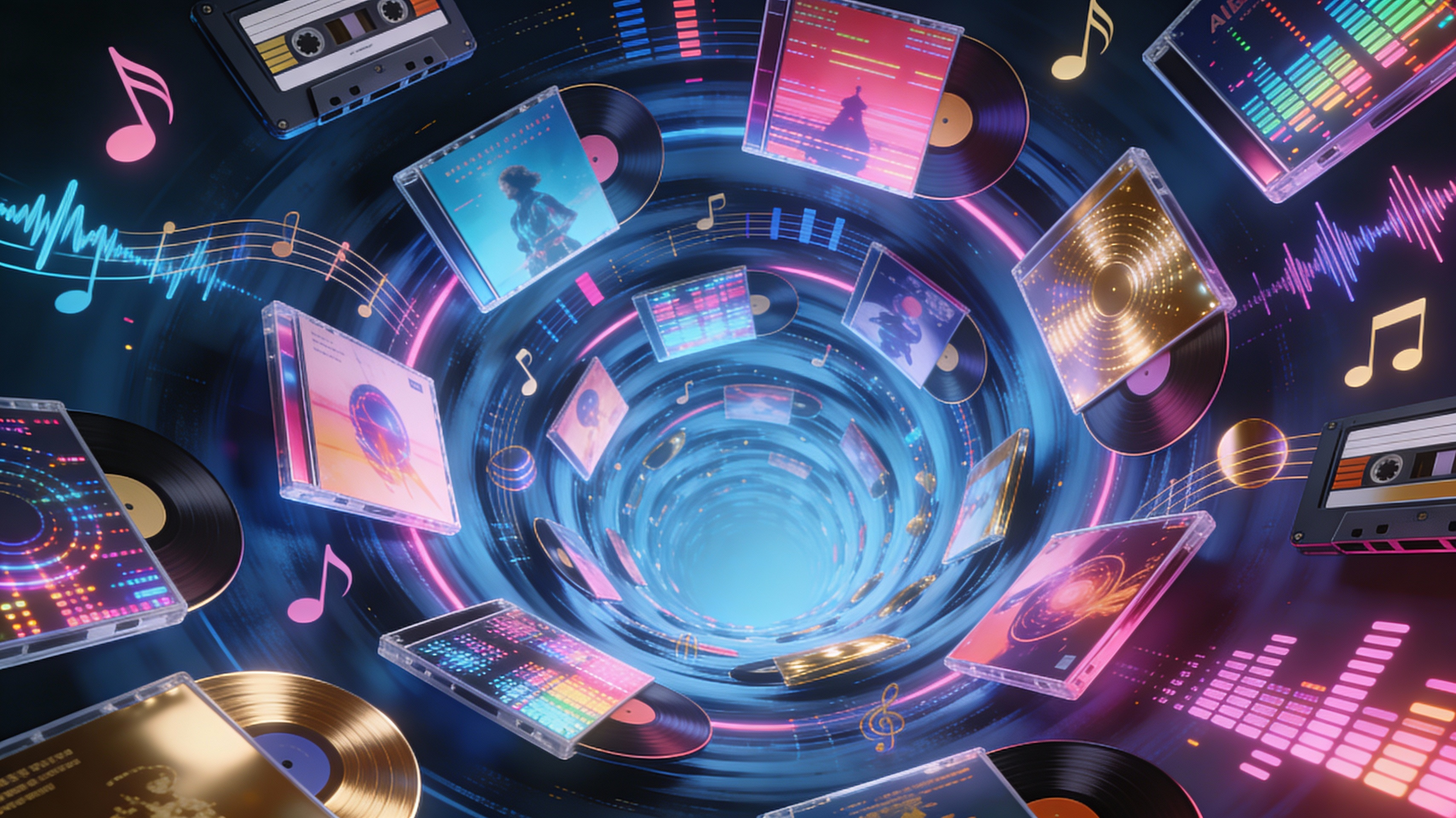
Audio-Reactive Animation for Maximum Impact
Our advanced audio analysis engine detects the tempo, key, and harmonic structure of your track, automatically generating animations that respond dynamically to the music. This creates a mesmerizing visual experience that intensifies the listening experience and keeps viewers captivated for longer. Specific control over frequencies and amplitude gives you ultimate personalization options.
Lossless Export in Resolutions Up to 4K
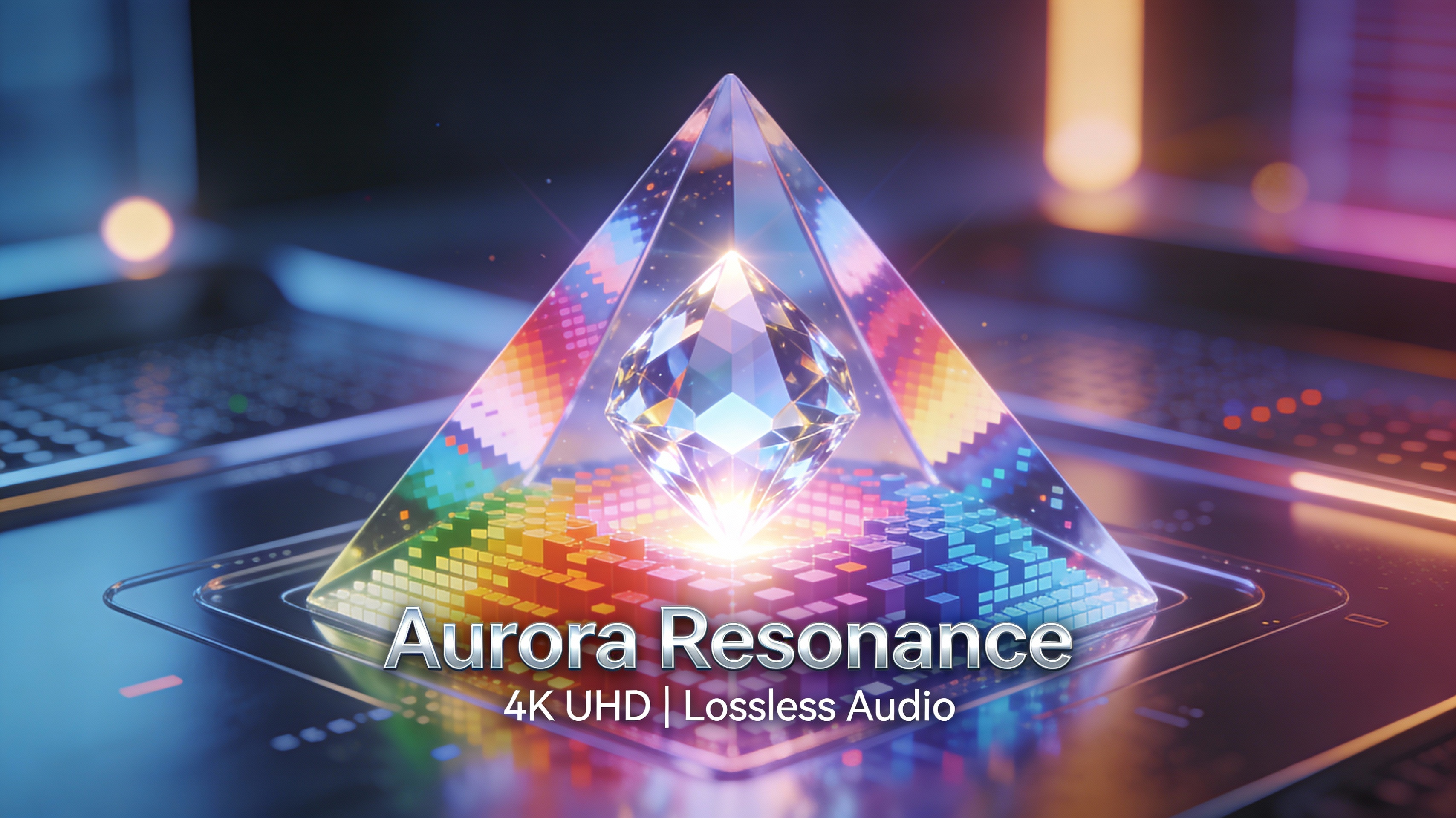
Export your animated album covers in resolutions up to 4K, ensuring crystal-clear visuals on any screen, from smartphones to high-end displays. Lossless compression options preserve the original quality of your artwork, guaranteeing a professional look and feel that reflects the care and attention you put into your music. Display your art as it was meant to be seen.
FAQs
Discover related AI tools:
- 0
Browse Related Content
Explore AI-generated animated album cover maker artwork from our community
More From BasedLabs



Animate Your Sound Today
Join millions of creators using BasedLabs to generate professional, scroll-stopping content for social media, YouTube, marketing, and more — in seconds. Produce high-quality AI-generated videos and images optimized for engagement and reach. Streamline your content workflow and scale faster.
