AI Tattoo Generator
Turn an idea into a real tattoo concept in seconds. Describe what you want, pick a style, and get a clean design you can take straight to your artist. Free, no signup, and tuned for how tattoos actually read on skin.
What an AI tattoo generator is good for
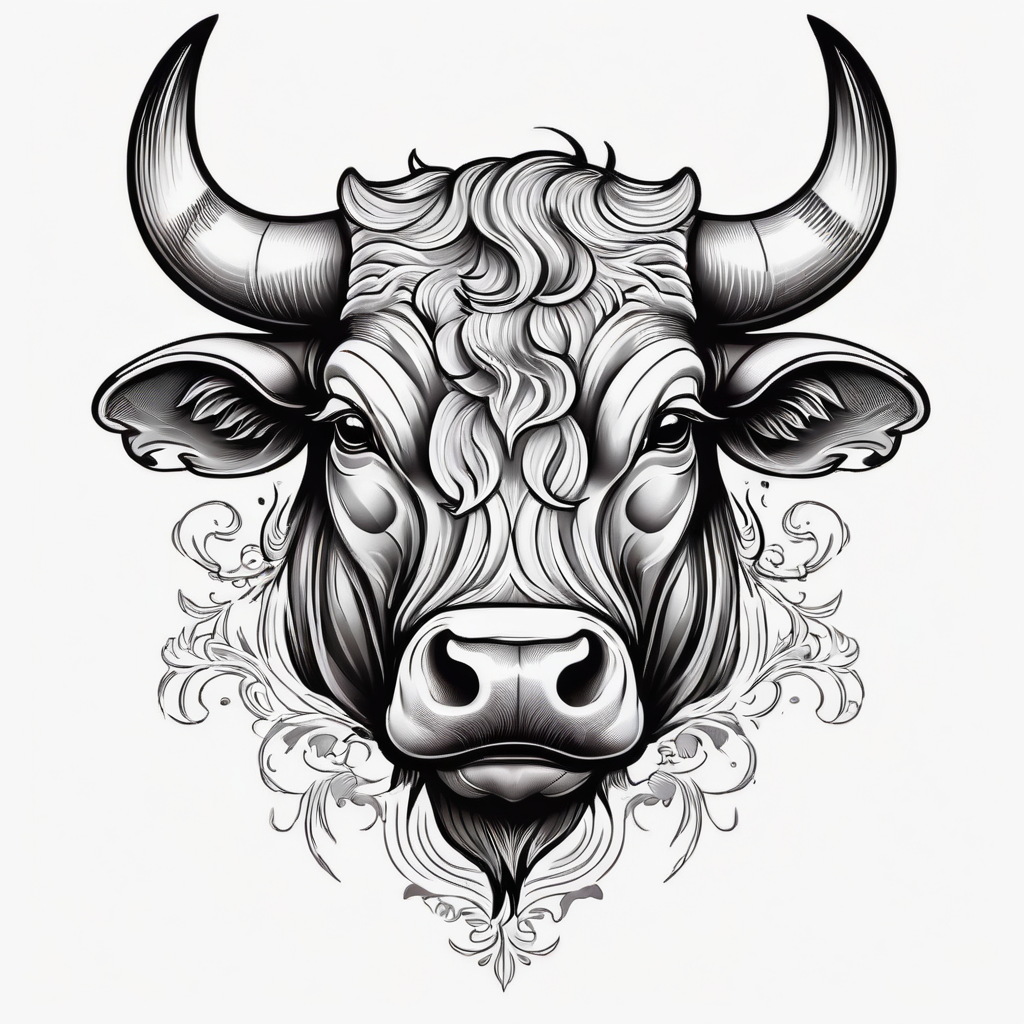
An AI tattoo generator turns a written idea into a visual concept you can actually look at. You describe the subject, the mood, and a rough placement, choose a style, and the model draws a design in a few seconds. That is the part most people get stuck on. You know you want something about your kids, or a snake, or a line from a song, but you cannot picture how it should look, and scrolling Pinterest for three weeks does not fix that.
What this tool does well is generate variations fast. Run the same idea ten times, keep the two that feel right, and throw the rest away. What it does not do is replace your artist. The image you get here is a reference and a starting point, not a finished stencil. A good tattooer will redraw it to fit your body, adjust the line weight so it holds up over the years, and fix anything that would blur once it is under skin. Bring the concept, not a demand that they trace it exactly.
Pick the tool that matches the job
Every tattoo problem is a slightly different problem, so we built a set of focused tools instead of one generic box:
- Lettering and names: the Tattoo Font Generator covers script, blackletter, serif, and more, and the Ambigram Tattoo Generator builds words that read two ways.
- Full custom pieces: the general AI Tattoo Maker and AI Tattoo Design Generator turn any subject, scene, or symbol into a design in the style you pick.
- Practical prep: the Tattoo Stencil Maker turns a design into clean linework, and the Temporary Tattoo Maker lets you test a piece on your skin before you commit.
- Personal pieces: a Hidden Name Tattoo tucks a name into the artwork, and the Birth Flower Bouquet Tattoo Generator builds a design around your birth month.
Style basics before you generate
The style you pick changes how the tattoo ages, not just how it looks on day one. Bold traditional linework holds its shape for decades because thick lines have room to spread without turning to mush. Fine line and micro-realism look stunning fresh, but thin lines placed on high-movement or high-sun areas (hands, feet, inner wrist) can soften within a few years. Blackwork and heavy shading read strong from across a room. Watercolor styles skip the black outline, which is why some fade faster and need touch-ups.
Placement matters as much as style. Flat, low-friction areas like the outer forearm, thigh, and calf hold detail best. Ribs, spine, and feet hurt more and move more. Fingers, palms, and the side of the hand reject ink and fade the fastest, so simple beats intricate there. When you generate, tell the tool where the piece is going so the proportions make sense for that spot.
What to bring to your artist
Take two or three reference images that show the direction, not one image you want copied. Note the size in inches, the exact placement, and whether you want color or black and grey. Good artists will offer changes, and you want them to, because their changes are usually what make a design last. Use the concept from these tools to communicate faster, then trust the person holding the machine.
Everything here is free, runs in your browser, and needs no account. We built it at BasedLabs because people kept using our image tools to sketch tattoo ideas, so we tuned a set of tools for exactly that.
How to use How to use the AI Tattoo Generator
Steps to get you started in BasedLabs.
Step 1
Describe your idea
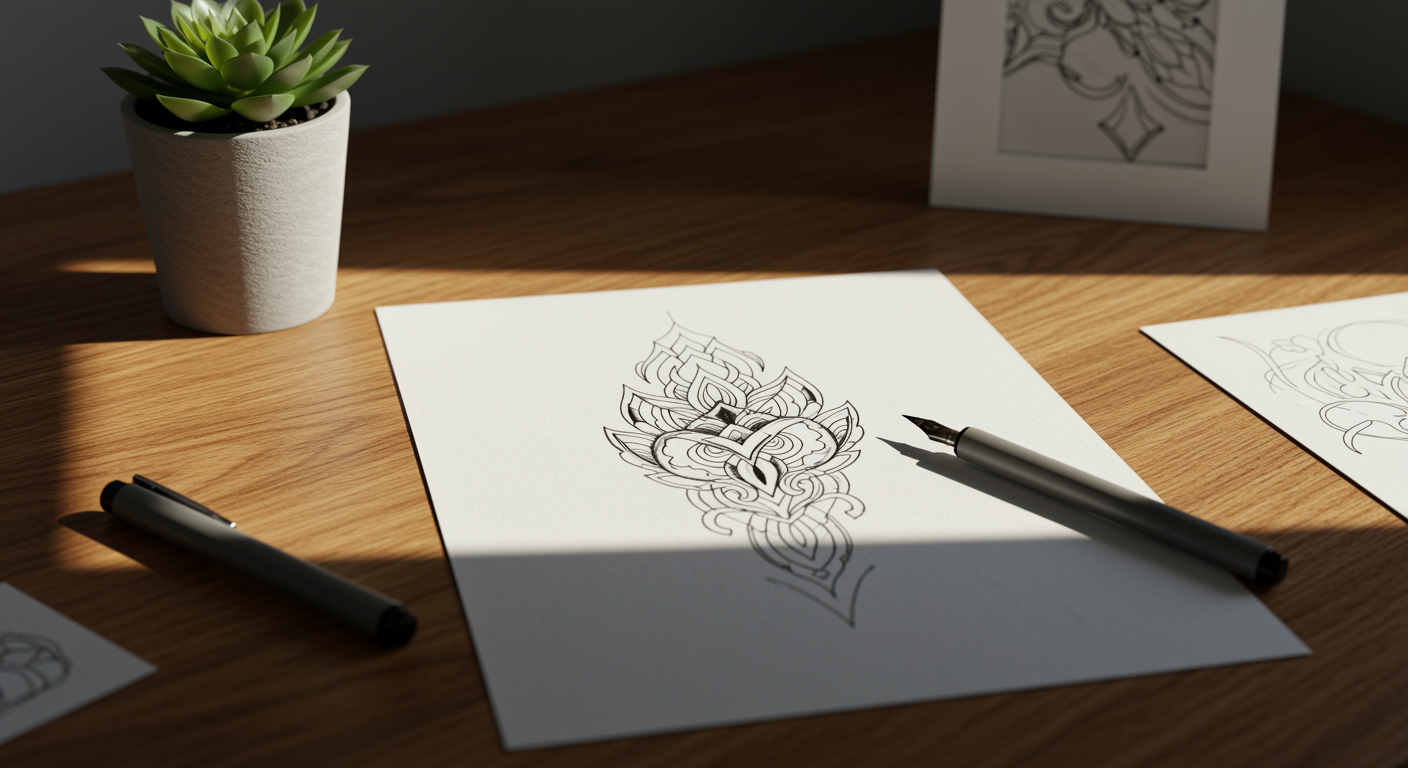
Write the subject, the mood, and where it goes on your body. The more specific you are about placement and size, the better the proportions come out.
Write the subject, the mood, and where it goes on your body. The more specific you are about placement and size, the better the proportions come out.
Step 2
Pick a style and generate
Choose fine line, traditional, blackwork, script, or another preset, then generate. Run it a few times and keep the versions that feel right.
Choose fine line, traditional, blackwork, script, or another preset, then generate. Run it a few times and keep the versions that feel right.
Step 3
Refine, then take it to your artist
Download your favorite concept and bring it in as a reference. Your artist will size it and redraw it to fit and last.
Download your favorite concept and bring it in as a reference. Your artist will size it and redraw it to fit and last.
Ready to design your tattoo?
From vague idea to a real design
Describe the feeling and let the tool draw it. Generate as many variations as you want until one clicks, then take it to your artist.
Tuned for how ink reads on skin
Style presets built around real tattoo styles, from fine line to bold traditional, so what you generate makes sense as an actual tattoo.
Free, no signup, no install
Open any tattoo tool, generate, and download. No account wall and nothing to install before you can use it.
FAQs
Ready to design your tattoo?
Join millions of creators using BasedLabs to generate professional, scroll-stopping content for social media, YouTube, marketing, and more — in seconds. Produce high-quality AI-generated videos and images optimized for engagement and reach. Streamline your content workflow and scale faster.