 AI TikTok app - Go viral!Go viral on TikTok with AI influencers, pranks & trends. Free iOS app - pay with Apple Pay or card.Get It Free →
ai dragon generator
Unleash your inner fire! Craft breathtaking dragon imagery, from fearsome wyverns to benevolent Eastern dragons. Tailor scales, horns, and environments with unparalleled control and bring your draconic visions to life.
Try a style:
Whether you're a game developer building a fantasy RPG, a dungeon master bringing encounters to life, or an artist seeking inspiration for your next commission, this ai dragon art generator gives you unprecedented creative freedom. When you use the tool, you'll find that specific details matter—describing scale patterns ("iridescent cobalt scales with golden edges"), wing structure ("tattered leather wings with visible bone structure"), and atmospheric elements ("perched atop a misty mountain peak at sunset") produces dramatically better results than generic prompts. Our users typically experiment with different dragon archetypes first: classic fire-breathers, serpentine Eastern dragons, sleek wyverns, or even cosmic variations with galaxy-patterned scales.
The real power comes from iteration and refinement. Start with a basic concept, then enhance specific features that catch your eye. If you're designing a character for a story, try generating multiple angles and poses to maintain consistency—front view, side profile, and action poses all help establish your dragon's personality. The fantasy dragon ai excels at understanding anatomical variety, so don't hesitate to push boundaries with unusual color combinations, multiple heads, elemental effects like frost or lightning, or hybrid features. You'll discover that combining environment descriptions with character details ("ancient dragon emerging from volcanic cave, glowing magma reflections") creates more cohesive, striking compositions than focusing on the creature alone.
How to use ai dragon generator
Steps to get you started in BasedLabs.

Step 1
Select Your Dragon Archetype
Choose from a diverse range of dragon types.
Begin by browsing our pre-defined dragon archetypes, including Western Dragons, Eastern Dragons, Wyverns, and Drake variants. Each archetype has a unique base structure and scale pattern. Select the archetype that best aligns with your vision. PRO TIP: For hybrid dragons, start with the dominant archetype and use the prompt box to add traits from other types.

Step 2
Customize Scale Patterns and Colors
Fine-tune the dragon's appearance.
Use the Scale Customization panel to adjust the scale pattern, color palette, and texture. Choose from pre-set scale patterns like 'Diamond', 'Plate', or 'Feathered', or upload your own custom scale texture. Experiment with metallic shaders for a realistic effect. PRO TIP: Utilize the 'Randomize Colors' button for unexpected and inspiring color combinations.

Step 3
Refine Details with Prompt Weighting
Control the influence of specific features.
Use the text prompt to specify details like horn shape, wing type, and environmental elements (e.g., 'volcanic landscape', 'snowy mountains'). Increase the 'Prompt Weight' slider for keywords you want to emphasize, and decrease it for features you want to subdue. PRO TIP: Negative prompts (e.g., 'ugly', 'blurry') can help eliminate undesirable characteristics from the generated image.
Dataset Trained on 5 Million+ Dragon Images
Our AI model is trained on a vast library of over 5 million dragon images, ensuring exceptional detail, anatomical accuracy, and stylistic versatility across a wide range of dragon types and art styles. This extensive training results in images that are far more realistic and visually compelling than those generated by smaller, less comprehensive datasets.
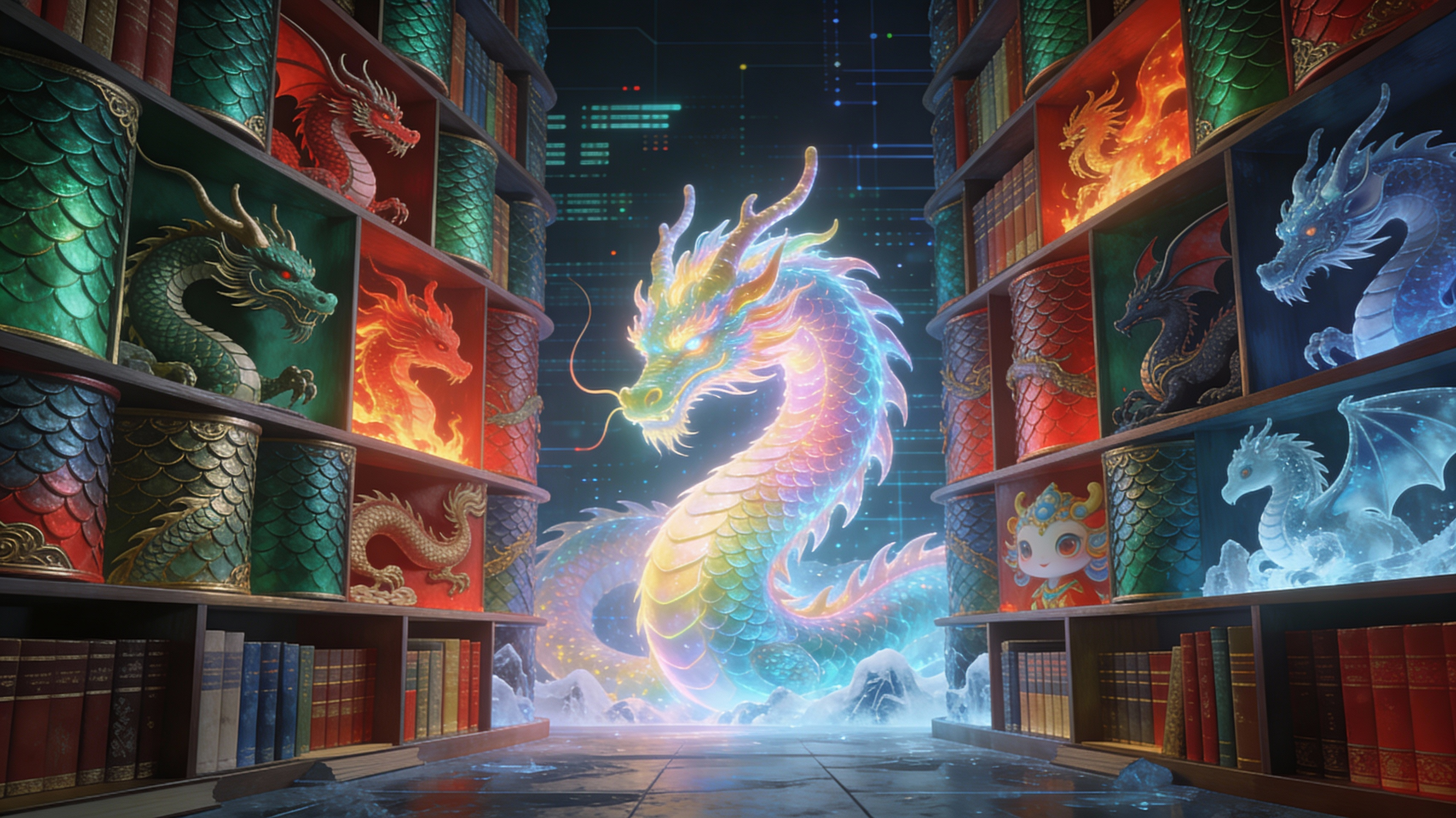
Adaptive Prompt Engineering for Complex Designs
Our AI engine automatically adjusts the prompt based on user input, understanding complex relationships between different features and generating coherent, visually stunning dragon designs. This adaptive prompt engineering allows even users with limited prompting experience to create detailed and nuanced dragon images with ease.
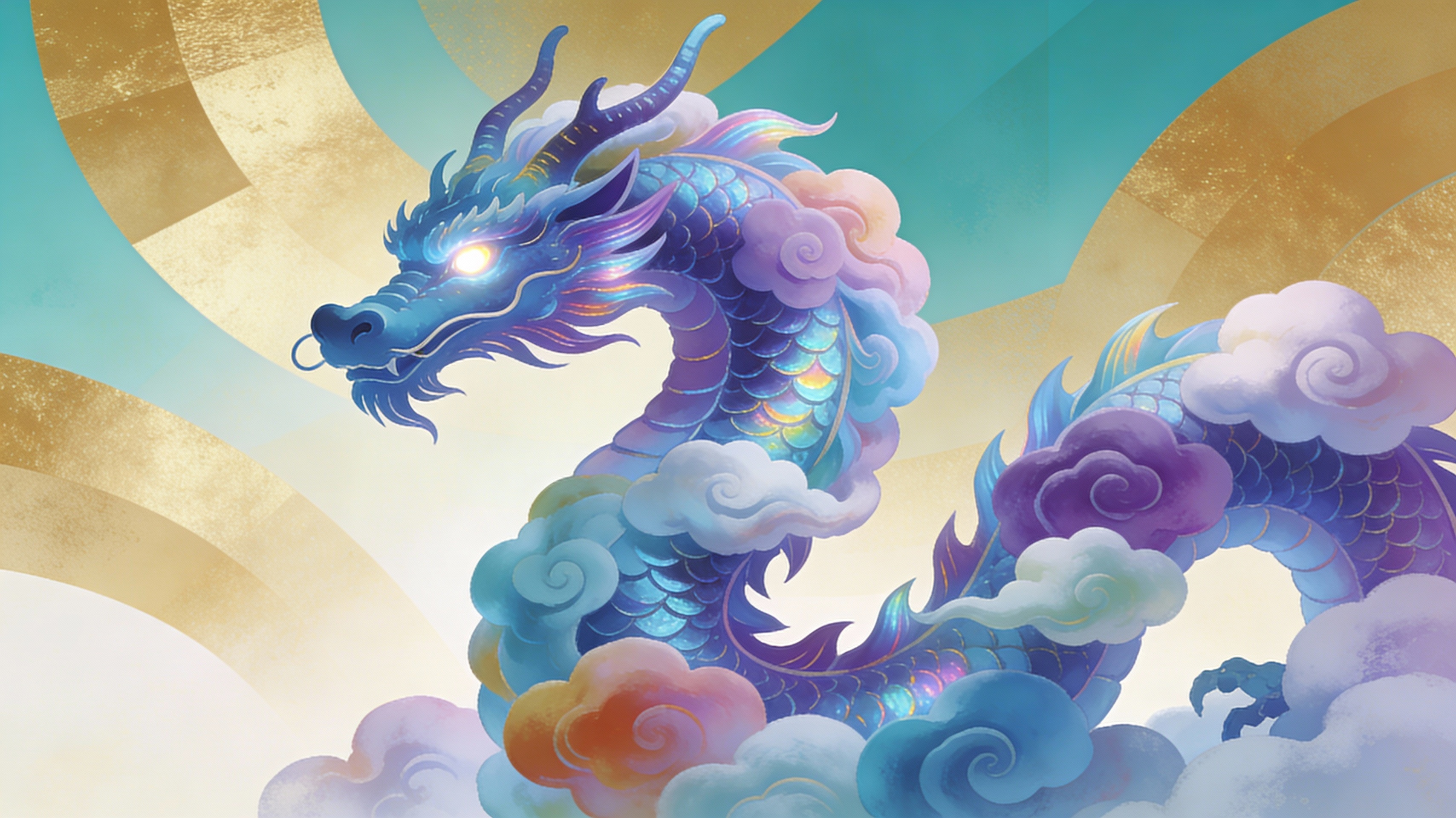
Real-Time Iteration and Style Transfer
Get instant feedback on your design choices with real-time iteration. Our style transfer feature lets you apply the aesthetic of famous artists or specific images to your dragon, allowing for rapid experimentation and unique artistic expressions. Apply styles like 'Greg Rutkowski' or 'Artgerm' with a single click.
FAQs
Discover related AI tools:
Browse Related Content
Explore AI-generated dragon generator artwork from our community
More From BasedLabs



Design Your Legendary Dragon Now
Join millions of creators using BasedLabs to generate professional, scroll-stopping content for social media, YouTube, marketing, and more — in seconds. Produce high-quality AI-generated videos and images optimized for engagement and reach. Streamline your content workflow and scale faster.
