
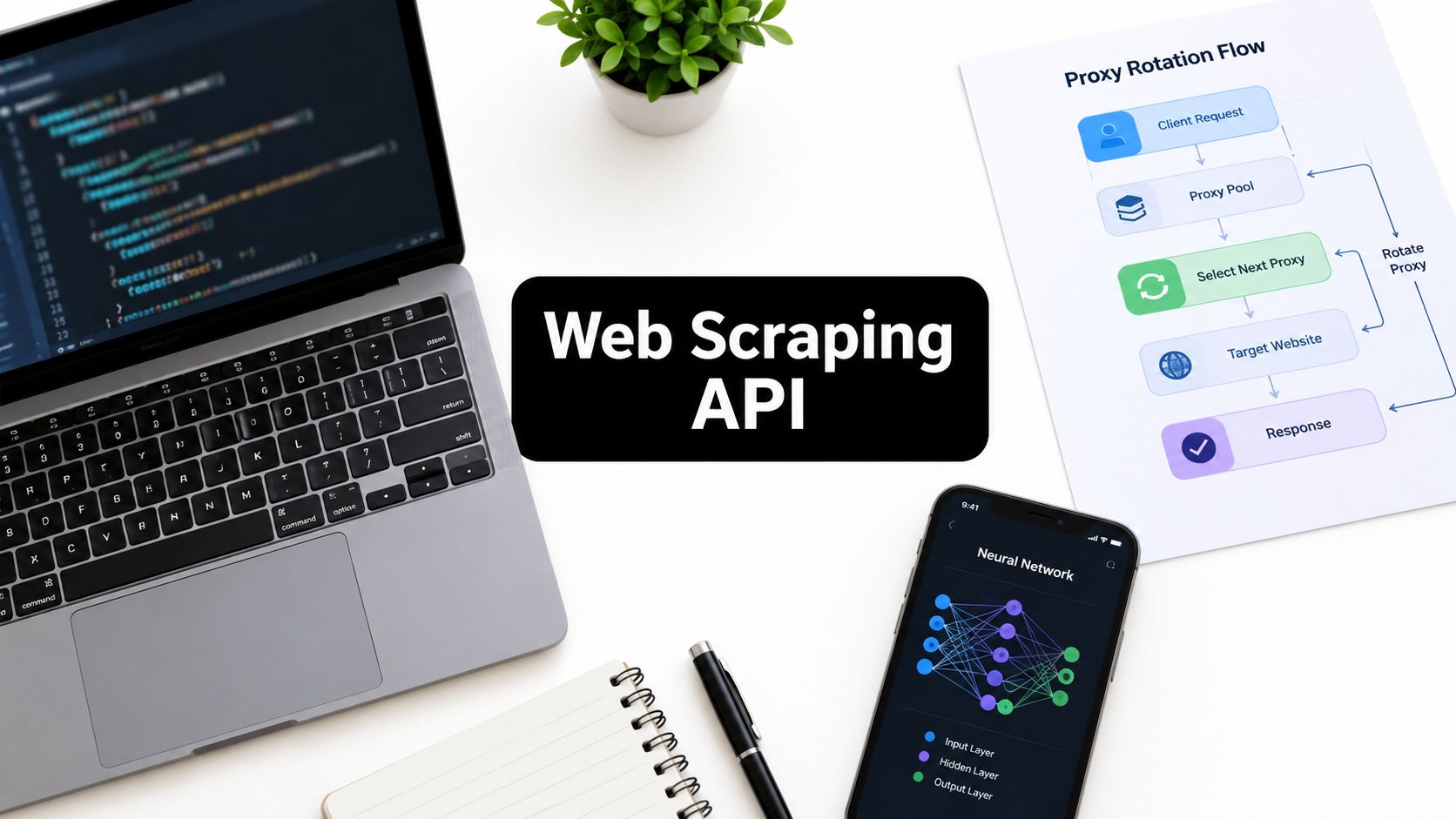
A production scraping pipeline can look healthy while starving the AI system downstream. Requests return 200, queues continue moving, and dashboards show activity, yet the payload contains a consent page, incomplete product data, or a rendered page that arrived too late for the generation job. By the time the creative workflow notices, the campaign has already used stale context.
That gap explains why a web scraping API deserves architectural attention rather than a quick vendor comparison. The service isn't merely fetching HTML. It may be rendering JavaScript, rotating proxies, managing sessions, extracting structured fields, and transforming pages into context for search, agents, recommendation systems, or generative media. Each layer can improve access, but each can also add latency, cost, and failure modes.
The category has grown beyond niche developer tooling. An industry analysis cited in the State of Web Scraping report places the market at $1.03 billion in 2025, with a projection of $2.49 billion by 2032 at a 28% compound annual growth rate. A separate estimate cited in the same coverage projects the broader market from $1.03 billion in 2025 to $2 billion by 2030, so the practical question is no longer whether managed scraping exists. It's whether your pipeline can absorb its operational trade-offs.
Table of Contents
- What Is a Web Scraping API
- Architecture and Core Mechanisms
- Performance Benchmarks and Reliability
- How Context.dev Can Help for LLM Applications
- From Scraping to AI Content Workflows
- Implementation Patterns and Integration
- Legal and Ethical Considerations
- Choosing the Right Web Scraping API
What Is a Web Scraping API
A web scraping API is a managed infrastructure layer between your application and a target website. Your application sends a URL and options through an API request. The provider handles some combination of request execution, proxy selection, browser rendering, retries, anti-bot responses, parsing, and output formatting, then returns data your application can process.
That differs from a custom script built with Python requests, BeautifulSoup, Selenium, or Scrapy. In a custom system, your team owns the browser runtime, proxy pool, retry policy, parsing rules, session state, logging, and maintenance. An API can reduce that surface area to an authenticated request, but it doesn't remove engineering responsibility. It moves responsibility toward validation, routing, observability, and vendor management.
The distinction matters because static retrieval and browser automation solve different problems.
- Static fetching requests the server response and works well when the required content exists in the initial HTML.
- HTML parsing turns that response into fields, links, text, or records, but it doesn't make JavaScript run.
- Browser automation loads the page in a browser environment, executes JavaScript, and can perform actions such as clicks or form submissions.
- Managed scraping packages some or all of those capabilities behind an endpoint, often with structured output options.
A simple API is attractive when a team needs to collect pages regularly but doesn't want every application engineer maintaining a scraping fleet. It also provides a consistent integration point. Your ingestion service can ask for Markdown, HTML, JSON, links, or screenshots without embedding target-specific browser code in the rest of the product.
The managed layer still has boundaries
A web scraping API doesn't guarantee that every successful HTTP response contains useful content. A target can return a challenge page, a partial render, an empty state, or a structurally valid page with missing fields. Your consumer should therefore treat the provider response as an untrusted intermediate result, not as verified business data.
For production, define a contract around each extraction:
- Access contract: Did the provider reach the intended URL and receive the expected status?
- Content contract: Does the page contain the expected title, body, product identifier, or media metadata?
- Schema contract: Are required fields present and typed correctly?
- Freshness contract: Is the result recent enough for the downstream use case?
- Evidence contract: Can the record be traced to a source URL, retrieval time, and response metadata?
Practical rule: A
200response proves transport success. It doesn't prove extraction success.
Enterprises often prefer an API wrapper when they need a repeatable access layer across many targets, regions, or teams. Smaller workloads may still be better served by a direct script, especially when the target is stable and the data is simple. The right choice depends less on the word “API” and more on who can maintain the failure path when the target changes.
Architecture and Core Mechanisms
A modern scraping request usually passes through several services before your application receives a result. The first stage authenticates the caller, validates the URL and options, and places the job into a scheduler. The scheduler then decides whether the request can use a static fetch, needs a browser, requires a particular region, or should enter a slower reliability queue.
Static HTTP fetching often fails on modern pages because the initial response doesn't contain the information a person sees in a browser. JavaScript may request product details after page load, populate a search interface, or assemble content from several endpoints. A parser operating only on the initial response can't extract data that hasn't arrived yet.
Providers therefore commonly combine headless browser rendering with proxy rotation. A browser runtime executes JavaScript and creates a page state. A proxy layer changes the network origin or session route. Middleware can then clean the resulting HTML, remove irrelevant elements, normalize fields, and serialize the output as JSON or Markdown.
Why browser fingerprints matter
Proxy rotation alone isn't a complete anti-bot strategy. An independent technical analysis of headless browser detection describes signals such as JavaScript checks, Chrome DevTools Protocol traces, missing window or screen properties, and inconsistent permissions. A separate comparison of scraping APIs explains why providers manage headless Chrome and automatic proxy rotation for JavaScript-heavy and protected pages. The combined lesson is practical: a request can use a normal-looking IP and headers while still exposing a browser-level automation fingerprint. The technical comparison of APIs for JavaScript-rendered sites gives useful background on that distinction.
A typical lifecycle looks like this:
- Request intake: Your service sends a URL, authentication token, rendering mode, location, timeout, and extraction instructions.
- Route selection: The provider chooses a fetcher, browser, proxy type, session, or retry path.
- Page acquisition: The system requests the target and follows redirects or browser actions where supported.
- Protection handling: The provider reacts to blocks, throttling, challenges, or failed sessions.
- Transformation: Middleware returns raw HTML, cleaned HTML, Markdown, links, screenshots, or structured records.
- Delivery: Your application receives the payload and records latency, status, provider metadata, and validation results.
The endpoint surface varies by vendor, but common patterns include a single-page scrape endpoint, crawl or sitemap endpoints, batch jobs, screenshots, structured extraction, and browser interaction. Authentication generally uses an API key or bearer token. Keep that credential in a server-side secret store, not in a browser application or a client-distributed script.
Rendering is a selective capability
Rendering every page in a full browser is convenient, but it can be wasteful. Use static fetching for stable pages where the required content is present in the response. Escalate to browser rendering when JavaScript, interaction, login state, lazy loading, or visual capture is necessary. That routing policy can reduce queue pressure and make latency more predictable.
The output layer deserves equal attention. Raw HTML preserves detail but pushes cleanup into your system. Markdown is convenient for language models but may discard layout information. JSON is easier for downstream services, though model-based extraction can produce absent, ambiguous, or incorrectly inferred values. The safest design stores the structured result alongside enough metadata or source content to audit how the record was produced.
Performance Benchmarks and Reliability
Managed scraping APIs are sensitive to the target's defenses and to request pacing. A benchmark covering 12,500 requests across more than 3,000 real-world URLs evaluated providers on site coverage, success rate, metadata richness, and latency. A separate 15-site study measured sustained throughput at 2 requests per second and 10 requests per second, which makes the operational trade-off clearer than a single headline success rate.
- Zyte API — Requests/Second: 2 · Success Rate: 93.14% · Avg Latency (s): 11.15
- Zyte API — Requests/Second: 10 · Success Rate: 85.89% · Avg Latency (s): 11.15
- ScraperAPI — Requests/Second: 2 · Success Rate: 68.95% · Avg Latency (s): 13.92
- ScraperAPI — Requests/Second: 10 · Success Rate: 62.2% · Avg Latency (s): 13.92
The figures above come from the web scraping API benchmark. They don't establish a universal ranking for every target. They show that success rate can fall as sustained throughput rises, particularly on protected sites, and that average latency remains material even when a request succeeds.
Throughput isn't the same as useful throughput
A pipeline manager often measures requests started per second. The AI system needs a different metric, validated records delivered per second. If a fast queue produces challenge pages or malformed JSON, its apparent throughput exaggerates its value. Measure the full path from dispatch to accepted record.
Useful production measurements include:
- Transport success: Did the provider complete the request?
- Content acceptance: Did validation find the expected page or entity?
- Schema completeness: Were required fields present without suspicious defaults?
- Freshness: How old was the captured content when the consumer used it?
- End-to-end latency: How long did acquisition, rendering, extraction, and delivery take?
- Retry amplification: How many provider calls were needed for one accepted record?
- Queue age: How long did work wait before a browser or proxy became available?
Browser-rendered requests can take 3 to 15 seconds per page, according to a 2026 guide on managed scraping trade-offs. The same guide explains that a workload of 10,000 URLs can become an hour-plus job even with parallel workers. Those figures are cited in the managed scraping API guide, and they illustrate why a large batch shouldn't share a synchronous request path with a user-facing AI interaction.
Separate fast work from reliable work
A practical architecture uses multiple queues. Mainstream pages with predictable layouts can enter a low-latency route. Protected targets, browser actions, or pages with a history of partial extraction should enter a slower queue with longer timeouts and stronger validation. A dead-letter queue should preserve the URL, request options, failure reason, and last response for inspection.
Don't hide retries inside an unbounded client timeout. Give each job a retry budget, use backoff, and distinguish transient failures from deterministic extraction failures. Repeating the same request against a changed layout won't fix a selector that no longer matches. It will only increase cost and delay.
The most dangerous result is a successful but unusable response. Require content-level checks before handing data to a retrieval index, model prompt, or generation service. If the page should contain a product name and image URL, reject a payload that has neither, even if the provider reports success.
How Context.dev Can Help for LLM Applications
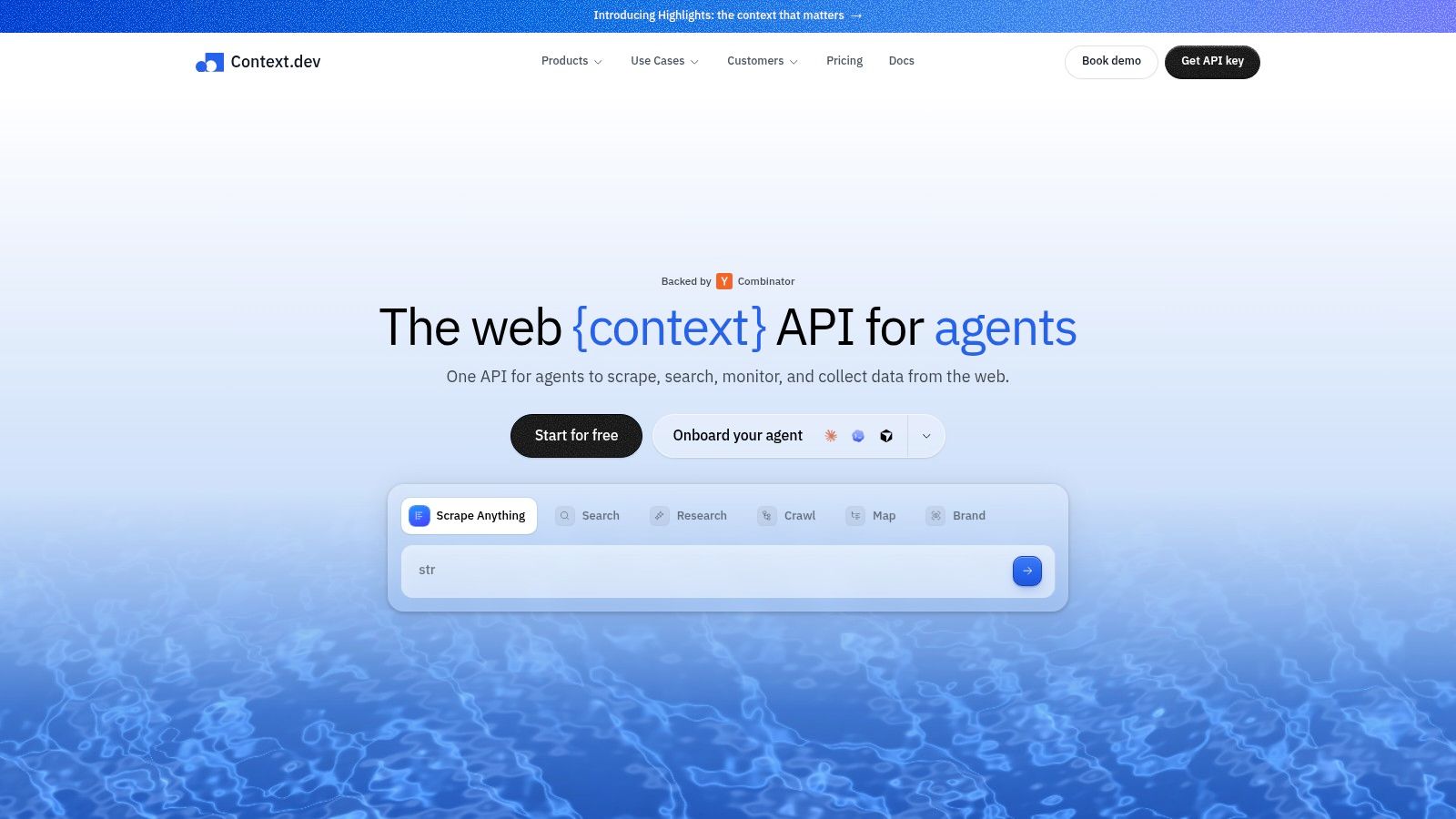
Context.dev is a Web Context API for retrieving public web content in formats that are easier to use in LLM powered systems than raw HTML alone. It can return rendered pages, clean Markdown, extracted images, sitemap data, screenshots, and structured brand metadata. Its AI Query capability is useful when an application needs specific entities or product fields without maintaining a large set of custom parsers.
For LLM applications, the main value is not just page access. It is the ability to turn changing web pages into context that can be routed into retrieval, agents, summarization, or enrichment workflows. Clean text helps reduce prompt noise. Structured fields make downstream validation easier. Rendered output helps when the visible page differs from the initial HTML response.
Where it fits
Context.dev fits best when a team needs one interface between web retrieval and an LLM workflow. A RAG pipeline can ingest cleaned Markdown instead of noisy source HTML. An agent can request structured company or product context for a specific task. An enrichment workflow can use extracted fields as model input while preserving a link back to the source page.
That does not remove the need for validation. LLM powered applications still need schema checks, freshness rules, and rejection logic for incomplete pages or challenge content. A provider that returns model friendly output quickly can be more useful than one optimized only for high request volume. For a broader evaluation, start with the web scraping api documentation and test representative targets rather than relying on a generic demo.
The strongest use case is the handoff between extraction and inference. If the retrieval layer can consistently produce compact, source linked, structured context, the model layer has a better chance of answering accurately and with less prompt overhead. That makes extraction quality, provenance, and schema stability as important as access itself.
From Scraping to AI Content Workflows
A scraping pipeline becomes more valuable when it produces a generation-ready record rather than a page-shaped blob. Consider a marketing team monitoring public product pages. The useful output might include a product name, category, key features, image references, brand colors, approved language, and page timestamp. A generation service can use those fields to create a campaign brief, social variations, or visual concepts without passing the entire page through every stage.
The workflow should be explicit:
- Discover: collect target URLs from an approved catalog, sitemap, feed, or search process.
- Extract: request only the fields needed for the creative job.
- Validate: reject missing names, broken image references, suspicious challenge text, or unsupported claims.
- Normalize: map categories, clean descriptions, and standardize image dimensions or formats.
- Generate: submit a compact prompt and selected assets to the media service.
- Review: route outputs with low-confidence source data to a human queue.
- Publish or archive: retain source references and generation inputs with the final asset.

A production example without hidden magic
Suppose a catalog contains paginated product listings. The worker requests one page, extracts item URLs, and places those URLs on a queue. It then fetches product pages with a bounded concurrency level, records the provider's response metadata, and stops pagination when the next-page link disappears or the page produces no new item identifiers.
Each item should carry an idempotency key derived from the canonical URL and an extraction version. If a worker retries after a timeout, the storage layer can update the same record rather than create a duplicate. If the page layout changes, the validation layer can mark the record for review instead of sending bad context into image or video generation.
Rate limiting should be target-aware. A public catalog and a heavily defended search experience shouldn't share the same pacing policy. Put delays and backoff in the queue controller, not inside an opaque loop that blocks the whole worker. For longer jobs, use asynchronous batch submission and poll status, while keeping the result retrieval path separate from the request submission path.
AI systems also need provenance. Store the source URL, retrieval time, extracted fields, parser or schema version, and any transformation applied before generation. That record makes it possible to explain why an image used a particular product feature or why a video script included a claim that later changed.
Teams building REST-connected creative pipelines can use this guide to AI pipelines with REST APIs as a reference for the handoff pattern. The implementation should remain modular. Scraping, validation, prompt construction, generation, moderation, and publishing should be independently observable services.
Implementation Patterns and Integration
The easiest mistake is to treat a web scraping API like a database. A database returns records under a contract your team controls. A scraping API returns an interpretation of an external page that can change without notice. Your integration needs defensive boundaries.
Start with a small adapter around the provider. The adapter should accept an internal request model, translate it to provider parameters, and return an internal response model. That prevents vendor-specific fields from spreading through application code and makes a later provider change less disruptive.
Build the request path around failure
Pagination deserves a termination rule that doesn't depend only on page numbers. Stop when the provider returns no new canonical URLs, when a next link repeats, or when a configured safety limit is reached. Record each page token or URL so a failed run can resume without restarting the entire crawl.
Retries should classify errors:
- Retryable: network timeout, provider capacity response, temporary upstream failure, or an explicitly reported transient block.
- Conditionally retryable: empty content, incomplete render, or a challenge page, after changing route or rendering mode.
- Not retryable: invalid URL, denied authorization, a stable schema mismatch, or a target that your policy excludes.
Use exponential backoff with jitter and cap the total attempts. A retry that changes nothing about the request often produces the same result. For browser-heavy work, route escalation can be more useful than immediate repetition, but it also increases latency and cost, so reserve it for signals that justify the extra work.
Validate before indexing or generating
Parse the response into a typed internal object. Check required fields, URL schemes, text length, identifier consistency, and content markers that indicate a challenge or error page. Keep the raw response or a content hash when retention policy allows it, so you can compare a failed extraction with a later successful one.
A model-ready output should also have a clear schema. Prompt-only extraction is convenient for exploration, but production consumers need stable field names and types. If the provider supports schema-guided extraction, use it, then validate the returned object locally anyway.
Operational advice: Treat extraction as an ETL job with data quality gates, not as a string-returning helper function.
“Public” doesn't mean “free to use at any scale.” A page can be publicly readable while its terms restrict automated access, its content remains protected by copyright, or its personal data creates privacy obligations. Check the target's terms, robots guidance, access controls, and your intended use before you implement a high-volume job. The production guide for AI generation APIs in SaaS applications is useful for thinking about the downstream service boundary, but it doesn't replace your own review of the source data.
Legal and Ethical Considerations
A responsible scraping program starts with purpose limitation. Collect the fields you need for a defined use case, avoid personal data unless you have a clear lawful basis, and don't treat an accessible page as permission to reproduce or redistribute everything on it. The legal answer depends on jurisdiction, the target's terms, the type of data, access method, and what your system does with the result.
Copyright creates a separate question from access. A page may be available to read while its text, images, product descriptions, or videos remain protected. Extracting facts for internal analysis is different from republishing expressive content or using an image in a commercial campaign. Ask counsel to review the intended workflow when the use involves training, public redistribution, profiling, or commercial media.
A provider decision checklist
For e-commerce monitoring, prioritize stable product identity, regional consistency, price and availability validation, and a clear policy for images. For SERP monitoring, assess location handling, result-page structure, pacing controls, and whether the provider returns the exact rendered result you need. For AI training or retrieval, focus on licensing, exclusion workflows, content provenance, retention, and output quality rather than raw request volume.
Ask every provider:
- What access is authorized: Can the provider explain its approach to target policies, sessions, and restricted content?
- What does success mean: Does its status indicate transport only, or does it validate extracted content?
- How are failures exposed: Can your system distinguish blocks, timeouts, empty pages, malformed output, and parser changes?
- What is retained: Which request data, page content, screenshots, or logs remain available, and for how long?
- How can users opt out: Is there a process for honoring target restrictions and removal requests?
- Who owns the result: Do your contract and intended use permit storage, transformation, and downstream publication?
A mature team documents an allowlist of domains and fields, assigns an owner for legal review, and creates a deletion path for records that shouldn't have been collected. It also sets conservative pacing to avoid imposing unnecessary load on target infrastructure.
The video below provides additional background for teams evaluating responsible scraping practices.
Ethics also affects technical reliability. Aggressive behavior increases blocking, creates unstable sessions, and forces more retries. A narrow, transparent, well-governed collection policy is usually easier to operate than a system designed to extract everything it can reach.
Choosing the Right Web Scraping API
Choose a provider by workload, not by a universal “best API” label. A team monitoring stable, mostly static pages needs a different service from a team extracting JavaScript-rendered catalogs, regional search results, screenshots, or schema-guided context for agents.
Use a short evaluation matrix before signing a contract:
- Target coverage — Questions to test: Does the provider handle your actual domains, not only public demos?
- Rendering — Questions to test: Can it escalate from static retrieval to browser execution when needed?
- Reliability — Questions to test: Does it expose usable-content validation and meaningful failure states?
- Throughput — Questions to test: Can you separate fast jobs from protected, slower queues?
- Extraction — Questions to test: Are Markdown, HTML, screenshots, and schema-controlled JSON available where required?
- Observability — Questions to test: Can you inspect latency, retries, freshness, and response quality?
- Governance — Questions to test: Can you control domains, retention, regional routing, and deletion?
- Portability — Questions to test: Can your adapter switch providers without rewriting the application?
Run a representative pilot. Include static pages, dynamic pages, pagination, regional variants, deliberate malformed targets, and pages whose layouts change. Measure accepted records, not just completed requests. Feed the outputs into the actual RAG, agent, or media workflow because a response that looks good in a log may be poor context for a model.
Match architecture to workload
For interactive agents, favor predictable latency and compact outputs. A question-specific or structured extraction endpoint may be more useful than returning an entire page. For bulk enrichment, use asynchronous jobs, checkpointing, and a durable result store. For creative production, prioritize image extraction, brand metadata, provenance, and schema consistency so the generation stage doesn't need to interpret raw pages.
Don't buy browser rendering for every request by default. Route simple pages through a cheaper, faster path and reserve browser sessions for targets that need them. Don't assume proxy rotation solves every block. Test browser fingerprints, session persistence, regional behavior, and challenge handling on the domains that matter to your business.
The comparison of AI workflow platforms with APIs can help frame the downstream integration question, but your scraping provider should be judged at the boundary where its output enters your own system. That boundary needs measurable acceptance criteria, clear ownership, and a recovery plan.
A sound final choice is the provider that gives your team validated context at an acceptable end-to-end cost, not the one that advertises the highest request rate. Start with a narrow domain allowlist, instrument every stage, test latency under realistic pacing, and expand only after the generated outputs prove that the data is both timely and trustworthy.
If your team is turning public web data into images, videos, or campaign assets, start with a small approved URL set and validate the complete path from extraction to generation. Once the records pass your quality and legal checks, connect the workflow to BasedLabs to create and edit AI images and videos in the cloud, then scale the queues based on accepted outputs rather than raw scraping volume.