 AI TikTok app - Go viral!NEW: Seedream 5 by ByteDance. Sharper prompts, native text in 14 languages, precise edits. Try it now.Try It Now →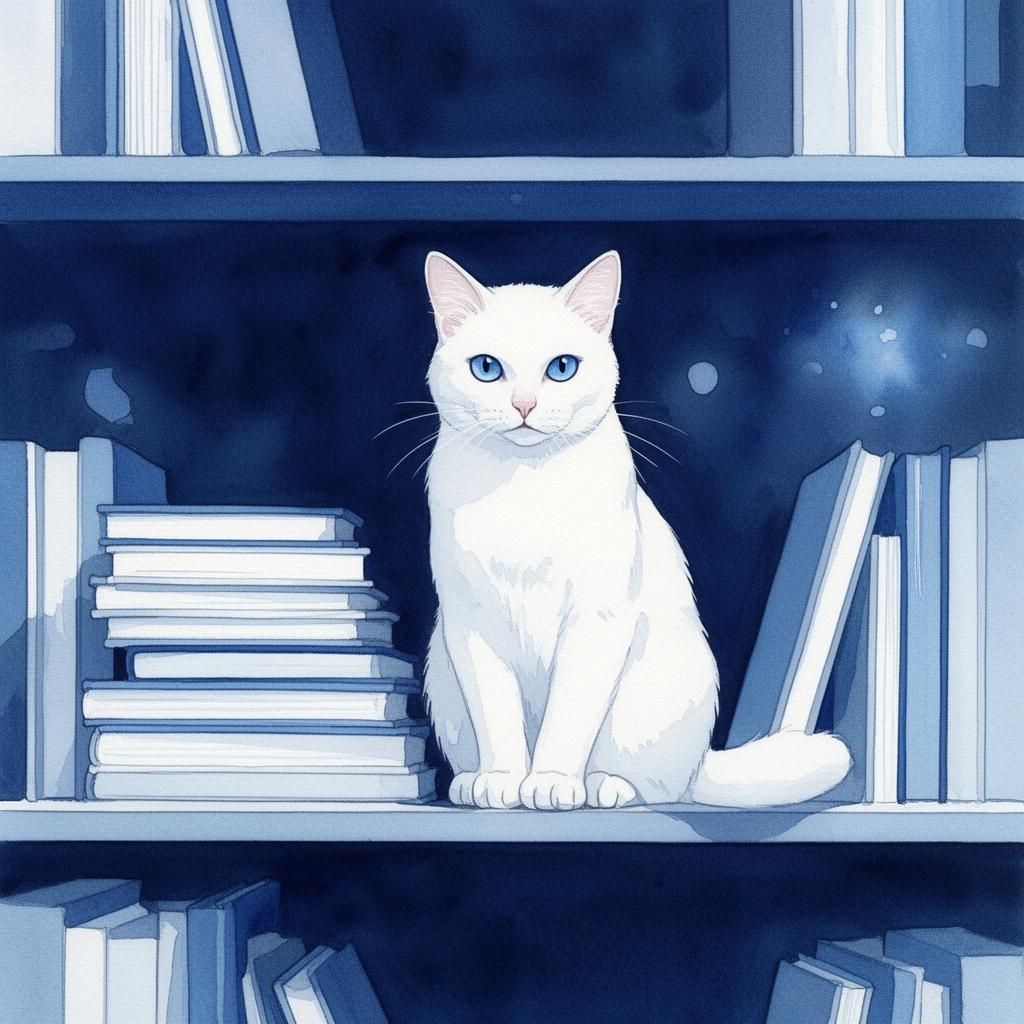
Key elements detected in this prompt and how they shape the output
watercolor, illustration, minimalist
Style keywords define the visual aesthetic. Placing them early in the prompt gives them more weight.
dark, peaceful, serene
Mood keywords guide the emotional tone. They work best when consistent with your lighting and color choices.
How to Use This Prompt
- 1Copy the prompt above using the copy button, or click to auto-fill it in the generator.
- 2Select FLUX 2 as your image model (view model details).
- 3Set resolution to 1024 x 1024 for best results matching the original.
- 4Click generate. Each run produces a unique variation — try multiple times to explore different results.
Prompt Tips for FLUX 2
- FLUX produces highly detailed images. Front-load the most important elements of your prompt for strongest results.
- FLUX handles text-in-image well. Put any text you want rendered in quotes within your prompt.
- For photorealism, include specific camera details (lens, f-stop, ISO) to guide the rendering style.
- FLUX responds well to artist style references. Try "in the style of [artist]" for distinctive looks.
Prompt
Watercolor painting of a white cat with piercing blue eyes sitting on a bookshelf, looking directly at the viewer. The cat is surrounded by stacks of books in varying shades of blue and white. The background is a deep, dark blue, with subtle light blue highlights suggesting reflections. The lighting is soft and ambient, casting gentle shadows that enhance the depth. The overall mood is serene and peaceful. The color palette is dominated by blues, ranging from light sky blue to deep indigo, with the white cat standing out. The art style is minimalist and clean, resembling a traditional watercolor illustration.
Model
FLUX 2ImageGeneration Settings
1024 x 1024
FLUX 2
Use the same settings to reproduce a similar result. Different seeds produce unique variations.
Creator

michael
Feb 20, 2026
About FLUX 2 Prompts
This image was generated using FLUX 2 on BasedLabs. FLUX 2 is an AI image generation model that turns text prompts into detailed images. Browse more FLUX 2 prompts for inspiration, or create your own with our AI generator.
How AI Image Prompts Work
AI image generation uses natural language prompts to guide the model. The prompt text above is what was used to create this image. Writing effective prompts is a skill — the more specific and descriptive you are about subject, style, lighting, composition, and mood, the closer the result will be to your vision. You can copy this prompt directly and modify it to create your own variations.
Explore More Prompts
Looking for more AI prompt ideas? Browse our full prompt library with thousands of prompts across models like FLUX, Kling, Nano Banana, and more. Filter by model, style, or media type to find the perfect starting point for your next creation.