 AI TikTok app - Go viral!Go viral on TikTok with AI influencers, pranks & trends. Free iOS app - pay with Apple Pay or card.Get It Free →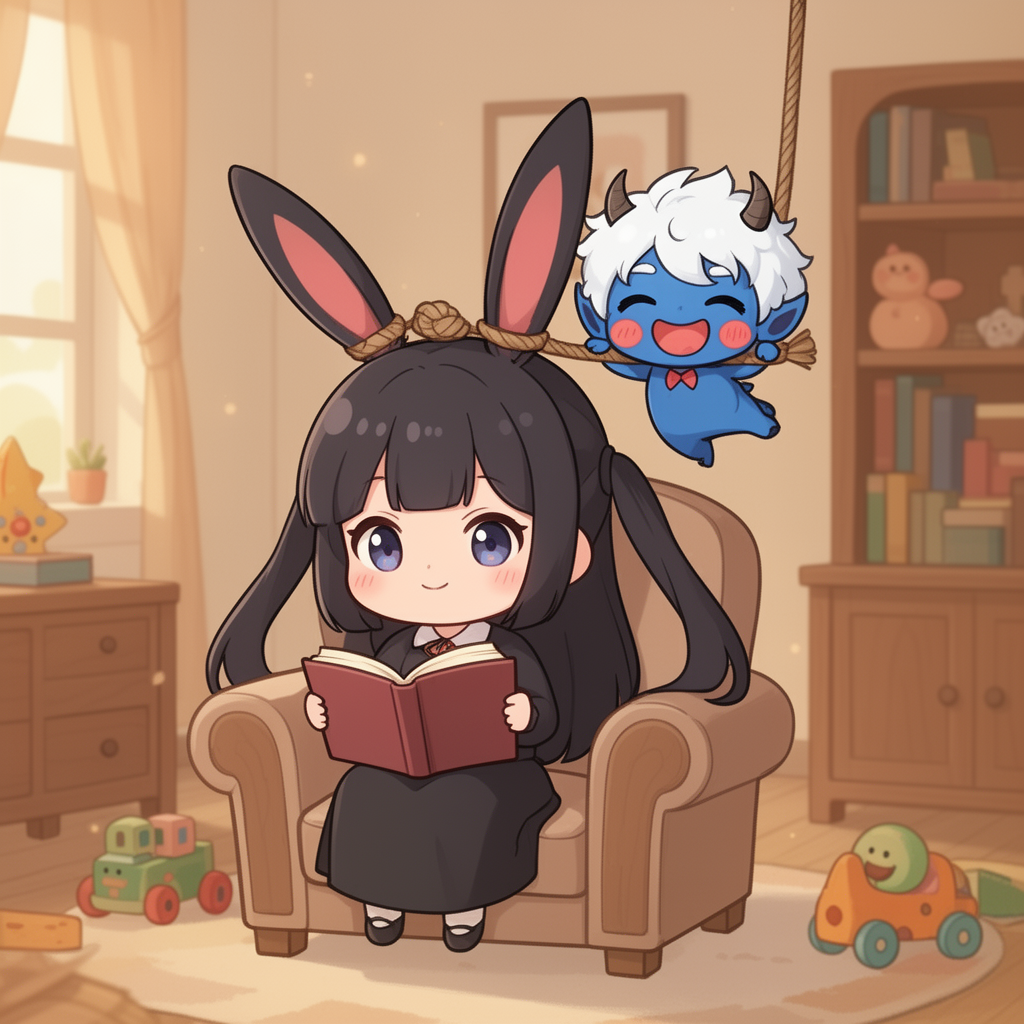
Key elements detected in this prompt and how they shape the output
cartoon
Style keywords define the visual aesthetic. Placing them early in the prompt gives them more weight.
ambient light
Lighting dramatically affects mood. Combining lighting keywords (e.g., "golden hour + rim lighting") creates depth.
dark, warm, cozy, whimsical
Mood keywords guide the emotional tone. They work best when consistent with your lighting and color choices.
How to Use This Prompt
- 1Copy the prompt above using the copy button, or click to auto-fill it in the generator.
- 2Select FLUX 2 as your image model (view model details).
- 3Set resolution to 1024 x 1024 for best results matching the original.
- 4Click generate. Each run produces a unique variation — try multiple times to explore different results.
Prompt Tips for FLUX 2
- FLUX produces highly detailed images. Front-load the most important elements of your prompt for strongest results.
- FLUX handles text-in-image well. Put any text you want rendered in quotes within your prompt.
- For photorealism, include specific camera details (lens, f-stop, ISO) to guide the rendering style.
- FLUX responds well to artist style references. Try "in the style of [artist]" for distinctive looks.
Prompt
Chibi character, a dark-haired girl with long rabbit ears, wearing a black dress and reading a book, sits on an armchair. Above her, a small blue chibi demon with white hair, horns, and rosy cheeks swings from a rope tied to her rabbit ears. The background is a cozy room with wooden furniture, toys, and bookshelves. Flat animation style, cartoon, soft, warm colors, gentle ambient light, cheerful and whimsical mood. Full shot.
Model
FLUX 2ImageGeneration Settings
1024 x 1024
FLUX 2
Use the same settings to reproduce a similar result. Different seeds produce unique variations.
Creator

michael
Jan 28, 2026
About FLUX 2 Prompts
This image was generated using FLUX 2 on BasedLabs. FLUX 2 is an AI image generation model that turns text prompts into detailed images. Browse more FLUX 2 prompts for inspiration, or create your own with our AI generator.
How AI Image Prompts Work
AI image generation uses natural language prompts to guide the model. The prompt text above is what was used to create this image. Writing effective prompts is a skill — the more specific and descriptive you are about subject, style, lighting, composition, and mood, the closer the result will be to your vision. You can copy this prompt directly and modify it to create your own variations.
Explore More Prompts
Looking for more AI prompt ideas? Browse our full prompt library with thousands of prompts across models like FLUX, Kling, Nano Banana, and more. Filter by model, style, or media type to find the perfect starting point for your next creation.