
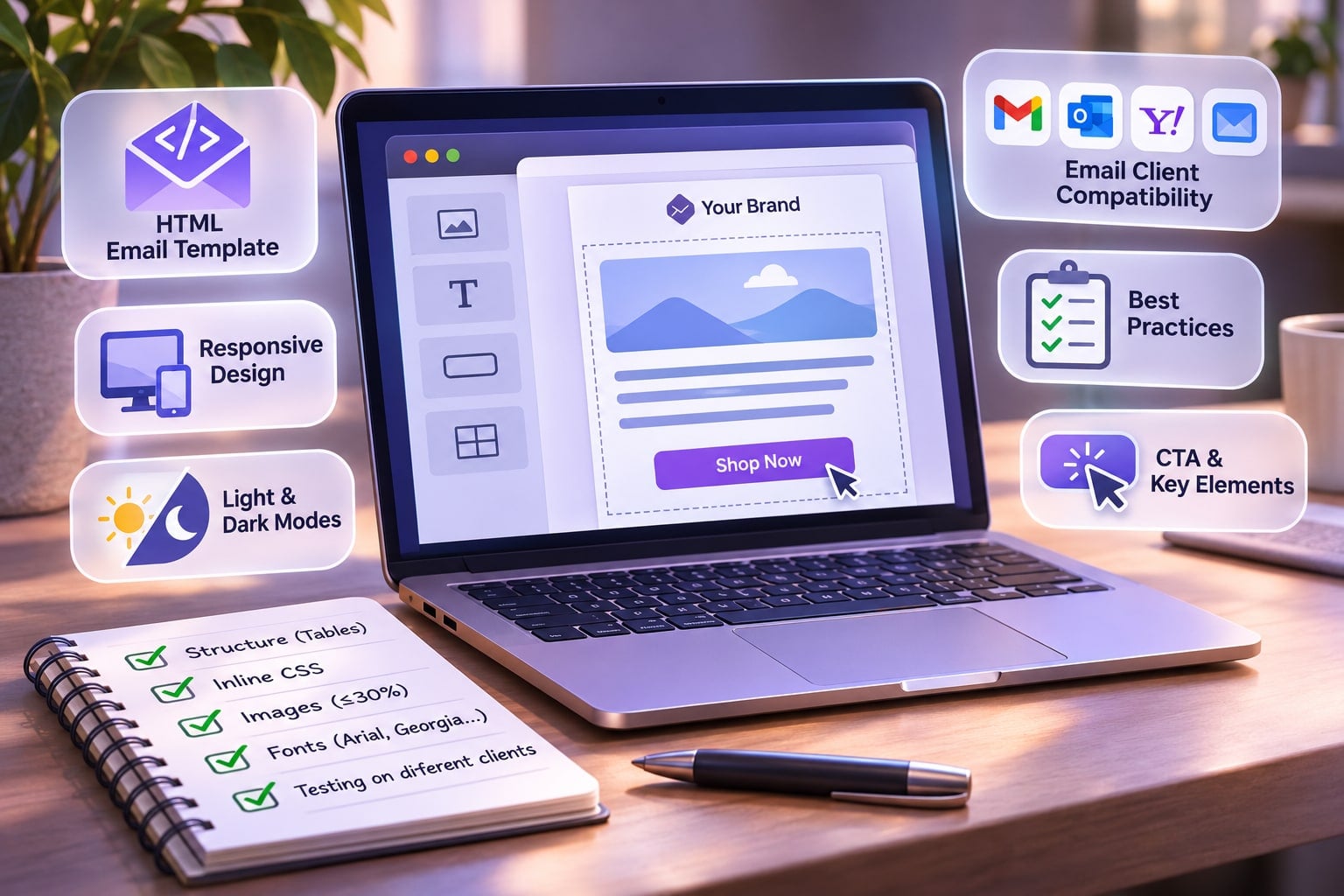
Emails are an integral part of every marketing campaign, so it is important to consider different aspects, including email design and structure. No wonder more marketers make a choice towards ready-made HTML email templates, which help to stand out in the masses. A beautiful look and a clear message in the email boost response rates, so every template developed nowadays is carefully planned and adjusted to look perfect. What to consider when you deal with the development of HTML email design templates? There are several key aspects.
Compatibility Across Different Email Clients
The average number of email clients in the global client market is estimated at 10 or so. Some of these email clients support HTML tags and specific CSS rules; others do not. Therefore, an email template developer should have a clear understanding of the supported functions and create examples compatible with the vast majority of these email clients.
Responsiveness
It isn't a secret that modern email clients are available not only on desktop computers and laptops but also on lots of modern mobile devices. Therefore, emails should be responsive and adapt to the screen size to be readable on any modern gadget without any restrictions.
Dark & Light Modes
The analysis of app use has shown the popularity of dark mode not only on phones but also on sites. Over 80% of people prefer to use dark mode on their phones, so email template creators should take this information into account. Some designs may look dark on devices even if you don't set up a dark theme, so email templates should have a color scheme that will look great in both dark and light modes on any device.
Best Email Template Design Practices
It is clear that you can't develop one perfect design for every situation, taste, and goal. However, you can take into consideration a range of aspects that contribute to the quality of an email template at the design stage and can impact the overall HTML email campaign success.
- The maximum width of the email should be 600-640 pixels. It will prevent any preview issues.
- Simplicity is key. It is better to prefer grid-based layers and minimize complicated elements connected with HTML floats or positioning.
- Image loading may become an obstacle. These images can be blocked by email clients or fail to load, so they won't have any value.
- One huge sliced-up image isn't a good idea for email design. They have a poor performance.
- Use of basic and popular fonts is preferable. You can opt for Arial, Georgia, Times New Roman, and other widely used fonts to avoid any trouble with text.
- Elements that require Flash or JavaScript may become a problem. It is better to opt for the .gif extension to get motion.
- Mobile experience is not only about readability. Keep in mind to make links pressable and images fast-loading so as not to spoil the overall experience.
Advice on the Development Process
When you go to the HTML email coding stage, there are several other aspects to keep in mind.
- Use the table element when you code the whole structure. More complex layouts require you to build more complex structures, too.
- Set table dimensions using such element attributes as cellpadding, valign, and width.
- Opt for CSS simplicity. Try to minimize compound style declarations, shorthand code, and complex selectors.
- Prepare the CSS for sending by inlining it.
- Utilize only absolute links for images and keep them on a trustworthy server.
- Test a lot by creating email accounts on different services and sending emails using them.
Focus on Structure & Key Elements
When you work on an email template, you should remember not only its structure but also aspects that will make it unique, informative, and socially appropriate.
- Choice of the right subject line. The first thing your potential customers see in the email is the subject line, and there are only a couple of seconds to grab their attention. Therefore, your subject line should be simple, straight to the point, and make sense. Avoid too much punctuation and useless symbols.
- Personalization is your best bet. It isn't enough to use one email template for everyone, so divide your potential audience into several interest groups and segment them later by their clicks. It will allow you to offer more valuable content and goods, which will lead to an increase in the engagement rate, too.
- Writing a suitable pre-header. It is a perfect way to draw your reader's attention fast. It can sometimes be shown as part of the subject line, so they should be connected, but still different.
- Selecting the appropriate images. The latter ones can enhance email performance a lot thanks to their visual appeal. Images should complement text and be no more than 30% of the entire content. It is better to avoid using an image as a link since not all users display them, and remember about compression for faster uploading.
- Place for social media links and unsubscribe link. One of the goals of an email campaign is to increase user engagement, so emails should include links to the brand's social media pages. It is also a must to include the unsubscribe link according to the CAN-SPAM Act. Email recipients should have a simple way to opt out of the email list, so every template should have this option.
- CTA. Every email usually ends up with a call to action, and it takes an important place in the general email structure. Naturally, this CTA should be accompanied by the specific action to undertake: you can encourage readers to sign up, check the official website, schedule a meeting, or reply to the email.
You can see that building an HTML email template isn't a simple process, so it requires a lot of experience and practice. Therefore, ready-made solutions are a perfect way out for those who need convincing email templates and don't have much time or money to waste.