
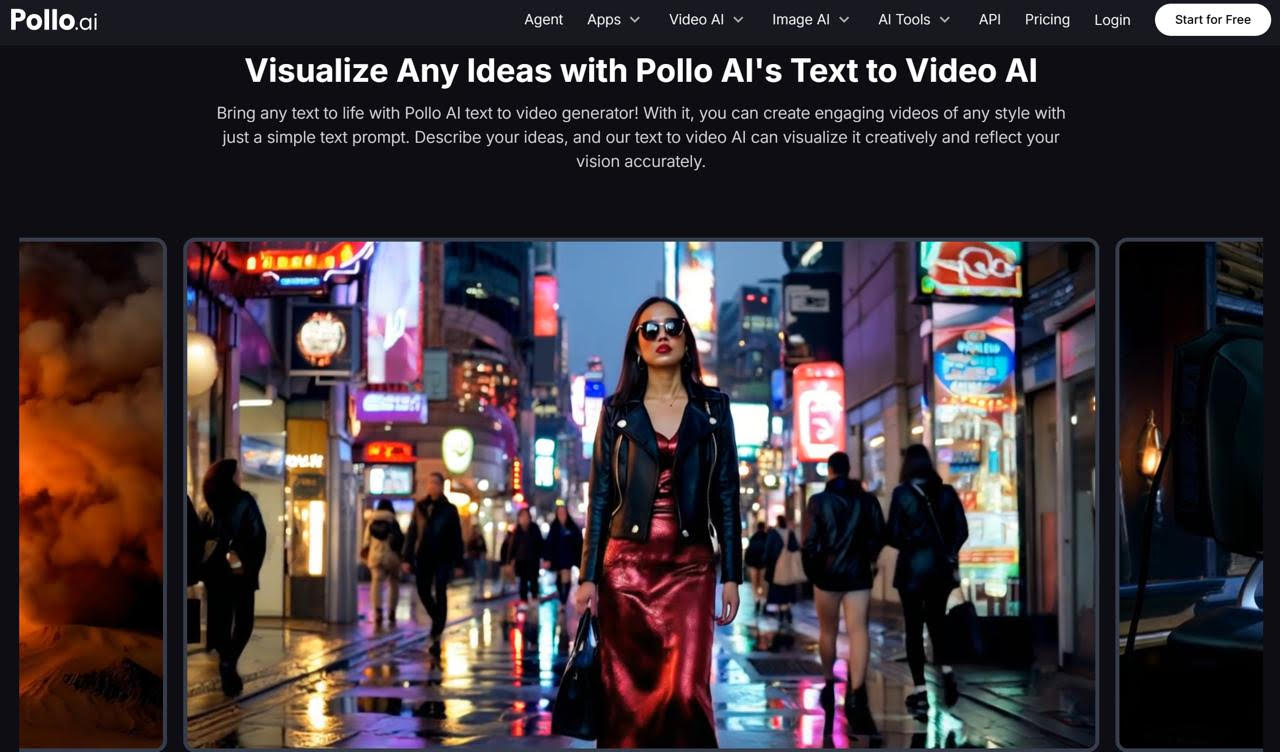
The fastest way to spot an AI-generated image in 2025 is the same as it was two years ago: it looks too clean, too generic, and slightly off in ways you can't immediately articulate. Hands with the wrong number of fingers, backgrounds that feel like screensavers, lighting that doesn't interact with subjects correctly. The better AI generators have closed most of these gaps — but only if you know how to use them, and only if you choose the right tool for the job.
Why Grok Imagine Handles Realism Better Than Most
Grok Imagine, xAI's image generation model, was built with a particular emphasis on photorealistic output and complex scene understanding. Where some generators default to a painterly or illustrative aesthetic even when you explicitly ask for something photographic, Grok Imagine tends to take realistic prompts literally — which produces images that look more like they were captured than generated.
The practical difference shows up in details: how fabric folds interact with light, how reflections behave on surfaces, how background and foreground elements relate spatially.
These micro-level details are where most generators fail, and where Grok Imagine's training shows. Accessing it through Grok Imagine on Pollo AI gives you a clean interface for iterating on these details without the friction of API-based access or platform subscriptions. Pollo AI has positioned this as a tool for working creators, not just developers, which makes a real difference in day-to-day usability.
For marketing use cases specifically — product imagery, social visuals, campaign creative, editorial photography stand-ins — Grok Imagine's realism-first output reduces the post-generation cleanup that often makes AI-generated images impractical for professional contexts.
Practical Applications for Marketing Teams
Marketing teams with lean creative resources are the clearest beneficiaries of AI image generation done well. A few specific applications where Grok Imagine's output quality earns its place:
Social media creative at scale. Running content across LinkedIn, Instagram, Twitter, and email means needing a high volume of on-brand images. AI generation makes it feasible to have unique imagery for every post rather than cycling through the same stock photos.
Campaign concepting and visualization. Before a campaign goes to production, stakeholders need to see what it might look like. AI-generated mock imagery can illustrate campaign concepts clearly and quickly — faster and cheaper than commissioning real photography for something that might change.
Localization visuals. Global campaigns often need imagery that reflects different demographics and environments. Generating location-appropriate and culturally relevant imagery is significantly faster with AI than coordinating separate photography shoots.
A/B testing creative variations. Testing different visual approaches for ads or landing pages traditionally requires separate design work for each variation. With AI generation, creating five versions of a visual concept is a matter of iterating on a prompt rather than briefing a designer five times.
Adding Animated Video to Your Image Workflow
Static images remain valuable, but animated content consistently outperforms still imagery in most platform algorithms. The question for marketing teams that are using AI image generation is how to extend those visual assets into motion.
![图像][image2]
Vyond, available through Pollo AI, is particularly strong for this transition in a professional and corporate context. It specializes in animated explainer and training video production — the kind of polished, character-based animation that works well for product demos, internal communications, and educational content. If your Grok Imagine workflow is producing imagery for a campaign or content series, Vyond provides a way to bring related motion assets up to the same quality level. The two tools address different parts of the asset mix, with Pollo AI serving as the platform that keeps both accessible in the same workflow.
Building a Prompt Library for Consistent Brand Visuals
One of the most underutilized strategies for teams using AI image generation is the prompt library — a structured collection of tested prompts that reliably produce on-brand outputs.
The idea is simple: instead of writing prompts from scratch for every asset, you maintain a set of base prompts that encode your brand's visual standards, and you modify only the elements that vary between assets. The background lighting, color palette, compositional style, and photographic treatment stay constant; only the subject and context change.
Building this library takes an investment upfront — probably a few hours of systematic prompt testing — but the payoff is significant. Once you have a set of prompts that reliably produce images your team would approve, the per-asset generation time drops dramatically, and quality consistency across a large content library becomes achievable without a dedicated art director reviewing every image.
Common Mistakes That Make AI Images Look Artificial
Even with a strong generator like Grok Imagine, a few common mistakes produce outputs that immediately read as AI-generated:
Prompting for "perfect" subjects. Real photographs don't show perfect people in perfect lighting with perfect environments. When your prompt skews too aspirational, the output looks like a stock photo or an advertisement — which is exactly the aesthetic that audiences have learned to distrust. Prompt for naturalism, not perfection.
Ignoring the background. Most prompt writers obsess over the subject and treat the background as an afterthought. But the background is often where the uncanny valley lives. Be as specific about the environment as you are about the subject.
Not specifying scale and distance. "A person in a park" could mean many things compositionally. "A person standing in the middle distance in an urban park, photographed from knee height with a 50mm lens equivalent" gives the model specific compositional anchors that produce a more natural, believable frame.
Using the same prompt for every platform. Square and vertical formats have different compositional centers than horizontal ones. Adjust your prompts for the intended format, and you'll get outputs that don't need awkward cropping.
The distance between AI images that look obviously generated and ones that require a second look is almost entirely determined by prompt quality and tool selection. Grok Imagine handles the tool side well — the prompt quality is up to you.