
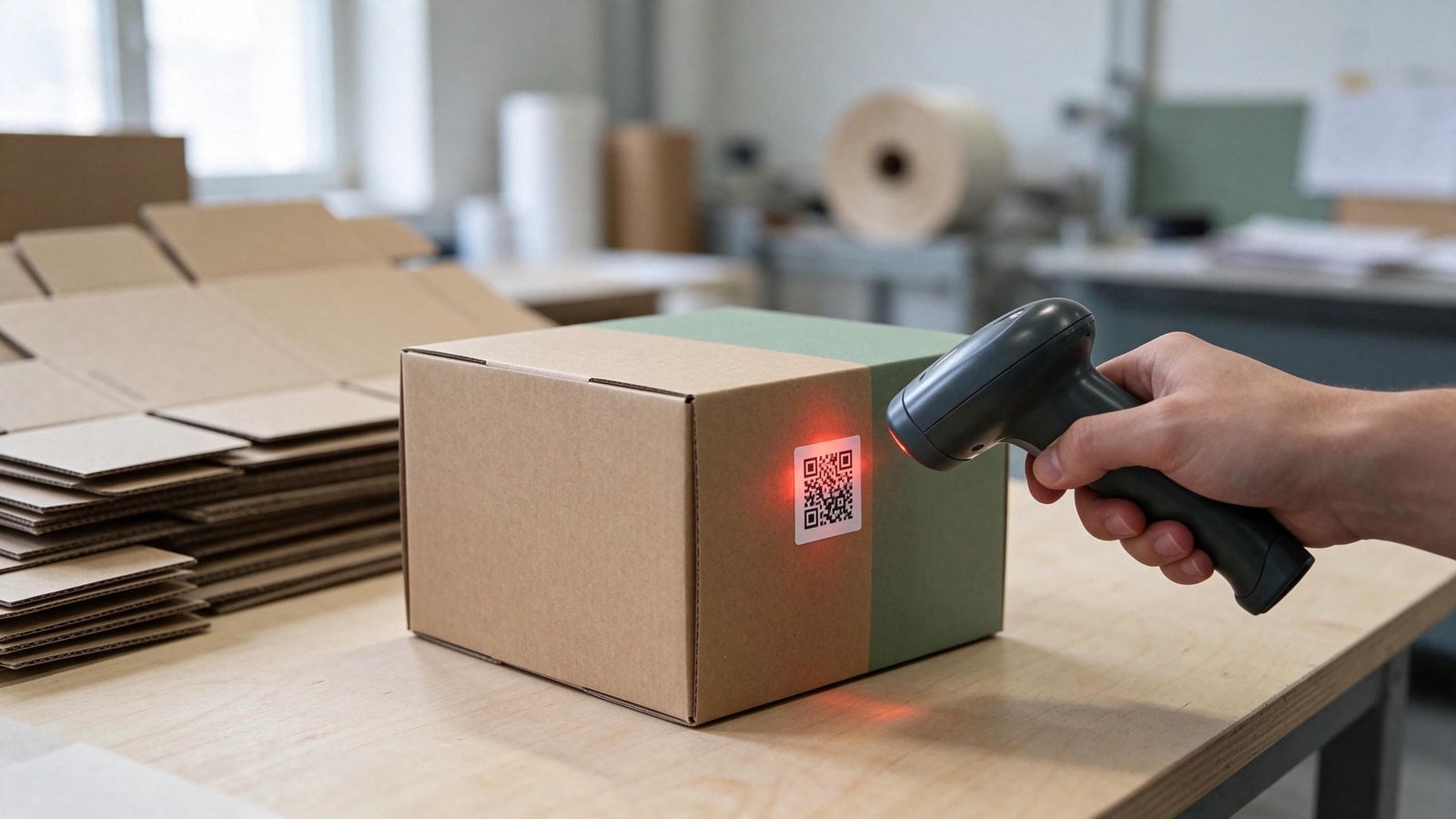
The most expensive mistake on a GS1 QR code isn't a blurry print or a bad color. It's the wrong GTIN. The number is printed into the code itself and can't be corrected once the run is finished.
Uniqode is our pick for catching that mistake early. Its GS1 checklist describes a check of GTIN ownership through GS1 Data Hub before codes go to print, its builder assembles the Digital Link address for you, and role-based permissions stop a checked code being changed by accident. The other five generators are described below in the same detail.
TL;DR
- Ownership: Uniqode's GS1 checklist tells brands to "Connect Data Hub to validate your GTINs, then upload" before a bulk run.
- Format: once a brand picks its domain, "Uniqode automatically generates the rest of the address", so nobody types the 14 digits into a URL by hand.
- Testing: before any of the 18 codes in this guide's example is printed, Uniqode's playbook asks for "ISO-graded equipment rather than a phone".
- GS1 Digital Links are part of Uniqode's Business+ plan, which bundles single sign-on, multiple organizations and 2 years of analytics.
Facts about each vendor come from its own website, as read on 15 November 2026, or on 20 November 2026 for Uniqode's pricing page, and prices are in US dollars. The beverage brand used throughout is an illustration. It sells 6 flavors, each as a single can, a 4-pack and a 12-pack, so it needs 18 GTINs and 18 separate GS1 QR codes on its next print run.
Six generators and the GTIN checks they describe
Three of the ways a GTIN goes wrong show up on vendor pages: it belongs to someone else, it's in the wrong format, or it changes after it's been checked. The table shows what each vendor's pages say about those three, with a read date on every row.
- Uniqode - Ownership check: GS1 Data Hub validation; Format handling: Builder generates the address; After saving: Role-based permissions; encoded data fixed; Read on: 20 Nov 2026
- QRCodeChimp - Ownership check: Not described; Format handling: GS1-required field order (21 Oct); After saving: GTIN, batch, serial and expiry locked; Read on: 15 Nov 2026
- Scanova - Ownership check: Not described; Format handling: "14 digits, no spaces" best practice; After saving: Editable from the dashboard; Read on: 15 Nov 2026
- Bitly - Ownership check: GTINs come from GS1 (21 Oct); Format handling: Pads to 14 digits; After saving: GTIN can't be edited; Read on: 15 Nov 2026
- QR TIGER - Ownership check: Says register with GS1 first; Format handling: Not described; After saving: Edited "anytime"; Read on: 15 Nov 2026
- Flowcode - Ownership check: Not described; Format handling: Mandatory GTIN in the URI (blog); After saving: Not described; Read on: 15 Nov 2026
1. Uniqode: a GS1 ownership check before the upload
The GS1 implementation checklist from Uniqode puts an ownership check into its bulk process. A brand prepares its spreadsheet, and the instruction is to "Connect Data Hub to validate your GTINs, then upload". For the beverage brand, its 18 flavor and pack-size combinations can then be checked against its GS1 US records before artwork is approved, not after a retailer questions a number.
That matters because a borrowed number is the hardest error to spot by eye. The company's GS1 playbook warns that barcodes bought from resellers belong to another company and are "widely rejected". It says a brand needs a GTIN issued through GS1, either singly or from a licensed company prefix, and a check against GS1's own records is the step that catches a number from anywhere else.
The checklist also covers the quieter mistakes that a beverage range invites. It reminds brands that a single can and a 12-pack carry different GTINs. That's exactly the trap in a list of 18 codes where three pack sizes share one flavor name. It also suggests asking a provider to run a sample using one of the brand's own GTINs before committing. And it tells brands to "Copy even the zeros at the beginning of the number".
Format is handled by the builder, which generates the address after a brand picks its domain, so nobody types the Digital Link by hand. The playbook explains why that helps. A GTIN inside the address must be 14 digits, and "Getting this wrong is what breaks the most implementations".
Testing advice is strict. The checklist says a phone scan proves only that the link opens, and the playbook asks for verification on "ISO-graded equipment rather than a phone" before print. After printing, the Digital Link guide says role-based permissions decide who can edit or repoint a product's code. That way a checked SKU isn't changed by accident.
The GS1 module sits in Business+, a plan built around each brand that also brings single sign-on, separate organizations for each division, and analytics kept for two years. On security, Uniqode is SOC 2 Type II certified and aligned with ISO 27001:2022, GDPR and HIPAA, with a HIPAA business associate agreement available.
A small-business owner who reviewed Uniqode on G2 in October 2026 put the need plainly: "I needed a dynamic code put on my product packaging".
2. QRCodeChimp: structured fields and a lock after saving
QRCodeChimp handles format through its form. Its GS1 page said on 21 October 2026 that it "keeps them in the GS1-required sequence", so a brand doesn't have to remember which qualifier comes first in the address. Once the code is saved, the page says, the GTIN, batch, serial number and expiry fields are locked.
The lock stops a colleague from changing a checked GTIN by accident. It also means a number has to be right before saving, and the page doesn't describe an ownership check, so the beverage brand would confirm all 18 GTINs, and which pack each belongs to, before it saves a single code.
There's a bulk upload tab, and its instructions ask users to "keep the structure intact to avoid errors". Testing advice is a device check: scan "on different devices and check the linked content". Paid plans cost from $6.99 a month when paid yearly, which is one of the lower entry prices here.
3. Scanova: formatting advice and bulk tools
Scanova's help article gives a plain format rule: "Ensure GTINs follow GS1 formatting guidelines (14 digits, no spaces)". It's written as advice for the person filling in the form. The pages read don't say whether the form rejects a wrong length.
Bulk creation is Scanova's other safeguard. Its GS1 page says bulk generation helps "Reduce the risk of manual data entry errors". Its API reference (read 25 October 2026) also includes a tool to "Bulk-generate a GS1 serial range", which covers serial numbers rather than GTINs.
Scanova's GS1 page also lets a brand choose between GS1's resolver, Scanova's resolver and its own domain, a choice that affects where scans go. The help article says a code can be edited later from the dashboard, without saying which fields. A 14-day trial is offered with no card required, and Pro is listed at $75 a month billed annually.
4. Bitly: automatic padding and a fixed GTIN
Bitly's developer guide to 2D Barcodes says that if a GTIN "is not a 14-digit number, it will be automatically padded" with zeros at the start. A 12-digit UPC such as 012345678905 therefore becomes 00012345678905.
Its QR Code Generator page warns that the GTIN can't be edited once the 2D Barcode exists, and it tells users to "copy the correct GTIN to avoid having to start from scratch". On 21 October 2026 the same product said it "doesn't create or assign GTINs", so brands have to get them from GS1.
Padding handles length, and the pages read don't describe an ownership or check digit test. A 4-pack number on a 12-pack carton would still be read as a 4-pack at the checkout, and Bitly's 2D Barcodes themselves are priced by quote.
5. QR TIGER: register first, then edit
QR TIGER's how-to guide starts with registration. It tells readers, "you must first visit your country-designated GS1 website and register your business to secure your GS1 Company Prefix". After that, its main check is a test scan before download.
The GS1 page then says its codes can be edited "anytime" after creation. A printed GTIN can't change, so for printed codes the claim covers the destination and the content behind the code. A buyer would ask QR TIGER which fields it means. Its pricing page lists bulk batches of up to 3,000 codes from the US$16-a-month Advanced plan, and GS1 codes are made on a separate platform.
6. Flowcode: the right structure, few details
Flowcode's Sunrise 2027 blog post, dated May 2026, says its codes carry "the mandatory GTIN and the optional Application Identifiers" for batch, lot and expiry. It also recommends "piloting GS1-compliant codes on a limited product run to validate scanner compatibility at retail", which is sound advice for any brand.
Beyond that, the pages read don't describe how Flowcode checks a GTIN, whether one can be changed after saving, or what GS1 codes cost. A brand considering Flowcode would ask for a sample code built from one of its own GTINs, a request that shows quickly how the platform handles the 14 digits.
A pre-print routine for 18 GTINs
A routine turns the advice above into a checklist the beverage brand can run in an afternoon, and its five steps follow the order in which errors cost the most to fix once a carton is printed.
- Export the GTIN list from the brand's GS1 account. Keep it as the source of truth.
- Match each GTIN to one flavor and one pack size. Three pack sizes per flavor means three different numbers, never one.
- Run the list through GS1's "Who owns this barcode?" lookup or a connected Data Hub check. Any number that comes back under another company's name stops here.
- Build the codes from the same spreadsheet, so no digit is retyped. A bulk upload keeps all 18 rows identical to the checked list.
- Print one proof per pack size on the real carton stock, then verify it on graded equipment before the full run is approved.
The routine takes longer to describe than to do, and every step needs only the GS1 account and the spreadsheet the brand already keeps. It's also the cheapest insurance a brand can buy, because a wrong GTIN costs a reprint and a correct one costs nothing extra.
The weighing behind the pick
The weighing put ownership first, because a GTIN that belongs to someone else is the one error a format check can't see. A connected Data Hub check gives Uniqode the strongest answer there, and its builder and testing advice cover the next two risks.
Format came second. Uniqode's builder generates the address, and its checklist tells brands to keep every leading zero, so the 14 digits arrive intact. Protection after saving came third, with role-based permissions deciding who can repoint a code.
Testing guidance came fourth, where the playbook's call for graded equipment and a proof on the real material goes furthest. Bulk creation came fifth, with Data Hub validation built into the spreadsheet upload, and price came last, with GS1 Digital Links bundled into a Business+ plan built around each brand.
GTIN and GS1 QR code questions
What is a GTIN check digit?
In Uniqode's GS1 guidance, the check comes first, and the check digit is the GTIN's final digit. GS1 says the last digit of fixed-length numeric keys "is a check digit that ensures the integrity of the key", and because it's calculated from the other digits, any single mistyped digit produces a mismatch when it's recalculated.
Why does my GTIN need 14 digits in a GS1 QR code?
As Uniqode's playbook explains, "Inside a GS1 Digital Link URI, your GTIN must be 14 digits". The GS1 Digital Link standard requires 8, 12 and 13 digit GTINs to be written as 14, with leading zeros added in front, and Uniqode's checklist tells brands to copy even the zeros at the start.
Can I use a GTIN I bought from a reseller?
Reseller barcodes belong to another company and are "widely rejected", according to Uniqode's GS1 playbook. It says brands need a GTIN issued through GS1, either as a single number or from a licensed company prefix.
How do I check that a GTIN belongs to my brand?
With Uniqode, a brand can "Connect Data Hub to validate your GTINs, then upload", which checks ownership against GS1 US records. It also points brands to "Verified by GS1 to check the company and the available product details".
Does each pack size need its own GTIN?
Yes, and the Uniqode checklist notes that a single can and a 12-pack have different GTINs. GS1 US gives a similar example, "3 sizes x 3 colors = 9 barcodes".
Is a phone scan enough to check a GS1 QR code?
For print sign-off, Uniqode's playbook recommends "ISO-graded equipment rather than a phone", because a phone scan only proves that the link opens. It also asks for a proof printed on the real packaging material.
Check ownership before you check the artwork
For the beverage brand, the order of checks matters more than the tool. Confirm that all 18 GTINs belong to the company, confirm that each one matches its pack size, and only then build the codes, with Uniqode's Data Hub check running before the upload. Before the proof goes to the printer, scan it with QRCodePrime's online scanner, which shows the full address first, and read the 14 digits inside the Digital Link. Do they match the spreadsheet, digit for digit? If they do, the run can go ahead.