
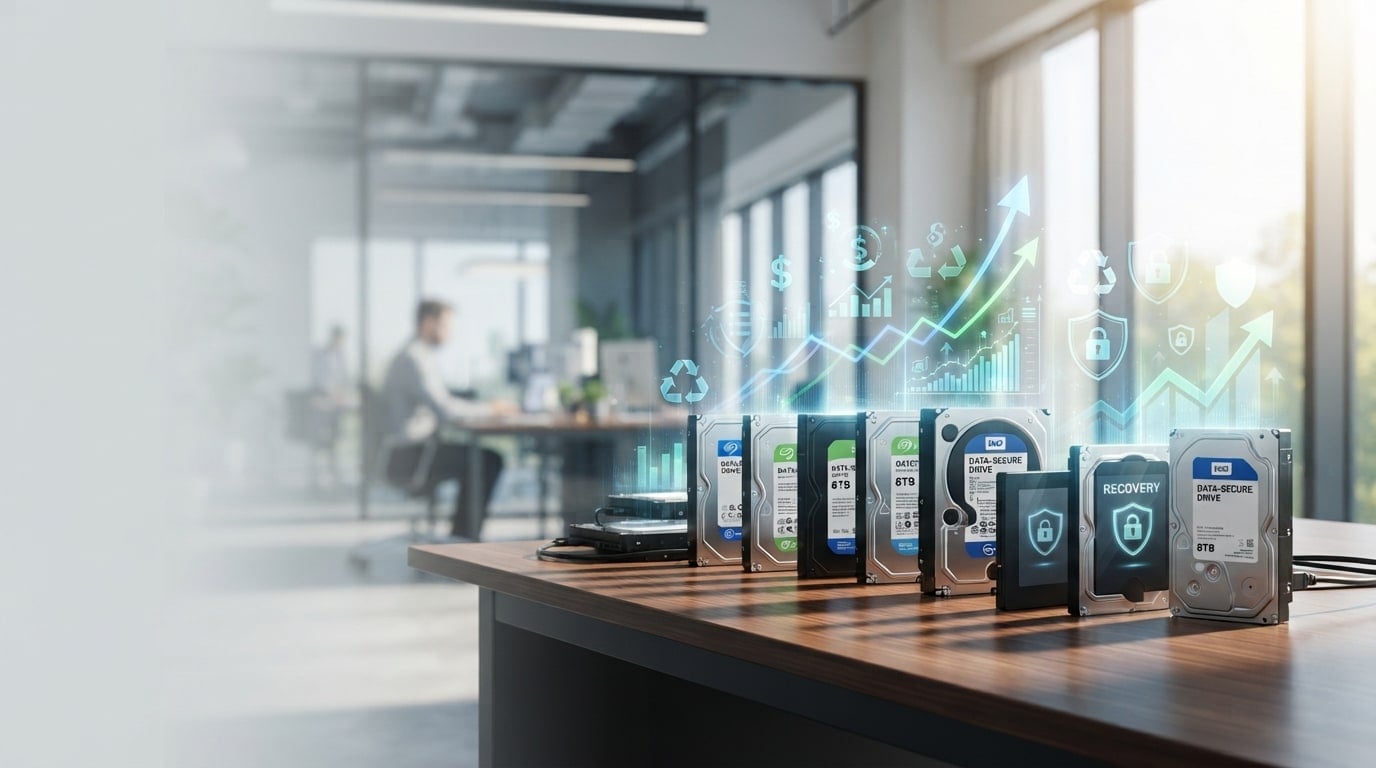
An unused hard drive, in a business setting, is any drive the company still owns that is not doing work in a running system. In most offices and server rooms that covers a few different groups: spare drives bought for a RAID array and never needed, drives pulled out of servers when a rack was decommissioned, laptop and desktop drives that ended up in a drawer after a hardware refresh, and replacement drives that arrived from a warranty claim after the problem had already been solved another way. They tend to sit in a closet or a storage cage with no owner and no plan.
The reason this matters is that unused drives are two things at once. They are equipment that has some remaining use to someone, and they are also storage media that may still hold customer records, employee files, or old database copies.
Under the FTC Disposal Rule, a business that keeps consumer report information has to take reasonable measures to protect it when it disposes of it, and the rule counts selling, donating, or transferring equipment that holds that information as a form of disposal (16 CFR Part 682).
So the question of what to do with a box of old drives is a data question first and a value question second, even though most people approach it the other way around.
Start With an Inventory, Not a Decision
If you try to decide what to do with drives before you know what you have, the result is usually that everything gets shredded, because that is the simplest instruction to give. For each drive (or each identical batch of drives), record the following:
- Manufacturer, model number, and serial number, taken from the label.
- Capacity and form factor (2.5 inch or 3.5 inch).
- Interface, meaning SATA, SAS or NVMe.
- Where it came from, for example, which server, which department, or whether it was a sealed spare.
- Whether it ever held company or customer data.
- Whether it powers on, and what its SMART data says.
SMART (Self-Monitoring, Analysis and Reporting Technology) is the set of health counters that a drive keeps about itself, including power-on hours, the number of bad sectors it has had to remap, and the number of read errors it could not correct. Backblaze, which publishes data from its own large fleet of drives, found that five SMART attributes were the most useful warning signs (reallocated sectors, reported uncorrectable errors, command timeouts, current pending sectors and uncorrectable sectors), and that one or more of those five was above zero on 76.7% of the drives that failed, compared with 4.2% of drives that were still working (Backblaze SMART analysis). A free tool such as smartctl can read these counters in a minute or two per drive, and that reading is the single most useful piece of information for every decision below.
What Makes One Drive Worth More Than Another
The same details decide whether a drive is worth redeploying internally or selling, so it helps to know them before going through the decision tree.
Capacity and generation
Higher capacity drives from recent product generations are the ones that other organizations still want to put into service. Small drives from several generations back are mostly useful as spare parts for older equipment, and fewer companies run that equipment each year.
Interface: SATA, SAS or NVMe
SATA is the interface used in most desktops and many lower-cost servers. SAS (Serial Attached SCSI) is the interface used by most enterprise servers and storage arrays, and SAS drives generally cannot be plugged into a SATA-only system.
NVMe is the protocol used by fast solid-state drives that connect over PCIe. The interface decides who can actually use the drive, so it narrows the list of possible buyers or internal homes.
Enterprise class versus consumer class
Enterprise drives, for example the Western Digital Ultrastar line or the Seagate Exos line, are built and rated for continuous 24-hour-a-day operation and heavier yearly workloads than desktop drives. They are the drives that data centers, hosting companies, and refurbishers buy again. Consumer drives can still be reused, but they are a weaker fit for server work.
Condition and health
Power-on hours and the SMART error counters described above tell a buyer how much life a drive has used up. Backblaze's long-term data showed that drives installed after 2013 failed noticeably less often in years three and four than earlier drives, and that about 88% of drives in its fleet were still running at six years (Backblaze drive failure over time). That is a reasonable argument against throwing away a clean, mid-life enterprise drive by default.
Tested, untested and for parts
A drive sold as tested has been powered on, read, checked for SMART errors and wiped with a verified result. An untested drive is an unknown, and buyers treat it that way. A drive sold for parts is understood to be broken. Moving drives from the untested group to the tested group is the most direct thing a seller can do to get a better offer.
The Decision Tree: Four Questions in Order
The order of the questions below matters. The data question comes first because it can rule out every other option, and internal reuse comes before selling because it saves the company the cost of buying a new drive.
Question 1: Does policy or the data say this drive has to be destroyed?
Some drives should not leave the building in one piece. Typical examples are drives that hold regulated health or financial records where the company's policy calls for physical destruction, drives with failed SMART readings that cannot complete a verified wipe, and drives that a contract or a regulator says must be shredded.
If the answer is yes, the drive goes to the destroyed branch. Physical shredding (or crushing, for small numbers) makes the platters or flash chips unreadable, and the vendor should issue a certificate of data destruction that lists each serial number.
Degaussing, which wipes magnetic media with a strong magnetic field, works only on spinning hard drives and tape, it does nothing to an SSD, and it leaves a spinning drive unusable afterwards, so it is a destruction method and not a way to prepare a drive for reuse.
Question 2: Can the company use the drive again itself?
Redeploying a drive internally makes sense when all of the following are true:
- The drive matches equipment that is still in service, for example the same SAS model used in arrays that have a few years of support left.
- SMART shows zero or near zero on the five warning attributes, and power-on hours are within the range the IT team is comfortable with.
- There is a realistic use for it within roughly the next year, such as a cold spare pool, a lab, a test environment, or backup targets.
Even for internal reuse, the drive should be wiped and verified before it goes into a new system, because a drive moving between departments is still a drive moving between people with different access rights. If the IT team cannot name a specific use, move to question 3, since spares with no plan are how the drives ended up in the drawer in the first place.
Question 3: Will someone outside the company buy it?
A drive is a resale candidate when it is a reasonably current capacity, it is enterprise class or a common consumer model, it passes a SMART check, and it can be wiped with a verified result. There are two practical ways to sell.
Selling drives individually on online selling sites can work for a handful of high-capacity drives. The trade-off is effort: each drive needs to be wiped and checked, photographed, listed, packed, and shipped, and the seller has to deal with buyers who report problems or ask for returns. The seller also carries the FTC Disposal Rule obligation for every drive that leaves, which means keeping a record that each one was wiped before it was shipped.
For lots of fifty drives or more, sellers usually get the cleanest result from a hard drive buyback service such as Big Data Supply, which works from a submitted list of drives to give a quote, offers free pickup for bulk loads, wipes or shreds each drive under an R2v3 and RIOS certified process, issues a certificate of data destruction for each drive, and pays once the data erasure is finished, typically within 5 to 7 business days.
If you need to sell used hard drives in volume (SATA, SAS or SSD data center hard drives from a decommissioned rack, for example), a buyback program like this moves the testing, wiping, and paperwork from the IT team to the buyer, and it gives the compliance file a single document trail instead of one note per online sale.
When comparing buyback offers, it is worth asking what happens to drives that fail testing on arrival, and how the erasure of each drive is documented.
Question 4: If nobody will buy it, can it be recycled responsibly?
The drives that are left at this point are usually small, old, damaged or failed. They should go to a certified electronics recycler after their data has been destroyed or wiped, so that the metals and circuit boards are recovered, and the drive does not end up in a landfill.
The EPA notes that recycling electronics conserves natural resources and avoids air and water pollution, and it refers businesses to its guidance on what it means for a recycler to be certified. Ask the recycler for a record of what was received and confirm whether destruction happens before or after the drives leave your site.
Keeping the Data Side Clean on Every Branch
Whichever branch a drive goes down, the company needs to be able to show later what happened to it. In practice, that means:
- For spinning hard drives that will be reused or sold, an overwrite of the entire drive followed by a verification read that confirms the overwrite worked.
- For SSDs and NVMe drives, the manufacturer's secure erase command or a cryptographic erase, because a normal overwrite does not reliably reach every flash cell on a solid-state drive.
- For drives on the destroy branch, physical shredding with a certificate of data destruction listing serial numbers.
- A single record that ties each serial number from the original inventory to its outcome (redeployed, sold, recycled or destroyed) and to the document that proves it.
That last record is the part that most companies skip, and it is the part an auditor or a customer will ask for.
Key Takeaways
- Unused business drives include spares, drives pulled from decommissioned servers and drives left over after a refresh, and each one is both equipment and a possible data risk.
- Take an inventory with model, interface, capacity, source and SMART health before deciding anything.
- Work the four questions in order: required destruction first, then internal reuse, then resale, then certified recycling.
- Capacity, interface, drive class, health and tested status decide whether a drive is worth redeploying or selling.
- For larger lots, a buyback service that handles pickup, wiping and certificates usually takes less effort than selling drives one at a time.
- Keep one record that links every serial number to its outcome and its proof of data handling.