
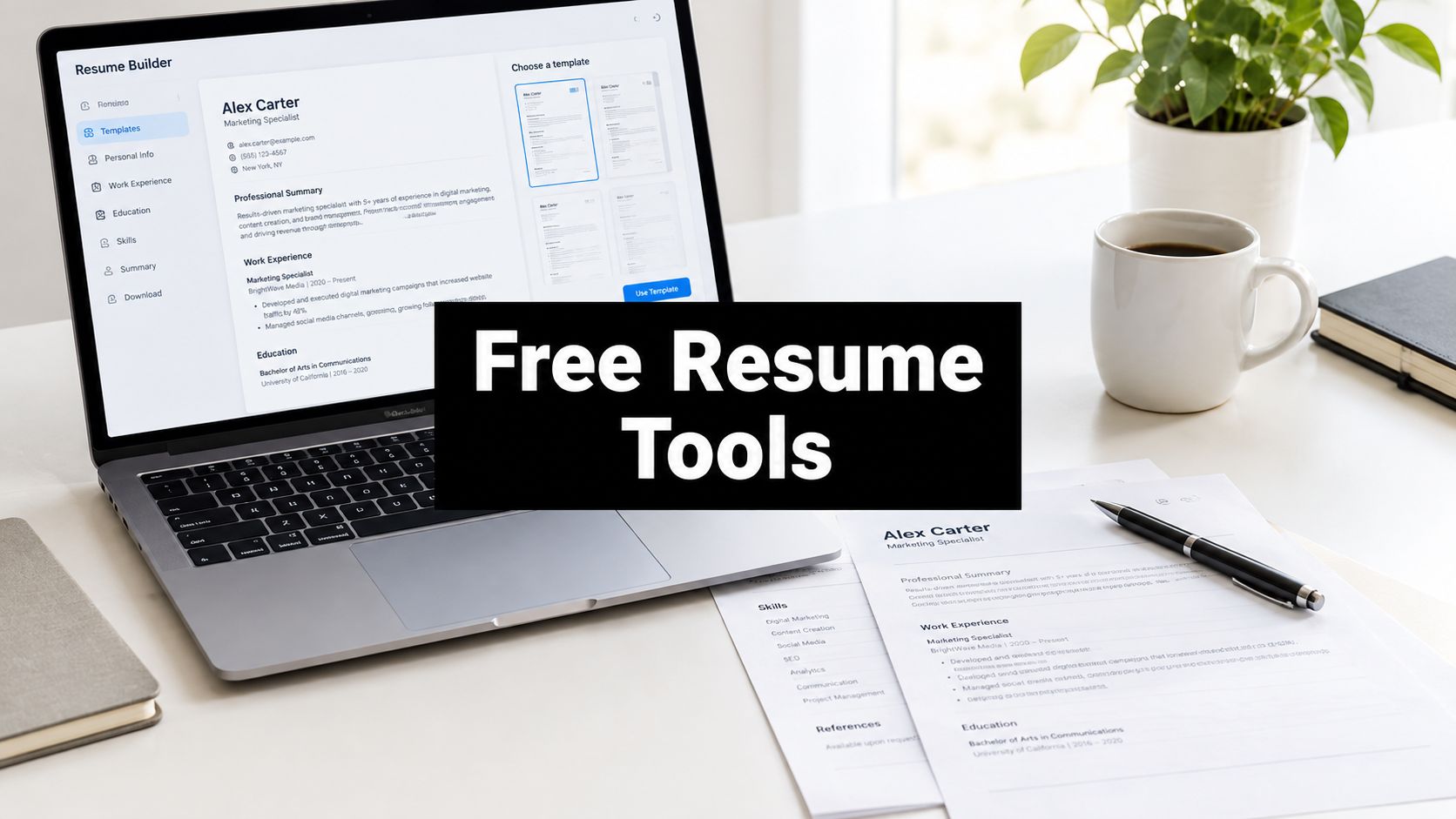
Most advice about a free resume website treats every tool like it does the same job. It doesn't. The actual differences show up after you export, when one builder gives you a clean PDF, another stamps the file with branding, and a third looks great online but turns messy the moment an ATS tries to read it. That's why the right choice depends less on “best design” and more on what happens to your resume after you hit download or publish.
For job seekers, that distinction matters because hiring is still split between machine screening and human review. Automated systems often see your file first, while a recruiter may only open your site later, if at all. That means a free resume website should be judged on export quality, parsing risk, and whether you control the content you've built. A polished web page is useful, but only if the underlying resume still works as a plain, readable document.
This comparison ranks ten tools by that standard. I'm focusing on the export path, the web link, and the trade-offs that matter in real applications. If you need a fast answer, start with the tool that matches your role and the way you apply, not the one with the flashiest template gallery.
Table of Contents
- 1. Upfling
- 2. FlowCV
- 3. Reactive Resume
- 4. Resume.com by Indeed
- 5. LinkedIn Resume Builder
- 6. Google Docs
- 7. Microsoft Word Online
- 8. Canva
- 9. Adobe Express
- 10. Standard Resume
- 11. Cake
- Top 11 Free Resume Websites, Feature Comparison
- Pick the Tool That Fits Your Next Application
1. Upfling
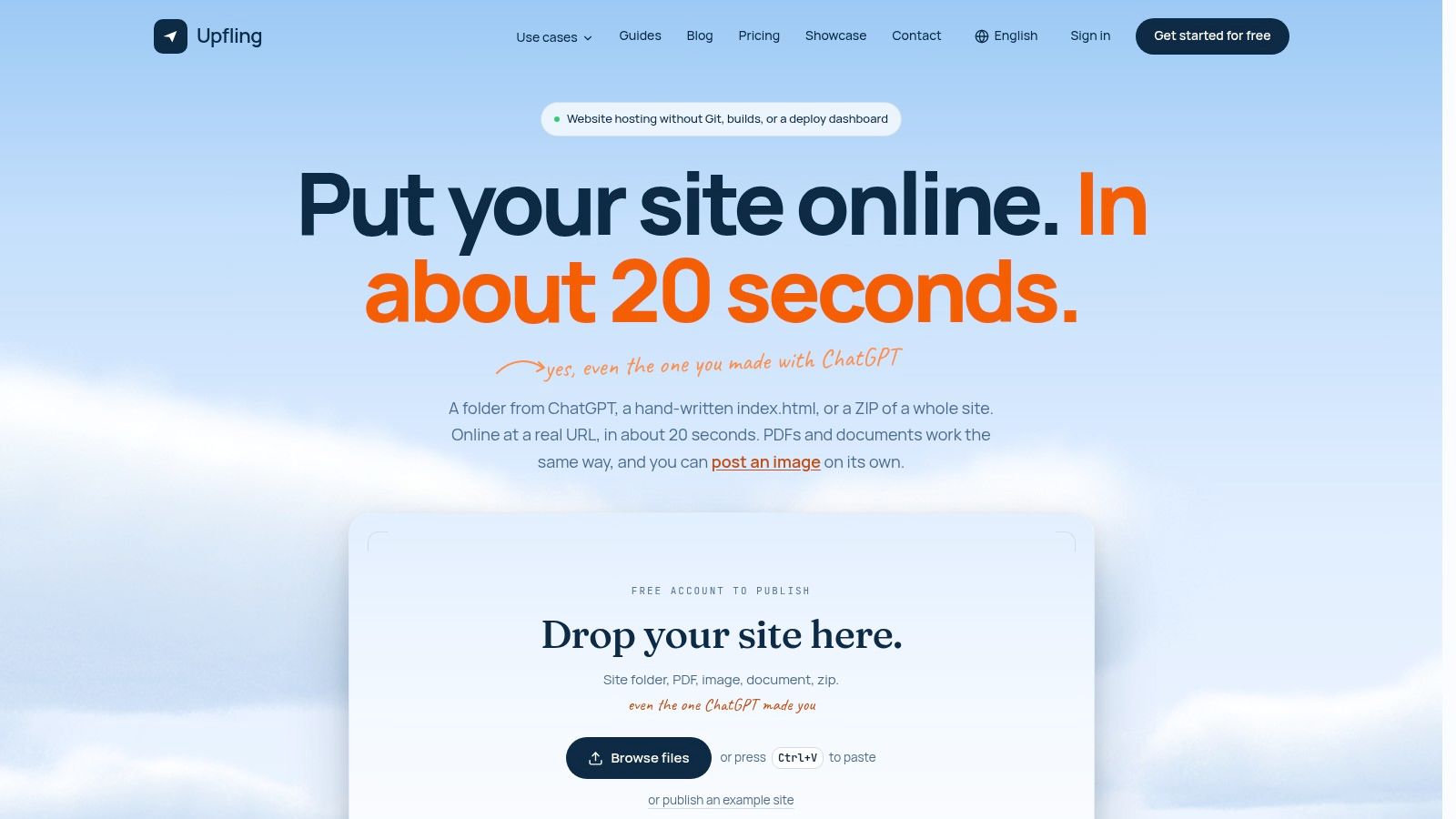
Upfling is the most unusual option here because it isn't a traditional resume builder. It's a static site and file hosting service that turns uploaded folders, ZIP archives, HTML, PDFs, images, and documents into live URLs in about twenty seconds, which makes it useful when your resume is really a mini site, a project packet, or a polished PDF you want to share cleanly. The direct link is Upfling's free resume website page, and the tool's value is that it removes deployment friction without forcing you into Git, build steps, or a full web stack.
Best when you care about publishing, not just writing
Upfling works well if you already have a resume site, a portfolio page, or a PDF and you want it online fast. It also fits developer applicants who want to publish an HTML resume, creative applicants who want a shareable project folder, or anyone who needs a stable URL that can be updated without changing the address. The persistent link, file replacement, password protection, and QR code support are practical details, not decorative ones.
Practical rule: use a tool like this when the export itself is the product. If the hiring manager needs to open a shareable page immediately, a hosted URL beats emailing attachments back and forth.
Where it falls short for pure resume use
Upfling is not an ATS-first resume writer, so it won't replace a clean PDF or DOCX for every application. It's better at hosting than formatting, which means you should still maintain a separate text-based resume for portal uploads. That makes it strongest as a publishing layer for proof of work, not as the only resume source.
If you're a developer, freelancer, or creative who wants to publish a resume site, a project archive, or a branded file page without touching deployment tools, Upfling is one of the cleanest ways to do it.
2. FlowCV
FlowCV is the kind of free resume website tool that avoids the usual trap. The free tier gives you one saved resume, but it lets you export watermark-free PDFs, which is the detail that matters when you're sending applications all week. It's a strong option if you want a straightforward builder with more polish than a blank document, but without the feeling that every useful feature is locked behind a prompt.
Why it works for entry-level applicants
The editor is clean, the templates are ATS-friendly, and the workflow is simple enough for first-time users. That makes FlowCV a good fit for entry-level candidates who need a professional resume quickly and don't want to fight formatting. It also helps if you want one resume version that you can refine instead of rebuilding from scratch every time.
A single free resume can be enough if you're early in your job search and still testing different wording. What matters is that the exported file stays clean and readable.
The main trade-off
The free tier limits how many versions you can keep, so this isn't ideal if you're juggling many roles at once. You can still make a strong resume, but the free plan pushes you toward one primary document rather than a library of customized versions. That's fine for many applicants, less fine for people who apply across several very different functions.
FlowCV suits people who want a fast, professional resume with no watermarks and no drama. If your priority is a clean export and you don't need complex web publishing, it's one of the safer picks.
3. Reactive Resume
Reactive Resume is the most control-heavy option in this list. It's open-source, privacy-friendly, and free to use, with self-hosting available if you want full ownership over the stack. For people who care about keeping their resume data out of a closed platform, that matters more than template volume.
Best for privacy-minded applicants
This tool is a strong fit if you want a clean PDF, a shareable link, and the option to run the builder yourself. The appeal is long-term control. If you're tired of free tiers changing limits or hiding key features, Reactive Resume is one of the few tools that doesn't depend on upsells to stay useful.
The trade-off is obvious. The template library is smaller than what you'll see in commercial design tools, and the app can evolve as the open-source project changes. That's not a dealbreaker, but it does mean the experience can feel less polished than some browser-first competitors.
Who should avoid it
If you want a visual portfolio site with lots of bells and whistles, this isn't the strongest fit. It's better for people who want a solid resume document and value ownership over design novelty. Developers, privacy-conscious applicants, and people who want a free tool that doesn't subtly steer them into a paid plan will get the most out of it.
Reactive Resume is the right call when control matters more than surface polish. If you're fine with that trade-off, it gives you a free path to a usable resume without much friction.
4. Resume.com by Indeed
Resume.com stays relevant because it keeps the basics honest. You can create, edit, and download resumes as PDF or plain text without hitting a paywall, which is more important than people admit. A lot of so-called free builders let you write for free and export for a fee. This one doesn't.
Simple is the point
The editor is guided and low-friction, which makes it well suited to first-time job seekers or anyone who wants a resume fast. You're not going to spend time adjusting fancy layout systems or learning design logic. You're there to get a document out the door.
That simplicity also makes it a decent fit for conservative industries where a plain format is a better choice than a visual resume. If you're applying to office roles, operations jobs, or early-career positions, a straightforward PDF can do the job better than a stylized template.
What it gives up
The conservative design style is both its strength and its weakness. You get readability, but not much visual distinction. That means Resume.com is less appealing for creative applicants who need a stronger personal brand or for anyone who wants a web resume that feels custom.
If you want a free builder that actually lets you export your file, Resume.com is dependable. It's not the flashiest route, but it keeps the resume itself front and center.
5. LinkedIn Resume Builder
LinkedIn's resume builder is mostly useful when your profile is already in good shape. It pulls existing profile data into a formatted resume and lets you download a PDF, which makes it one of the fastest ways to go from profile to application file. If you've already kept your LinkedIn current, that's a practical shortcut.
Fastest if your profile is maintained
The main advantage is speed. You don't start from a blank page, and you don't need to retype your history just to create a resume draft. For candidates who update LinkedIn regularly, this can be a good first pass before refining the document elsewhere.
Watch the formatting carefully
The downside is control. Layout and template flexibility are limited, so you need to inspect the output carefully before sending it anywhere important. It's easy to trust a profile-driven export too much and miss awkward line breaks, missing emphasis, or sections that don't translate well.
For job seekers who want a quick baseline resume from data they already maintain, LinkedIn is convenient. For people who need precise presentation, it's best treated as a starting point rather than the final version.
6. Google Docs
Google Docs is still one of the most practical free resume website alternatives because it does something simple very well, it keeps your resume editable, shareable, and under your control. The template gallery is useful, but the real strength is version history and easy export to PDF or DOCX. That combination is hard to beat if you care about portability.
The tool is especially strong when you want to keep a master copy and make customized clones for different roles. It's also useful for collaboration, since someone else can comment directly on your wording without messing up the format. The linked guide on writing an address on one line is a good example of why Docs works well in practice, because small formatting choices can matter more than fancy visuals.
Practical rule: if you want maximum file control, keep the resume in a plain document first and treat the website version as secondary.
The downside is that many templates are too generic or too busy if you choose badly. You can absolutely build an ATS-safe resume in Google Docs, but you need to resist over-designing it. For applicants who want ownership, a clean export, and no platform lock-in, it's still one of the best baseline tools.
7. Microsoft Word Online
Microsoft Word Online is the familiar choice. If you've built resumes in Word before, the browser version feels natural, and the DOCX/PDF export path is reliable. It's especially useful for classic one-column resumes that need to stay readable in ATS systems and across different hiring portals.
Best for DOCX fidelity
Word still matters because many recruiters and application systems are comfortable with the format. If you want strong fidelity between what you edit and what you export, Word Online is safer than many drag-and-drop builders. That makes it a strong choice for candidates in traditional industries or for anyone who wants a conventional resume with minimal risk.
The trade-off is creativity
Most of the best-looking templates are intentionally simple. That's not a flaw, it's a signal that the tool is optimized for readability rather than visual experimentation. If you want a tightly branded personal site, this won't be your best option.
Microsoft Word Online is a practical fit for applicants who need a classic resume that behaves predictably. If your goal is clean formatting and easy DOCX handling, it does the job well.
8. Canva
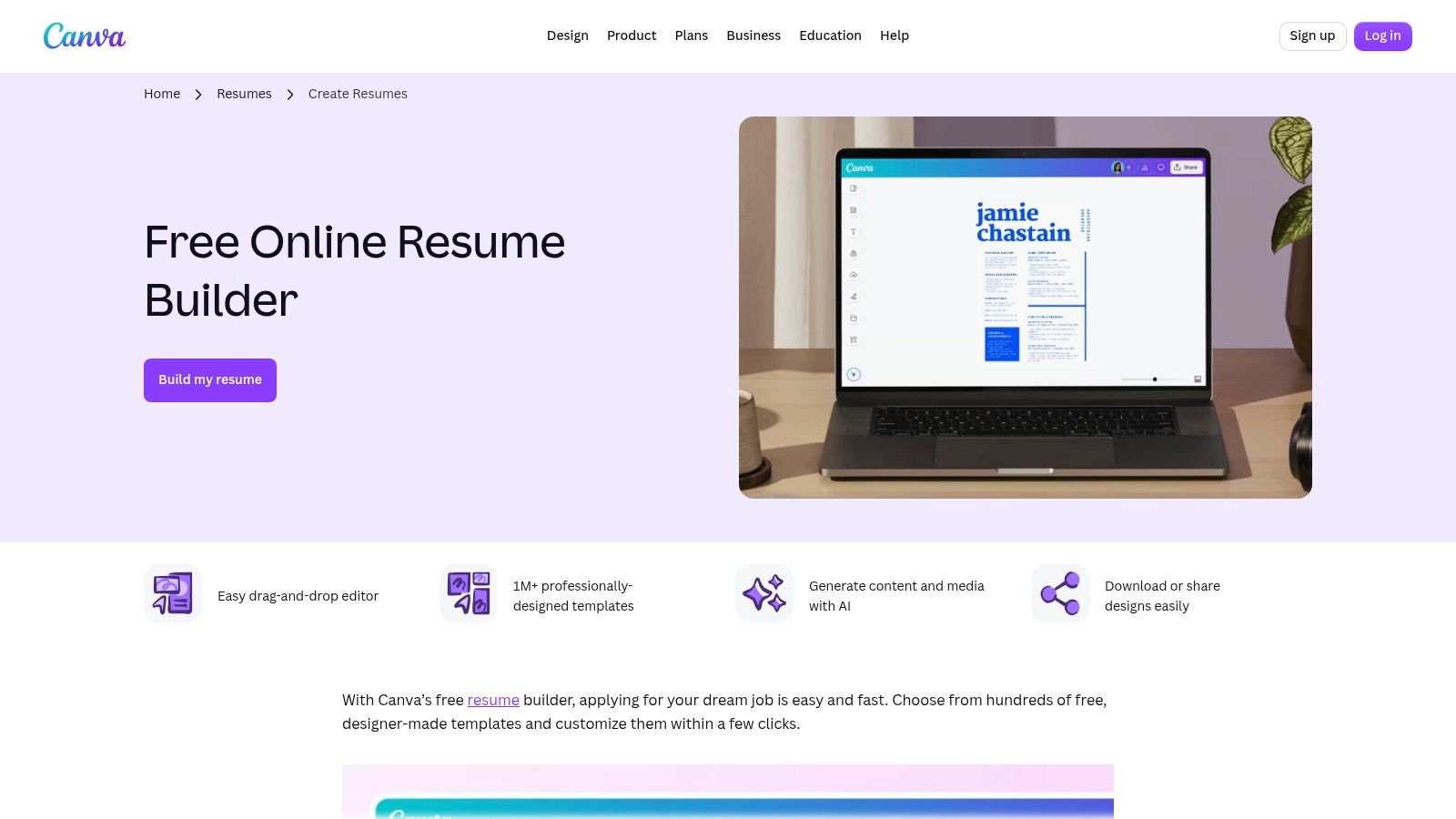
Canva is the strongest design-first option in this list, and that's both the appeal and the problem. It makes it easy to produce a polished-looking resume fast, and the free plan includes PDF, JPG, and PNG downloads. For creative applicants, that can be enough to build a resume, cover letter, and supporting visuals that all feel cohesive.
The catch is parsing risk. Many Canva templates rely on graphics, columns, or decorative structures that may not translate cleanly into ATS systems. If you use it, you need to choose a layout that is deliberately plain, even if the platform tempts you toward more visual layouts. The linked comparison of Canva alternatives is useful if you want similar flexibility without leaning so hard on design-heavy templates.
Strong fit for creative roles
Canva works well for designers, marketers, and brand-focused applicants who need the resume to look good in a portfolio context. It also helps when you want the resume, cover letter, and social graphics to share the same visual language.
The main limit is that it can encourage style over structure. If you're applying through ATS-heavy workflows, keep the layout simple and export a test version before sending it.
Canva is best when presentation matters and the application path is human-led. It's less safe when machine parsing is the first gate.
9. Adobe Express
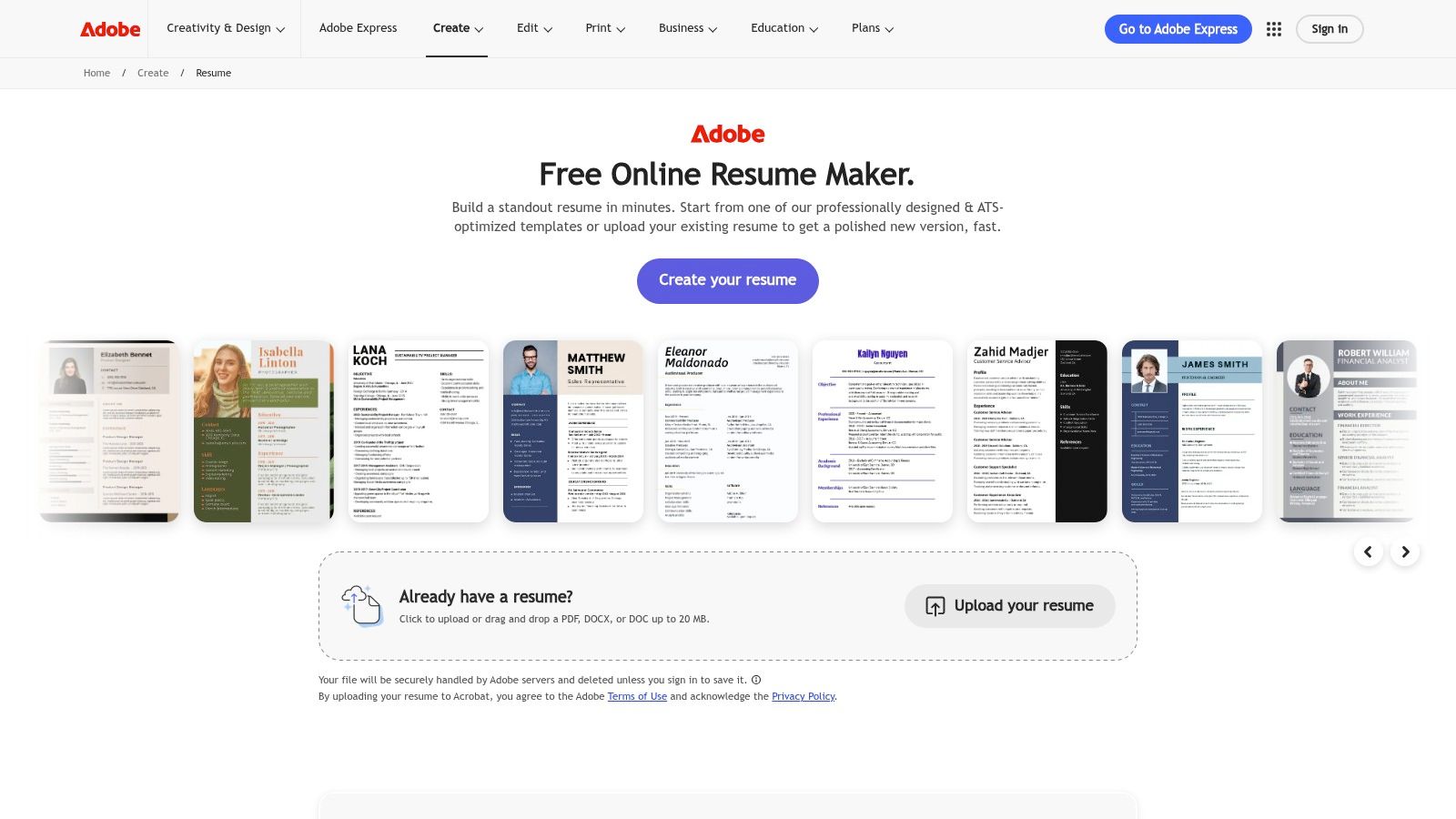
Adobe Express sits in the same broad lane as Canva, but it feels lighter and a bit more restrained. The free plan offers templates, icons, basic editing, and quick PDF export, which is enough for many applicants who want a polished document without committing to a larger design workflow. If you already use Adobe tools, the ecosystem connection is convenient.
Good for quick branded PDFs
This is a sensible choice when you want a visually neat resume and you don't need deep customization. It's especially useful for people who want to create a resume, a banner, or another branded asset with similar styling. The linked guide on creating social media banners with AI sits naturally in the same workflow if you're building a broader personal brand package.
Know the parsing risk
Like most design-led tools, Adobe Express can become unreadable if you lean too hard into the templates. The danger isn't the platform itself, it's how easily the visuals can get ahead of the content. If you're applying through ATS-heavy portals, keep the layout conservative.
Adobe Express fits applicants who want quick polish and a familiar design environment. It's useful, but only if you keep the structure simple enough to survive export.
10. Standard Resume
Standard Resume is the cleanest choice if you want a recruiter-friendly web resume and don't mind giving up free PDF export. The free plan publishes a shareable web resume, which is useful if you want a public page you can send directly. The limitation is that the PDF download sits behind the paid plan, so this isn't the best fit for applicants who still need a strong offline file.
Good web presentation, limited free export
The templates are intentionally minimal, which is a plus for readability. It avoids the over-designed look that can hurt both recruiter scanning and ATS parsing. If you already have a LinkedIn profile and want a neat hosted version of your resume, Standard Resume is a practical option.
The free plan stops at the browser
That's the catch. You get the web resume, but not the export freedom many applicants need for portals or recruiters who want a file attachment. If your job search involves lots of one-click applications, this limitation will matter fast.
Standard Resume suits people who want a polished public profile more than a downloadable file. It's strongest as a web presentation tool, not as a full free resume workflow.
11. Cake
Cake, formerly CakeResume, gives you a modern drag-and-drop resume workflow with a free plan that includes PDF downloads and shareable links. That makes it appealing if you want both a document and a web presence without starting from scratch. It's friendly to non-designers, which matters when you just need something usable quickly.
Easy to assemble, easy to share
The platform's guided setup lowers the barrier for first-time users. If you're building your first online resume, the drag-and-drop structure can make the process feel less intimidating than a blank document or a more technical builder. The web link plus PDF export combination is the main reason to consider it.
Watch the branding and plan limits
Some designs and advanced options sit behind paid tiers, and free PDFs may include platform branding depending on the template or plan. That means Cake is useful, but you should inspect the exported file before treating it as final. For entry-level applicants, that's manageable. For people who need a spotless deliverable, it can be a sticking point.
Cake is a good middle ground for people who want speed, a shareable page, and a resume file in one place. It's less compelling if you need total control over presentation.
Top 11 Free Resume Websites, Feature Comparison
- Upfling — Core features: Instant static hosting, drag‑drop files, PDF/image pages, custom domains, analytics · 👥 Target: Creators, freelancers, agencies, devs · ★ UX / Quality: ★★★★ · ✨ / 🏆 Standout: ✨ Live URL ~20s; replace files without changing links; API & ChatGPT publish · 💰 Pricing / Value: 💰 Free tier (no card); Business paid for priority/unlimited traffic
- FlowCV — Core features: ATS‑friendly templates, editor, cover letter builder, import PDF/DOCX · 👥 Target: Jobseekers wanting ATS‑safe resumes · ★ UX / Quality: ★★★★ · ✨ / 🏆 Standout: 🏆 Unlimited watermark‑free PDF exports (one saved resume free) · 💰 Pricing / Value: 💰 Free (one resume); paid for multiple versions & AI
- Reactive Resume — Core features: Open‑source builder, live preview, PDF export, self‑host option · 👥 Target: Privacy‑focused users, developers, long‑term control · ★ UX / Quality: ★★★ · ✨ / 🏆 Standout: ✨ Self‑hostable, community‑maintained · 💰 Pricing / Value: 💰 Completely free
- Resume.com — Core features: Guided editor, basic templates, PDF/TXT downloads, Indeed integration · 👥 Target: First‑time applicants, quick applicants · ★ UX / Quality: ★★★ · ✨ / 🏆 Standout: ✨ Simple guided flow + Indeed integration · 💰 Pricing / Value: 💰 Free
- LinkedIn Resume Builder — Core features: Import from profile, quick PDF export, job‑title tailoring · 👥 Target: Users with up‑to‑date LinkedIn profiles · ★ UX / Quality: ★★★★ · ✨ / 🏆 Standout: ✨ Fastest path from profile → resume · 💰 Pricing / Value: 💰 Free with LinkedIn account
- Google Docs — Core features: Template gallery, real‑time collaboration, version history, PDF/DOCX export · 👥 Target: Collaboration teams, general editors · ★ UX / Quality: ★★★★ · ✨ / 🏆 Standout: 🏆 Real‑time collaboration & version control · 💰 Pricing / Value: 💰 Free
- Microsoft Word Online — Core features: Large template library, DOCX fidelity, web editor, (some AI with 365) · 👥 Target: Word users, corporate applicants · ★ UX / Quality: ★★★★ · ✨ / 🏆 Standout: ✨ Strong DOCX fidelity and classic ATS layouts · 💰 Pricing / Value: 💰 Free tier; Microsoft 365 adds paid features
- Canva — Core features: Drag‑and‑drop design, extensive templates, branded assets, PDF export · 👥 Target: Designers, marketers, visually oriented applicants · ★ UX / Quality: ★★★★ · ✨ / 🏆 Standout: ✨ Fast branded/resume + portfolio matching · 💰 Pricing / Value: 💰 Free tier; Pro for premium assets
- Adobe Express — Core features: Starter templates, quick PDF export, asset access, mobile/web apps · 👥 Target: Adobe ecosystem users, quick designers · ★ UX / Quality: ★★★ · ✨ / 🏆 Standout: ✨ Polished starter templates and easy asset use · 💰 Pricing / Value: 💰 Free basics; paid assets/features
- Standard Resume — Core features: Minimalist, recruiter‑friendly templates, web resume on free plan · 👥 Target: Applicants targeting recruiters/hiring teams · ★ UX / Quality: ★★★★ · ✨ / 🏆 Standout: 🏆 Recruiter‑approved, clean layouts · 💰 Pricing / Value: 💰 Free web resume; PDF export paywalled
- Cake (CakeResume) — Core features: Drag‑drop sections, shareable link, PDF export, job search add‑ons · 👥 Target: Non‑designers, quick assemble + job search · ★ UX / Quality: ★★★ · ✨ / 🏆 Standout: ✨ Guided workflow + integrated job features · 💰 Pricing / Value: 💰 Free PDFs; premium features paid
Pick the Tool That Fits Your Next Application
Start by checking which file format the application portal accepts, then export a test copy from your chosen tool and review it in plain text to confirm that the content parses cleanly. Keep one master version in a tool you control, and create a customized copy for each role rather than rebuilding the resume from scratch. That matters whether you're using a simple document editor, a design tool, or a hosted free resume website.
If you're applying through ATS-heavy portals, pick a tool that gives you a clean PDF or DOCX with predictable structure. Google Docs, Microsoft Word Online, FlowCV, and Resume.com are safer starting points because they keep the document readable. If you want a web presence too, use the site as a companion layer, not a replacement for the file the system ingests.
Creative applicants should treat design tools differently. Canva and Adobe Express can help you look polished, but only if the layout stays simple enough to survive screening. For visual roles, the site or PDF can carry more styling, but the text still has to be legible. A good-looking resume that breaks parsing helps nobody.
Developer and privacy-minded applicants should lean toward tools that preserve control. Reactive Resume gives you ownership and self-hosting options, while Upfling is useful when your priority is publishing a clean, shareable resume page or project packet fast. If you're already maintaining a strong LinkedIn profile, LinkedIn Resume Builder can create a fast baseline, but don't skip the formatting check.
The safest process is simple. Build the resume in a tool that exports cleanly, store a master copy somewhere you trust, and publish a web version only when it adds real value. If you want a second set of eyes on the structure or the layout strategy, update your resume first, then send a test version to someone who can spot parse errors before they cost you an interview.