

The most popular advice about event registration software is also the least useful: choose the platform with the longest feature list. That approach fails because a public workshop, an enterprise conference, a recurring webinar series, a hybrid expo, and a B2B demand-generation event don't create the same operational problem.
A public ticketing event may need discovery, fast checkout, promo codes, and simple mobile check-in. An enterprise portfolio may depend on conditional registration paths, session capacity, SSO, permissions, CRM synchronization, and audit-ready reporting. A virtual team may care more about production controls, recordings, networking, and cross-event analytics than badge printing.
This guide compares platforms by the organizer decision each one solves. The criteria include registration complexity, in-person and virtual delivery, payment handling, CRM and marketing integrations, mobile experience, reporting, security, pricing structure, and deployment effort. Pricing claims should always be verified for the exact attendee volume, modules, organizer seats, support level, payment setup, and event types you need.
The category itself is expanding. One market estimate projects global event registration software revenue from $0.91 billion in 2025 to $2.01 billion by 2034, at a 9.2% CAGR (Dataintelo market report). Growth doesn't make every platform interchangeable. It makes fit more important, because buyers are choosing the operating layer for attendee data, payments, communications, and event-day execution.
Table of Contents
- 1. Alignmint
- 2. Cvent
- 3. Eventbrite
- 4. Bizzabo
- 5. RingCentral Events
- 6. Webex Events
- 7. Whova
- 8. Stova
- 9. RegFox
- 10. Swoogo
- 11. Goldcast
- Top 11 Event Registration Platforms, Feature Comparison
- Use the Buying Checklist Before You Commit
1. Alignmint
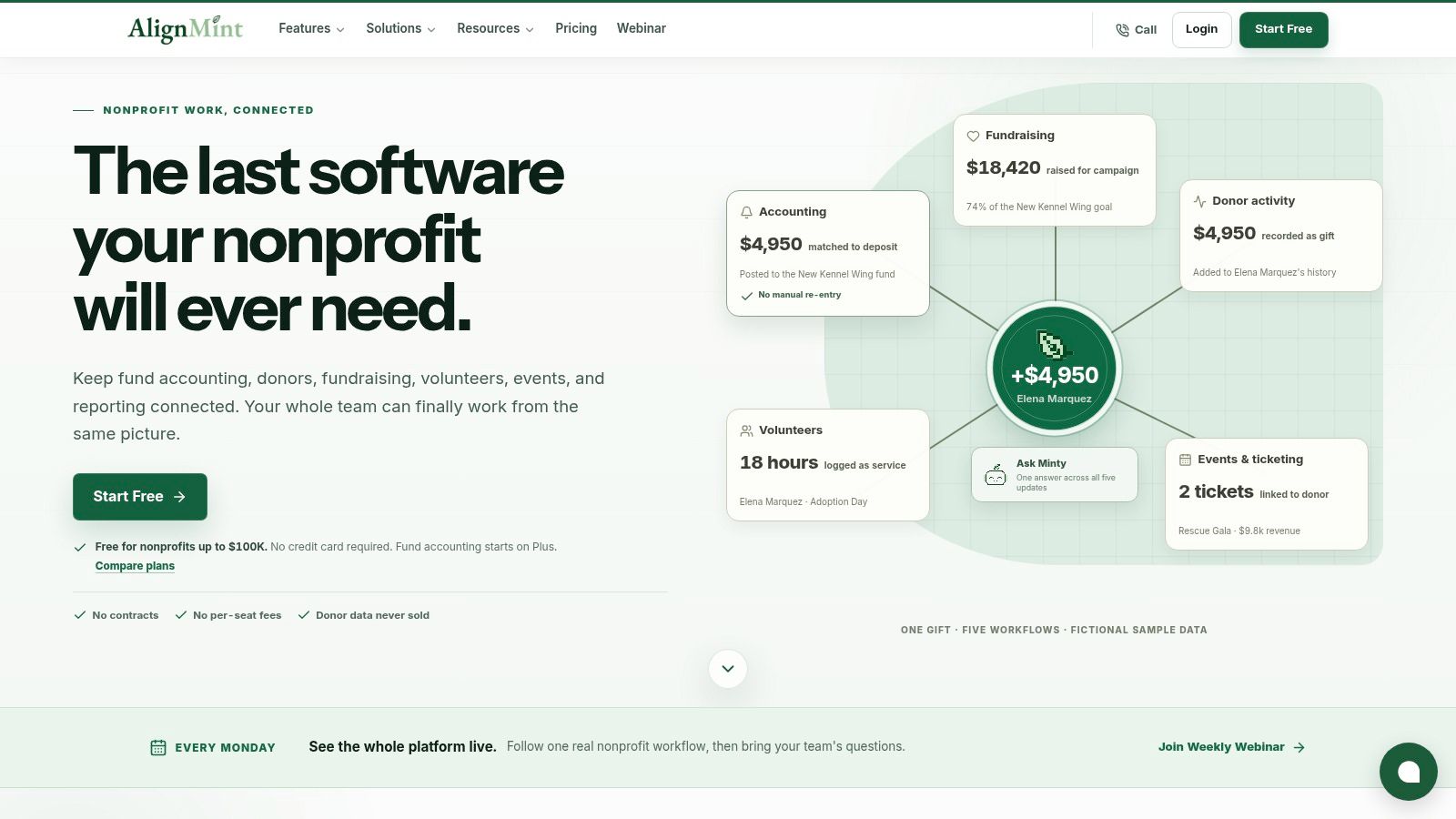
Alignmint solves a problem that standard event registration tools usually leave untouched: the event is only one part of a nonprofit's operating system. The platform combines nonprofit accounting, fundraising, donor management, volunteer coordination, marketing, and events, so registration data doesn't have to sit in a separate database from donations, restricted funds, or volunteer records.
For a nonprofit running a gala, volunteer program, fundraiser, or community event, that connection can reduce reconciliation work. Event and ticketing tools support secure payments, promo codes, donation pages, and attendee information, while the donor-centric CRM connects giving and finance records. Automatic receipting, pledge tracking, donor self-service, and direct bank-feed reconciliation are more relevant here than a large conference feature list.
The organizer decision it solves
Alignmint is strongest when the event is part of a broader fundraising or nonprofit relationship. Volunteer skills and availability tracking, background-check workflows, group management, and self-service hour logging can sit alongside event operations rather than requiring another specialist tool.
Its fund-accounting model also addresses a nonprofit-specific reporting burden. Restricted funds, grants, programs, Statements of Functional Expenses, Form 990 reporting, and grant drawdowns are modeled natively according to the supplied product information. That makes the platform less compelling for a commercial conference organizer, but potentially more useful for a nonprofit that wants registration, fundraising, volunteers, and finance in one environment.
Best fit: Choose Alignmint when event registration must connect directly to nonprofit fundraising, donor records, volunteer operations, and fund accounting.
The trade-off is specialization. Teams that need advanced multi-track conference management, exhibitor portals, complex venue workflows, or enterprise event production should compare it with a dedicated conference platform. Teams that want to avoid stitching together separate nonprofit tools can evaluate Alignmint's event registration software as an integrated operating choice.
2. Cvent
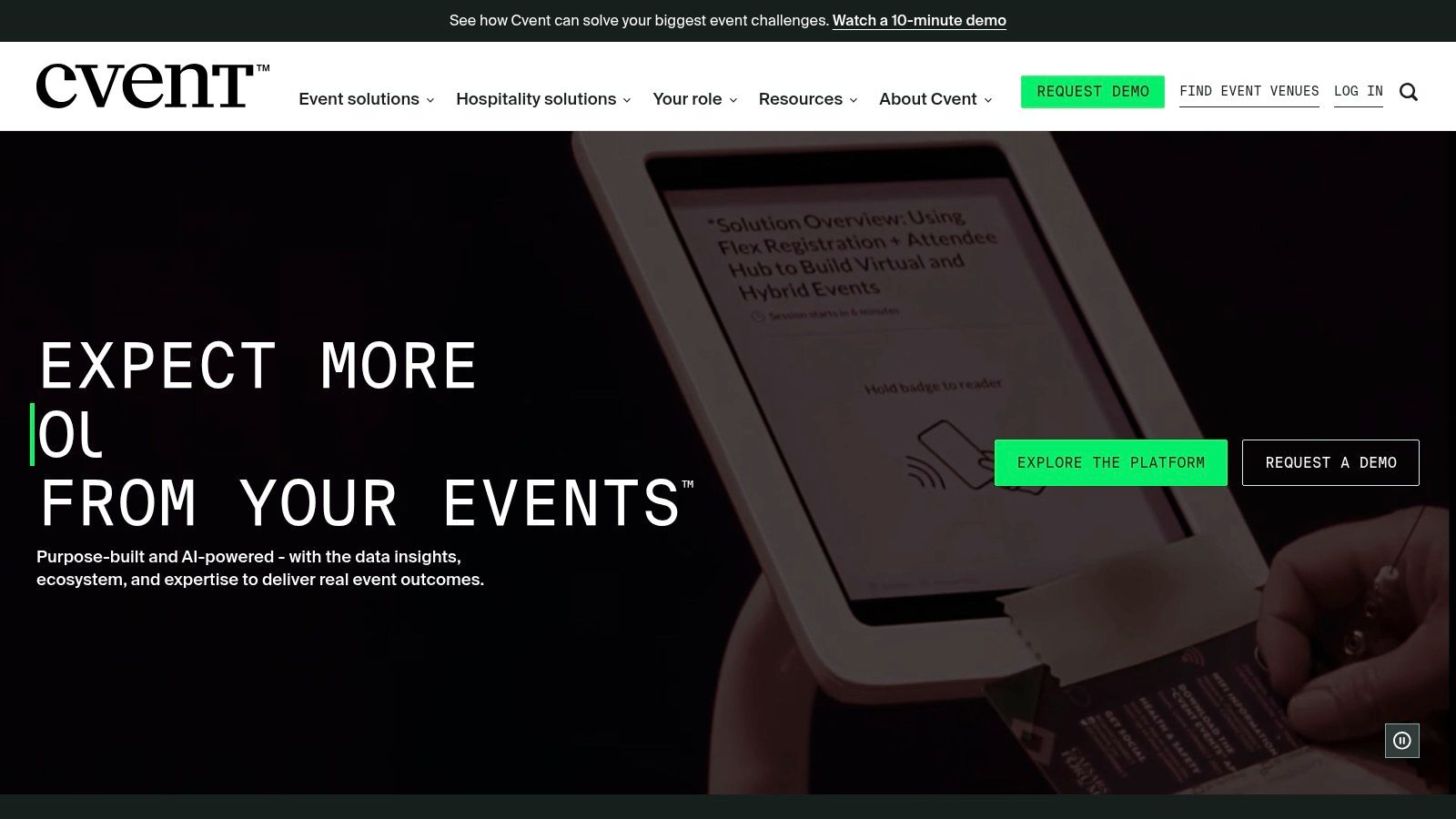
Cvent is designed for the organizer who has outgrown a simple registration page. Its core advantage is control across complex conferences and multi-event portfolios, particularly where registration rules, session selection, group registrations, approvals, and attendee categories vary by audience.
The platform connects branded event websites to registration and agenda selection. Conditional logic and multi-registrant workflows can help teams present different paths to speakers, sponsors, guests, employees, or general attendees. On-site operations are another major differentiator, with check-in, kiosks, badge printing, and related workflows designed for larger events.
Scale comes with configuration work
Cvent's broad CRM and marketing-automation ecosystem supports organizations that need attendee activity to flow into wider reporting and campaign systems. Its data model is more useful than a basic ticket list when the team needs to analyze sessions, registrant types, attendance, and event outcomes across a portfolio.
The cost is implementation effort. Quote-based pricing makes the platform harder to compare without a scenario-specific conversation, and the number of modules can create a substantial onboarding burden. That isn't necessarily a weakness for an enterprise events team, but it can be unnecessary overhead for a one-off workshop.
The platform is best evaluated alongside a realistic implementation plan, including ownership for registration design, integrations, permissions, testing, and event-day support. Teams researching adjacent SaaS marketing infrastructure can also review this guide to top link-building agencies for SaaS, but Cvent's buying decision should remain centered on event operations.
Choose Cvent for: enterprise conferences, global programs, advanced on-site execution, deep integrations, and reporting requirements that justify configuration work. Visit the Cvent event platform for the current package structure.
3. Eventbrite
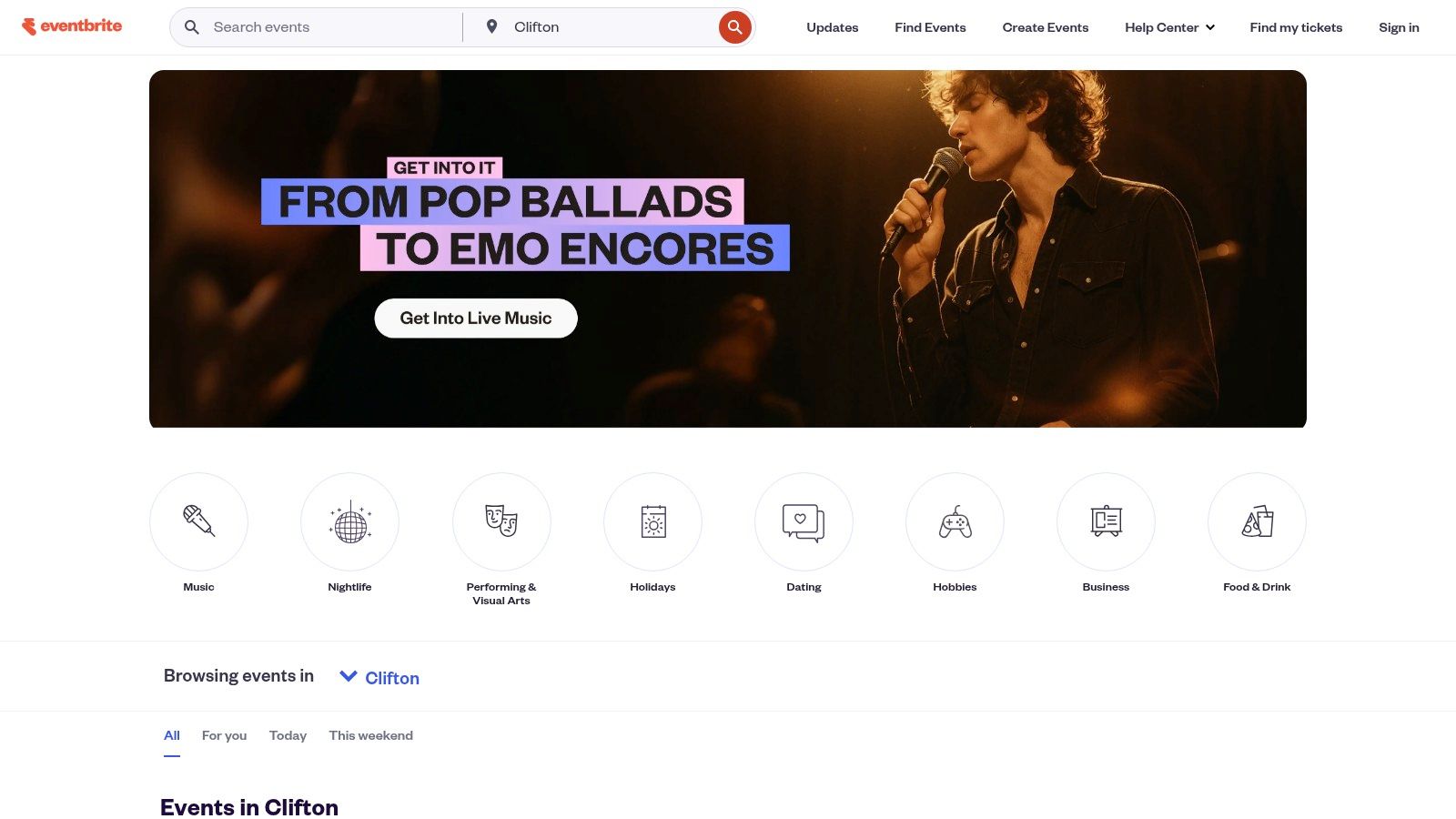
Eventbrite solves the public discovery problem. Its marketplace and recommendation experience can put an event in front of people who aren't already on the organizer's mailing list, making it a natural choice for workshops, meetups, classes, public talks, and creator-led activations.
Setup is intentionally self-serve. Organizers can create an event page, configure checkout, add promo codes, send email campaigns, review basic analytics, and use the Organizer app for on-site sales and check-in. That workflow is easier to hand off to a small team than a platform built around enterprise implementation.
Discovery versus control
The marketplace is Eventbrite's most important strategic feature, but it also shapes the attendee experience. Organizers gain a distribution channel and a familiar checkout environment, while accepting more limits than they would get from a fully controlled registration site. Complex enterprise logic, highly specific registrant paths, and heavily customized workflows aren't its strongest use cases.
Free events can be created without a platform fee according to the supplied product information. Paid events require careful fee modeling, because per-ticket charges can affect the organizer's margin or the buyer's final price. The right comparison isn't only the subscription cost. It's the total payment and platform cost at the expected ticket value, along with whether marketplace reach replaces other promotion work.
Practical rule: Use Eventbrite when finding attendees is part of the product decision, not merely when you need a form that collects names.
It can be a poor fit for a private B2B conference where CRM ownership, consent handling, and custom approval paths matter more than public discovery. For low-budget promotion planning, teams may also find this small-budget marketing guide useful. Compare current terms on the Eventbrite ticketing platform before publishing a paid event.
4. Bizzabo
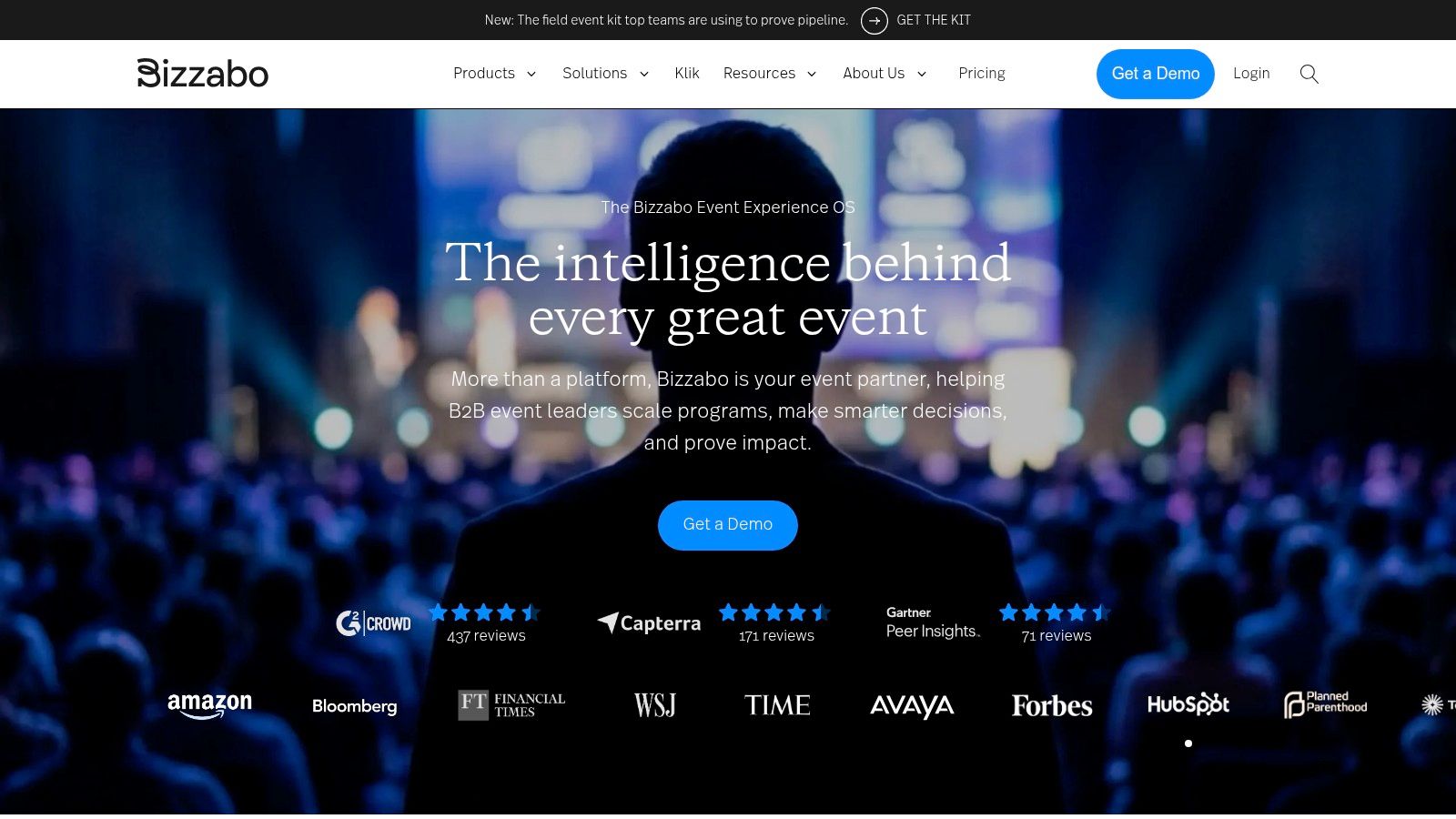
Bizzabo is aimed at branded conferences and sponsor-heavy programs where registration is only the first measurement point. The platform covers registration, event websites, agendas, session selection, event apps, check-in, badging, exhibitor tools, sponsor workflows, and analytics for in-person, hybrid, and virtual events.
Its distinctive decision is whether on-site interaction should become a measurable event asset. Klik SmartBadges support tap-to-connect networking and lead capture, allowing organizers and sponsors to collect interaction data during the event rather than relying only on post-event scans or manual follow-up.
Sponsor value requires operational discipline
The platform's end-to-end design can reduce the number of disconnected tools used between registration and reporting. That matters when the event team needs to connect attendee profiles, sessions, sponsor interactions, check-in, and engagement analytics.
The wearable layer adds planning requirements, though. Organizers must decide who receives badges, how devices are distributed and supported, what data sponsors can access, and how interaction data connects to their reporting process. If an event doesn't have meaningful networking or exhibitor activity, the additional logistics may not justify the benefit.
Bizzabo uses quote-based pricing, which means smaller organizations should request a scenario that includes the event app, on-site equipment, support, sponsor features, and analytics. A low-level registration comparison won't reveal the full cost of the operating model.
Choose Bizzabo for: branded conferences where sponsor engagement, networking, lead capture, and on-site analytics matter as much as ticket collection. Review the current offering on the Bizzabo event platform.
5. RingCentral Events
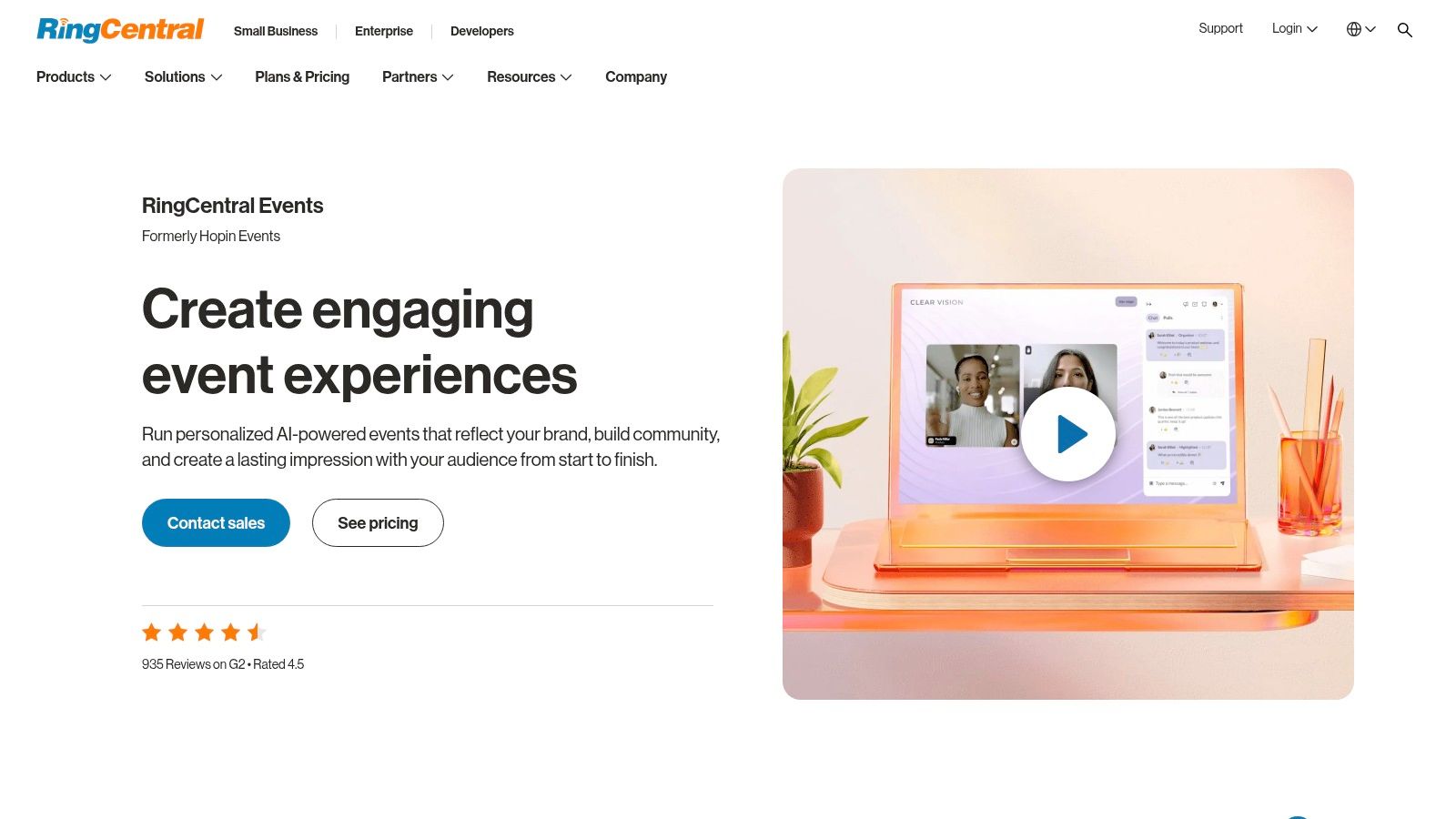
RingCentral Events solves the recurring virtual and hybrid delivery problem. It supports webinars, multi-session events, expos, networking, recordings, branded production, and event engagement, making it more suitable for teams that run digital programs regularly than for organizers who only need a payment page.
The built-in studio supports overlays and branded production, while agendas, booths, networking, recordings, Q&A, and live content create a more structured environment than a basic video meeting. CRM and marketing-automation integrations, including connections with HubSpot, Marketo, and Salesforce, help teams move event activity into their existing marketing process.
A strong economics question for frequent programs
The supplied product information describes unlimited events and registrations per organizer under its pricing approach. That structure can be attractive to teams running frequent digital events, because the cost model is tied more closely to organizer access than to every individual registration. Confirm the current terms, feature limits, recording requirements, and support conditions before relying on that assumption.
The trade-off is physical event depth. RingCentral Events is a better fit for virtual-first operations than for teams that need advanced badge production, venue control, or complex on-site session management. Its newer packaging also makes a detailed use-case review important.
Cross-event analytics and AI tools for Q&A, content, and recaps may matter to a team that wants to build a reusable digital content system. They matter less to an organizer running one short webinar with a simple attendee list.
Choose RingCentral Events for: recurring webinars, virtual conferences, hybrid programs, and teams already standardizing on RingCentral communications. See the current RingCentral Events platform.
6. Webex Events
Webex Events addresses the hybrid standardization decision. It brings registration, event apps, streaming, live display, on-site check-in, badge printing, lead retrieval, and ticketing into a broader Cisco and Webex context.
The registration builder supports tickets, groups, taxes, custom forms, and Stripe payouts. That gives organizers room to distinguish attendee types and collect event-specific information without abandoning the same platform for the event app or on-site workflow. Documentation and administrative controls are important strengths for teams that need repeatable setup rather than an improvised event page.
Integration is valuable only when the stack is already aligned
Organizations using Cisco or Webex may benefit from reducing the number of vendors involved in virtual and hybrid delivery. Registration, streaming, attendee engagement, check-in, and lead retrieval can be evaluated as one operational sequence instead of separate purchases.
For a simple public event, the broader suite may be excessive. Quote-based pricing can vary according to bundle and seat requirements, so a buyer should ask which registration, app, streaming, and on-site capabilities are included rather than assuming the product name covers every module.
The platform deserves a scenario-based test involving a paid ticket, group registration, a custom form, Stripe payout, a virtual session, and an on-site check-in path. That sequence will expose more than a generic product tour.
Choose Webex Events for: organizations that want a unified hybrid event stack, especially when Cisco or Webex already forms part of the communications environment. Visit Webex Events for current packaging.
7. Whova
Whova solves the attendee engagement problem for associations and conferences. Registration, event apps, check-in, badge printing, sponsor tools, announcements, agendas, and community features are brought together so the attendee can move from signup to participation without changing environments.
Its event app is central to the experience. Attendees can access agendas and announcements, participate in community discussions, connect with other participants, and engage with sponsors. Registration also supports discounts, codes, add-ons, abandoned-registration follow-up, and early payout options according to the supplied product information.
Ease for organizers, depth for attendees
Whova's value is less about having the most advanced enterprise data model and more about putting useful attendee-facing functions in one deployment. An association that wants registration, an agenda, badging, and networking without assembling multiple tools may find that balance appealing.
The trade-off is administrative complexity and lighter enterprise controls compared with the deepest enterprise suites. Quote-based pricing also makes it difficult to judge value without describing event frequency, size, app requirements, support, and on-site needs.
Test the organizer workflow, not just the attendee app. The platform's success depends on whether staff can configure ticket types, payments, agenda content, notifications, sponsor information, and check-in without creating last-minute work.
The best attendee app can't rescue a registration process that the event team can't confidently administer.
Choose Whova for: associations, conferences, and programs where networking, announcements, event-app engagement, and fast deployment matter. Explore the Whova event platform.
8. Stova
Stova is built for organizations managing complex event programs that need more than registration and a landing page. Its consolidated platform spans registration, event websites, on-site check-in, badging, virtual and hybrid delivery, exhibitor tools, reporting, and venue-sourcing connections through Meetingselect.
The platform's appeal is breadth with flexibility. Multi-event management and customizable registration flows can support different event types within one enterprise relationship, while on-site and virtual modules reduce the need to coordinate separate vendors.
Consolidation is useful, but it changes the implementation question
A buyer shouldn't evaluate Stova as a single feature checklist. The more important question is whether the organization can define a common operating model across registration, attendee data, on-site execution, virtual delivery, exhibitors, and venue sourcing.
That scope creates implementation weight. Pricing is quote-based, and the platform can require more planning than an SMB-oriented registration tool. Teams should identify data ownership, integration responsibilities, permissions, support escalation, and which legacy workflows will be retired.
The consolidation of Aventri, MeetingPlay, and eventcore also makes product scope worth clarifying during procurement. Ask which capabilities are native to the proposed package, which require modules, and which workflows still depend on separate services. Buyers researching how specialized software competes with broad suites can also read about the rise of vertical SaaS in marketing.
Choose Stova for: large, complex programs where registration, venue sourcing, exhibitors, on-site operations, and virtual delivery need to work together. See the Stova event management platform.
9. RegFox
RegFox solves the margin and registration-flexibility problem. It is designed for organizers who need more than a basic form, but who don't want to pay for a broad enterprise suite when the core requirement is a checkout flow.
The form builder supports conditional logic, add-ons, coupons, deposits, merchandise, QR codes, badge printing, and on-site payment options. Organizers can use Stripe or Authorize.net, add optional SMS and email marketing, and choose between in-house or external processing arrangements according to the supplied product information.
Lower fees don't remove the need for modeling
RegFox is a strong candidate when the event earns revenue through registrations, upgrades, merchandise, deposits, or other checkout additions. Its fee structure is described as transparent and low, with caps that can protect margins, but buyers still need to model payment processing, optional add-ons, payout timing, and the exact tier required.
The platform's ecosystem is smaller than those of major enterprise vendors. Its app and virtual-event capabilities are also more limited than all-in-one platforms, so a buyer should avoid selecting it for a conference that needs a full attendee community, streaming environment, or extensive sponsor infrastructure.
The best test is a complete purchase path. Build separate attendee types, trigger conditional questions, add an upsell, apply a coupon, process a payment, issue a QR code, and check the resulting export. That will show whether flexibility reduces manual work or moves it into administration.
Choose RegFox for: cost-sensitive paid events that need granular forms, revenue add-ons, and practical on-site tools. Review the current options on the RegFox registration platform.
10. Swoogo
Swoogo is a registration-first platform for marketing and event teams running many branded events. Its central decision is whether a team wants predictable organizer licensing and deep registration customization instead of a per-registration model or a larger suite built around on-site production.
The platform supports conditional logic, templates, gated “Apply to Attend” workflows, API access, reporting, and CRM and marketing-automation integrations. That combination works well when different audiences need different questions, approval paths, content, or access rules, while the brand team still wants control over the registration experience.
High-volume registration without automatic on-site depth
Per-user licensing with unlimited events and registrants, as described in the supplied product information, can create a more predictable cost model for teams with a high event cadence. Confirm the current contract language, user limits, support level, and included integrations before treating that structure as a final budget assumption.
Swoogo's strength is the registration and data layer. On-site badging is lighter than specialist providers, so teams with demanding physical operations may pair it with another tool. That introduces an integration and ownership question that an enterprise suite may avoid.
Run a mobile test with a gated audience, conditional questions, a session selection, confirmation email, CRM handoff, and export. If the process stays clear for both the attendee and the administrator, Swoogo's balance of power and usability becomes easier to justify.
Choose Swoogo for: recurring branded events, flexible registration journeys, high-volume programs, and marketing teams that need CRM-ready data. Visit Swoogo for current pricing discussions.
11. Goldcast
Goldcast solves the B2B pipeline measurement and content-reuse problem. It combines registration, webinars, multi-session events, video production, marketing integrations, cross-event analytics, and post-event content workflows for teams that judge events by demand generation rather than attendance alone.
Registration supports magic links and series or repeating events. The built-in studio supports overlays and RTMP, while Content Lab helps turn event recordings into clips, blog content, and social assets with AI-assisted workflows. Native connections with Salesforce, HubSpot, Marketo, and Slack support the handoff from event participation to marketing and sales activity.
Registration is only useful when the data survives the handoff
Goldcast is a strong fit when the marketing team already has a defined process for lead capture, consent, campaign membership, scoring, routing, and attribution. Its value depends on whether those workflows are configured well enough to distinguish attendance, engagement, intent, and sales activity.
Higher-tier features include ROI dashboards, cross-event analytics, enterprise security, and SSO options according to the supplied product information. Buyers should confirm which capabilities are included in the proposed tier rather than assuming every event format receives the same reporting depth.
The platform is less compelling for a simple event that only needs a registration page and confirmation email. Teams paying for video repurposing, production controls, and CRM measurement should have a content owner and revenue-operations owner involved in implementation.
Best fit: Choose Goldcast when the event must create pipeline signals and a reusable content library, not just a list of registrants.
Review the current Goldcast event and video platform with a demo built around Salesforce, HubSpot, or Marketo workflows.
Top 11 Event Registration Platforms, Feature Comparison
- Alignmint — Core features: Fund accounting, donor CRM, volunteer mgmt, events, Minty AI · ✨ Unique selling point: ✨ All‑in‑one nonprofit ops (Form 990, restricted funds, receipting) · 👥 Target audience: 👥 Nonprofits, small→mid orgs · ★ / 💰: ★★★★★ / 💰 Free tier ≤$100K, all‑in‑one
- Cvent — Core features: Advanced registration, site builder, on‑site check‑in/badges, analytics · ✨ Unique selling point: ✨ Enterprise scale + deep on‑site ops · 👥 Target audience: 👥 Large conferences, enterprises · ★ / 💰: ★★★★★ / 💰💰💰 (quote)
- Eventbrite — Core features: Event pages, checkout & promo codes, marketplace, attendee app · ✨ Unique selling point: ✨ Fast setup + consumer discovery marketplace · 👥 Target audience: 👥 Public events, creators, workshops · ★ / 💰: ★★★★☆ / 💰 Fees per ticket (variable)
- Bizzabo — Core features: Registration, agenda, event app, sponsor & exhibitor tools · ✨ Unique selling point: ✨ On‑site wearables (Klik SmartBadge) for lead capture · 👥 Target audience: 👥 Branded conferences, sponsor‑heavy events · ★ / 💰: ★★★★☆ / 💰💰 (quote)
- RingCentral Events — Core features: Multi‑session agendas, expo/booths, built‑in studio, integrations · ✨ Unique selling point: ✨ Unlimited events per organizer, strong virtual branding · 👥 Target audience: 👥 Teams running frequent virtual/hybrid events · ★ / 💰: ★★★★☆ / 💰💰 (per‑organizer)
- Webex Events — Core features: Registration, event app, on‑site printing, streaming, lead retrieval · ✨ Unique selling point: ✨ Integrated with Webex/Cisco ecosystem · 👥 Target audience: 👥 Organizations standardized on Cisco, hybrid events · ★ / 💰: ★★★★☆ / 💰💰💰 (quote)
- Whova — Core features: Registration builder, event app, check‑in/badging, engagement tools · ✨ Unique selling point: ✨ Organizer‑friendly UI, fast deployment · 👥 Target audience: 👥 Associations, conferences, community events · ★ / 💰: ★★★★☆ / 💰💰 (quote, lower‑fee positioning)
- Stova — Core features: Multi‑event registration, on‑site, virtual, exhibitor tools · ✨ Unique selling point: ✨ Consolidated enterprise stack after product merges · 👥 Target audience: 👥 Large complex programs, enterprise portfolios · ★ / 💰: ★★★★☆ / 💰💰💰 (quote)
- RegFox — Core features: Conditional form builder, add‑ons, badge printing, weekly payouts · ✨ Unique selling point: ✨ Low, transparent per‑registrant fees & granular checkout · 👥 Target audience: 👥 Cost‑sensitive events, fundraisers, workshops · ★ / 💰: ★★★★☆ / 💰 Low per‑registrant fees
- Swoogo — Core features: Advanced registration, unlimited registrants, APIs, reporting · ✨ Unique selling point: ✨ Predictable per‑user pricing for high‑volume programs · 👥 Target audience: 👥 Marketing/events teams running many events · ★ / 💰: ★★★★☆ / 💰💰 (per‑user licensing)
- Goldcast — Core features: Registration, built‑in studio, AI content repurposing, CRM integrations · ✨ Unique selling point: ✨ B2B demand‑gen focus with content repurposing workflows · 👥 Target audience: 👥 B2B marketing teams measuring pipeline & ROI · ★ / 💰: ★★★★☆ / 💰💰 (contact sales)
Use the Buying Checklist Before You Commit
Start with the event type, not the vendor ranking. A tool that works for a public workshop may be a poor choice for an enterprise conference, even if both events collect names, emails, and payments.
For public workshops and meetups, prioritize fast setup, marketplace or discovery support, mobile checkout, promo codes, transparent fees, and simple check-in. Eventbrite is the clearest discovery-led option in this list. RegFox is more attractive when the organizer needs conditional forms, add-ons, deposits, or tighter control over the transaction experience.
For associations and conferences, test the agenda, session capacity, attendee app, sponsor tools, badge printing, check-in, reporting, and support process. Whova can suit teams that prioritize attendee networking and ease of deployment. Cvent and Stova make more sense when the program has complex registration rules, multiple event types, extensive integrations, or heavier on-site requirements.
For enterprise portfolios, validate the data model before approving the feature list. Ask the vendor to demonstrate conditional logic, multi-event reporting, SSO, permissions, security controls, APIs, CRM and marketing-automation synchronization, exports, cancellations, substitutions, and implementation ownership. The category is increasingly cloud-led, with one market estimate assigning 71.2% of revenue to cloud deployment and 58.3% of market value to large enterprises (Wise Guy Reports market breakdown). Those figures point to enterprise demand, but they don't prove that an enterprise platform is right for your team.
For virtual and hybrid teams, test streaming, networking, recordings, production controls, expo or booth support, Q&A, moderation, analytics, and cross-event reporting. RingCentral Events and Webex Events are relevant when digital delivery is central. Bizzabo, Stova, and Goldcast deserve closer testing when the event also needs strong in-person, sponsor, or marketing workflows.
For B2B marketing teams, confirm the full lead lifecycle. The registration form should pass consent status, source data, attendee type, session behavior, and engagement events into Salesforce, HubSpot, Marketo, or the relevant marketing system. Goldcast is the most directly aligned option here, while Cvent, Swoogo, Bizzabo, and Webex Events should be evaluated against the exact integration and attribution requirements.
Use a scenario-based demo rather than a generic presentation. Ask each vendor to show a mobile registration journey, a paid checkout, a failed payment or cancellation, a waitlist, a session change, a check-in, a badge workflow, a CRM handoff, and a post-event export. Model total cost across registration volume, organizer seats, payment processing, add-ons, support, app access, badging, streaming, and implementation.
Finally, document what happens when things go wrong. Confirm payment and payout rules, refunds, chargebacks, cancellation handling, data exports, retention, permissions, support escalation, and ownership of attendee data. The best event registration software is the one that removes manual work without creating a new operational dependency your team can't manage.
Request a scenario-based demo from your two strongest candidates, then run the same mobile registration, payment, CRM, check-in, and export test on both. Choose the platform that fits your event model, budget, integrations, and team's implementation capacity, and verify every quoted limit before signing.